
MarkDown Reader - MD Viewer
Edward Juden
No ratings yetProductivityAges 4+
Screenshots


About this app
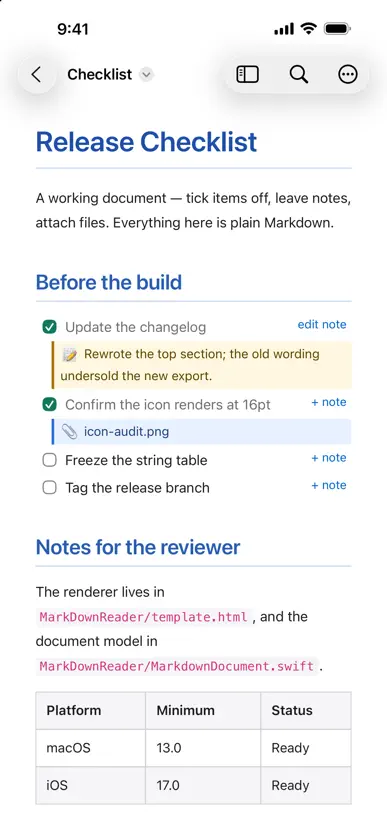
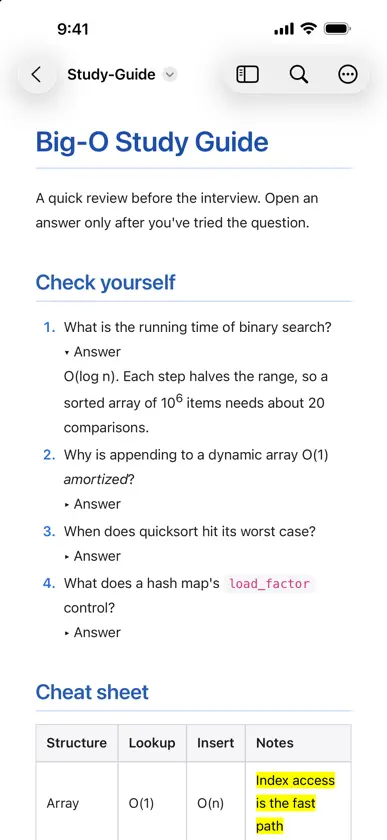
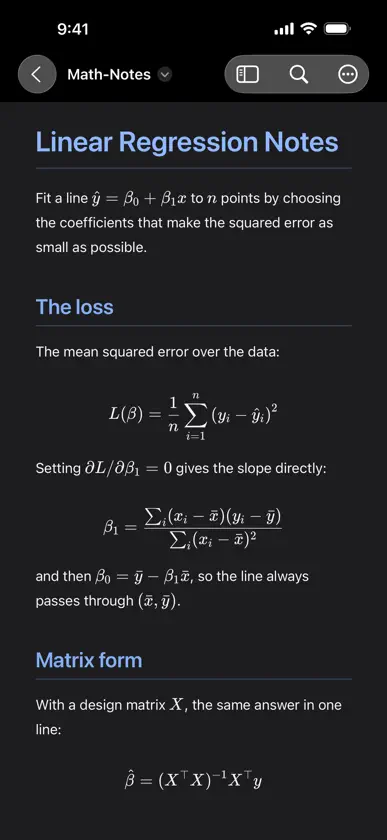
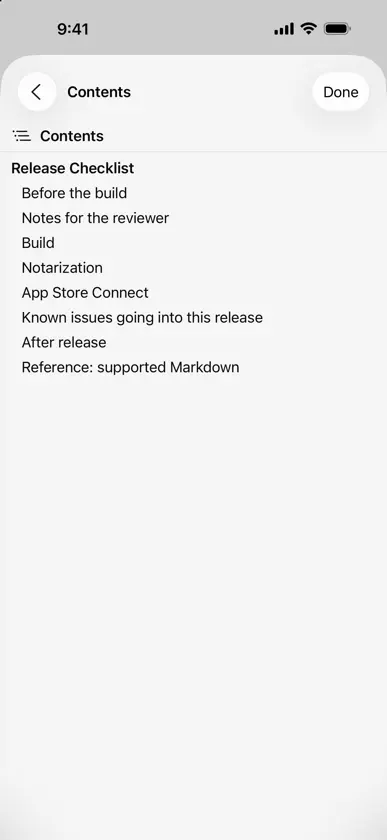
MarkDown Reader is a free, lightweight viewer for Markdown files. Double-click any .md file and read it beautifully rendered — no editor chrome, no distractions, just your document. It also turns a checklist into somewhere to work. Tick a task and the change is written straight back to the file, one character, instantly. Add a note to any item and it is saved as an ordinary indented bullet, so every other Markdown tool still reads it. On the Mac, drag a file onto an item to attach it, and click the chip to open it again later. Nothing is locked in a database. Everything this app writes is plain Markdown you can read in any editor. - Clean rendering of headings, tables, code blocks, and images, in colour, light or dark - Several documents in one window as tabs; drag Markdown files in from the Finder, and drag tabs between windows (macOS) - Your windows and tabs come back when you reopen the app (macOS) - Collapsible answers, superscripts, highlights and other HTML formatting tags - LaTeX math, typeset offline: $…$ inline and $$…$$ display - Interactive task lists: click a checkbox and the .md file updates instantly - Notes on any checklist item, saved as plain Markdown - Attach files to checklist items by dragging them in (macOS) - Clickable file references: a path in a code span opens in your editor (macOS) - Show Source: the file's raw text with line numbers, one keystroke away; on the Mac, edit it in place with a live preview beside the text - Table of contents sidebar for long documents, highlighting the section you are reading; hide it, or the tabs, per window (macOS) - Full-text search with match navigation - Live reload — edit the file elsewhere and the view keeps up - Safe saving: a tick or note never overwrites changes made in another app - Use the full window width for wide documents (macOS) - Zoom, print, and export to PDF; exported PDFs are always light - Light or Dark on your terms: follow the system, or pin the reader to either - Copy the document's path or reveal it in the Finder (macOS) - Opens .md, .markdown, .mdown, .mkd, and .mkdn files - Sandboxed and private: no accounts, no analytics, no data collection - Free, with an optional tip jar that unlocks nothing
What's new
Version 1.9 · Oct 26, 2026
Light or Dark, your call. • Appearance, in the document menu: follow the device, or keep the reader Light or Dark. The document browser follows too, and the choice is remembered. • Exported PDFs are always light, like the Mac's, so they read the same for whoever you send them to. • The Contents list highlights the section you are reading as you scroll. • The document menu now sits in the toolbar's overflow on iPhone and behind the More button on iPad. • Send Feedback opens our feedback page, and Support MarkDown Reader offers an optional tip. Tips unlock nothing; everything stays free.
In-app purchases
The most popular purchases on the App Store.
- Small TipConsumableUSD 0.99
- Large TipConsumableUSD 4.99
- Medium TipConsumableUSD 2.99
More from Edward Juden


You might also like
 Marklens: Markdown ReaderDonald Jackson
 Markflow — Markdown ReaderSantiago Alonso Alexandre
 Markdown Viewer MobileCemil Ilik
 Dawn - MarkdownHallidai Inc.
 Markdot: Visor Markdown MDESTsoft corp.
 Marked — Markdown EditorTreze
 .md ViewerTOMASZ ALEKSANDER WOJEWODA
 Markdown Editor and ReaderJulian Lau
 One Markdown禄海 区
 Buzz - chat with your hiveBlock, Inc.