
PCBPad
Lorenzo Dard
No ratings yetDeveloper ToolsAges 4+
Screenshots


About this app
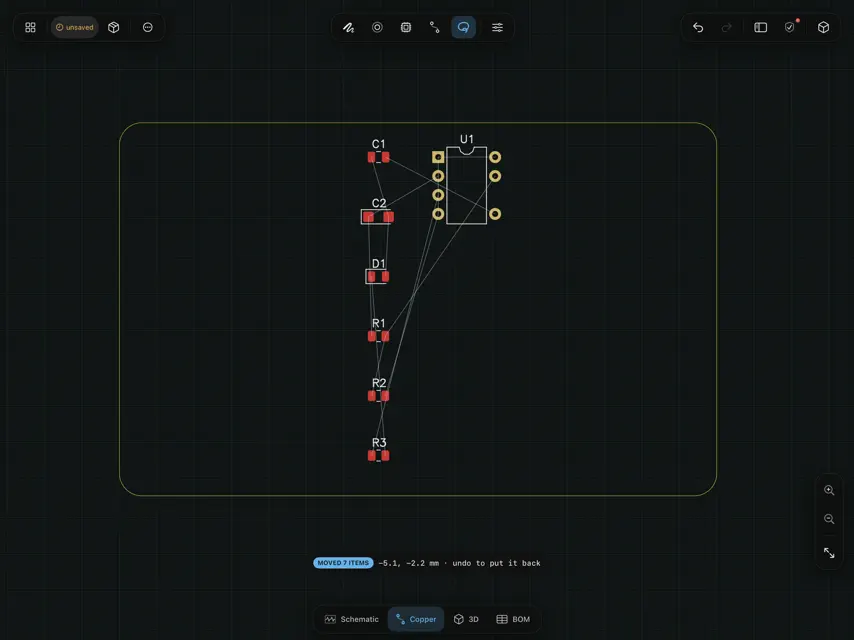
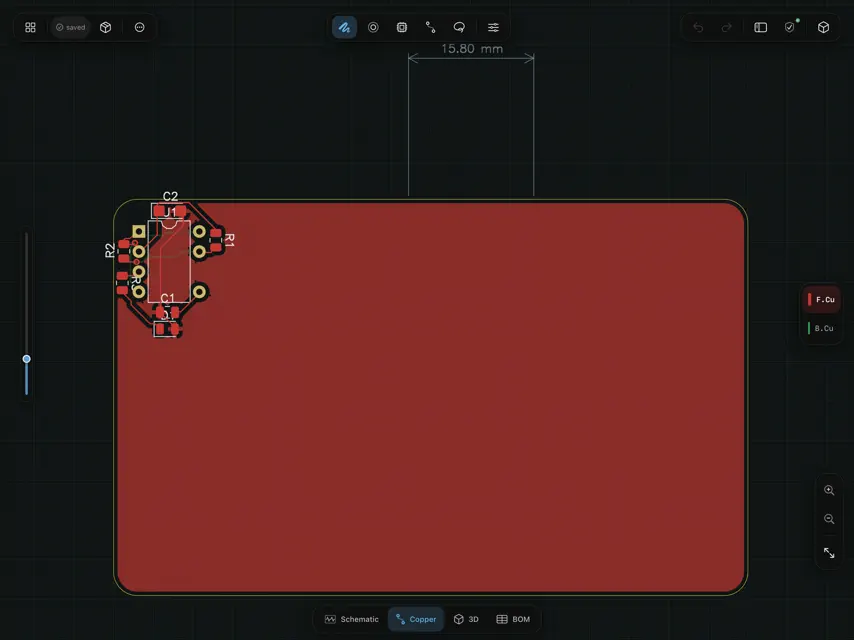
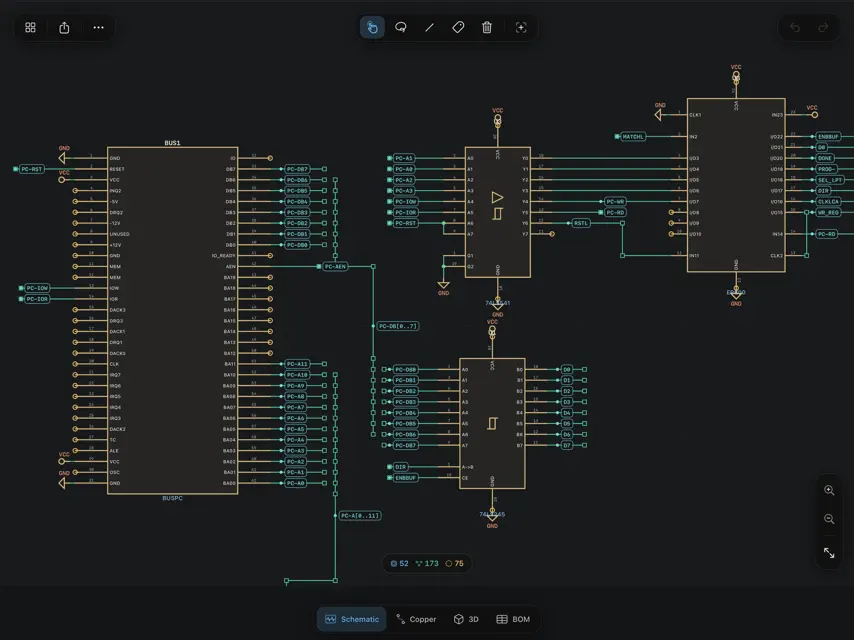
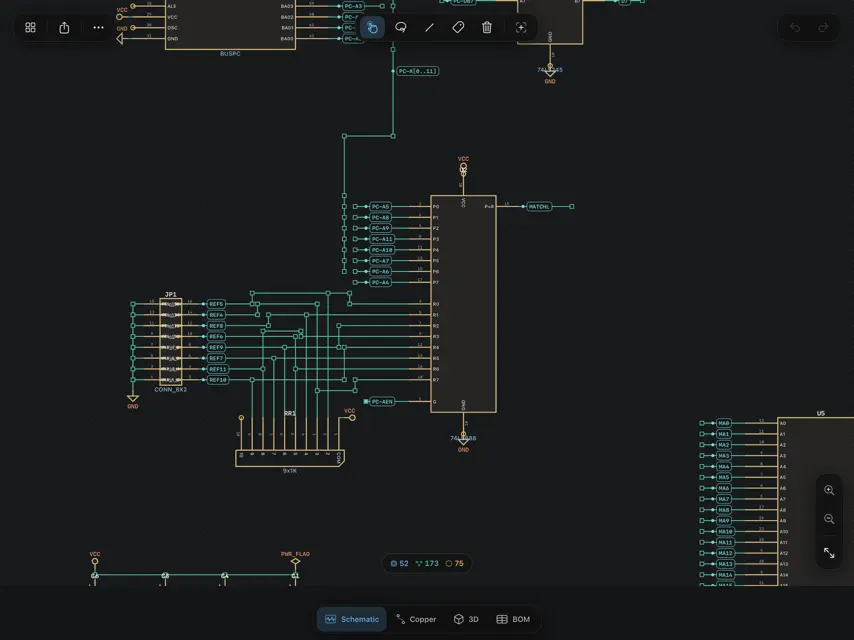
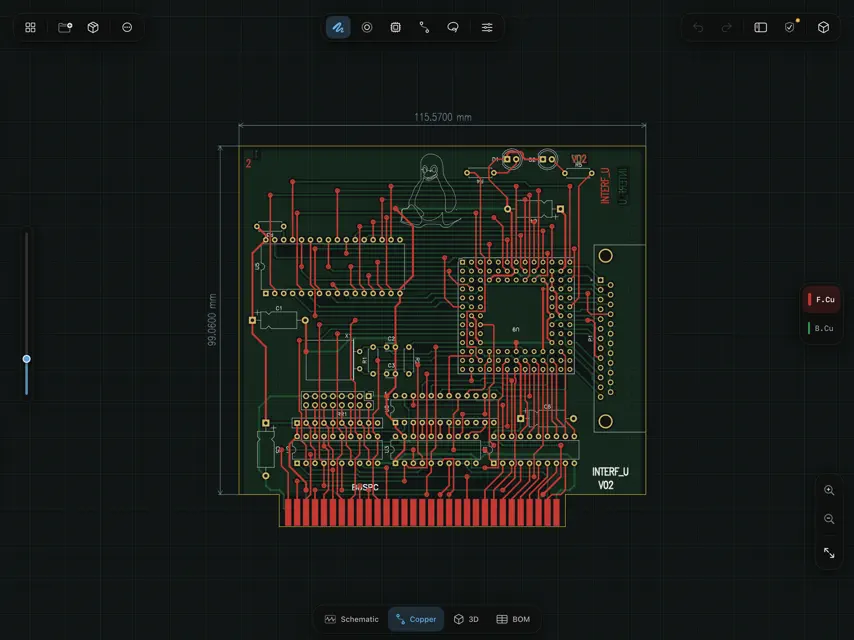
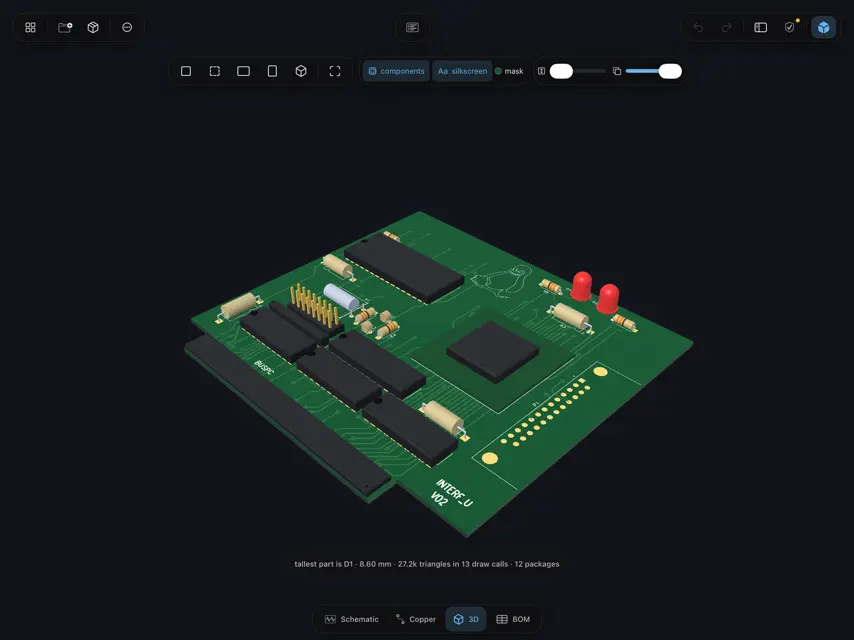
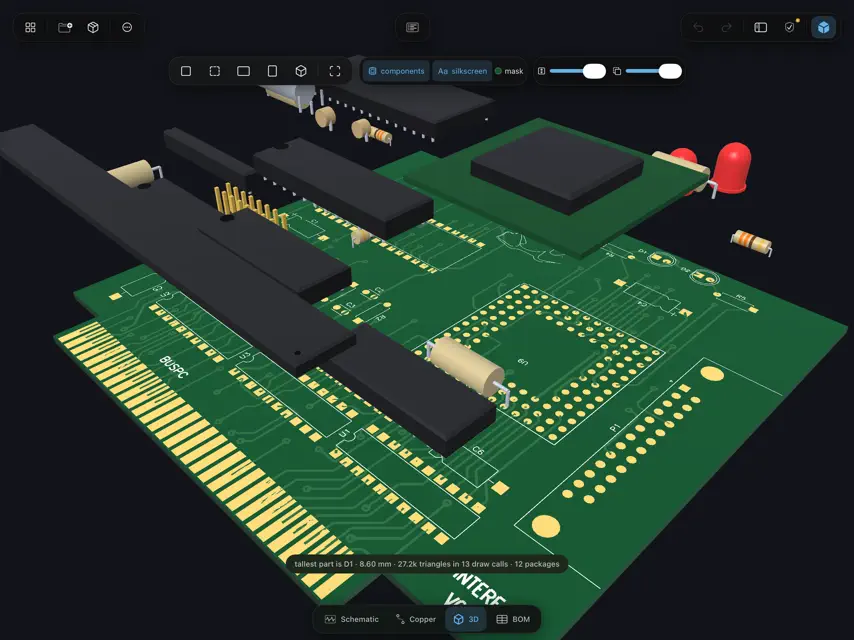
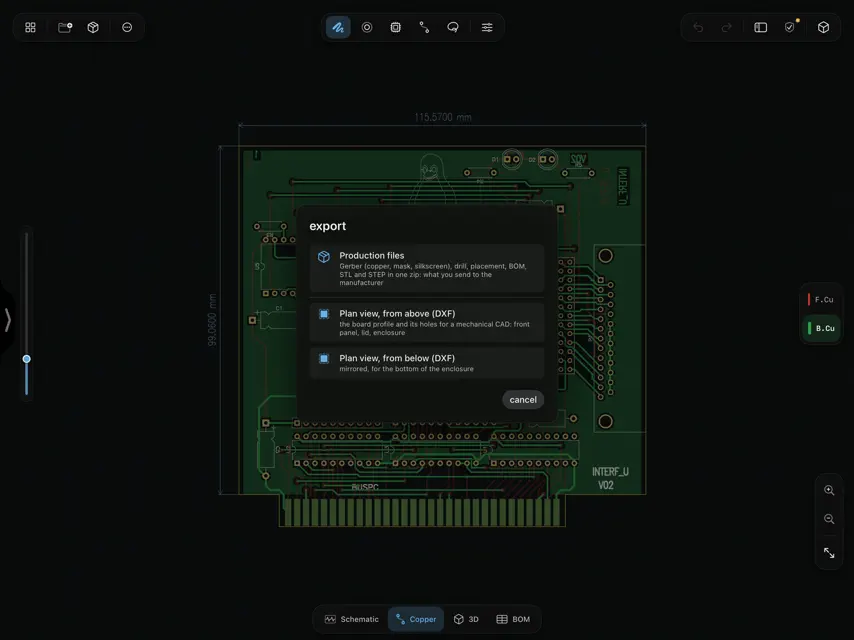
PCBPad is a circuit board editor built for Apple Pencil. You route copper by drawing it: the stroke you make becomes a clean track, and the board makes room for it. It runs natively on iPad and Mac, works fully offline, and needs no account. ROUTE WITH APPLE PENCIL • Draw from pad to pad: the stroke becomes a copper track with 45° corners, snapped to the grid, and it ends up where your hand went. • Tracks in the way move aside (push and shove). Copper that cannot move is routed around. • The clean-up is checked against pads, holes and keepouts. If the track still touches one, the app tells you which. • One stroke draws a differential pair. A serpentine adds the length a pair is missing. • No Apple Pencil? One finger draws and two fingers navigate. On Mac, drag to draw. • Two-finger tap undoes, three-finger tap redoes, hold one finger for the radial menu. PRIVATE BY DESIGN • No account, no login, no server, no analytics, no ads. • Your boards stay on your device, or wherever you keep them in the Files app. PCBPad never uploads them. OPENS AND SAVES KICAD FILES • PCBPad opens and saves .kicad_pcb and .kicad_sch files directly. There is no import step and no conversion. • Only the bytes you change are rewritten. The file goes back to KiCad as it was, plus your edits. • Tested on real projects, including the KiCad 10 file format. START A BOARD HERE • Draw the board outline, then correct it with numbers. Constrain a sketch, or import an outline from DXF. • 1,901 footprints and 15,123 symbols from the official libraries, bundled and available offline. • Tap two pads to declare a net. The ratsnest shows what is left to connect. • Copper planes with a real fill, via stitching, keepouts, blind and buried vias. • Text, logos and dimensions on the silkscreen. • A footprint editor for the part that no library has. SCHEMATIC • Place parts, wire them, move them: wires stay attached. • Multi-unit parts, hierarchical sheets, and a symbol editor. • Compare the schematic with the board and apply the differences after a preview. CHECK BEFORE YOU ORDER • Design rules written as formulas: clearance, track width, annular ring, hole-to-hole, unconnected nets. • Limits taken from the published capabilities of three board fabricators, with the source and the date they were read. • See what changed between two versions of the same board. SEE IT, THEN MAKE IT • A 3D view of the board, with component bodies sized from their package names. • Gerber X2 with a job file, Excellon drill, bill of materials and pick-and-place, in one ZIP. • The package is read back and shown layer by layer before you send it. • STEP and STL for your enclosure, and panels of several boards. In English and Italian. Requires iPadOS 18 or later, or a Mac with Apple silicon. KiCad is a trademark of the Linux Foundation. PCBPad is an independent app. It is not made by, endorsed by or affiliated with the KiCad project. Questions and bug reports: pcbpad.app@gmail.com
What's new
Version 1.8 · Nov 6, 2026
LEARN BY FINISHING REAL BOARDS • The tutorial is now a set of lessons, each a real board you finish yourself. • Lesson 1, the USB-C nameplate: lay it out, route it, and end in Simulate with both LEDs lit. • Lesson 2, the SD card reader: a full board from placement to manufacturing files. • Advanced: the gestures and tools you reach for once you know the basics. • Steps tick by themselves when you do what they ask, and you can pick up a lesson where you left it. • Many small fixes and a faster, lighter editor.
You might also like
 Knife TerminalCW&T
 Tersa: Circuit SimulatorDenis Kosov
 RemoteIDE : Código SSH RemotoChalla Somesh
 MASCHINEAVA INDUSTRIES e.K.
 MCU BLE TerminalDominik Ewers
 GitFlow para GitHub ActionsTheo Vankoekelberg
 Python Code App - IDE & Editor艳 罗
 LiteWingCircuitDigest
 Dev Tool box - Developer ToolsSeonggon Sim
 WebliSebastian Dombrowski