
PixelCreater
Hung-Yu Lin
No ratings yetGraphics & DesignAges 4+
Screenshots
About this app
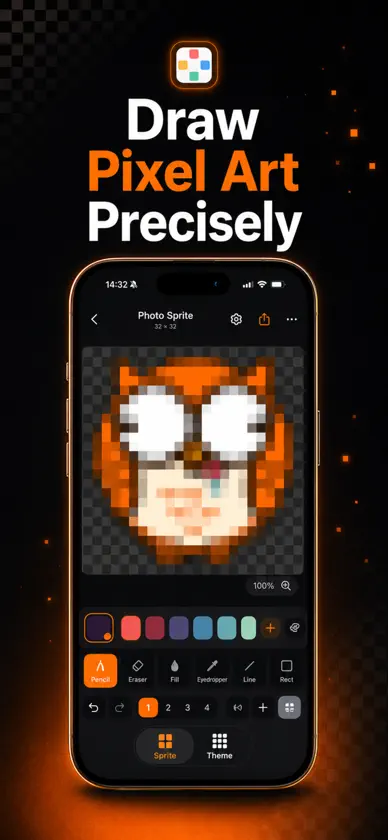
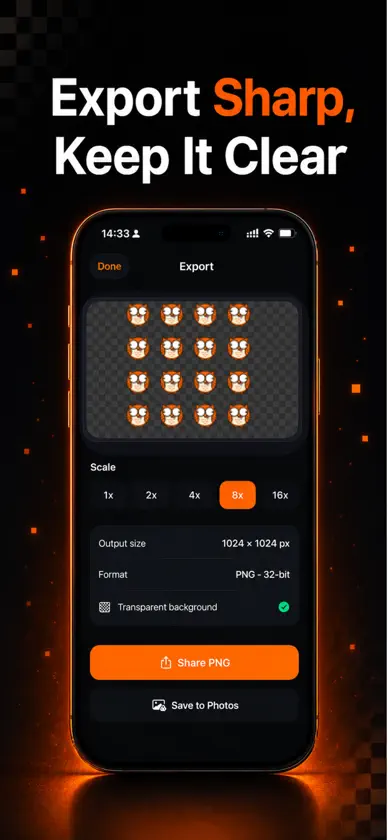
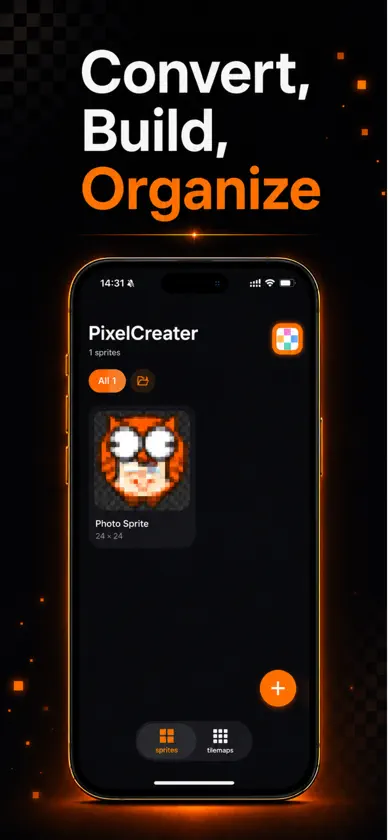
PixelCreater es un estudio de pixel art limpio y moderno para iPhone y iPad. Dibuja sprites nítidos, convierte tus fotos en píxeles y exporta PNG transparentes listos para juegos, stickers, emojis e iconos. CARACTERÍSTICAS • Dibujo preciso — lápiz, borrador, relleno, cuentagotas, línea y rectángulo • Foto a pixel art — importa una foto, ajusta el área con dos dedos, elige la resolución y listo • Transparencia real — los píxeles sin pintar quedan transparentes; exporta PNG de 32 bits • Herramientas pro — capas con opacidad, simetría (espejo), pincel ajustable, deshacer/rehacer ilimitado • Tilemaps — combina sprites en tilesets y mapas de nivel, y expórtalos en un solo PNG • Exporta hasta 16× — escalado nítido (vecino más cercano); comparte o guarda en Fotos • Todo organizado — carpetas, duplicar, renombrar y gestionar cada proyecto • Pensado para tocar — zoom y desplazamiento suaves y una preciosa interfaz oscura, iPhone y iPad • Sin cuenta ni registro: solo crea Ya sea para sprites de juegos, iconos de apps, emojis en píxeles o simples garabatos, PixelCreater hace que el pixel art sea rápido, preciso y divertido. Descarga PixelCreater y empieza a crear hoy.
What's new
Version 1.1.0 · Aug 28, 2026
Version 1.1.0 — draw with an AI, and make it move. GENERATE WITH AI Describe what you want and tap Copy Prompt. Paste it into any AI chat you already use, bring the reply back, and it becomes a sprite you can edit pixel by pixel. No account, no API key, nothing to subscribe to. Set the canvas size, view angle, colour limit and how ornate it should be — then add details of your own, like a cape, a helmet or gem accents. Already have a sprite? Ask an AI to change it, and the edit comes straight back into the editor. ANIMATIONS A new tab for frame-by-frame animation. Scrub the filmstrip, duplicate a frame and nudge a few pixels, hold a frame longer where the timing needs it, then set the frame rate and looping. Export as a transparent sprite sheet for your game engine, or as an APNG that keeps every soft edge — the detail a GIF throws away. ALSO IN THIS UPDATE • Every animation frame opens in the full editor, layers and all • Folders now organise animations as well as sprites • Ask for 32×32 and you get 32×32 — a reply that comes back the wrong size is refitted, and the change is shown • Pasted replies survive messy formatting: code fences, stray commentary, curly quotes and dropped characters are repaired for you
You might also like
 RGB Retro: Pixel Art FilterTakashi Shikone
 dotStudioTAKUYA JIMBO
 Pixel Art Maker - AnywhereYoung Jun Kim
 SimplePixelsWen Hao Chong
 Spryt - Pixel Art EditorPURPLE FOX LLC
 Pixel Forge: Pixel Art MakerIllia Hroshev
 Simple Pixel Art MakerChaleepa Mallawa
 PixelIt - Photo to Pixel ArtMeric Yildirim
 PIXIO Pixel StudioBitfarm AS
 Chroma8: Pixel Art Studioseer99 PVT LTD