
ScanSeries
BuildingReports.com, Inc
No ratings yetProductivityAges 4+
Screenshots




About this app
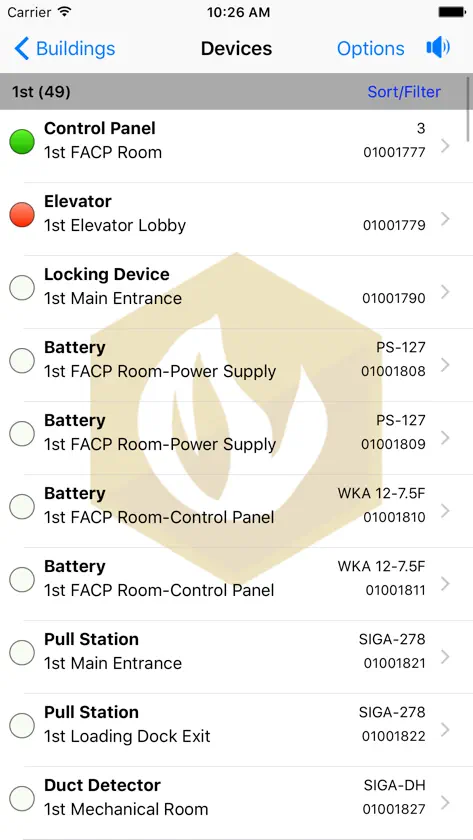
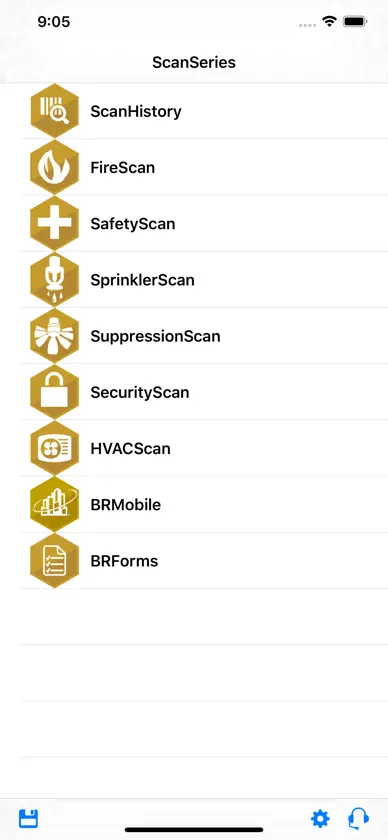
BuildingReports’ mobile and online inspection reporting tools enable inspectors to quickly gather data on fire and life safety devices to ensure they are working properly and meet code requirements, or identify actions needed to meet compliance through easily verifiable inspection reports. BuildingReports has the solutions, inspected device data and the qualified network to cement its reputation as the most trusted name in compliance reporting. *Note: This application is for customers who use the BuildingReports Web-based inspection reporting system only. It is an all-in-one application and contains: FireScan, SafetyScan, SprinklerScan, SuppressionScan, SecurityScan, and HVACScan. The app is supported on iPhone 4S (or newer) and iPod Touch 5th Gen. (or newer) devices.
What's new
Version 2.42.0 · Nov 7, 2026
What's Fixed: ScanSeries - Users can now sign in successfully with passwords containing special characters that were previously rejected. - User-set default services are now preserved when an app’s inspection template is updated. - Date fields no longer shift on devices where the 12-hour clock setting differs from the regional 24-hour default. - Users are no longer asked to choose between Camera and Remote scanning when only one option is available. - Device fields now capture only the intended data when scanning certain Ansul QR codes. - Archive dates now display consistently on inspections. BRForms - Completed forms now load correctly without an “Unable to find completed form” error. - Opening the summary section on certain custom forms no longer causes the app to crash. SafetyScan - Emergency Light Type selections now stay in place instead of occasionally jumping to the Manufacturer field. SprinklerScan - Initial and Final Test results for Backflow Prevention no longer carry over into New or Routine inspections. - The Pump Test graph preview now plots standard and VFD test points on separate lines, making results easier to compare. - Non-numeric values can once again be pasted into applicable fields, such as Drain PSI. HVACScan - Devices with sub-components now display correctly when collapsed on the Device List. What's Improved: ScanSeries - Send and Download are now floating buttons on the Buildings and BRForms lists; Support has moved to the Options menu - Added an Enter Scan ID button to Device Details - Floating buttons can now be repositioned and resized - Updated Device Inventory sort and filter options for greater consistency with the Device List. - Updated the Service Summary layout to reduce cut-off values - Shareable links are now automatically attached to selected ServiceTrade jobs. - Further refinement to Spanish language support, including translated device locations and sub-types on the Device List BRForms - Review your forms before sending with the new Review Forms screen. Forms missing required items are set aside so the others can still be sent. - After an upload completes, a summary now shows which forms were sent successfully and which failed. - Linked forms can now be uploaded together with a linked ScanSeries inspection - Required questions are now marked in red - Upload screen now flags missing required form data - Search is now available when choosing a new form, making it easier to find the one you need. - You can now collapse form sections, and they’ll remember whether they were open or closed. What's New: FireScan - Added hardware integration support for Detector Testers Testifier XTR2 SafetyScan - Added QR scanning support for Strike First brand Fire Extinguishers BRForms - Device-specific questions from ScanSeries-defined forms can now appear in device details.
You might also like
 Rapid_MobileRapid Response Monitoring, Inc.
 Connected Life Safety ServicesHoneywell International, Inc.
 AlarmNet 360Resideo Technologies, Inc.
 XaapJohnson Controls, Inc.
 FormLinkInspect Point
 SM Keyboard by Socket MobileSocket Mobile Limited
 JaduguardNext Level Software Holdings
 JoyfillBuilt To Create LLC
 DICE Tech AssistDice Corporation
 Spectrum Service Tech™Trimble Inc.