
Screenshots


About this app
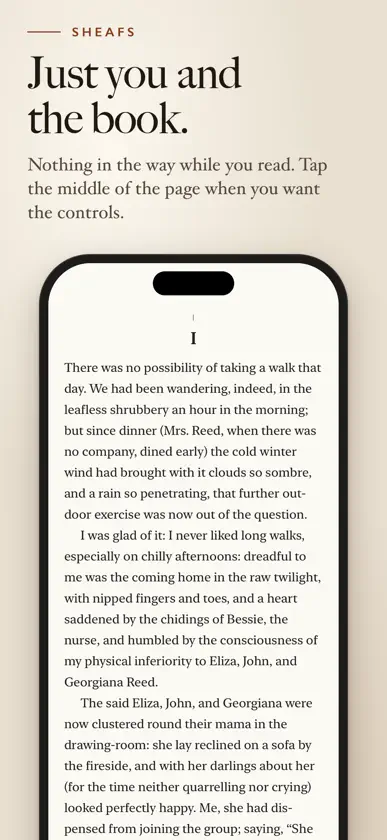
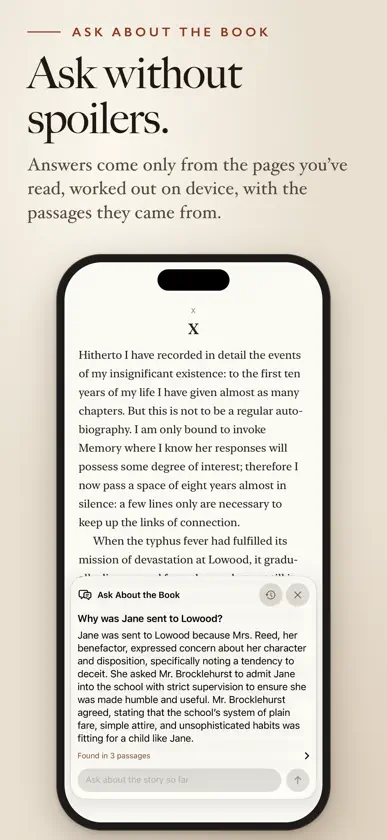
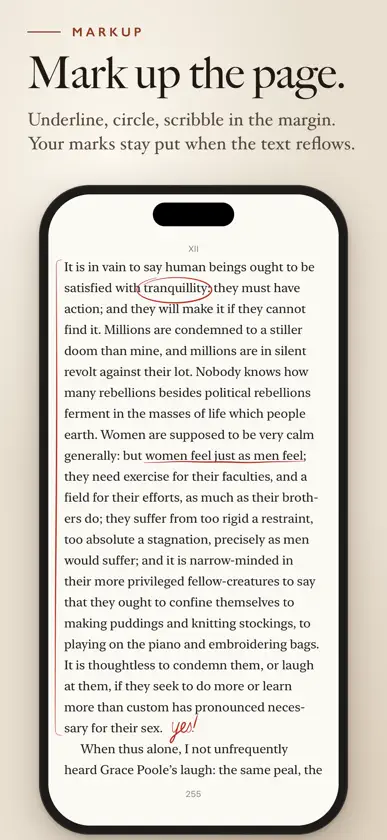
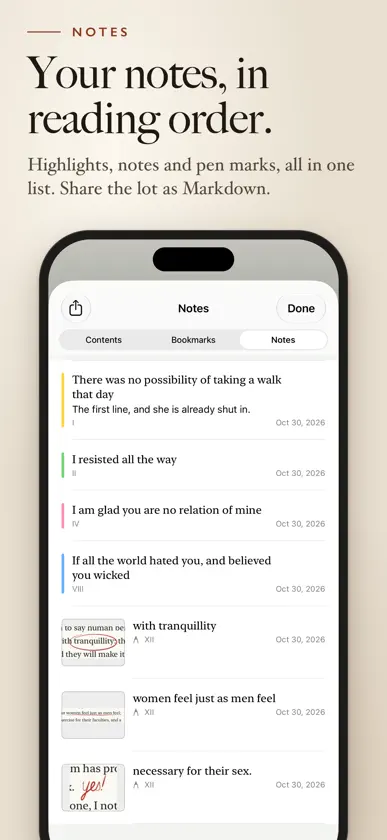
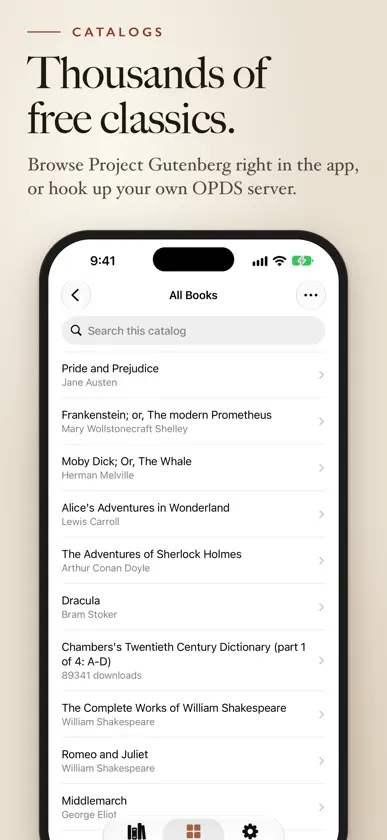
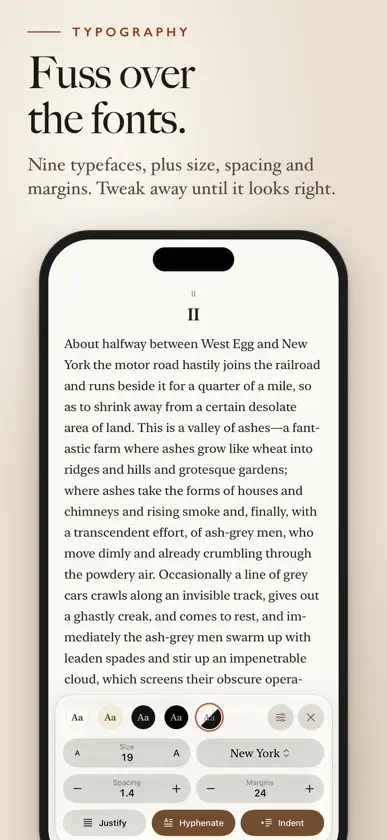
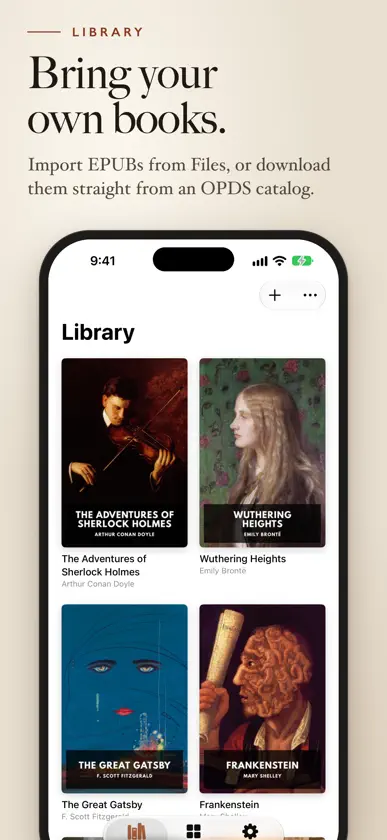
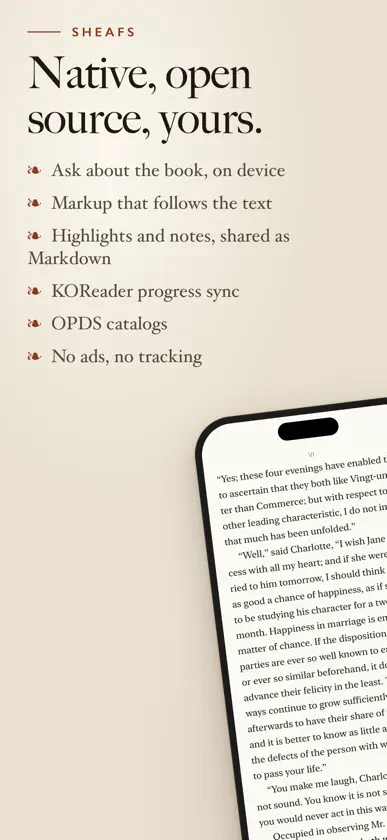
Sheafs is an open-source ebook reader. I wanted one that felt like reading a paperback and worked with the books and servers I already had, so I made one. The code’s on GitHub under the MIT license, and there are no ads, no tracking and no account to sign up for. Bring your own books. Sheafs reads EPUB 2 and EPUB 3. Import them from Files, or point it at an OPDS catalog and download straight from it. If your library lives on a home server, add its OPDS feed and browse the whole collection from the couch. A few free public catalogs are built in, so there’s something to read straight away. Keep your place on your own terms. Sheafs speaks KOReader’s sync protocol, so you can run your own sync server and pick up where you left off, whether you were last reading in Sheafs or in KOReader. Sheafs lays your books out in proper pages, with good type and decent margins. Swipe to turn and the page curls over under your thumb, the way paper does. If that’s a bit much, there’s a plain slide too, or you can turn pages with the volume buttons. Got an iPhone Duo? This is where it gets fun. Closed, you read one page on the cover screen. Open it up and you get a two-page spread, with the fold running down the middle like the gutter of a real book. Fold or unfold halfway through a chapter and you won’t lose your line. Prop it half open on the table and the page sits up top with the controls underneath. Perfect for reading over breakfast. On iPad, turn it sideways for a two-page spread. Pick from nine typefaces, including New York, Georgia, Palatino, Charter and Iowan Old Style, then fiddle with size, spacing and margins until it looks right. Justified or ragged, hyphenated or not. There’s a paper theme, a sepia one, a dark one for late nights and a pure black one for OLED screens, or it can follow your phone’s light and dark mode. Highlight the good bits in five colors, add your own notes, and share them all as Markdown when you’re done. Search the whole book and bookmark the pages you want to come back to. A Home Screen widget gets you back to whatever you were reading. Mark up pages with Apple Pencil, or your finger on iPhone. Underline, bracket a passage or scribble in the margin, and your marks stay with their words when you change the font or text size. Lost track of who someone is? Ask about the book, and Apple’s on-device model answers from only the pages you’ve already read, so it can’t spoil what’s coming. Nothing leaves your device. Ask needs Apple Intelligence and stays off until you turn it on.
More from Keith Adair


You might also like
 ContinuousReader: lector EPUBOleksii Koshkin
 CrownNovelFlipLabs
 Delphi - Classics Read AloudChenyu Li
 Litera: EPUB a audiolibroRichard Rivas
 BookSpeak: EPUB to AudiobookPossiGo LLC
 MiracleNovel: Read RomanceIBT PTE. LTD.
 Audiora StoriesDaniel Fu Keung Kwan
 ФолиантYana Khalikova
 AudiobookifyJoshua Boodhu
 Vellum ReaderSUZETTE RENEE COPLEY DE SCHRYVER