
Screenshots


About this app
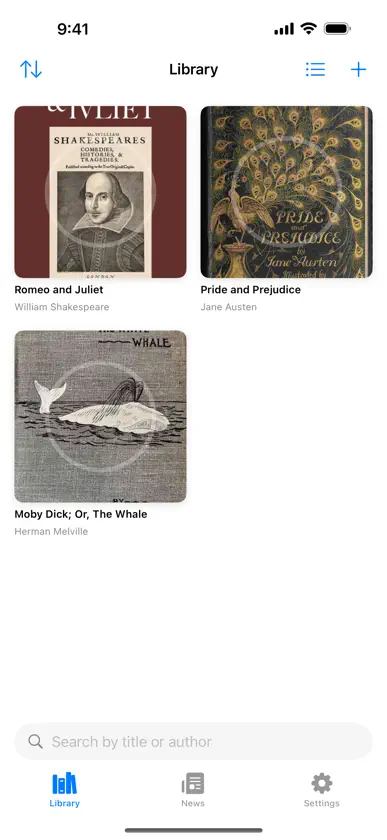
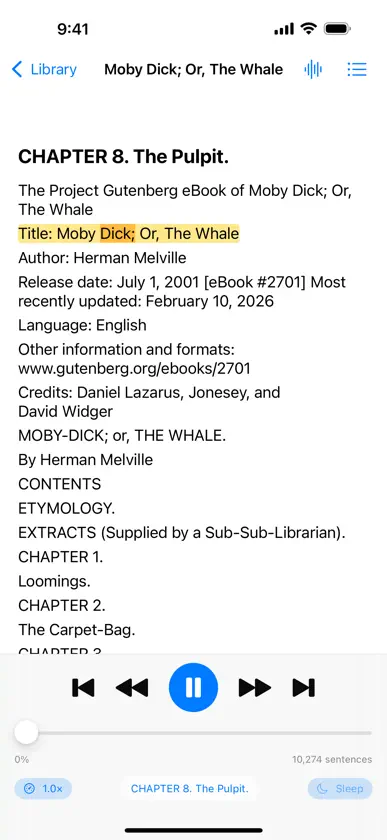
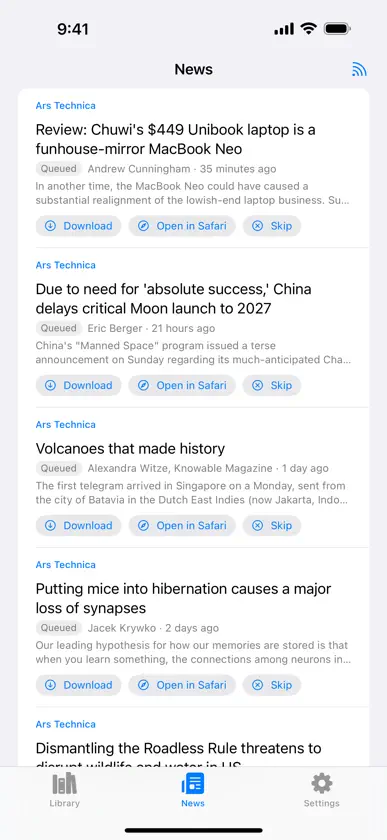
VoxReader turns anything readable into an audiobook. Import a book, a web page, a PDF or a paste of plain text, and listen to it with a natural voice — entirely on your device, with no account, no subscription and no network needed once the text is in. LISTEN TO ANYTHING • EPUB, PDF, DOCX, RTF, FB2, Markdown, HTML and plain text • Web pages, saved as clean article text with the clutter stripped out • Anything you send from another app through the share sheet • Files opened straight from the Files app or from Mail NATURAL VOICES, ON DEVICE • Reads with Apple's built-in voices — nothing to download, works offline the moment you install • Add Apple's Enhanced and Premium voices free from iOS Settings, in dozens of languages • Download neural voices inside the app; they run on your device and work offline • Set a default voice, or give a single book or feed a voice of its own • Adjust speed and pitch while it is speaking, without losing your place • Optional online voices if you want them — the free Google Translate voices, or OpenAI's with your own API key. Never chosen for you, and every voice is labelled Offline or Online before you pick it A REAL PLAYER • Chapter list, scrubbing, skip by sentence, and resume exactly where you stopped • The word being spoken is highlighted in the text as you follow along • Sleep timer • Lock screen and Control Center playback, and audio that keeps going in the background • Playback speed, pitch and voice all persist per book A FREE LIBRARY, BUILT IN • Browse public-domain books from Project Gutenberg, Open Library, the Internet Archive and Standard Ebooks • Add any OPDS catalog of your own — Calibre-web, Kavita, or a library that publishes one • Search by title or author, then download and start listening in one tap NEWS AND FEEDS • Subscribe to RSS, Atom and JSON feeds — paste a site address and the feed is found for you • Bulk-import your subscriptions from an OPML file • Choose per feed whether new items download automatically, on Wi-Fi only, or never • Full article text or summary only, and how long items are kept before they are cleaned up • New items become ordinary library documents, so they play with the same player and the same voice PRIVATE BY DESIGN Speech is synthesised on your device. Your documents are never uploaded, there is no account to create, and nothing you read or listen to is collected. The app connects only for what you use: the pages, feeds and books you ask for, voice downloads, Wikipedia searches and saved Hacker News comments — and the optional online voices, if you deliberately choose one. No subscription. No ads. No sign-in.
What's new
Version 1.1.2 · Nov 5, 2026
Search Wikipedia and listen to any article, with its sections as chapters. Downloaded articles now keep their pictures and Hacker News comments, ready to read on a plane. Long paragraphs start at once on neural voices, and skipping around starts speaking sooner. Footnote numbers no longer hide the end of a sentence, and links keep their full address. New options: skip code blocks, and show a clock in the reader. Plus fixes for stability and memory use.
You might also like
 PoetrifyMauro Cristofoli
 LiBook: EPUB, TXT, PDF ReaderJOOYOUNG MAENG
 KraKal Readeritzhak gerber
 Month Read - book tracker, TBRYana Odnosteblets
 Smart Audiobook PlayerAlevtina Liubimova
 Readify AI: Texto a Voz con IADeepReads LLC
 Readest - eBook ReaderBilingify LLC
 EPUB Reader: EPUB, PDF, AZW3Phuoc Nguyen
 Calibre CompanionGold Tree Consulting LLC
 MP3 Audiobook PlayerOleg Brailean