
NanoPad: Markdown Notes
Digital Toys LLC
No ratings yetProductivityAges 17+
Screenshots


About this app
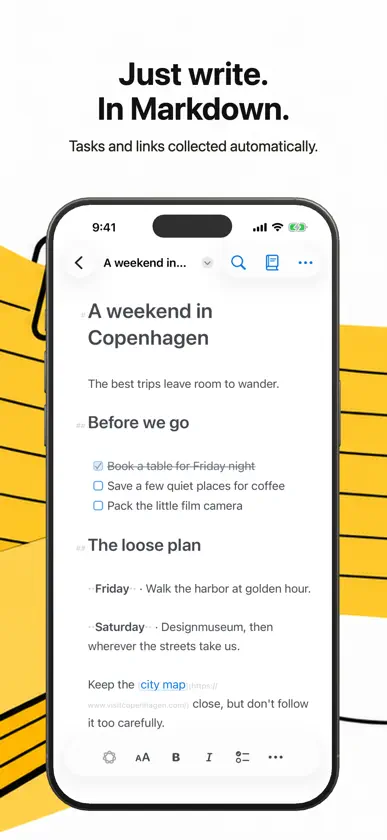
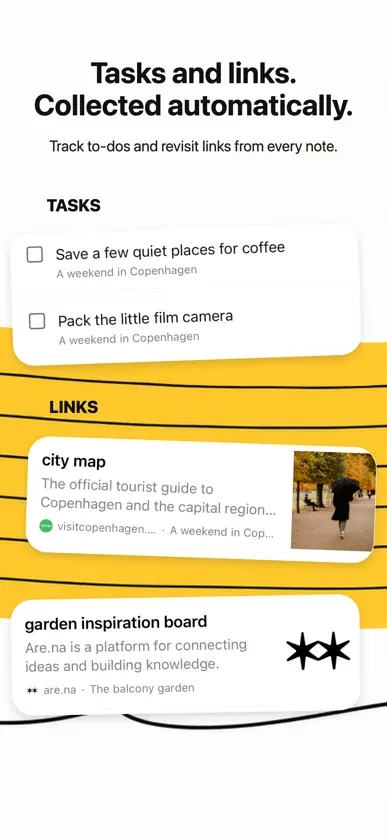
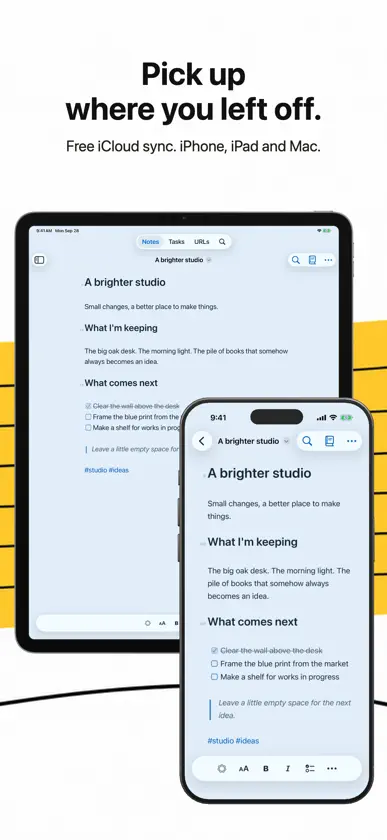
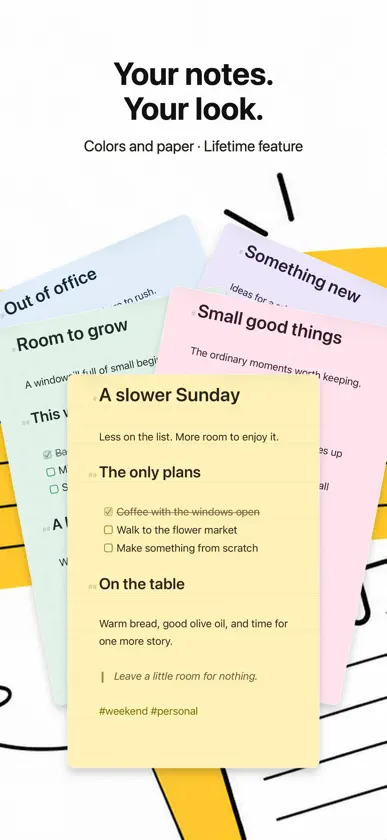
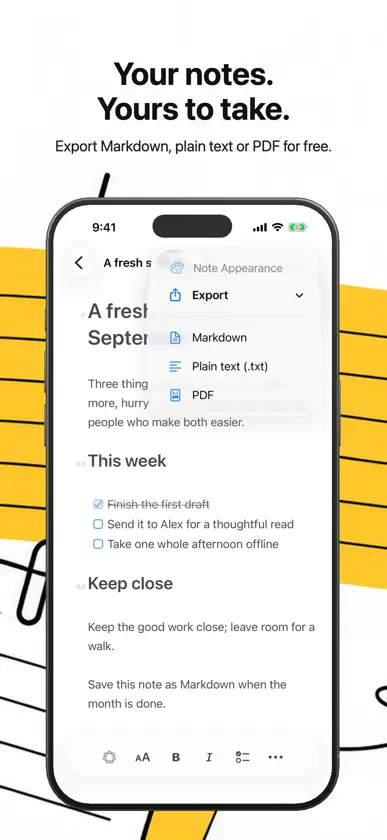
NanoPad is a quiet place to catch a thought, keep a checklist, and save a useful link. Notes, tasks, and URLs stay connected: write in a note, then find the task or link in its own view. WRITE YOUR WAY Use Markdown or the formatting toolbar for headings, lists, checkboxes, tables, links, and images. Search across your notes, return to recently opened work, and export your writing as Markdown, plain text, or PDF. KEEP YOUR NOTES TOGETHER Your notes are stored on your device and sync through your personal iCloud account when available. Share text or a web page to NanoPad from other apps. FREE, 7-DAY TRIAL, AND LIFETIME Free includes up to five editable personal notes, iCloud sync, and export to Markdown, plain text, or PDF. The free 7-day trial unlocks all NanoPad Lifetime features. When it ends, you return to Free with no charge. Your first five personal notes stay editable, and you can still read, search, copy, and export any additional personal notes. NanoPad Lifetime is a one-time purchase that unlocks unlimited editable notes and all themes, fonts, and paper styles. On Mac it also unlocks sticky note windows, Focus Writing, and linked Markdown folders. One purchase covers Mac, iPhone, and iPad using the same Apple Account.
What's new
Version 1.6.1 · Nov 13, 2026
Draw right in your notes with Apple Pencil on iPad or your finger on iPhone. Use Add Drawing in the formatting toolbar, and tap a drawing to edit it again. Scroll through your note while you draw. Share a note’s text from its More menu. The upgrade screen now explains what the free 7-day trial unlocks and which notes stay editable when it ends.
In-app purchases
The most popular purchases on the App Store.
- NanoPad LifetimeConsumableQAR 49.99
- NanoPad 7-day TrialConsumableFree
More from Digital Toys LLC

You might also like
All apps like NanoPad: Markdown Notes → neverlabs AI Writerneverlabs UG (haftungsbeschränkt)
 eScriboOskar Pacheco
 Benchpad — Scratchpad NotesGagandeep Singh
 Played - Game BacklogMarcos Morais
 Checklist ArchiveColin Wright
 lazierSupakit Wiwustrinon
 Pronotes: Notes & PDF2D GEOMETRY, INC.
 WishNote: Notes & To-DoBulent Turudu
 BlitzGTDSascha Krug
 FiveNotes MobileApptorium