
QRKit: Code Scanner
Dheeraj Sharma
No ratings yetUtilitiesAges 4+
Screenshots



About this app
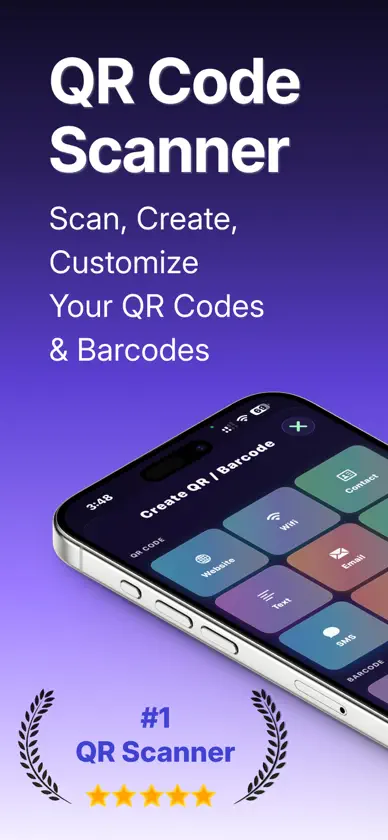
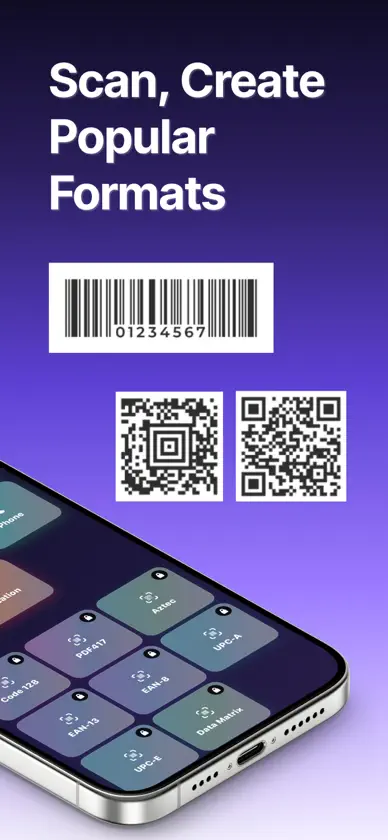
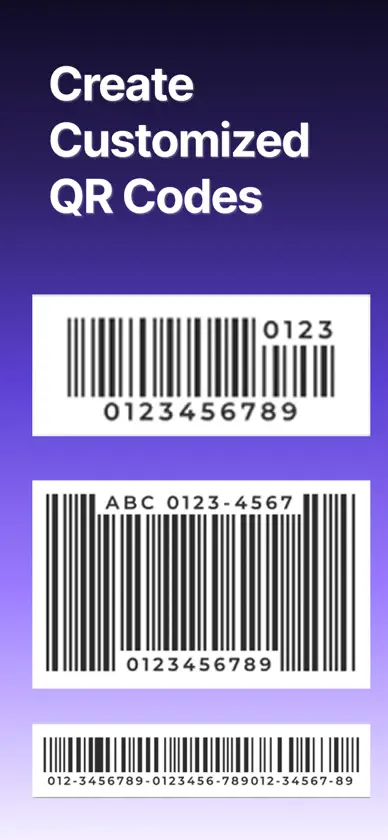
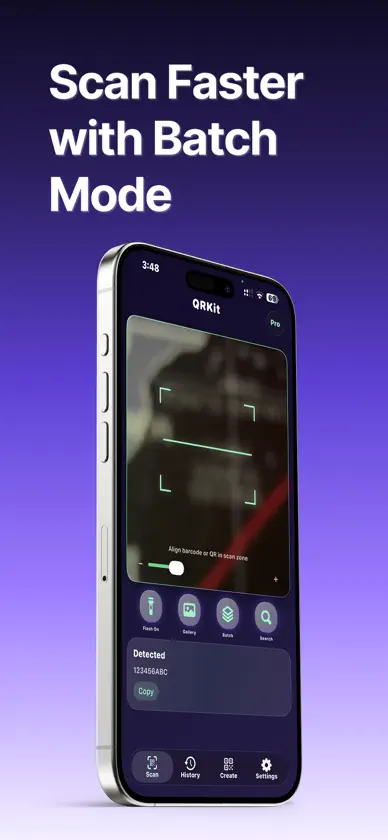
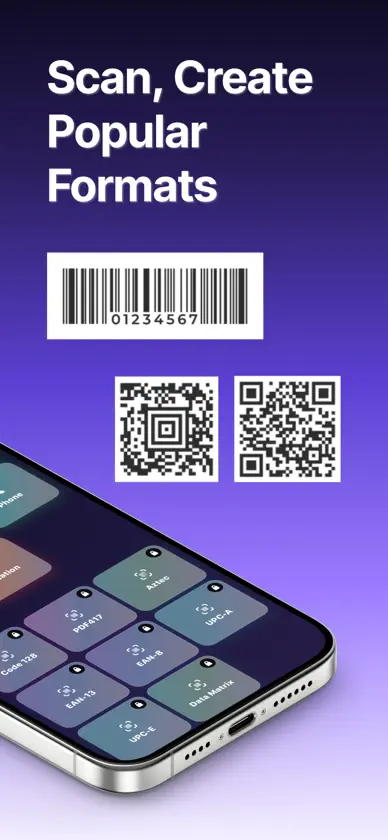
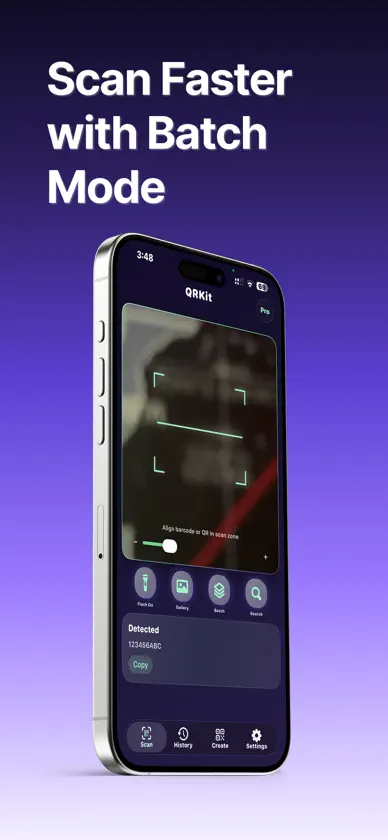
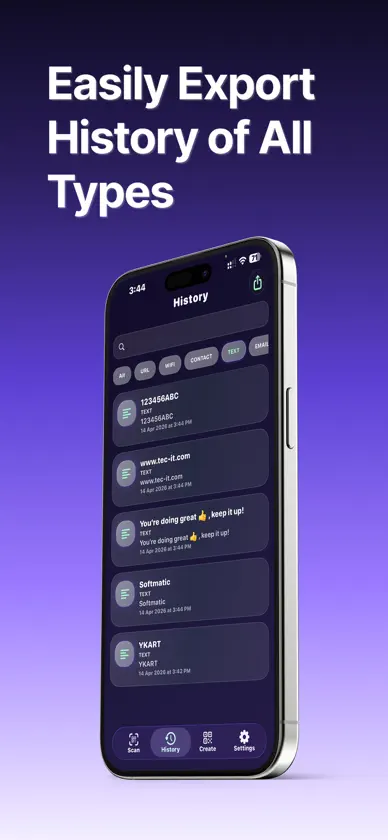
Turn Scans into Actions - Create Codes in Seconds QRKit is your everyday QR and barcode companion: point the camera to read codes instantly, open links safely, and keep everything organized. Need your own codes? Build QR and barcodes for URLs, Wi‑Fi, contacts, text, and more - with a clean interface built for speed and clarity. WHY CHOOSE QRKIT? ◆ Scan with confidence - Fast, reliable scanning from the camera with controls that feel natural in real-world lighting. ◆ Import from photos - Decode codes from images in your library when a live scan isn’t an option. ◆ Create QR & barcodes - Generate codes for common formats so you can share Wi‑Fi, links, contact info, and plain text without friction. ◆ History that stays useful - Search, filter, and revisit past scans so nothing gets lost in a long list. ◆ Export when you need it - QRKit Pro unlocks exporting history for backups and workflows. ◆ Pro design & batch power - QRKit Pro adds advanced templates, logo options, HD export, and batch scanning for heavier use. ◆ Open the web your way - Choose how links open (default browser, Safari, Chrome, or turn automatic open off) from Settings. KEY FEATURES ◆ Scanner - Live camera scanning with a focused, easy-to-read results experience ◆ Photo import - Scan codes from saved images ◆ Batch scanning - Pro: scan multiple codes in one session with useful session controls ◆ Create - Build QR codes and barcodes from templates tailored to real use cases ◆ History - Searchable scan history with type filters ◆ Export - Pro: export history for archiving and sharing ◆ Templates & branding - Pro: advanced QR styles, templates, and logo placement ◆ HD export - Pro: high-quality PNG export for crisp codes ◆ Settings - Camera preference, link-opening behavior, and subscription management ◆ Modern UI - Dark, glass-style interface that stays readable and calm Perfect for ◆ Anyone who scans menus, posters, tickets, and packaging every day ◆ Small businesses and makers who share Wi‑Fi, links, and contact QR codes ◆ Students and teams organizing lots of scans over time ◆ Power users who want batch workflows, exports, and polished generated codes SUBSCRIPTION AND TERMS QRKit Pro unlocks premium features such as unlimited history depth, export, batch scanning, advanced templates, logo support, and HD export. ◆ Monthly plan - from $14.99/month ◆ Yearly plan - from $29.99/year ◆ Lifetime - $99.99 one-time Subscription details ◆ Subscriptions renew automatically unless canceled at least 24 hours before the end of the current period ◆ Payment is charged to your Apple ID account at confirmation of purchase ◆ Your account is charged for renewal within 24 hours before the current period ends ◆ Manage or cancel anytime in Settings → Apple ID → Subscriptions ◆ Any unused portion of a free trial, if offered, is forfeited when you purchase a subscription ◆ Subscriptions cannot be canceled for the current billing period after purchase Terms & Conditions: https://sites.google.com/view/qrkit-terms-and-conditions Privacy Policy: https://sites.google.com/view/qrkit-privacy-policy
What's new
Version 1.6.1 · Oct 16, 2026
Privacy fix: your scan history no longer shows Wi-Fi passwords. Saved Wi-Fi codes now list the network name and security type instead.
In-app purchases
The most popular purchases on the App Store.
- Monthly SubscriptionSubscriptionQAR 24.99 / month
- Lifetime PremiumConsumableQAR 399.99
- Yearly SubscriptionSubscriptionQAR 49.99 / year
More from Dheeraj Sharma
 ShiftLine: Work Shift CalendarDheeraj Sharma
 SealScan: PDF Document ScannerDheeraj Sharma
 TuneBench: Practice DeskDheeraj Sharma
 EchoShelf: Voice NotesDheeraj Sharma
 InsectKit: Insect IdentifierDheeraj Sharma
 PlantFit: Plant IdentifierDheeraj Sharma
 KalFit: Food & Calorie CounterDheeraj Sharma
 BudgetFox: Budget Planner AppDheeraj Sharma
You might also like
 QRKit X灿辉 徐
 QuickQR PlusAhmet Muhammet Vural (AN)
 BoxPeek - Smart InventoryLluis Montero
 QR Kit - Code Scanner & MakerCan Bi
 QR Cake - QR Code GeneratorQR Cake
 Forms: Google Forms MakerIlona Dantsevich
 WristyDaniel Bleisteiner
 QR BuilderSoftware101
 Radical QR: QR Code GeneratorRadicalSolution
 QR Code - QR EverythingOENG Mengthong