
SQL Recipes Pro
Fedor Obraztsov
No ratings yetDeveloper ToolsAges 4+
Screenshots














About this app
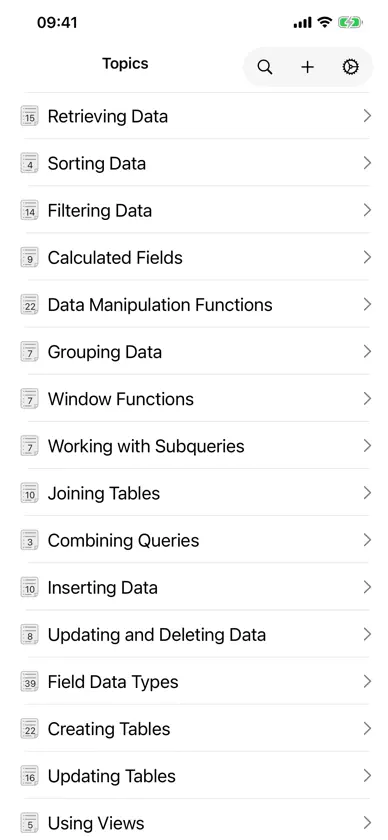
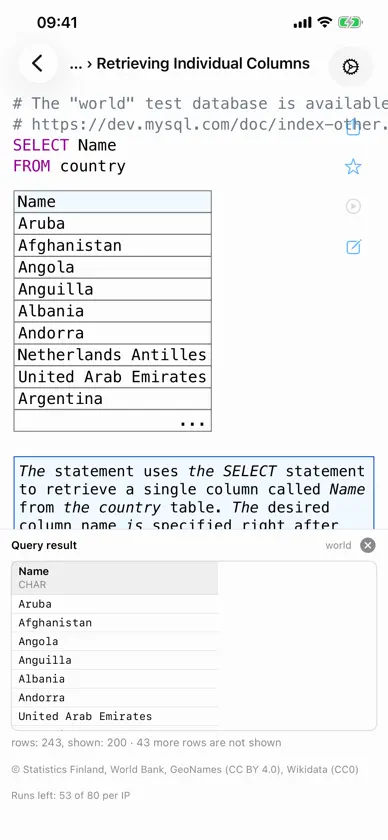
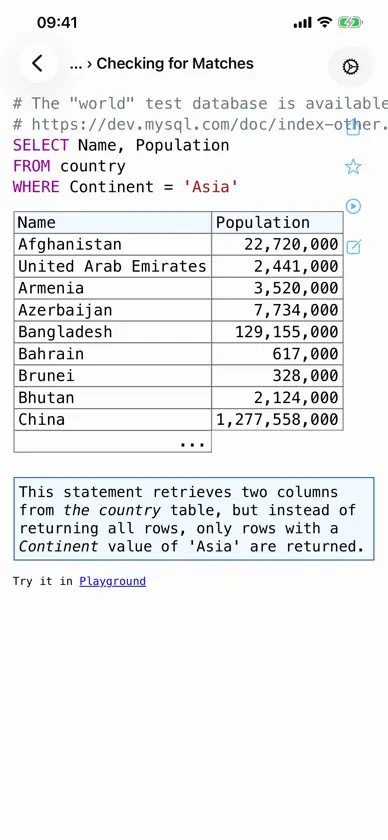
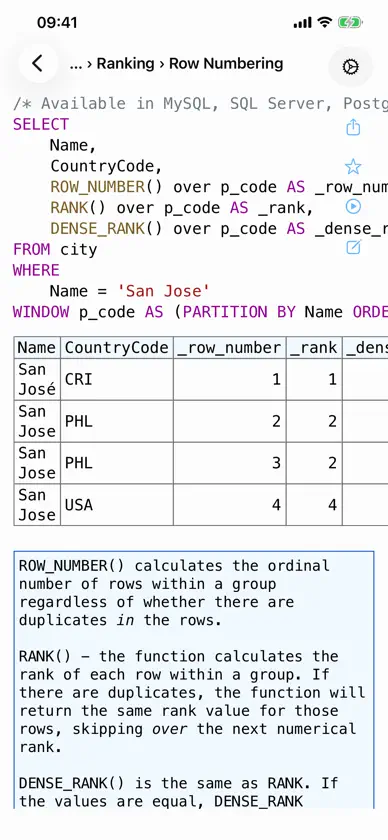
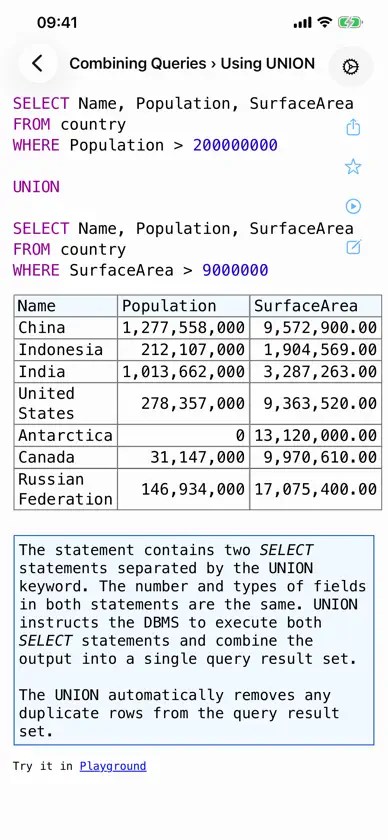
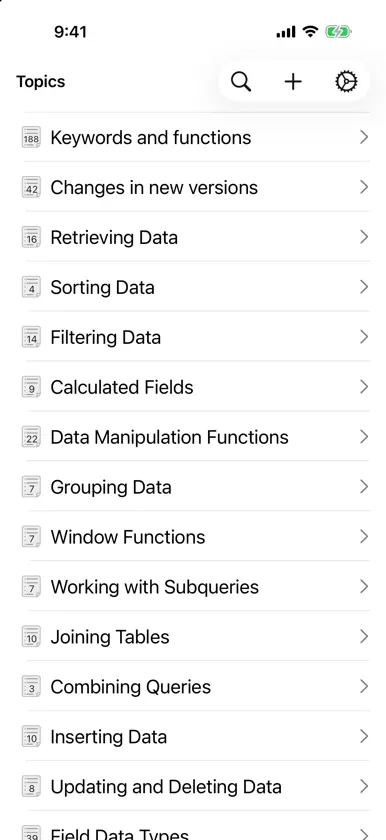
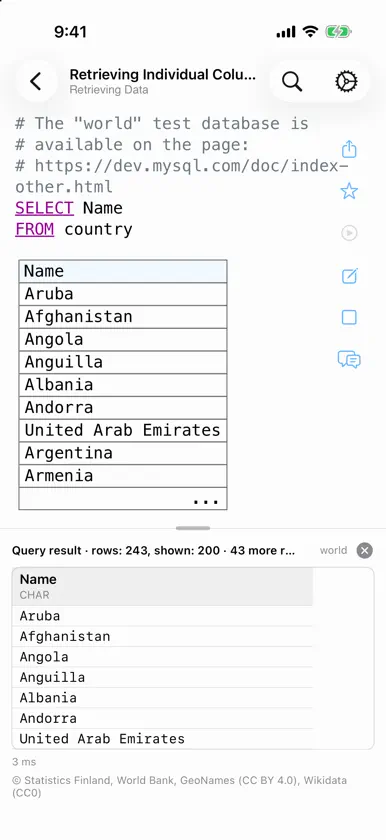
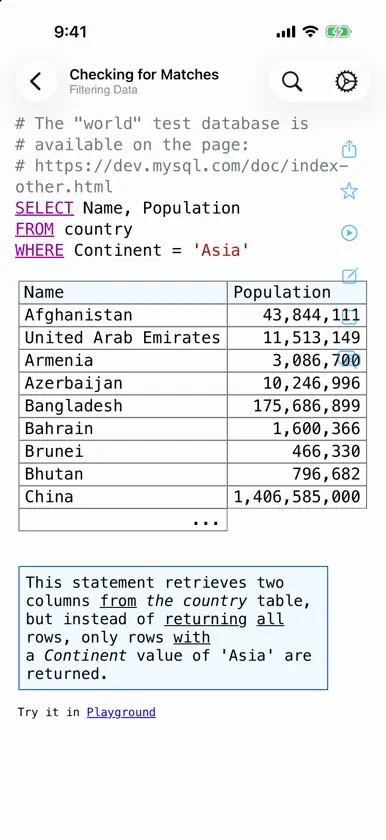
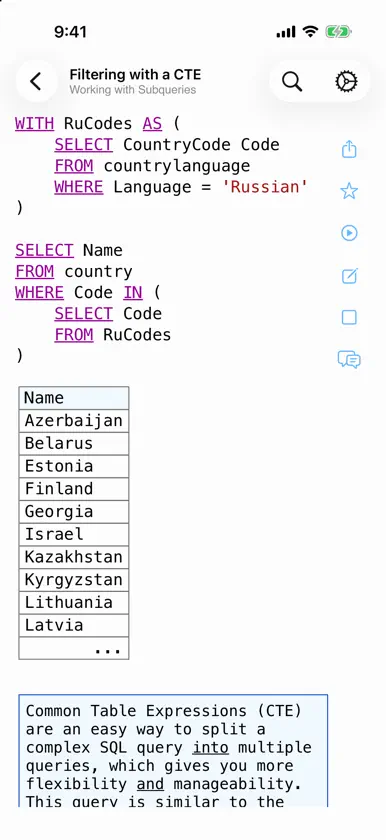
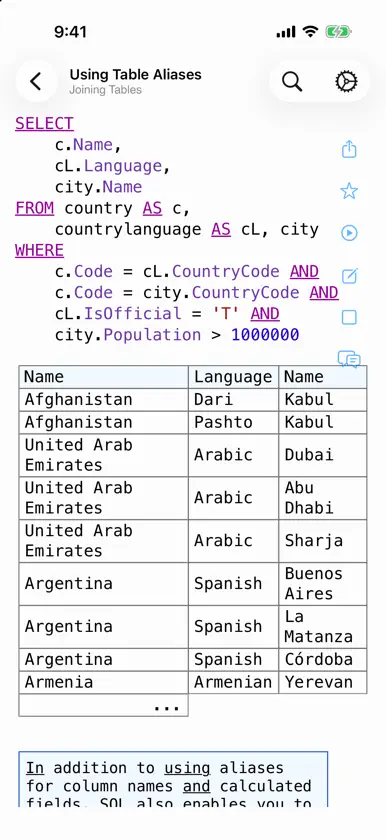
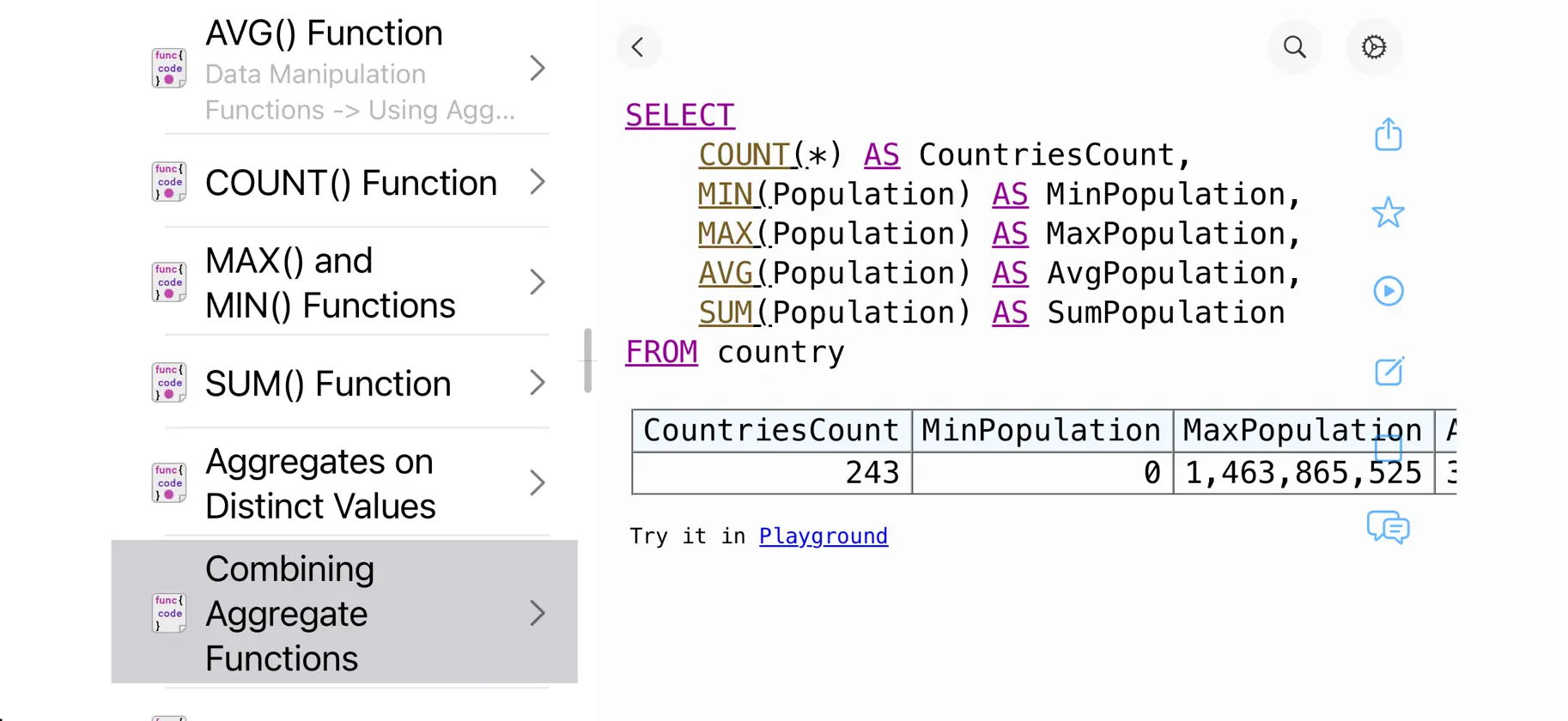
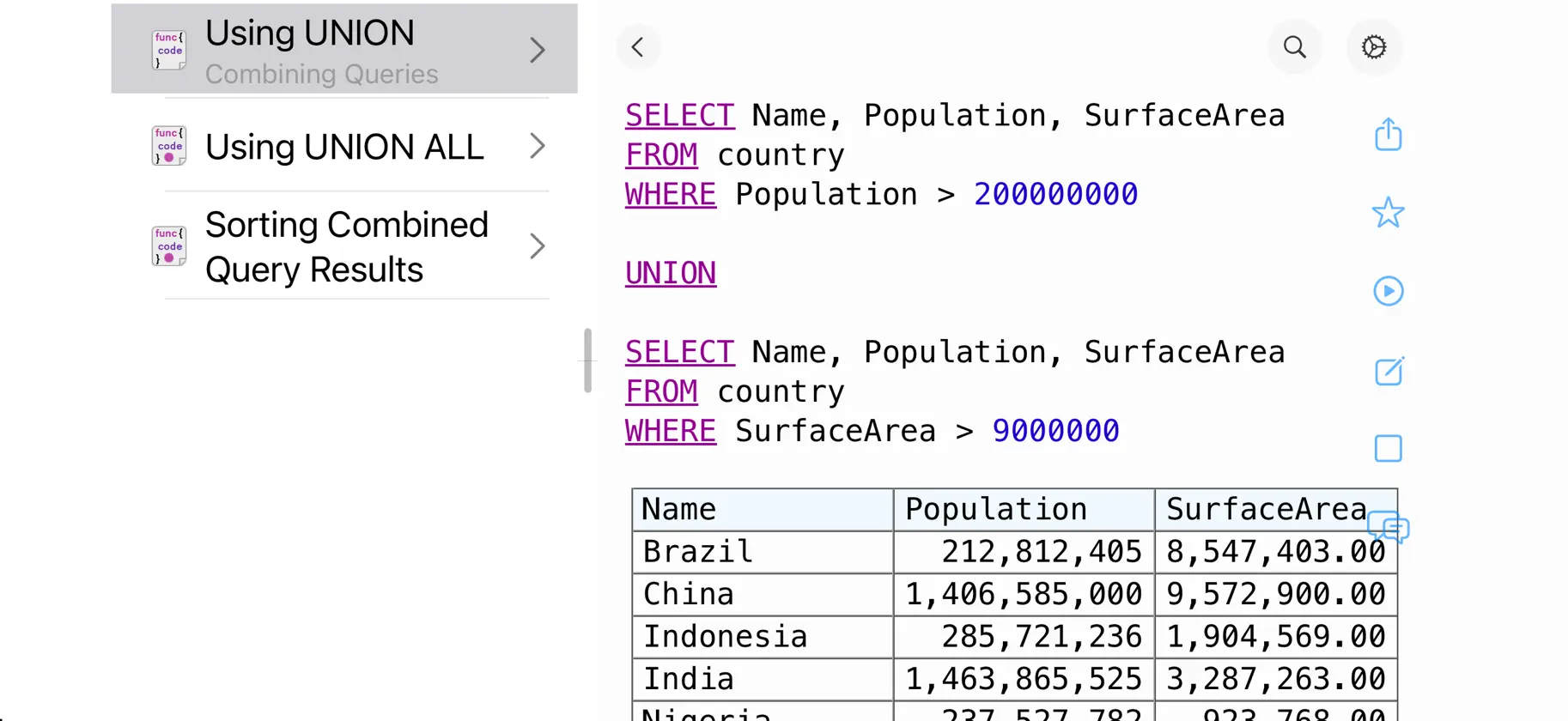
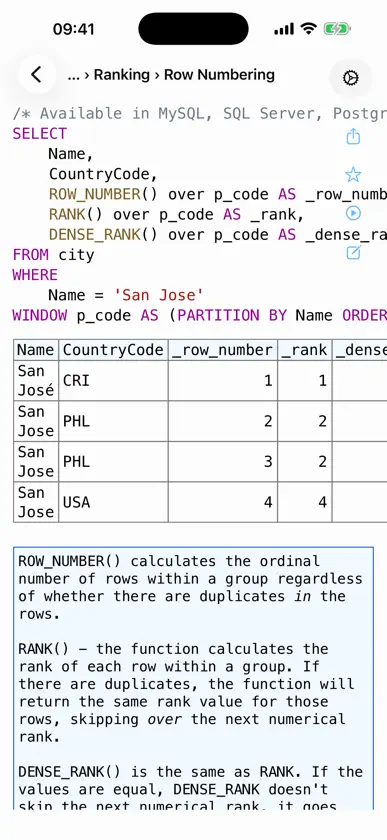
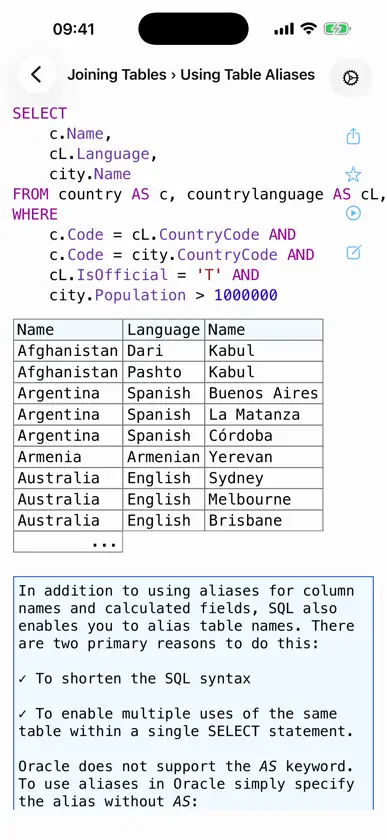
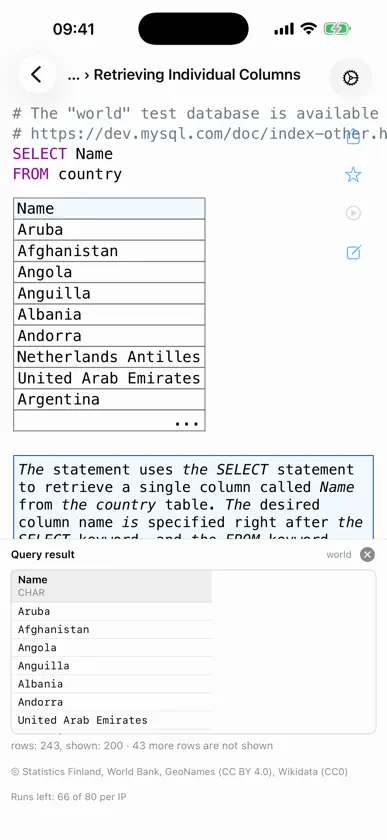
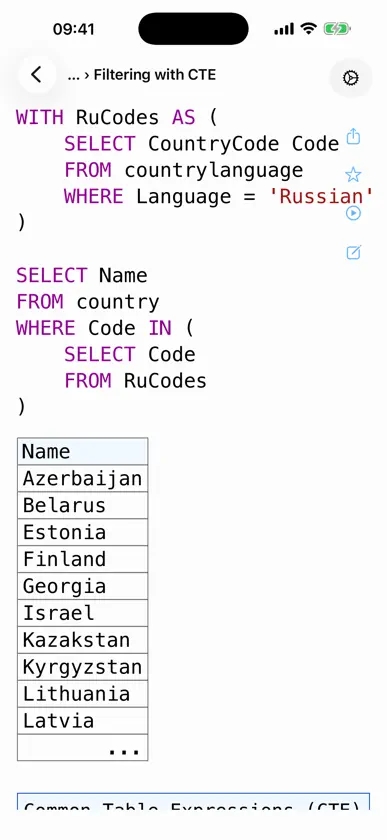
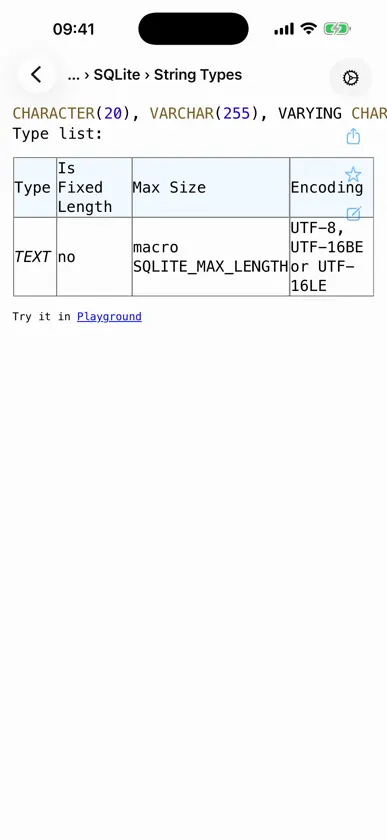
200+ SQL queries with explanations. Tap Run and see the result table right in the app. Add your own queries and browse offline. An everyday SQL cheat sheet, from your first SELECT to window functions. • 39 sections, including filtering, sorting, calculated fields, functions, GROUP BY, window functions, subqueries, JOIN, UNION, INSERT and UPDATE, data types, tables, views. • Changes by standard: 7 sections from SQL-92 to SQL:2023, with before-and-after queries. • Keyword and function reference: over 180 articles. Browse, search, or tap a word in a query to open its article. • Dialects compared: MySQL, PostgreSQL, SQLite, SQL Server, Oracle, Firebird, Access. Where they differ, the dialect-specific variants are shown. • Practice database: the classic MySQL “world” sample (countries, cities, spoken languages); its tables are described in the app. • Run in the app: more than half of the queries execute against the practice database, and the result table appears directly below the query. Requires an internet connection; up to 80 runs a day. • Search covers the queries themselves, not just titles: type a fragment you remember and find the query. • Edit any query and rerun the runnable ones; one tap brings the original back. • Add your own queries; they are saved in the app. • Everything except running queries works offline: queries, reference, search, favorites. • Easy on the eyes: light and dark themes, your choice of font and size, line numbers, and long lines that wrap instead of spilling off the screen. Queries are curated from professional sources and checked before release: the code works and is easy to follow. Built by a developer for developers. The CodePro project has been in active development since 2015.
What's new
Version 4.12 · Nov 2, 2026
• Suggestions While Typing: as you write a query, the app offers SQL keywords and functions, plus the table and column names already in the query. Open the reference article for a keyword or function right from its suggestion, without losing your edit. • Search inside a query: “Find in code” highlights a word and steps through every match. • Tap Run with the on-screen keyboard open: the keyboard steps aside to make room for the result table, and the line you were editing stays in view. • Your own queries: “Restore Original” now takes you back to the last saved version. • Improved support for foldable phones and large screens.
More from Fedor Obraztsov



You might also like
 SQL SheepCiwei Tech
 Solar2D Studio - CoronaSDK盼军 崔
 SQLed - SQL Database ManagerAndreas Zimnas
 Mdly – Markdown ViewerYuta Hoshina
 VultryKristof Kowalski
 Ruby 2.0-run code,pro小文 黄
 Debotha: Text & Base ConverterJuan Williman
 MongoLime - manage databasesMobibean, LLC
 Rust IDE - Minimal CodeGansu Zhenxian Network Technology Co., Ltd.
 SQL Practice: Learn DatabaseMarton Greber