
OSC Deck
jordy stultiens
No ratings yetUtilitiesAges 4+
Screenshots
About this app
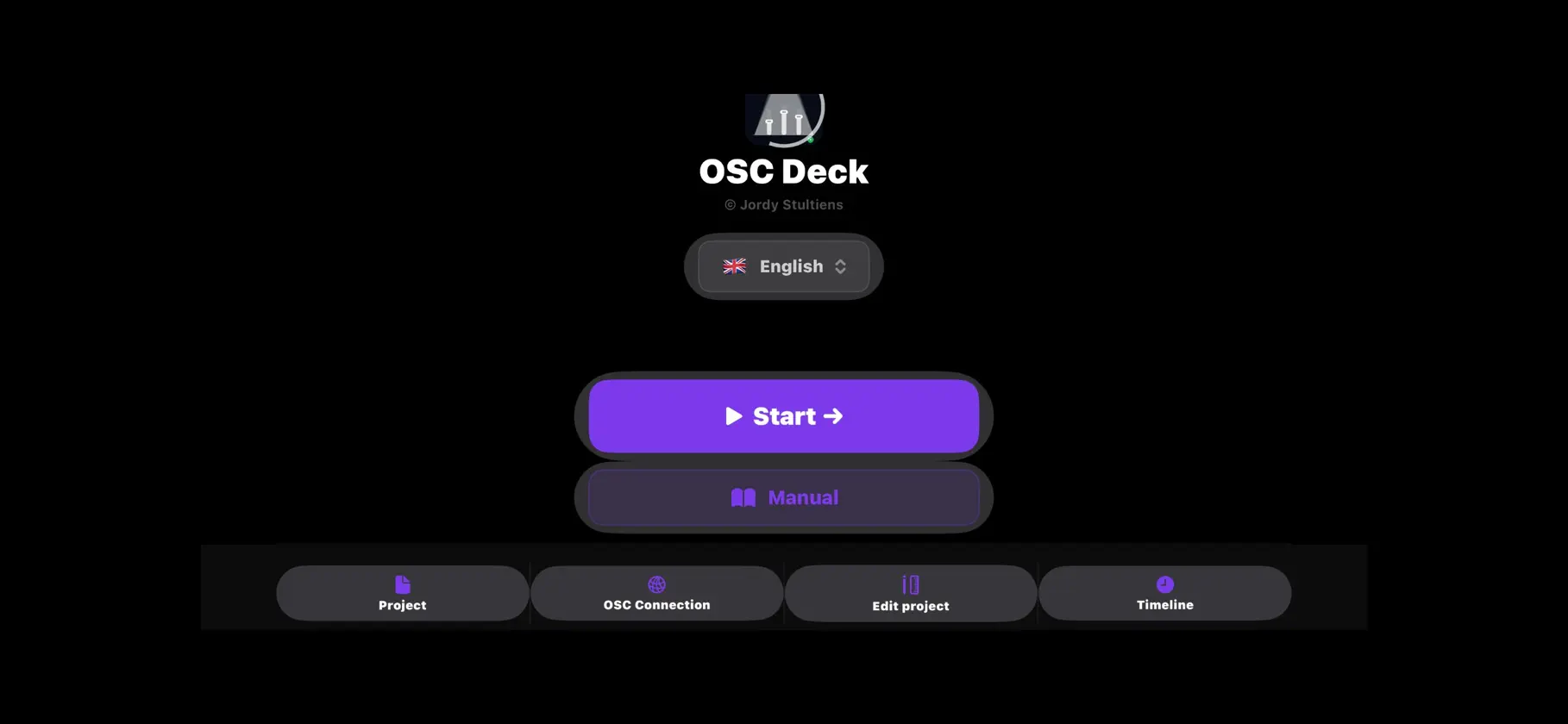
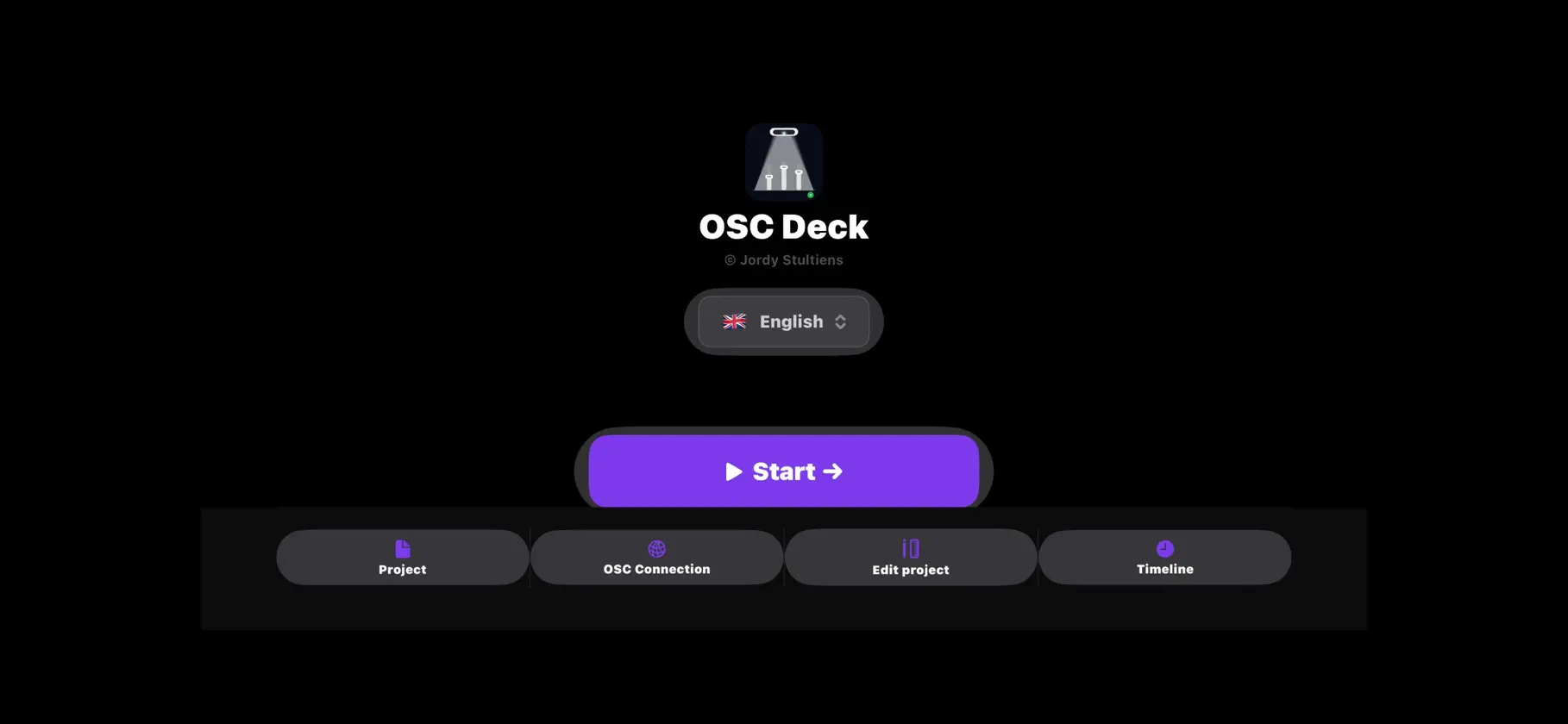
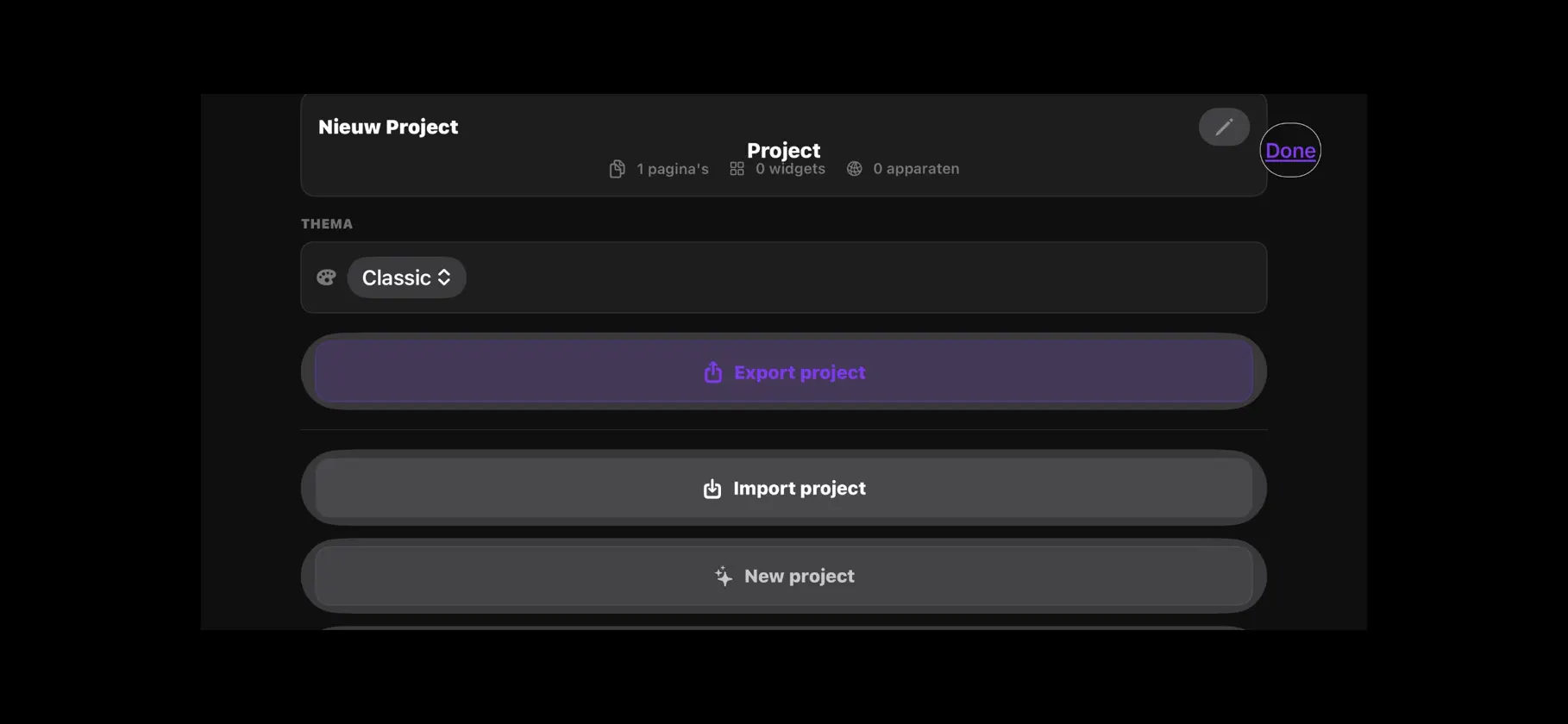
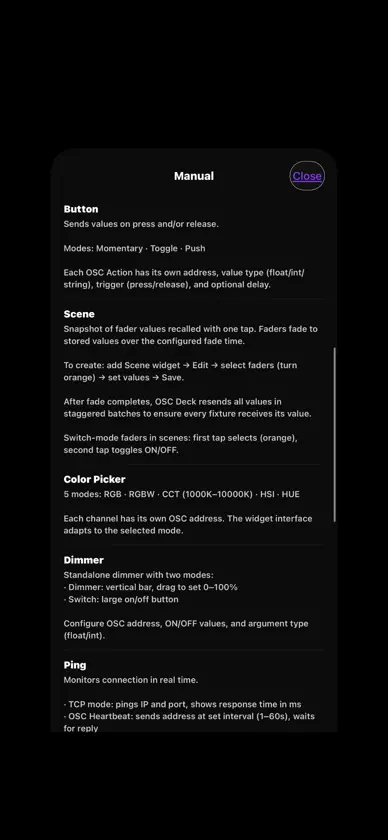
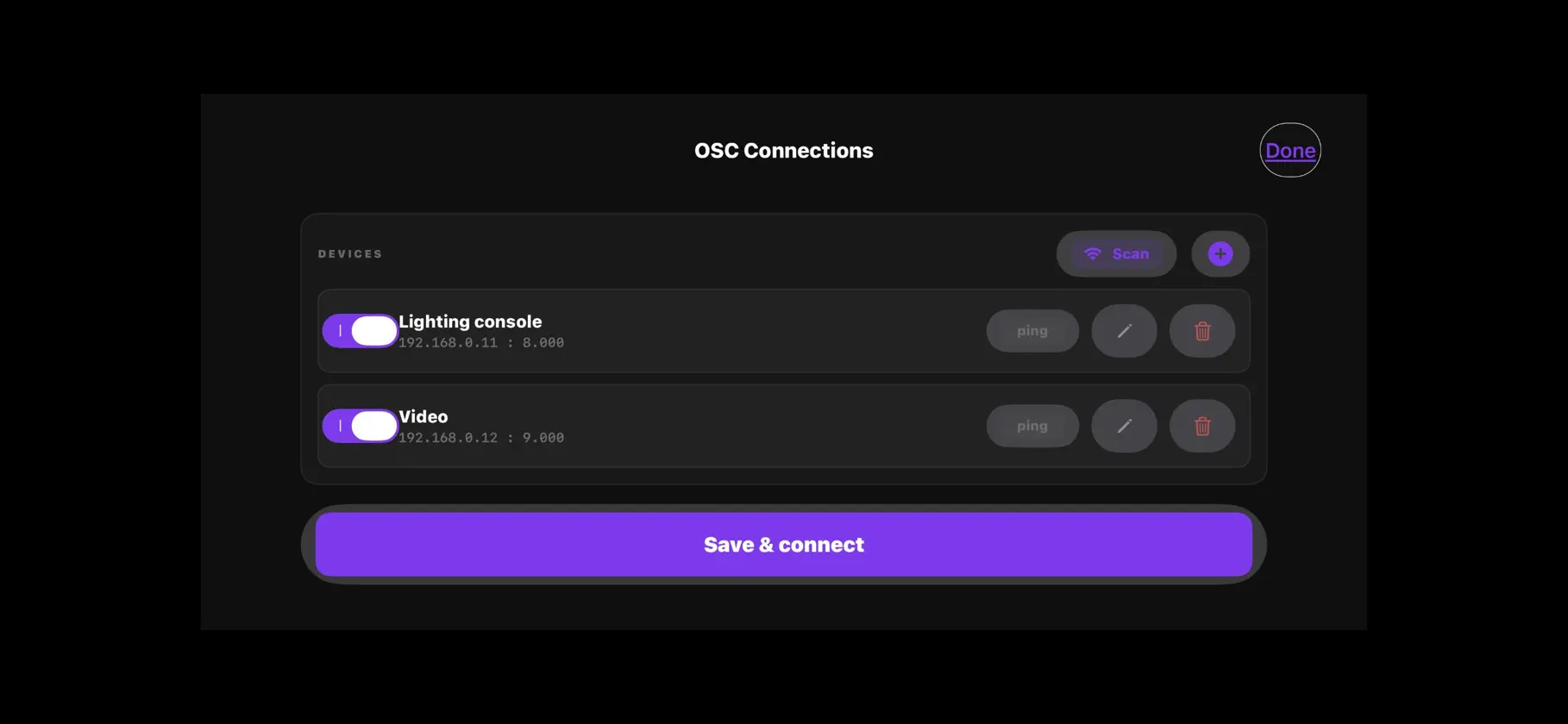
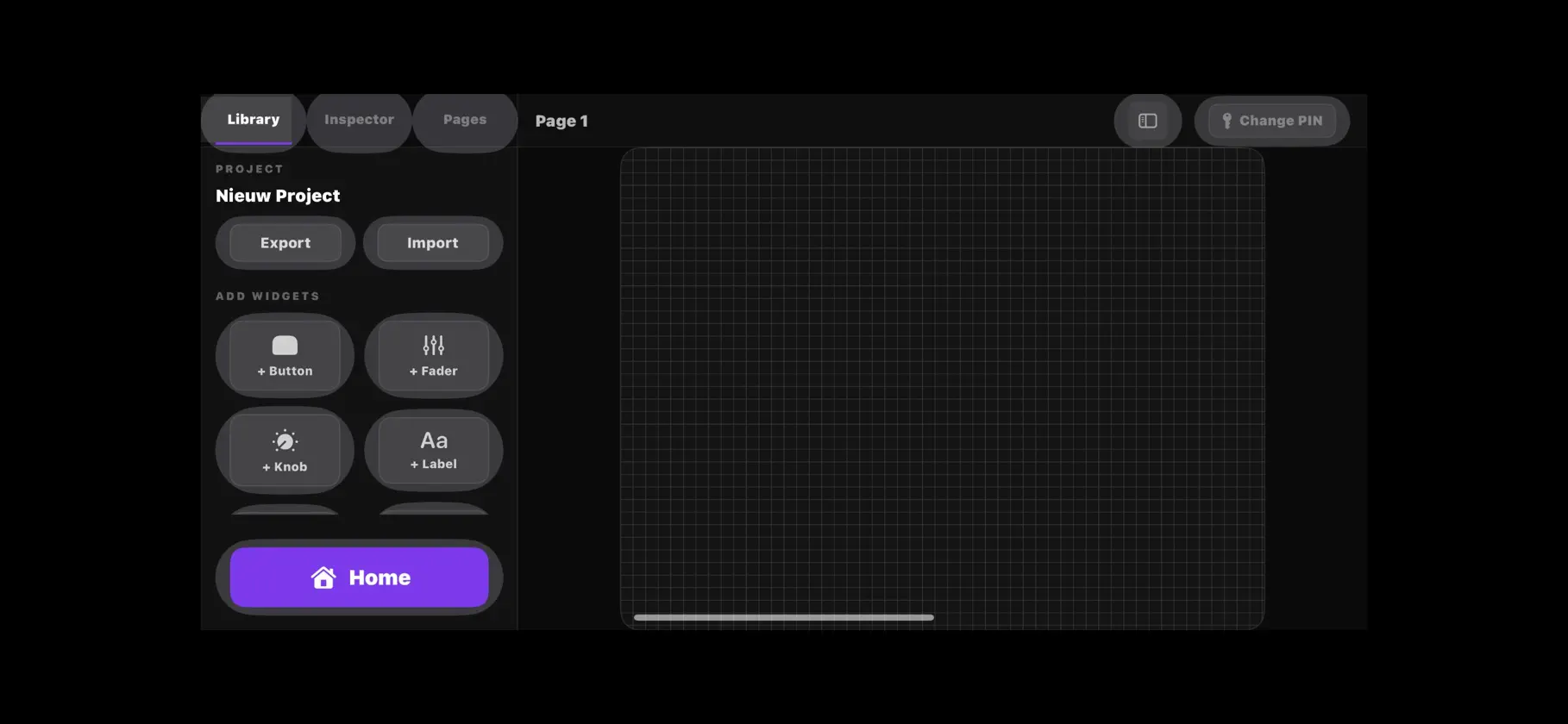
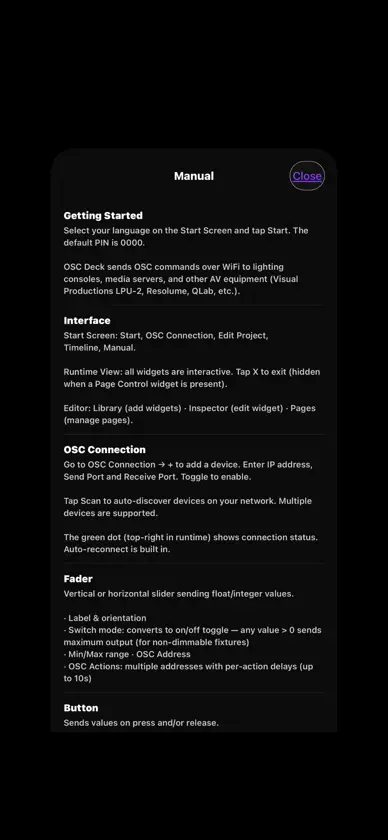
OSC Deck turns your iPad into a professional OSC (Open Sound Control) controller. Designed for lighting technicians, audio engineers, and AV professionals who need a reliable, customizable touch interface on stage or in the studio. BUILD YOUR CONTROL SURFACE Drag and drop faders, buttons, knobs, and scene triggers onto any layout Vertical and horizontal faders with automatic orientation on resize Multiple pages for different zones or scenes Logo widget for branding your control surface SCENE CONTROL Save and recall complete lighting states with one tap Smooth fade transitions with configurable fade time Edit scenes inline — select faders, set levels, save Queue system for conflict-free scene transitions MULTI-DEVICE OSC Connect to multiple OSC devices simultaneously Configurable send and receive ports per device Route specific pages to specific devices Works with any OSC-compatible system: Qlab, ETC, MA, and more THEMES 7 built-in visual themes: Classic, Neon Glow, Warm Analog, Light Studio, Glass Frosted, Industrial, Gold, Ibiza Sunset Custom accent color per fader Theme is saved with each project PROJECT MANAGEMENT Export and import projects as .oscdeck files OSC device settings saved with the project Auto-versioned file names on export OSC Deck is optimized for iPad in landscape mode, giving you the maximum screen space for your control surface. Works with any OSC-compatible software or hardware on your local network. No special hardware, accessory or pairing is required. Compatible with iOS 16 and later.
What's new
Version 4.1 · Nov 8, 2026
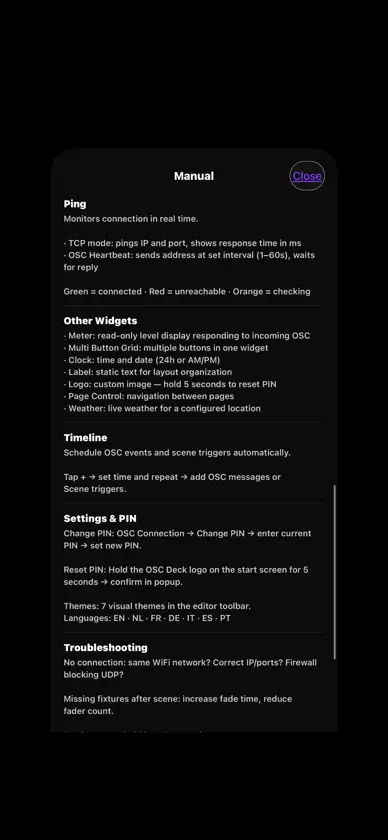
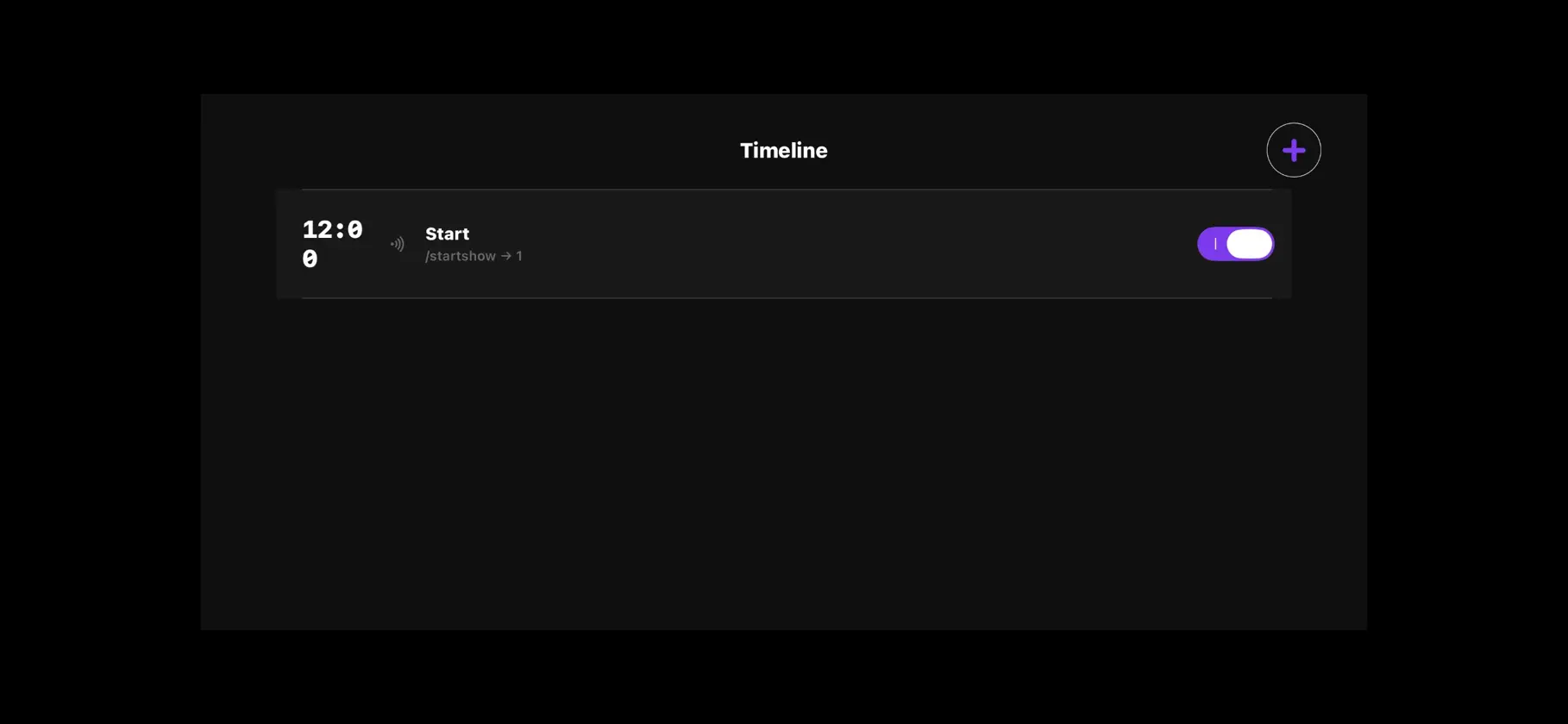
Version 4.1 — What's New New • Timeline: schedule OSC messages and scene triggers automatically, with repeat options • PIN code lock and auto-lock for the control screen • Network scan to discover OSC devices on your local network • Now available in Polish and Czech — 9 languages in total • The app automatically starts in your device language Improvements • The screen stays on while the control surface is open or automations are scheduled • If a saved project can no longer be opened, a backup is kept automatically • More reliable OSC connection with automatic reconnect • Stability and performance improvements


