
FlowShow
The Clairos Group,LLC
No ratings yetProductivityAges 17+
Screenshots



About this app
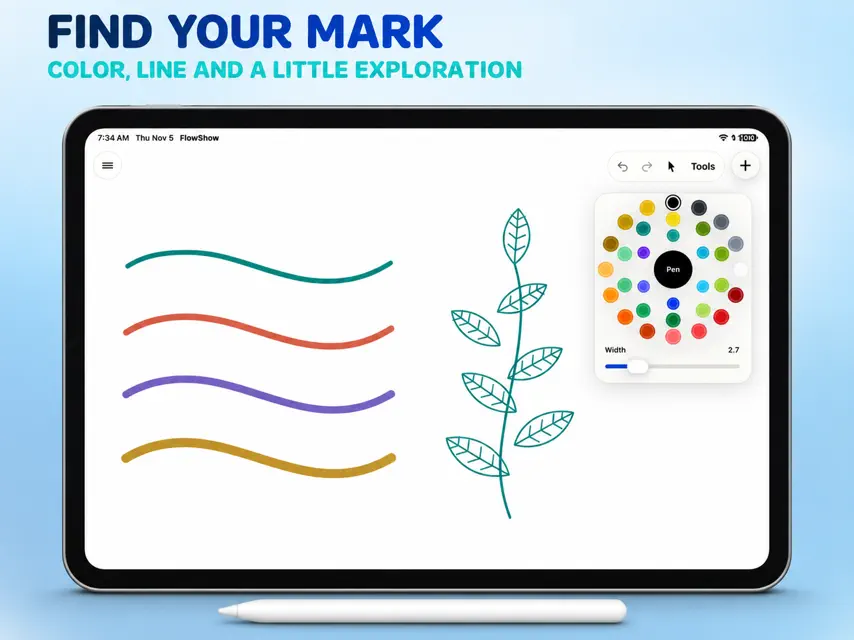
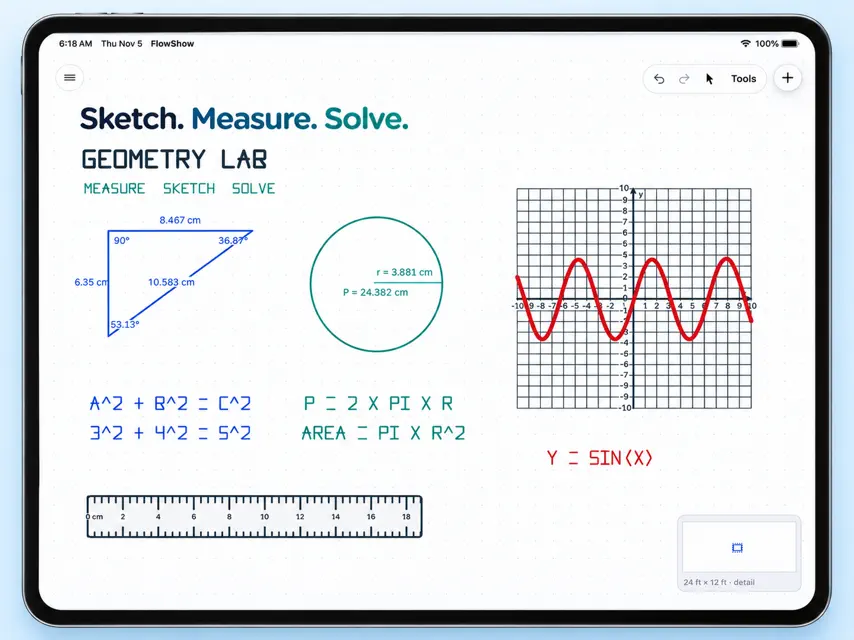
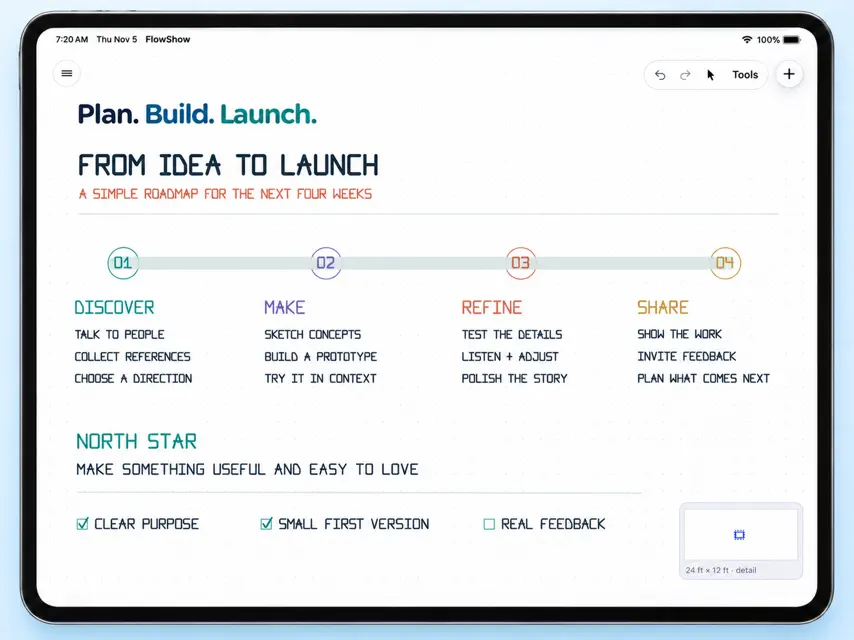
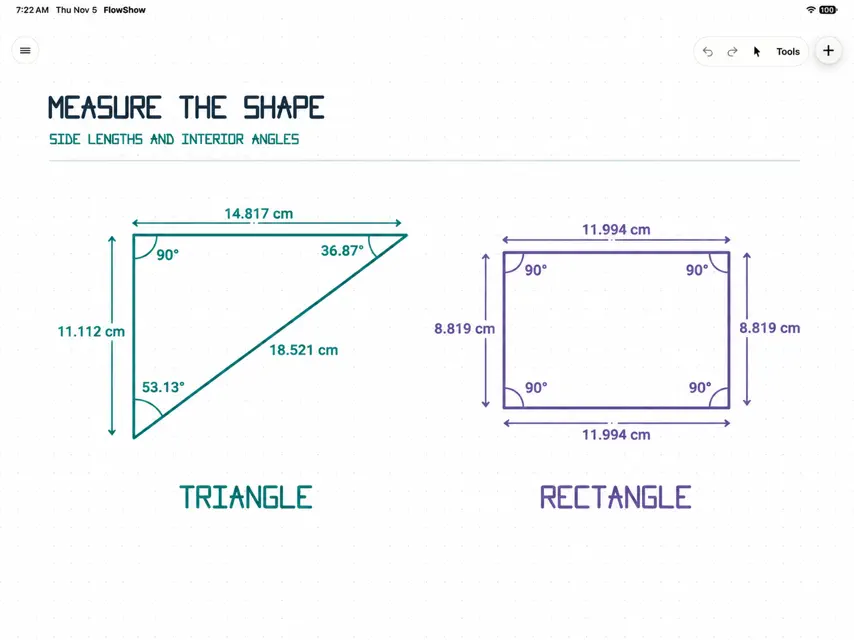
FlowShow — Your Ideas, Without Limits Turn your iPad into a powerful creative, mathematical, and technical workspace. FlowShow combines an Apple Pencil whiteboard, precision drawing tools, a scientific graphing calculator, and document editing in one intuitive app. Whether you're sketching ideas, solving equations, planning projects, studying mathematics, or working with documents, FlowShow gives you the freedom to think visually and get things done. **A WHITEBOARD BUILT FOR BIG IDEAS** Work across a massive 24 × 12-foot digital whiteboard with smooth navigation, detailed zooming, and a visual minimap that helps you find your way around. - Draw naturally with Apple Pencil using pen, pencil, marker, crayon, paint, and highlighter tools. - Move and arrange objects with your finger while keeping your Pencil focused on drawing. - Add shapes, arrows, curves, images, and diagrams. - Choose grids, dots, or a clean drawing surface. - Organize your work with grouping, alignment, duplication, and object locking. - Work in light or dark appearance. **PRECISION DRAWING AND GEOMETRY** Go beyond ordinary sketching with tools designed for technical diagrams, measurements, and mathematical construction. - Create editable lines, circles, arcs, polygons, and curves. - Measure lengths, angles, radii, and perimeters. - Use a 360-degree protractor and precise numeric dimensions. - Snap objects to grids, endpoints, intersections, and angles. - Apply geometric relationships such as parallel, perpendicular, and equal-length constraints. - Insert customizable X–Y coordinate planes. From classroom geometry to engineering sketches, FlowShow puts precision alongside creativity. **A GRAPHING CALCULATOR RIGHT ON YOUR BOARD** Calculate, visualize, and explore mathematical ideas without leaving your workspace. - Scientific calculations, complex numbers, and stored variables. - Graph functions, parametric equations, polar equations, and sequences. - Explore graphs with interactive panning, zooming, and trace. - Analyze roots, intersections, extrema, derivatives, and integrals numerically. - Work with matrices, statistics, regression, probability distributions, and equation solvers. - Create tables and insert graphs or calculation results into your whiteboard. Your calculator stays available while you draw, annotate, and work through problems. **DOCUMENTS, SPREADSHEETS, AND FILES** Bring your working materials directly into FlowShow. - Open and edit supported Word DOCX paragraphs. - Navigate and edit supported Excel XLSX worksheets, cells, and formulas. - Preview PDF documents and legacy Word and Excel files. - Pin document frames in place while continuing to work with their contents. - Preserve original files and share supported edited versions. - Add photographs, images, and editable text files to your workspace. Document editing supports a defined set of common features; advanced Office formatting, formulas, and structures may remain read-only. **EVERYTHING IN ONE WORKSPACE** FlowShow brings your tools together so you can stay focused on what you're creating. - Organize work into projects and boards. - Use an embedded browser for research. - Access Apple Calendar events and scheduling. - Add tables, images, and reference materials. - Save locally with automatic saving and undo/redo. - Export your work as PNG, SVG, or editable FlowShow files. **MADE FOR STUDENTS, EDUCATORS, CREATORS, AND PROBLEM SOLVERS** Use FlowShow for math homework, geometry lessons, technical sketches, research notes, brainstorming, visual planning, and creative projects. Draw it. Measure it. Calculate it. Organize it. One iPad. One workspace. **ONE PURCHASE. NO SUBSCRIPTIONS.** Get FlowShow with a single purchase. No recurring subscription required. Make room for your ideas with FlowShow.
What's new
Version 7.0 · Nov 9, 2026
**FlowShow 7.0 — A Major Upgrade to Your Creative Workspace** FlowShow 7.0 brings a redesigned technical whiteboard, advanced drawing and measurement tools, a powerful graphing calculator, and native document editing. It's our biggest step forward in bringing drawing, mathematics, and productivity together on iPad. **NEW: A 24 × 12-FOOT TECHNICAL WHITEBOARD** We've rebuilt the drawing experience around a large, fixed-size workspace designed for both freehand creativity and precision work. - Smooth pan and zoom with improved Apple Pencil responsiveness. - A visual minimap showing your artwork and current viewing area. - Improved ink rendering, erasing, and navigation. - Grid and dot spacing that stays consistent as you zoom. - Better handling of existing drawings and saved projects. **NEW: PRECISION GEOMETRY AND MEASUREMENT** Create more than sketches with a comprehensive set of technical drawing tools. - Draw and edit lines, arrows, curves, arcs, circles, and polygons. - Display measurements including lengths, angles, radii, and perimeters. - Use a translucent 360-degree protractor. - Insert customizable X–Y coordinate planes. - Snap to grids, endpoints, intersections, and angles. - Apply geometric relationships for more accurate constructions. - Group, align, duplicate, rotate, and resize objects. **NEW: ADVANCED GRAPHING CALCULATOR** A dedicated calculator now works alongside your whiteboard, so you can solve problems and visualize results without switching apps. - Scientific calculations and complex arithmetic. - Interactive function, parametric, polar, and sequence graphs. - Graph tracing, zooming, and numerical analysis. - Matrix editing, arithmetic, determinants, inverses, and equation solving. - Statistics, regression, probability distributions, and tables. - Calculus tools, polynomial solvers, and financial calculations. - Insert graphs and results directly into your board. **NEW: OFFLINE WORD AND EXCEL EDITING** Work with supported document and spreadsheet content directly inside FlowShow. - Open and edit supported DOCX paragraphs. - Browse XLSX worksheets and edit supported cells and formulas. - Save changes while preserving original imported files. - Share original files or supported edited copies. - Pin document frames in place without locking their editable contents. - Improved handling of file imports, exports, and saved attachments. Complex Office structures and unsupported formulas are preserved where supported but may remain read-only. DOC and XLS formats remain preview-only. **IMPROVED: IMAGES, ORGANIZATION, AND EXPORTS** - Import multiple photos and images from Files. - Crop, flip, and adjust image opacity without destroying originals. - Improved object selection and manipulation controls. - More reliable autosaving, undo/redo, and project preservation. - Updated PNG, SVG, and editable board export handling. - Restored the original blue and teal FlowShow app icon. **BUILT FOR YOUR IDEAS** Whether you're a student solving equations, a teacher creating diagrams, a designer exploring concepts, or someone who simply thinks better with a Pencil, FlowShow 7.0 gives you more ways to create and work in one place. Thank you for supporting FlowShow. We're excited to put these new tools in your hands.
More from The Clairos Group,LLC


You might also like
 Taskly BoardMohamed Tawfik
 Amazing Notes: Lecture & PDFNardi Haxhija
 Pastel PonderBrandon Tate
 Mote DailyZurex Zhu
 RiznoAsmaa Almarrikhi
 Penlog: Handwriting JournalRT Indianapolis Holdings LLC
 Nextbox - Fast, fun emailNext Level Coder, LLC
 InkThink - Handwritten PlannerSundaram Applied Technologies
 Monsu - Daily PlannerEvgenii Shitov
 OneTodo - Personal Task SystemChengdu Reinvent Technology Co., Ltd.