
RequestNinja
Kevin Holland
No ratings yetMusicAges 12+
Screenshots


About this app
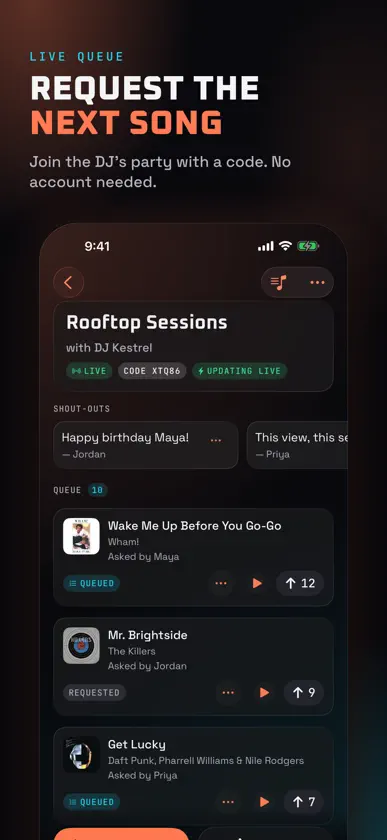
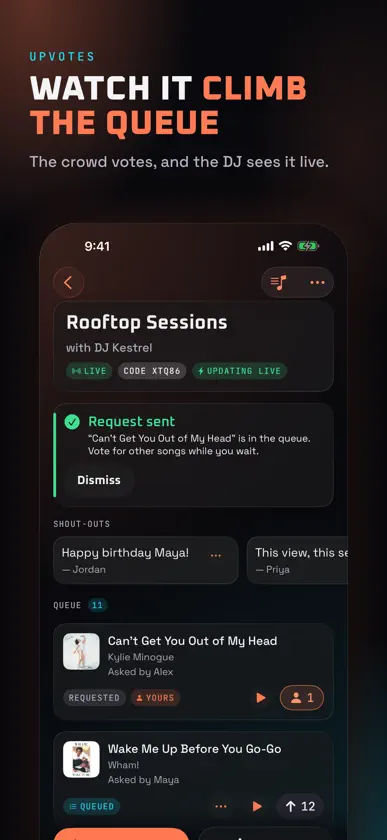
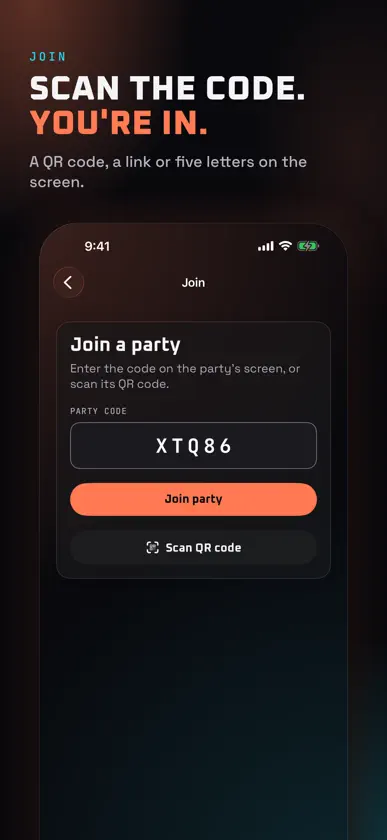
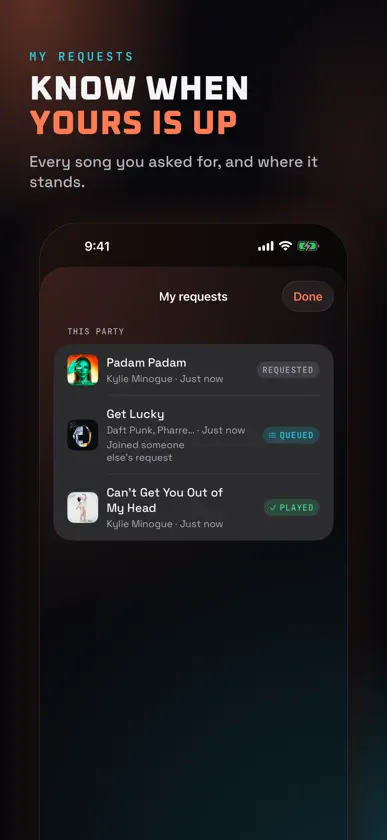
Ask the DJ for the next song. request.ninja puts the request line in your pocket. Join the party, find the track, send it to the booth, and watch the queue move in real time. JOIN IN SECONDS • Type the code on the party's screen, scan its QR code, or open the party link • No account and no sign-up. Your first name goes with the songs you ask for FIND THE SONG • Search by song or artist as you type, with artwork, album and an explicit mark • Play a 30-second preview before you send it • Open a track in Apple Music • Not in the results? Send the title exactly as you typed it WORK THE QUEUE • The queue updates live as the DJ queues and plays • Upvote the songs you want next. One vote per song, and your own request already counts • Picked the same track as someone else? Your name and vote join their request, so the queue stays clean • Every request shows where it stands: Requested, Queued, Playing now or Played SHOUT-OUTS When the DJ turns them on, send a message for the big screen: a birthday, a dedication, a call to the dance floor. The DJ approves each one before anyone sees it. MY REQUESTS Every song you've asked for, at this party and the ones before, with its latest status. KEPT FRIENDLY Offensive words in names, requests and shout-outs are filtered by default, and the DJ can take any request off the queue. FOR THE DJ Running the night? Sign in with your request.ninja DJ account or a passkey. The DJ console, with the request queue, shout-out and selfie approvals and a projector screen for a second display, is request.ninja for Mac. BUILT FOR A DARK ROOM • iPhone and iPad, portrait or landscape • Dark by design, easy to read under club lights • Works with VoiceOver and larger text sizes You'll need a party code, QR code or link from a DJ who runs request.ninja.


