
Atomic Clock PRO
Brachmann Online Marketing GmbH & Co. KG
4.8(40)UtilitiesAges 4+
Screenshots

About this app
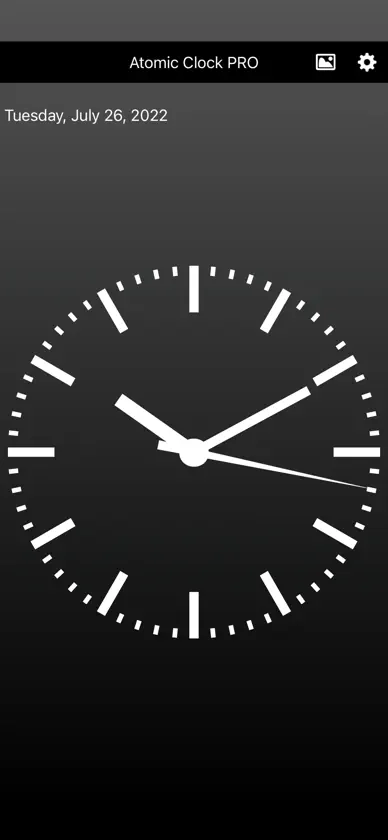
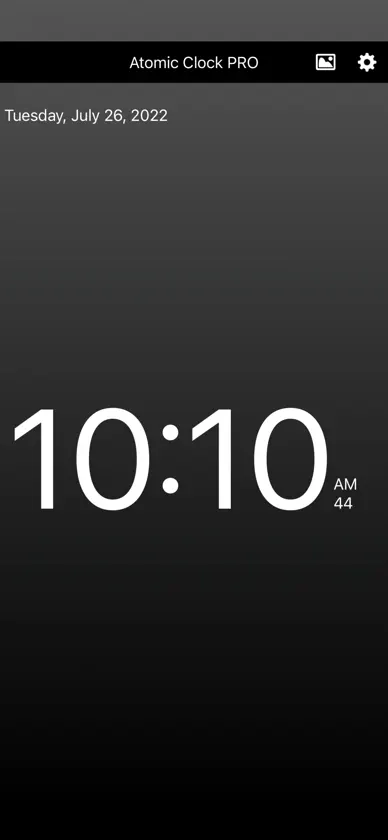
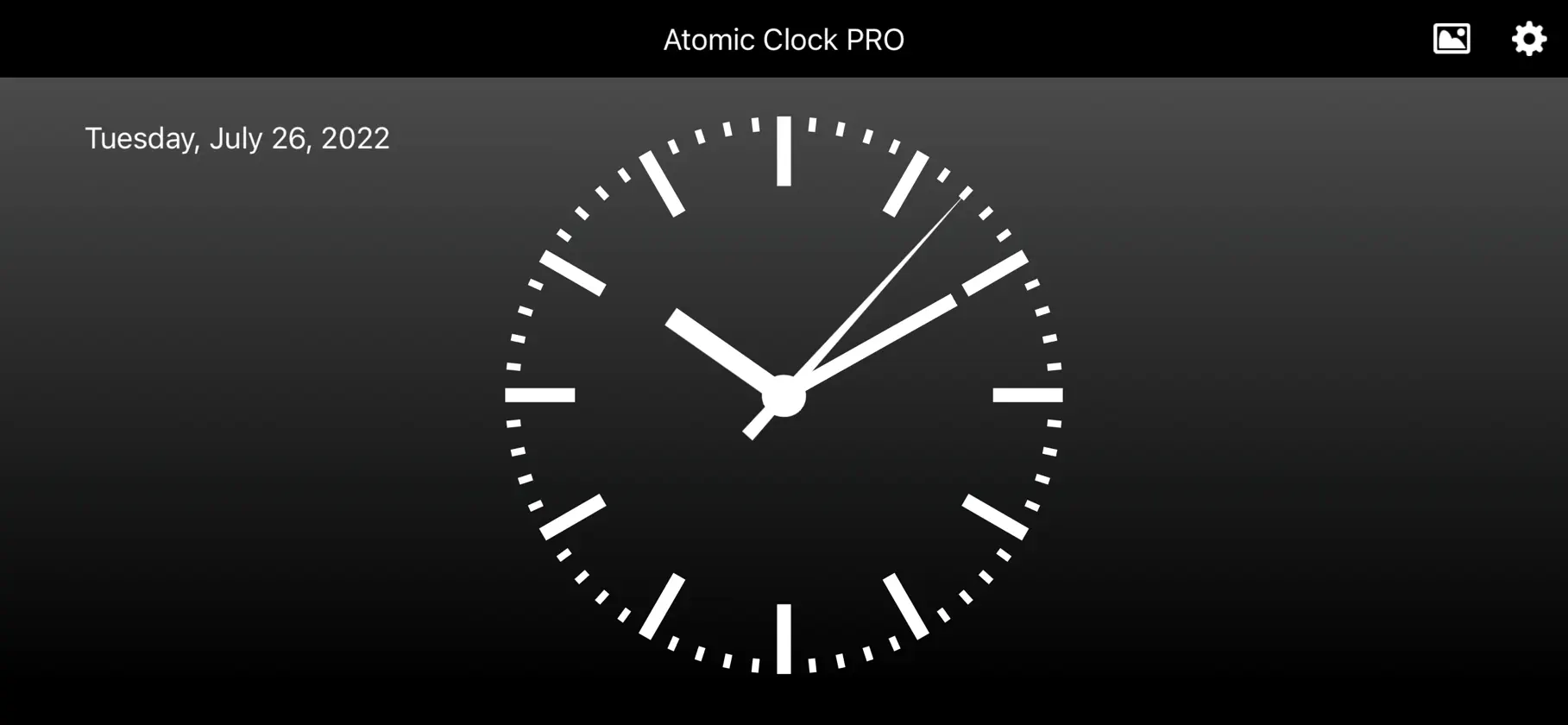
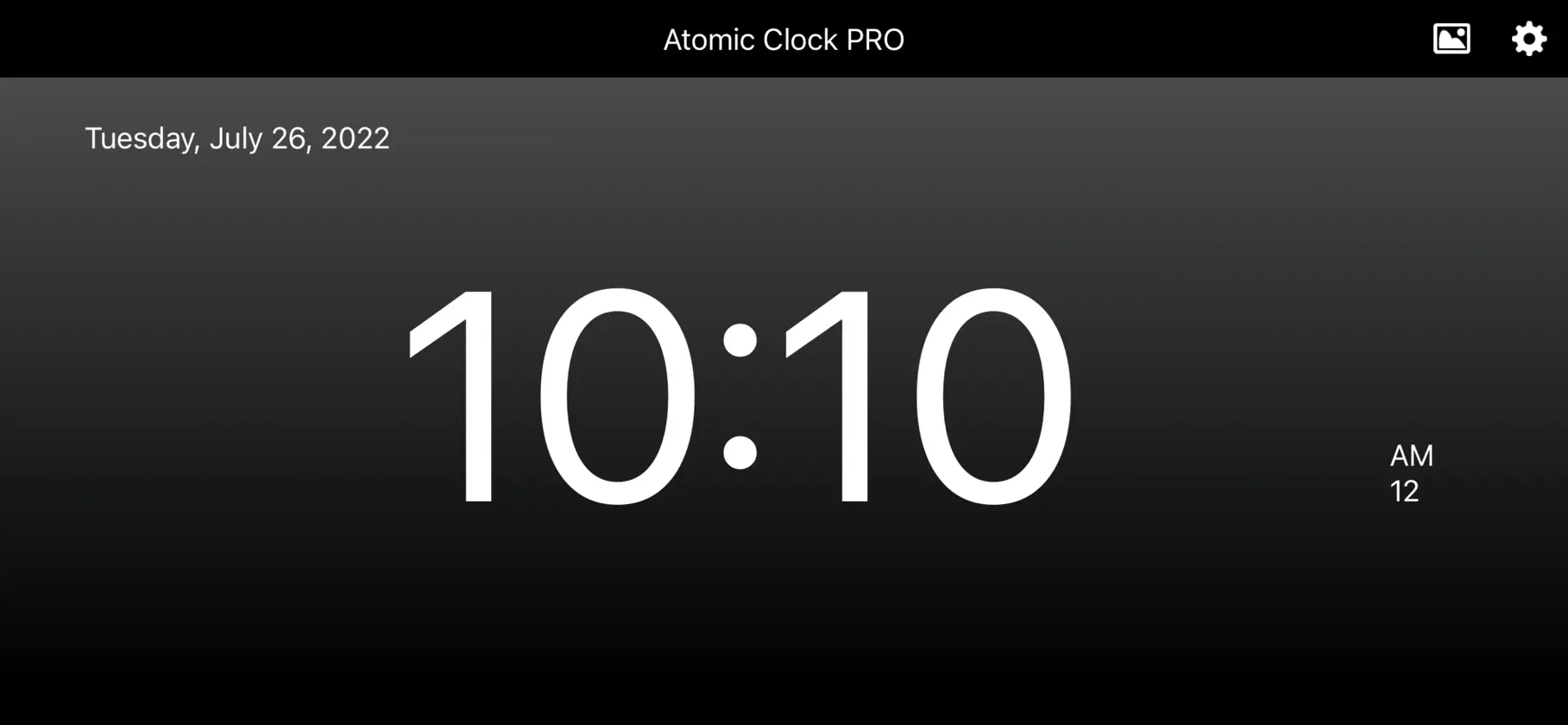
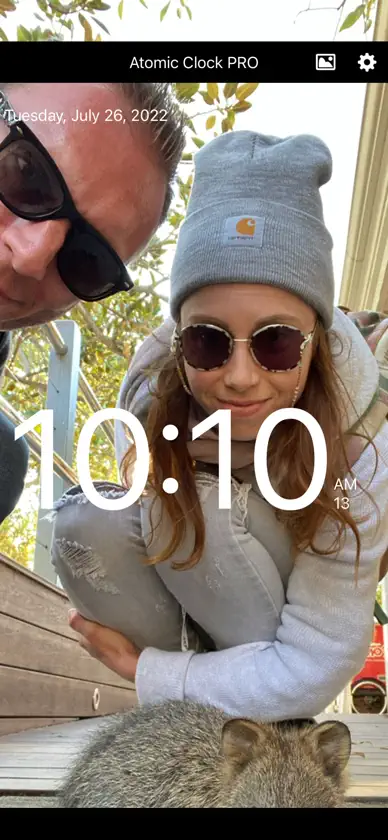
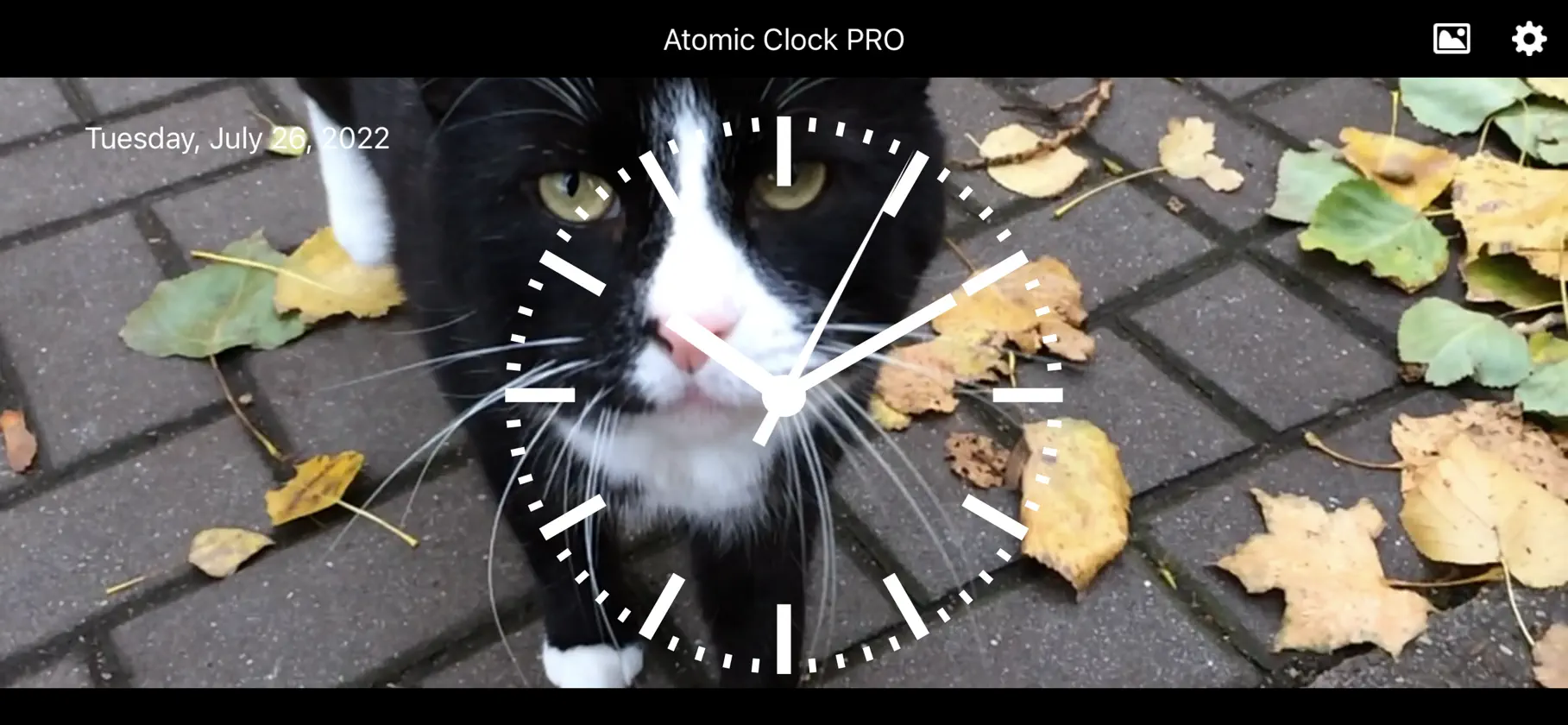
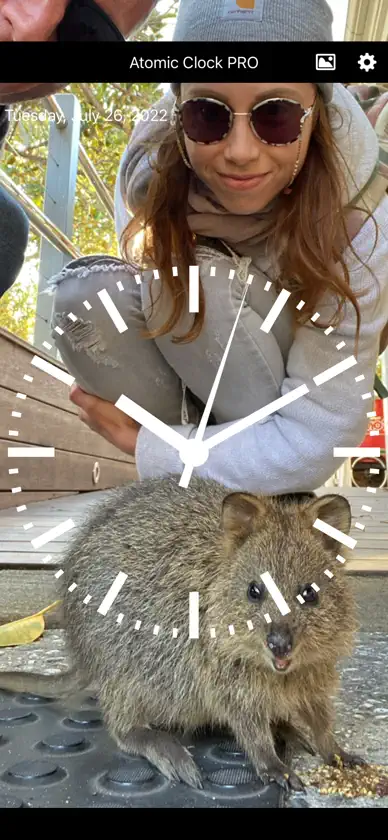
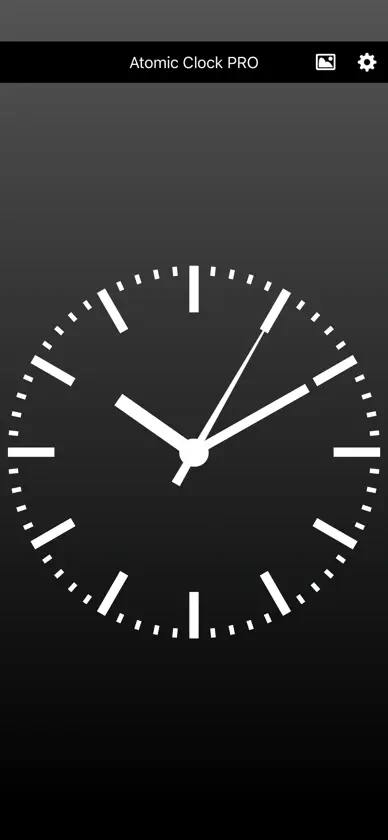
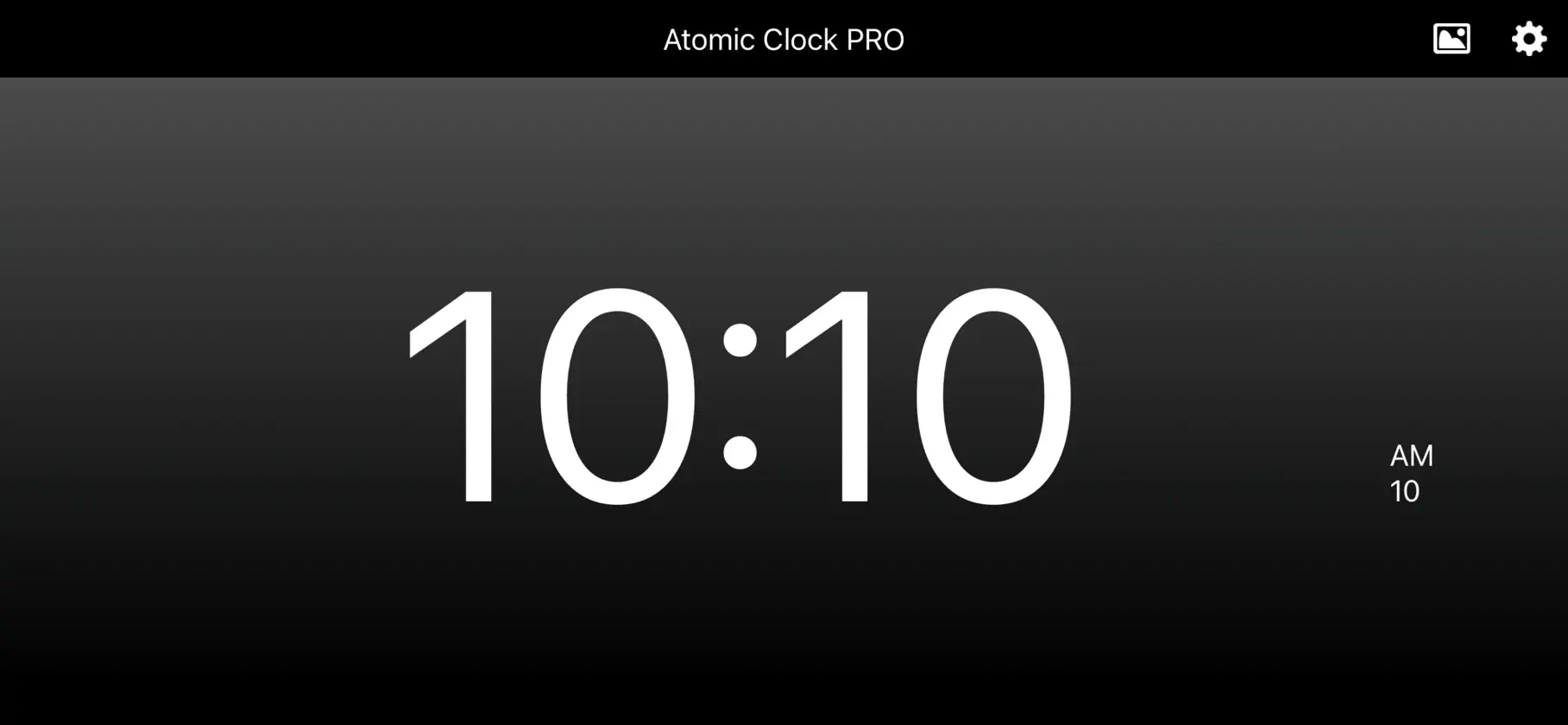
Get accurate time on your iPhone and iPad by syncing with an official atomic clock time server. Download now for free! If you want exact time, a precise time reference, or an easy-to-read clock display, this app is designed for that. It automatically recognizes your time zone, lets you use one of your own photos as the background, and lets you switch between a digital display and a classic analog clock with a simple swipe. It is ideal as a personalized desk clock, a reliable travel companion, an everyday reference clock, or when you need exact time to set a mechanical watch accurately. Overview: - Accurate and precise time synced from an official atomic clock time server - Automatically recognizes your time zone and shows the current local time - Choose digital, analog, or combined analog and digital clock displays - Swipe to switch between clock displays - Resize the digital clock for a larger or smaller display - Includes time (hours, minutes, and seconds), date, and day of the week (optional) - Optional sound every second or every minute - Change clock and background colors - Use your own photos as background images - Choose atomic clock sync or your device's system clock - Option to keep the screen awake while the app is open - Works in portrait and landscape mode - For iPhone and iPad Helpful for: - A personalized desk clock at home or at work - Getting the correct local time while traveling - Setting a mechanical watch accurately - A clear reference clock when you want accurate, easy-to-read time PLEASE NOTE: You can switch between the analog and digital clock by swiping left or right across the clock. Disclaimer: Please note that whilst all reasonable care has been taken to make this application as accurate as possible we can not guarantee 100% accuracy. Standard Apple Terms of Use (EULA): https://www.apple.com/legal/internet-services/itunes/dev/stdeula/
What's new
Version 1.8 · Oct 30, 2026
What’s New in Version 1.8 • Support for the foldable iPhone Duo: On the large display, the analogue clock sits on one half and the time and date on the other. Tap to swap sides. – New: Desk Clock (Premium). Half-fold your iPhone Duo like a laptop. The clock stands on top, the day and date sit below, and the display stays on. • Numbers on the analogue clock (Premium): choose 12, 3, 6 and 9 or all numbers, matching your clock colour. • Adjustable date size (Premium): from small to extra large, with a live preview. • New feature: “Reset all settings”. • Bug fixes: In some languages, the date was written with small errors. These are now fixed, along with a few other small, rare bugs.
In-app purchases
The most popular purchases on the App Store.
- PremiumSubscription฿79.00 / month
- Remove AdsConsumable฿199.00
More from Brachmann Online Marketing GmbH & Co. KG
 Photo Compress - Shrink PicsBrachmann Online Marketing GmbH & Co. KG
 Video Compress - Shrink VidsBrachmann Online Marketing GmbH & Co. KG
 Video Speed Changer - EditorBrachmann Online Marketing GmbH & Co. KG
 Reverse Video EditorBrachmann Online Marketing GmbH & Co. KG
 The Date Calculator PROBrachmann Online Marketing GmbH & Co. KG
 Quick Calculation QuizBrachmann Online Marketing GmbH & Co. KG
 Moon Calendar with Moon PhasesBrachmann Online Marketing GmbH & Co. KG
 Multiplication 1x1 - Math GameBrachmann Online Marketing GmbH & Co. KG
You might also like
 AtomicClock: NTP TimeTimo Partl
 The Analog ClockVida Apps Incorporated
 The Clocks: Alarm, World ClockMeanterm Inc.
 Simple_ClockSeung-Un Ham
 Alarm Clock - Wake up MusicImpala Studios
 One Touch Alarm ClockHANBUNCO, INC.
 Fullscreen Clock: Flip & FocusShenzhen Gude Aipu Technology Co., Ltd
 eClock!庆猛 邓
 My Digital ClockArumugam Kalaichelvan
 Alarm Clock HDImpala Studios