
DayGlow: Countdown Timer
kishan italiya
No ratings yetUtilitiesAges 4+
Screenshots

About this app
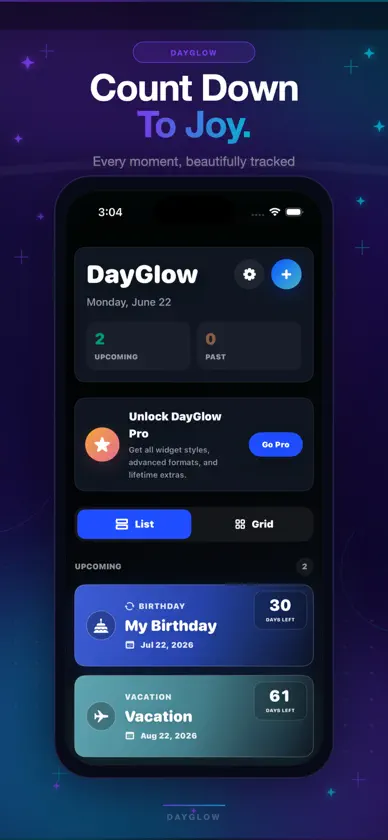
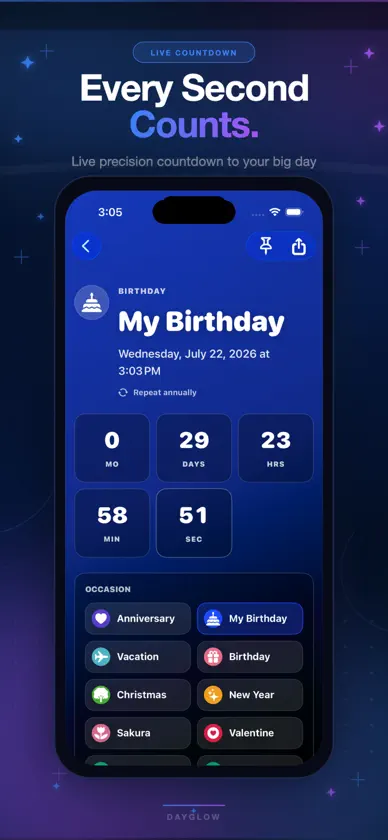
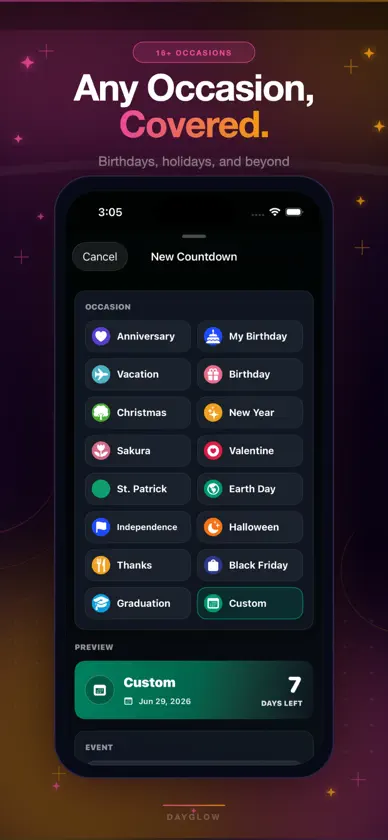
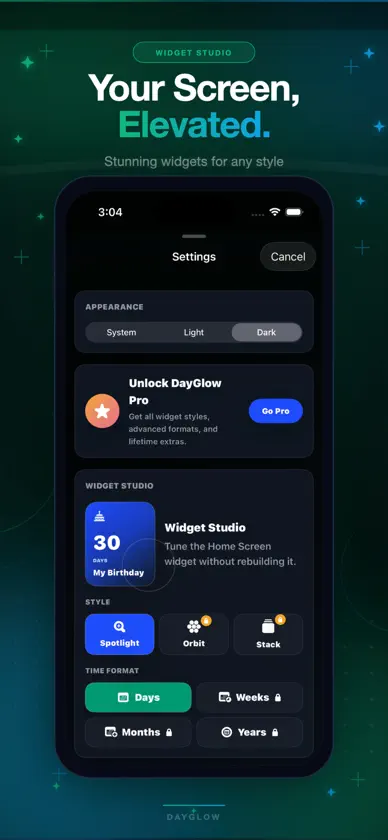
Count down to anything. DayGlow puts beautiful, glanceable widgets on your Home Screen and Lock Screen so your next birthday, trip, or deadline is always visible — no app-opening required. Zero data collected. Works on iPhone, iPad, and Vision. Set it once. See it every day. WHY DAYGLOW No subscription. Ever. DayGlow Pro is a one-time purchase. No recurring charges, no surprise renewals, no paywalled reminders. Pay once and own it. Zero data collected. DayGlow does not collect, store, or share your personal data. What you track stays on your device. Completely private. Works across all your Apple devices. iPhone, iPad, and Apple Vision. One app, everywhere. 16 languages supported. English, French, German, Spanish, Italian, Japanese, Korean, Chinese, and more. WHAT YOU CAN TRACK • Birthdays and anniversaries — never forget the people you care about • Trips and vacations — days until you're somewhere you love • Weddings and engagements — count down to the biggest day • Graduation and exams — stay focused on the finish line • Holidays — Christmas, New Year, Diwali, Eid, and every celebration • Deadlines — projects, launches, and important due dates • Personal milestones — sobriety, fitness goals, big life moments • Anything — if it matters to you, count down to it DAYGLOW PRO — WIDGET STUDIO Upgrade to DayGlow Pro to unlock the full Widget Studio: • Premium widget styles — minimal, bold, colorful, and dark designs • Advanced time formats — display weeks, months, or years remaining • Multi-event stack widgets — show multiple countdowns in one widget slot • Full Home Screen and Lock Screen customization • Colors, notes, and event personalization The free version lets you create unlimited countdowns and reminders. Pro unlocks how they look on your Home Screen and Lock Screen. HOW IT WORKS 1. Create an event — choose a category, pick a date, add a color and note 2. Add the widget — long-press your Home Screen, tap + and find DayGlow 3. See it every day — your countdown is always there, at a glance FEATURES • Beautiful countdown cards in the app • Home Screen widgets — small, medium, and large sizes • Lock Screen widget support • Birthday, anniversary, holiday, trip, wedding, and custom event types • Repeating yearly countdowns — auto-advance each year • Event reminders and notifications • Notes for plans, gifts, addresses, and ideas • Light and dark appearance • Pin important dates to the top • Multiple language support Terms of Use: https://belymoninfotech.com/app/dayglow/termsofuse.html Privacy Policy: https://belymoninfotech.com/app/dayglow/privacypolicy.html
What's new
Version 1.6 · Oct 27, 2026
• Optimized in-app ad experience • Updated privacy and tracking consent controls • Performance enhancements and stability improvements
In-app purchases
The most popular purchases on the App Store.
- DayGlow WidgetConsumable฿199.00
More from kishan italiya


You might also like
 Not Another CountdownAndy Arevalo
 Days Until - Countdown TrackerNathan Musselman
 Countdown — Event TrackerAntoine Coilliaux
 Countdowner AppZDENEK PODANY
 Super-Simple CounterAnthony Splaver
 Birthday Reminder ۬Draunt LLC
 Countdown Days & EventsAhmet Genc
 Yet Another CountdownJONATAN DAUGBJERG BJERREKAER
 Countdown Widget: Days & TimerAtul Kumar
 Countdown Timer: Days & EventsPhuc Pham