
Questionnaire Maker
Kazuya Fujita
No ratings yetUtilitiesAges 4+
Screenshots

About this app
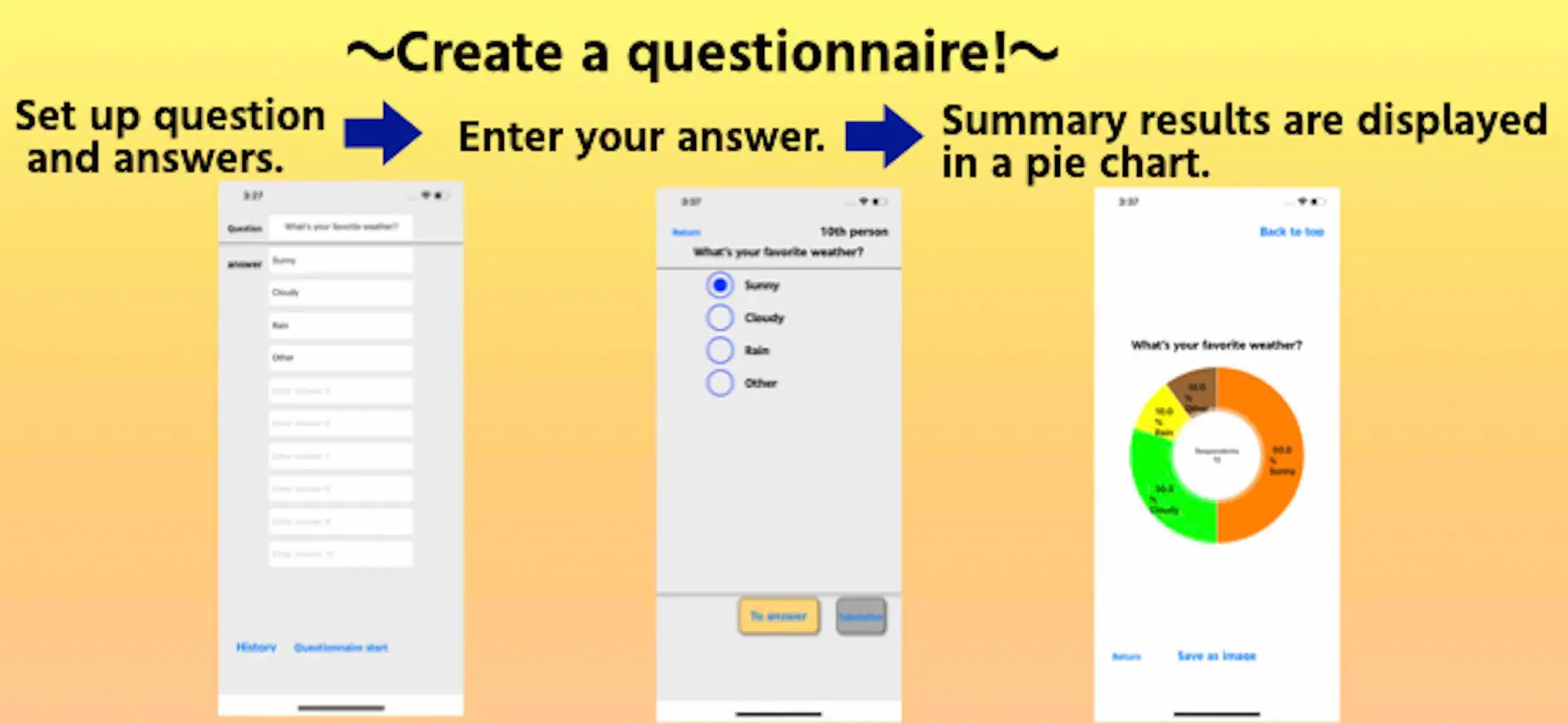
(1) Enter the question you want to take a questionnaire and its answers, and tap the "Questionnaire start" button. (2) The screen will move to the answer screen. Tap the radio button to the left of the contents you want to answer, and tap the "To answer" button at the bottom. (3) After repeating (2) until a sufficient answer is obtained, tap "Tabulation" to display the result as a pie chart. Tap the bottom button to save the resulting graph as an image in the album. (4) You can resume the survey from the continuation by tapping "Return", but please be aware that the summary results will be erased when you return to the top. (5) When you tap "History" on the top screen, up to 10 aggregated results are saved. (If it exceeds 10, it will be deleted from the old one.) Please contact the review section or DM here. https://twitter.com/corasck
What's new
Version 1.0.4 · Jun 9, 2020
Bug fixes and performance improvements.
More from Kazuya Fujita


You might also like
 Forms & Docs for Google FormsZed Chile S.A.
 SurveyMarsWjx International Limited
 ALLCounter: Tally CounterYuya Isago
 问卷调查局-报名考试接龙统计Changsha yuanli network technology co. LTD.
 Form Maker for Google FormsAppsy Digital
 QR Survey GeneratorAshen Ishanka Costha
 Quiz CreateDiogenes Souza
 问卷网-专业调查问卷投票平台上海众言网络科技有限公司
 Quick Form: Fieldwork Formsnelson quiroz
 Haiku NoteMihoko Araki