
Solve: Study Notes
Testbank Inc.
No ratings yetEducationAges 12+
Screenshots



About this app
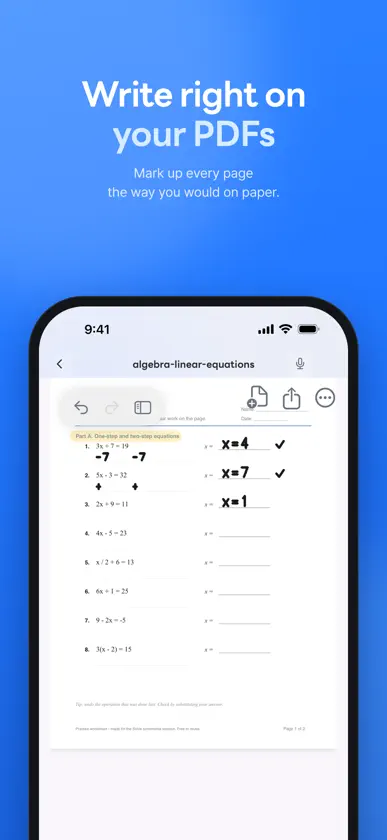
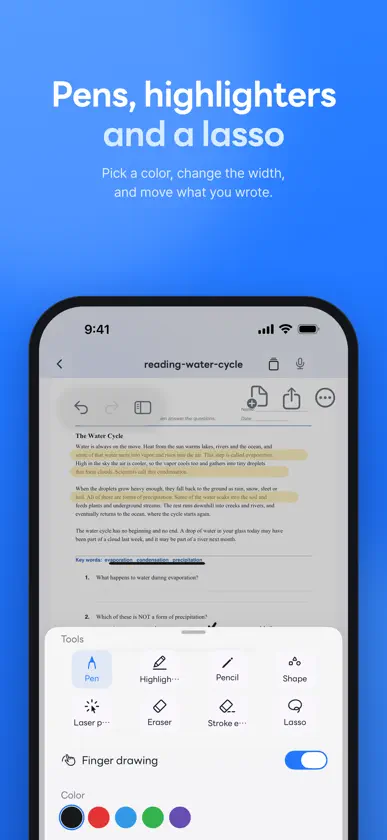
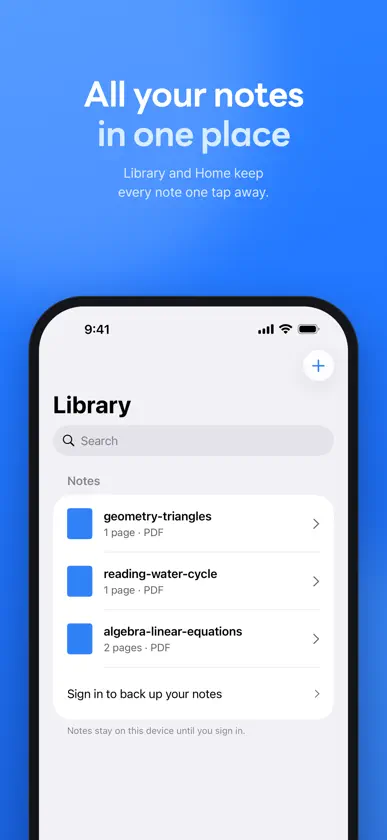
Study the materials you already have with Solve. Read a summary, ask AI about your uploads, and write on the pages as you learn. ADD YOUR MATERIALS Add PDFs and web links, take photos of pages, or scan paper documents with your camera. You can also upload .pptx, .docx, .xlsx, .md, .txt and .csv files. AI can read the text in your photos and scans. Follow the processing status as your material gets ready. ASK AND CHECK THE SOURCE Ask AI about the materials you upload. Tap a source reference to go to the page when a page reference is available. Select an area on a page and ask about just that part. If the material does not support an answer, Solve lets you know. STUDY THIS PAGE Get an explanation, practice questions and key terms for the page you are reading. Find problems on a page and view their solutions. Write your answer by hand and have AI check it. WRITE AS YOU LEARN Write on your PDFs, photos and scans, and on the text of saved web links with the pen tools. You can also freeze a web page and write on it. Summarize or organize your handwritten notes with AI. Your handwriting syncs to your account. Study on iPhone and iPad. YOU CHOOSE AI PROCESSING Before using AI, review what will be sent for processing and choose whether to allow it. You can turn off future AI processing in Settings. AI features have a daily free limit. AI responses can be wrong. Check them against your source material. Sign in to add and study your materials, or start with a sample. Questions: contact@testbank.ai Privacy Policy: https://policy.solve.im/privacy/en Terms of Service: https://policy.solve.im/terms/en
What's new
Version 3.11.9 · Nov 9, 2026
What's new in 3.11.9 • The redesigned Scores tab shows overall accuracy on one line at the top and lists only graded units. Each unit and page fits on one line; on narrow panels, a long unit name appears above its numbers. Panel tabs no longer get cut off. • "All passages" now has a separate "Figures" section for figures shared across math questions. Tap a figure to enlarge it. • After "Grade all," grading marks appear right away on previously opened pages, including previous and next pages, without reopening them. • Both AI processing consent items are visible on one screen without scrolling. The screen explains that "Allow" becomes available only after you check both items. • The long-press menu opens more reliably with a normal finger touch. • Handwriting saves more reliably: your latest strokes are kept and recovered automatically if saving is temporarily rejected.
You might also like
 풀다 - 중고등 AI 내신·수능 기출 학습앱FilledU Inc.
 기출탭탭-AI 맞춤 문제, 내신, 수능, 고등 전 과목VISANG EDUCATION INC
 체리(Chery) - 내신이 쉬워진다!MISE
 수학대왕 - AI디지털문제집Turing Co.,Ltd.
 TestGenie: Digital SAT PrepSling Inc
 개념원리ai - 중고등 수학, 기출, 내신, 모의평가(주)개념원리
 올클-공부타이머, 할일, 챌린지, 영단어, 일기, 명언모트모트
 Chalcack: Your Study CrushDong Hae Jang
 EBS 중학프리미엄EBS(한국교육방송공사)
 EBSi 고교강의EBS(한국교육방송공사)