
Tim Scanner
Mete Oguzhan
No ratings yetProductivityAges 4+
Screenshots








About this app
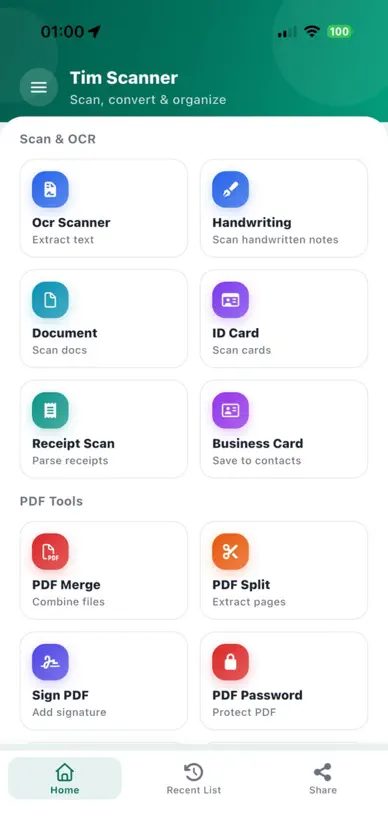
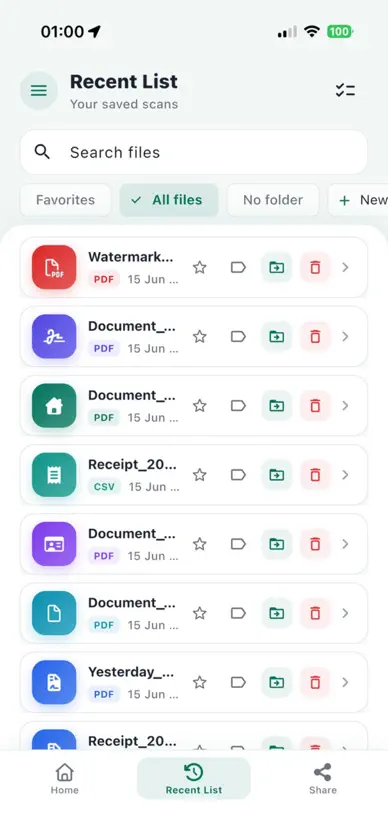
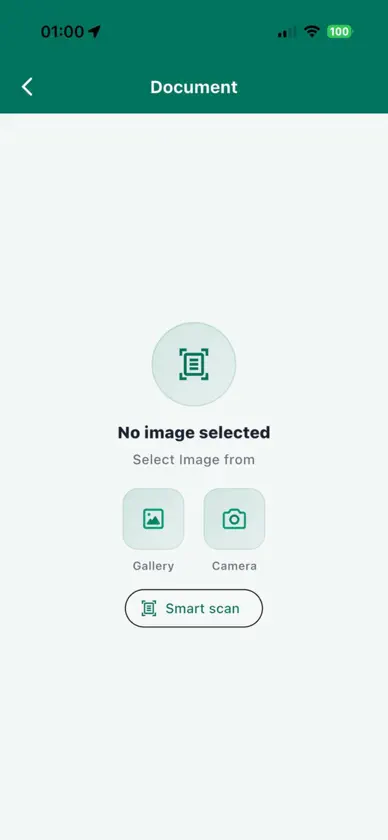
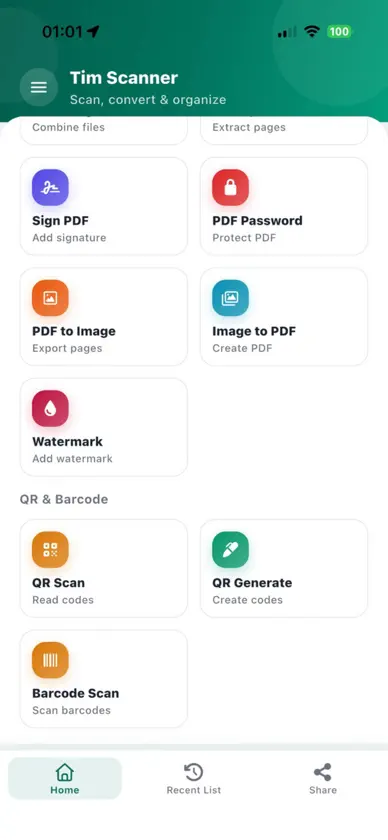
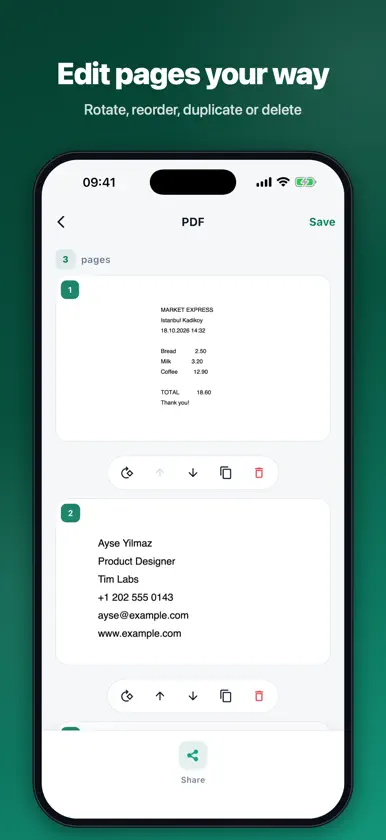
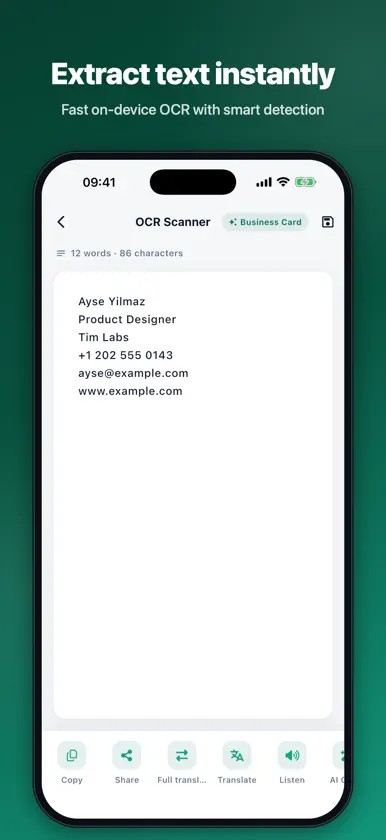
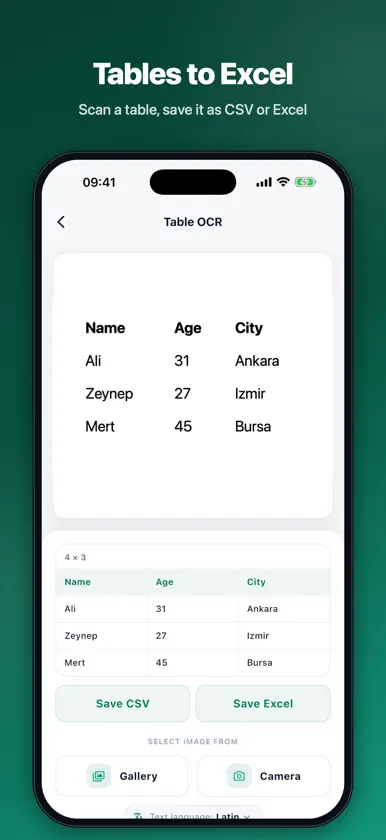
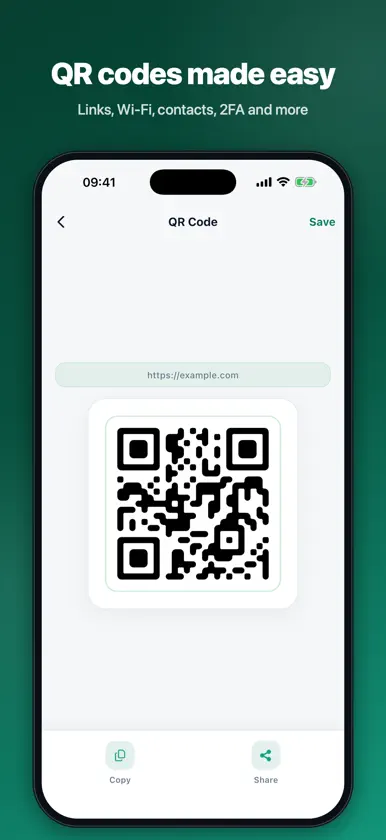
Tim Scanner turns your iPhone into a complete document studio. Scan paper, extract text, edit PDFs, sign contracts and create QR codes, all in one fast, clean app. SCAN DOCUMENTS • Multi-page scanning with automatic edge detection and smart filters • Rotate, reorder, duplicate or delete pages before saving • Save as PDF or images and share in one tap • Scan ID cards, business cards and receipts with dedicated modes EXTRACT TEXT (OCR) • Fast on-device text recognition, with no upload needed to read your documents • Supports Latin, Chinese, Japanese, Korean, Hindi, Russian and Arabic text • Turn scanned pages into searchable PDFs • Scan and translate text into other languages • Listen to recognized text read aloud SMART DATA CAPTURE • Receipt Scan: merchant, date, items and total pulled out automatically, export to CSV • Table OCR: photograph a table and save it as Excel or CSV • Business Card: save contact details straight to your contacts 40+ PDF TOOLS • Merge, split, extract page ranges and remove blank pages • Compress, crop, flatten and add page numbers • Add watermarks, text notes and annotations • Black out sensitive text with redaction • Password-protect and unlock PDFs • Edit title and author metadata • Compare two PDFs side by side • Convert PDF to images, images to PDF, text to PDF and speech to PDF • Batch-process multiple PDFs at once SIGN ANYWHERE • Draw your signature once, save it and reuse it on any PDF • Place, resize and position signatures precisely QR & BARCODES • Scan any QR code or barcode • Create QR codes for links, Wi-Fi, contacts, SMS, WhatsApp, Telegram, locations, calendar events, 2FA setup codes and crypto wallets • Generate barcodes and track inventory counts MORE USEFUL TOOLS • Image tools: compress, resize, convert and remove backgrounds • Document reminders for passports, IDs and other expiry dates • Workflow templates that chain tools together • App lock with PIN or Face ID to keep your files private • Home screen shortcuts and widgets for one-tap access • Share photos and PDFs from any app straight into Tim Scanner Tim Scanner is available in 11 languages and works without an account. Terms of Use (EULA): https://www.apple.com/legal/internet-services/itunes/dev/stdeula/ Privacy Policy: https://sites.google.com/view/tim-scanner-privacy-policy
What's new
Version 1.3.6 · Nov 6, 2026
* Bug fixes and performance improvements
In-app purchases
The most popular purchases on the App Store.
- Remove AdConsumable฿29.00
More from Mete Oguzhan


You might also like
 PDF Scanner for Docs & PhotosAamir Sajjad
 Scan & PDF by PaperlyAryahs World
 PDF Scan - Doc ScannerPrashant Kyada
 PDF Document Scanner +Play Around Code App and Map
 AnyMarkdown - PDF to Markdown培 李
 Convert Image to TextAntonio Gonzalez de la aleja german
 Paperlogix - Document ScannerOnloft Software LLC
 Document Scanner: Doc PDF IDMobilions Labs Private Limited
 Scanner App: PDF Reader ProTam Nguyen
 OCR TableWei-Cheng Ling