
WitDrive
Witthaya Silaphong
No ratings yetUtilitiesAges 17+
Popular today
Screenshots
About this app
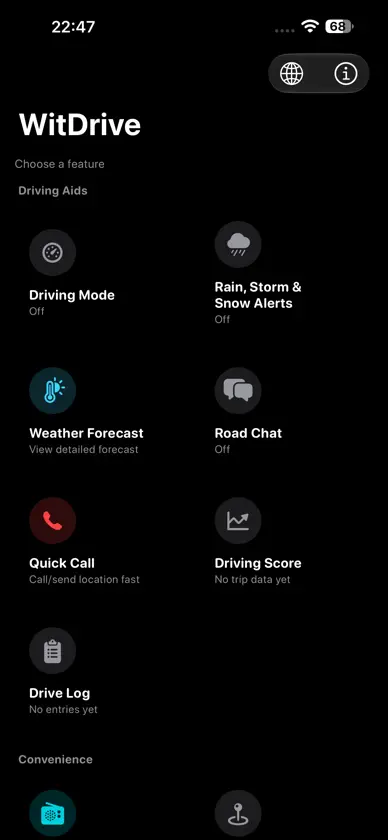
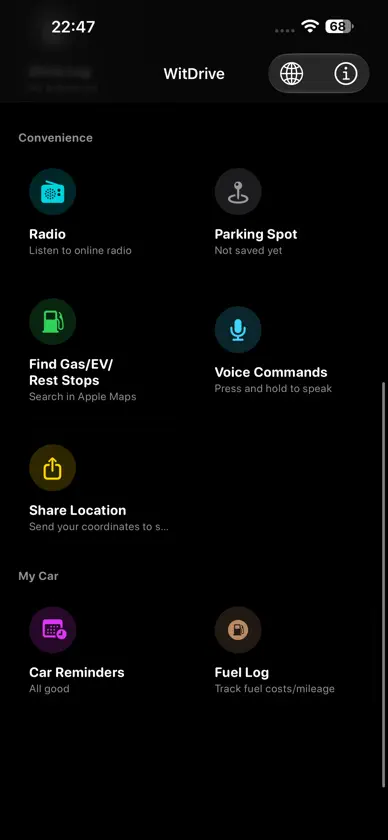
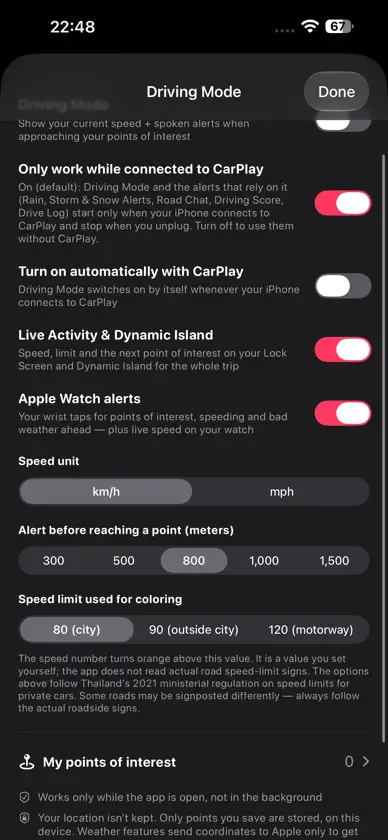
WitDrive connects the radio you listen to with the places you drive past. Save a point of interest, give it a name and icon, and choose what happens as you approach it. WitDrive can switch to a station you picked, lower or pause the radio, or play a voice note you recorded for that place, while you listen on CarPlay. ON CARPLAY • Play the radio stations you added, with your favorites one tap away • Hear spoken alerts while the radio pauses and resumes by itself POINTS OF INTEREST • Save your own places with a name, icon or photo • Choose a radio action or voice note for each place • Set the days and times each point is active • Organize points into groups DRIVING AIDS • Rain, storm and heavy snow alerts in your direction of travel, using Apple Weather • Detailed weather forecast • Road Chat: friendly spoken questions on longer drives while connected to CarPlay • Driving Score and Drive Log • Quick Call: save your own numbers, call them with one tap, or send your location by SMS CONVENIENCE • Remember where you parked • Find gas, EV chargers and rest stops in Apple Maps • Share your location • Control the radio with voice commands MY CAR • Car service reminders • Fuel and charging log APPLE WATCH • Wrist taps for points of interest, speeding and bad weather ahead • Live speed on your watch YOUR STATIONS WitDrive has no built-in stations. You add the stream links you have the right to listen to. YOUR PRIVACY Your saved data stays on this device. Weather features send coordinates to Apple only to get the forecast. PLEASE NOTE WitDrive is a driving aid and does not replace your own attention or judgment. Alerts are estimates and can be wrong, late or missing. Set everything up before you drive, keep your eyes on the road and follow local laws. Point alerts are unavailable in some countries. In an emergency, contact your local emergency number directly.


