
TetherDrop
Takumi Shinoda
No ratings yetPhoto & VideoAges 4+
Screenshots


About this app
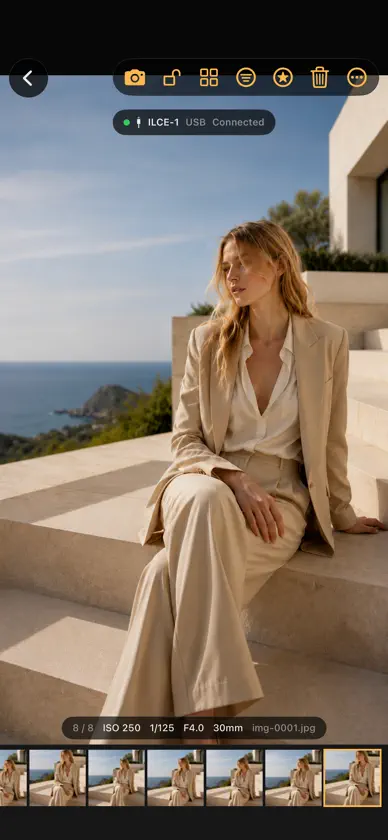
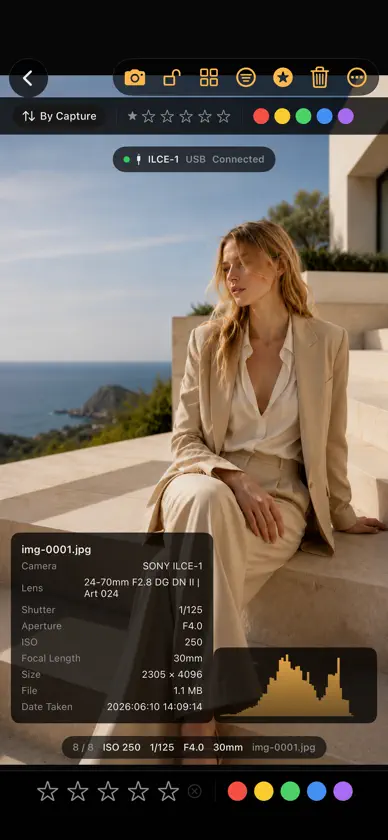
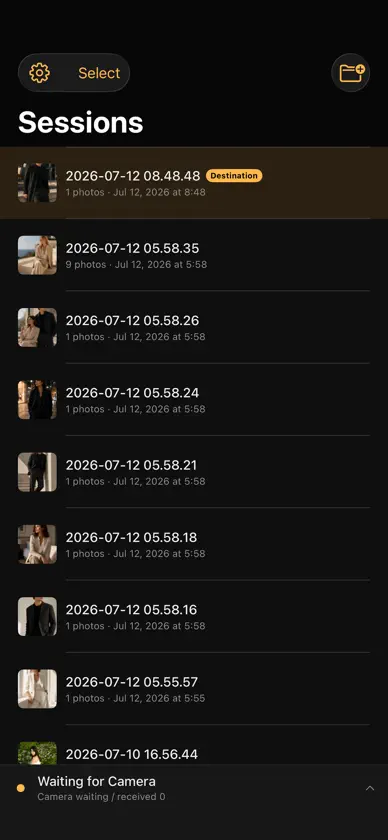
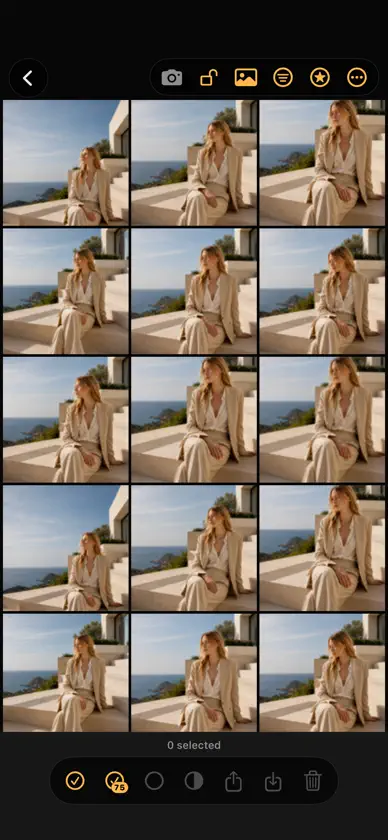
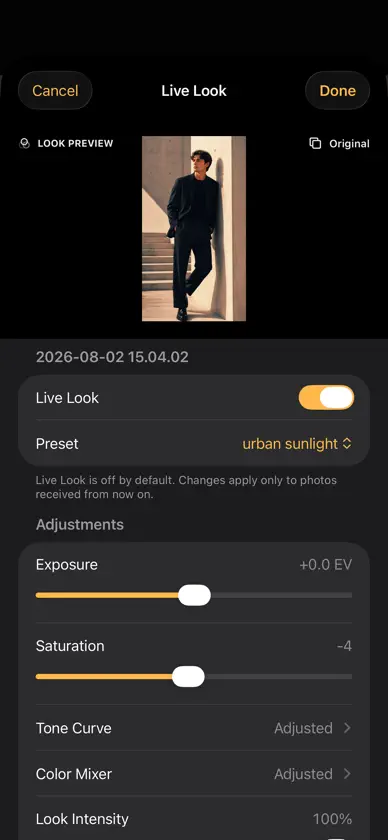
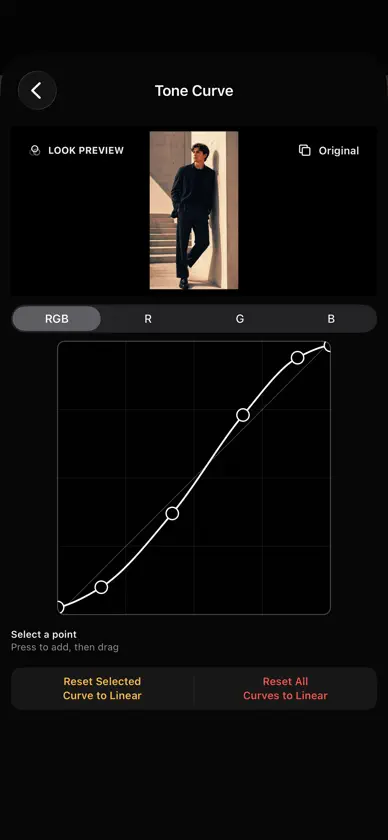
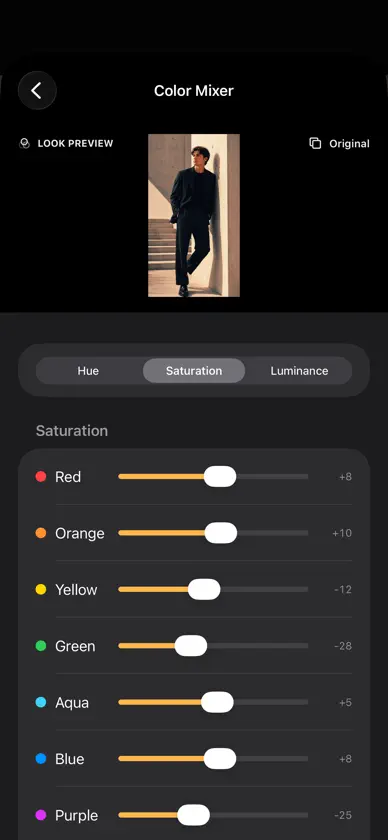
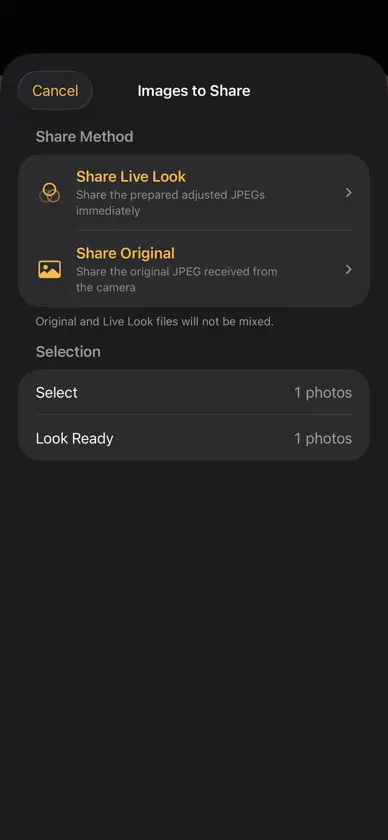
TetherDrop is a focused tethered shooting app for receiving JPEG images from cameras on iPhone and iPad. External camera connection and automatic JPEG receiving over USB-C, Wi-Fi (PTP/IP), or FTP require an active subscription. Importing photos from your library, viewing, rating, color tagging, grid selection, filtering, sharing through the iOS share sheet (including AirDrop), and saving to Photos are available without a subscription. Subscription features: • Receive JPEGs over USB, Wi-Fi, or FTP • View new captures immediately • Select receiving card slots on supported cameras and reduce duplicate JPEG deliveries Free features: • Store new sessions on an external SSD or drive • HDMI / AirPlay photo display, including iPad comparison and synchronized zoom • Live Look editing with offline Skin Smoothing and Slim Face • Larger editing preview with pinch-to-zoom and tone curve undo/redo • Folder duplication and photo-grid aspect-ratio options • Import photos from your photo library • Single-photo and grid views • 1:1 pixel zoom • Ratings and color tags • Sort by capture order, newest first, or rating • Filter by rating and tag • Share selected photos, including with AirDrop • Save selected photos to Photos • External keyboard shortcuts • Camera-specific connection guide Verified connection examples include selected Canon EOS, Sony α, Nikon Z, and Fujifilm GFX cameras. Compatibility may vary depending on camera model, firmware, connection mode, USB cable, and memory card condition. Note: TetherDrop is JPEG-only. It does not save RAW files or videos. In RAW+JPEG mode, supported cameras receive the JPEG files only. External camera connection and automatic JPEG receiving require an active subscription. Subscriptions can be managed or canceled in the App Store at any time. Sharing features, including AirDrop, are not paywalled. USB connections require a data-capable cable. If the camera does not connect, check the camera connection mode, network settings, memory card, and cable. Optional Refer a Friend Campaign: Every five new valid referrals can earn another three-month free offer after review and approval. Email verification is required. Active subscribers continue on the same paid plan after the free period. Offers for new or expired subscribers end automatically after the free period. Apple eligibility, offer availability and verification of previous redemptions may delay issuance. Terms: https://invite.tetherdrop.app/terms/#english Terms of Use (Apple Standard EULA): https://www.apple.com/legal/internet-services/itunes/dev/stdeula/ Privacy Policy: https://takumishinoda0625-beep.github.io/TetherDrop-Support/#privacy
What's new
Version 3.2.3 · Nov 13, 2026
- In single-photo view, tapping the photo to hide the controls now also hides the status bar (clock, Wi-Fi, battery), so only the photo stays on screen. - Canon over USB: the app now waits longer for the camera when the memory cards hold many photos, instead of giving up partway. - “Connect to Canon (Smartphone)” now tells you right away when your iPhone or iPad is not joined to the camera’s Wi-Fi. - Updated the message shown when no USB camera is found, and the connection guide (Canon / Troubleshooting). - Connection logs now record how long connecting took.
In-app purchases
The most popular purchases on the App Store.
- TetherDrop AnnualSubscription$29.99 / year
- Display Name:Subscription$3.99 / month
More from Takumi Shinoda

You might also like
All apps like TetherDrop → Fotra - Tethered ShootingSIA Inc.
 DoFzone: Depth of Field CalcKAZUYA SEKI
 Lighting Recipehiroyuki nakai
 ShotTetherProarcion Inc.
 Pierogi TetherJakub Ludwig
 PhotakaPhotaka
 Photaka LinkPhotaka
 ShootBinderYuya Kawai
 FTPReceiverYoshiharu Aoki
 Camera Port - Background FTPJiangsu Mingbin Jingzhi Technology Co., Ltd