
Layer Platform
Layer, LLC
No ratings yetProductivityAges 4+
Screenshots






About this app
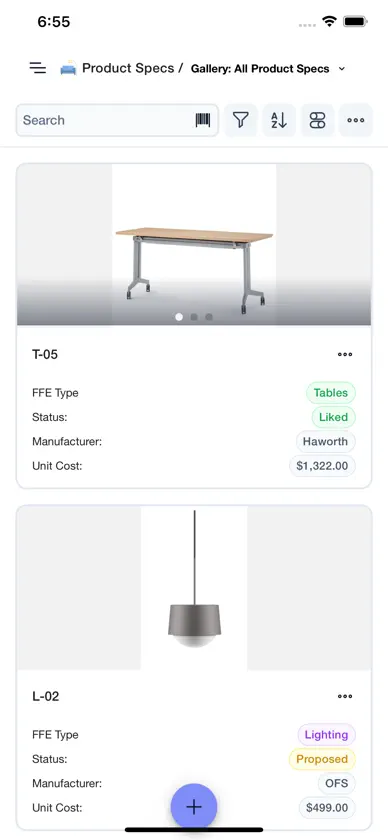
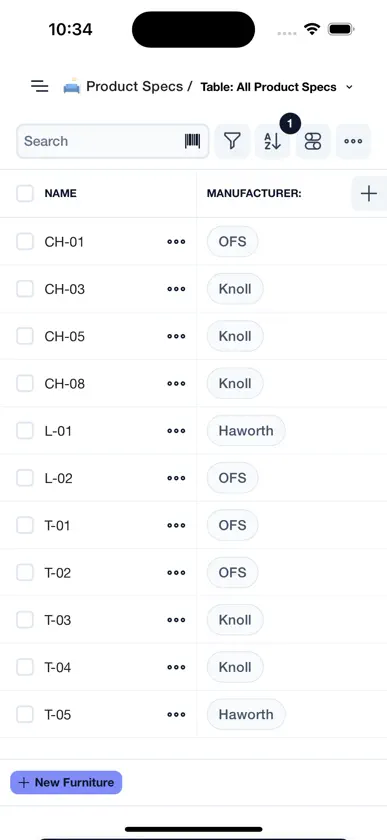
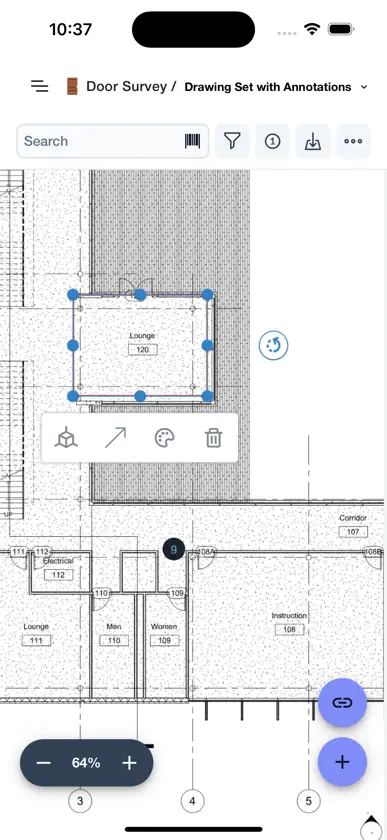
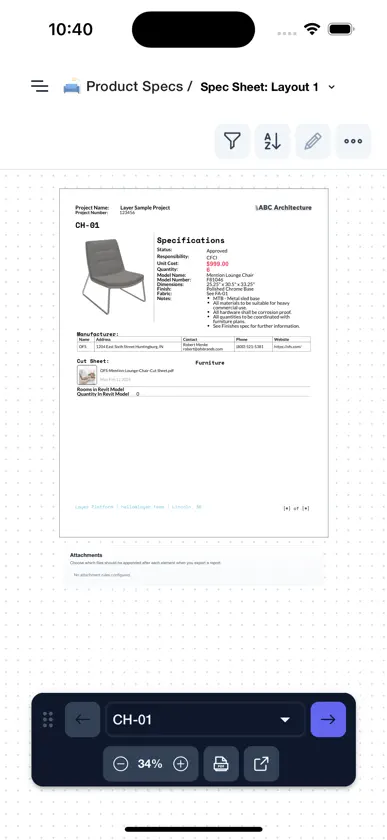
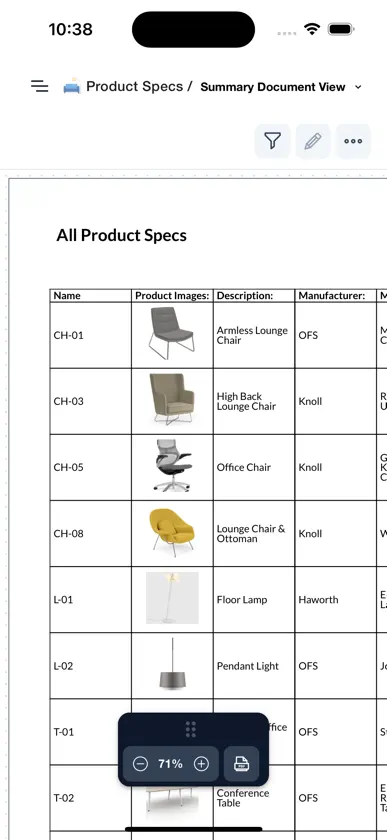
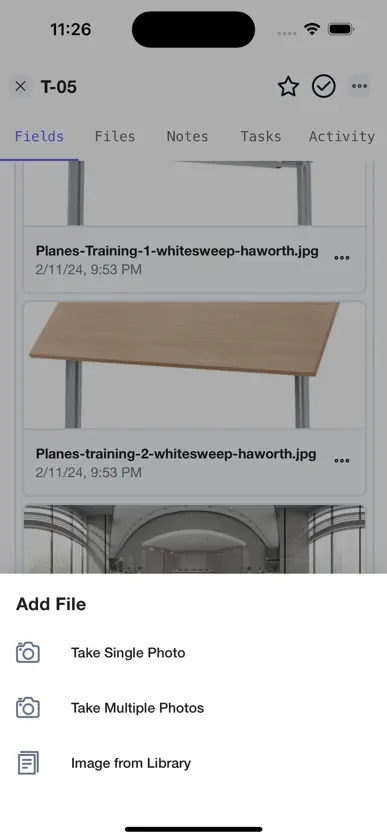
Layer was developed by architects for the AECO industry and can be connected to a Revit model to bridge the gap between real-world building data and BIM. App Features: — Contextually organize detailed project information like materials, photos, surveys, measurements, notes, and tasks into a single library, streamlining workflow and reducing time-consuming redundancies and costly inaccuracies. — Customize a wide range of data fields to capture every aspect of a building or project, which can then be instantly accessed both in the field and at the desk. — Connect Layer to Revit to view, edit, and sync real-time data directly to a building model, giving the entire team — from architect to owner — instant access to absolutely everything.
What's new
Version 4.15.0 · Nov 9, 2026
**Table and Gallery Views Can Be Grouped** Table and Gallery views can now group elements by one or more fields. Each group header shows its element count and totals, and groups can be collapsed. Moving an element into another group updates the grouped field. A date moved to a new period keeps its day. **Dark Mode and New Themes** Choose Light, Dark, or Match system under Appearance in your account settings, and pick a theme for each: White or Cream for light, Charcoal or Navy for dark. **Comments Can Include Images and GIFs** Paste or drop an image or GIF into a comment to attach it. Notifications for those comments show an [Image] or [GIF] preview. **Improvements** - Select several photos in an element's file field and delete them together. - Document Views can show formula fields as a table. Page Break blocks can be placed inside containers, so a page break hides along with its container. Number formats set on blocks, tables, and matrix measures now apply in PDF exports. - Project owners can set their sidebar category and view order as the project default, which new members and public viewers see. - Company admins can require different sign-in methods for specific email domains, while other members keep the company default. - Signing in with an account that isn't linked to your company's single sign-on now explains how to link it. - Layer's emails, including sign-in links, invitations, password resets, shared view links, automation emails, and model processing notices, have a new design. - Layer AI and the Layer MCP can guide you to a place in the app step by step. - The API and MCP can total and count elements by field, update individual Document View blocks, and include element counts per category and the creator's email in project lists. - Tables, Document Views, and app startup are faster, formulas evaluate faster in large projects, and renaming an element is faster in projects with legacy relationship fields. - The iOS app supports the iPhone Duo layout. - Clearer wording for relationship selection modes, and Drawing View pages have a border instead of a shadow, matching Document View. **Bug Fixes** - Fixed public project links failing to load for viewers who aren't signed in. - Fixed Drawing View filters not applying in Offline Mode. - Fixed automations that run when an element is created leaving the element number or auto-generated name blank. - Fixed markup images in reports sometimes failing to load. - Fixed cloud markup thumbnails appearing lighter than the markup on the drawing. - Fixed template creation failing or keeping broken blocks when a Document View used a field left out of the template. - Fixed element counts on template project categories. - Fixed inviting a user who already belongs to another company adding them to both companies. - Fixed element search in comments and rich text fields showing restricted users elements outside their access. - Fixed unchecking "Optimize for mobile" on a Drawing View not removing the mobile PDF. - Fixed sync retrying repeatedly after a sign-in error or a cleared local database. - Fixed linking several elements to one related element through the API or MCP unlinking the earlier ones, and category reads over the API failing for field groups without a description.


