
Screenshots
About this app
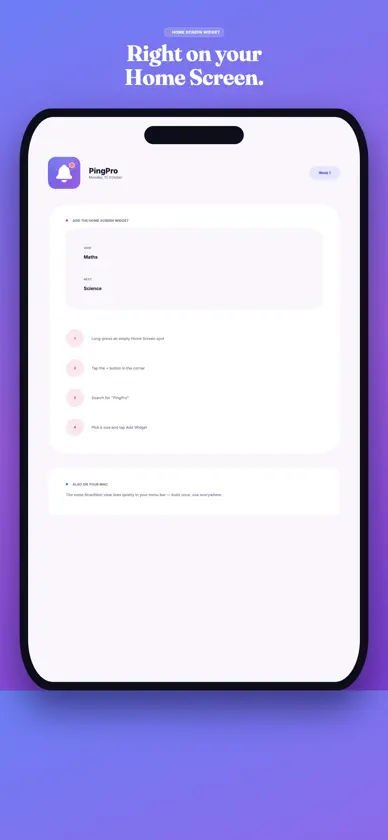
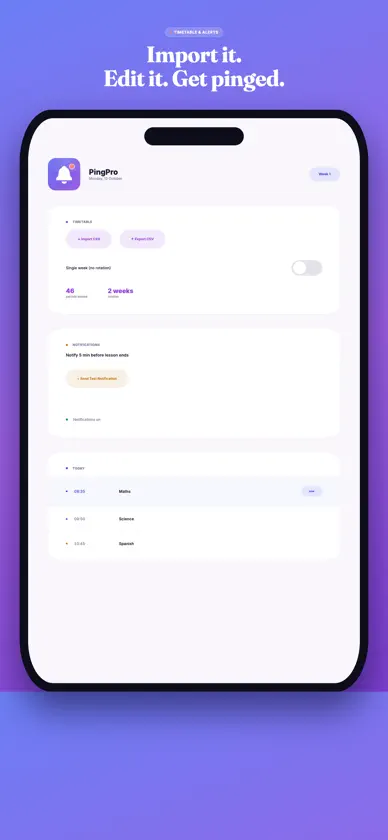
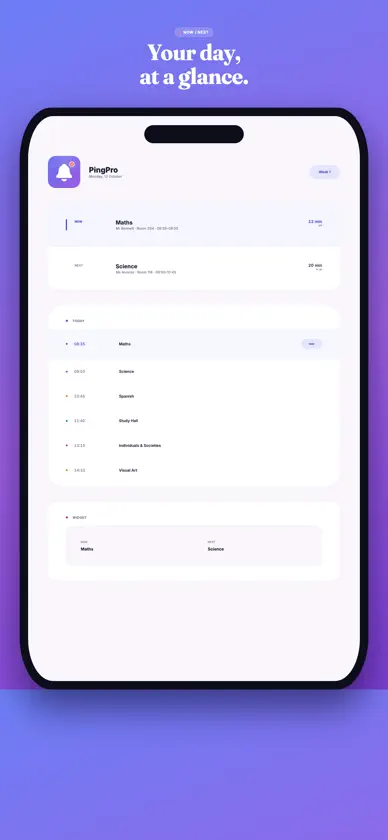
PingPro keeps your school day in view without digging through a PDF timetable between classes. Now and Next, at a glance Open PingPro to see your current class and what's coming up next — subject, teacher, room, and how much time is left — the moment you need it. A heads-up before every bell PingPro notifies you a few minutes before each class ends, so you're never caught packing up late. Choose your own lead time, from 1 to 30 minutes. Built for how real school schedules actually work Handles two-week rotating timetables (Week 1 / Week 2) automatically — or switch to single-week mode if your school doesn't rotate. Automatically shows the next school day's schedule after hours or on weekends, and understands breaks as real parts of the day, not just gaps. Import your timetable in seconds Scan a screenshot or PDF of your school portal timetable — PingPro reads it on your device and builds your schedule for you, with a chance to check it first. You can also import a CSV and export it back out any time. Right on your Home Screen Add the PingPro widget to your Home Screen for an always-visible look at what's now and what's next, with a live countdown, no need to even open the app. Light and Dark Follow your device's appearance, or choose Light or Dark inside the app. Also on your Mac The same Now/Next view lives quietly in your Mac's menu bar, so your schedule follows you between devices. Private by design Your timetable never leaves your device. Every notification is scheduled locally — there's no account, no server, no internet connection required. Requirements: iOS 17 or later.
What's new
Version 1.2 · Nov 2, 2026
Scan your timetable your way: choose whether a file holds Week 1, Week 2 or both, and add the second week from another screenshot or PDF afterwards. Scanning is improved on iPhone, iPad and Mac, with fixes and polish throughout.
You might also like
 TuqaSaad Almubarak
 The Rising StarC.S. InfoTech
 Vokari – Flashcards & LearnMaximilian Krug
 Language Tutor · BaroEuiseok Kim
 kp translatorAkar Abdulkarem
 Educanin HarmonieBasit Owolabi
 Flashcard Maker Study CrammerPranoy Chowdhury
 Blockchain ForecastJaroslav Denysov
 EdsideraEdsidera
 Data Analysis Review - GRE® LTWebrich Software Limited