
Single Remote
USHIO FUJIMURA
No ratings yetUtilitiesAges 4+
Screenshots

About this app
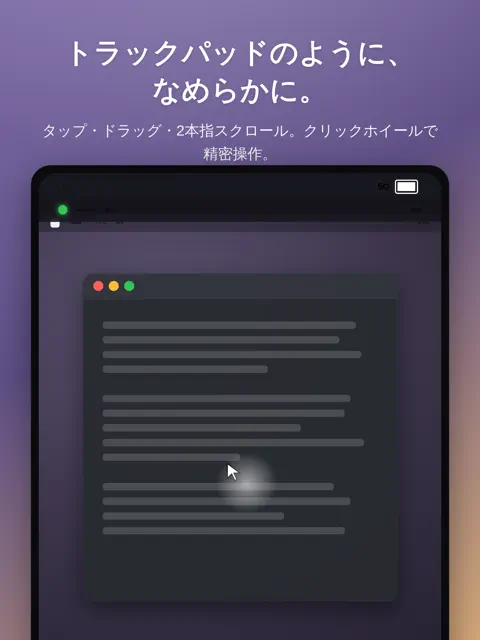
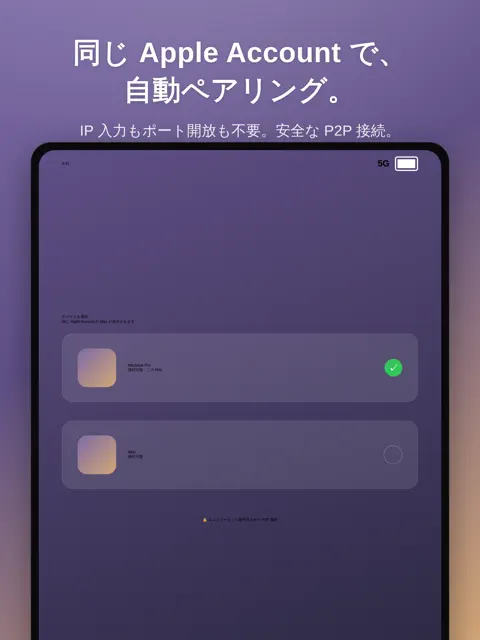
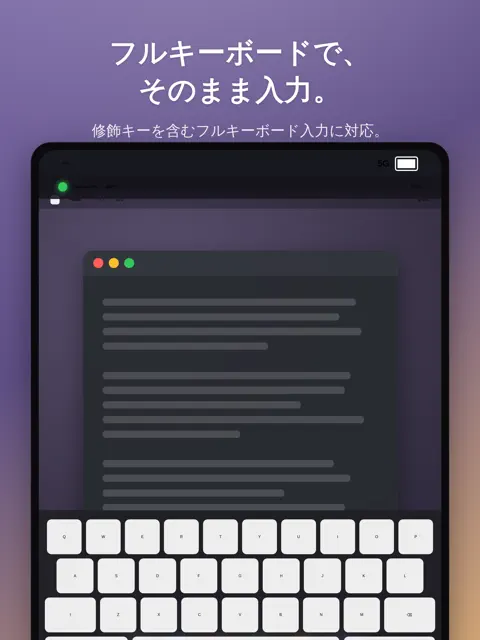
Single Remote turns your iPhone into a low-latency remote control for your own Mac. Install the free companion app, Single Remote Host, on your Mac and sign in to the same Apple Account on both devices — they pair automatically. No IP addresses, no port forwarding, no third-party account. ◆ GET THE MAC APP (FREE) To use this app, you need the free Single Remote Host on the Mac you want to control. Search for "Single Remote Host" on the Mac App Store and install it. FEATURES - Smooth, low-latency screen streaming (HEVC), tuned for both Wi-Fi and cellular - Trackpad-style control: tap, drag, two-finger scroll — plus a click wheel for precise scrolling and double-tap-and-drag to scroll - Full keyboard input, including modifier keys - Multi-display support — switch between your Mac's screens - AirPlay to a TV or external display, with Fit or Actual-size mode - Sharp still-image refinement and a per-window streaming mode - Built-in Practice Computer: a classic 1-bit desktop to learn taps, drags and typing safely — no connection needed - Made for iPhone Duo: folded halfway, the Mac screen fills the top half and a trackpad the bottom PRIVACY AND SECURITY - Direct peer-to-peer connection between your iPhone and your Mac - Everything is end-to-end encrypted (DTLS-SRTP); your screen content is never stored on a server - Only devices signed in to your own Apple Account can pair REQUIREMENTS - A Mac running Single Remote Host (free) - Both devices signed in to the same Apple Account
What's new
Version 0.9.9 · Nov 1, 2026
• "Practice Computer" grows: aliases, Find, a calendar, a document library, Shift/Option modifier keys, expandable lists, find and word count in Write, outline and rotate in Paint, and more — plus a "Practice Tasks" checklist that guides you step by step. • iPhone Duo support: folded halfway, the Mac screen fills the top half and a trackpad fills the bottom half. • Mobile networks: fixed a case where reconnecting after a drop started at a very low bitrate and frame rate. • Symbols now follow your Mac's hardware keyboard type (JIS / ANSI), fixing "@" being typed as ":". Symbol keys on an external iPhone keyboard are sent as typed. • Mac controller: 1:1 mode now matches points on both sides (1 point remotely = 1 point locally), and the pointer always stays an arrow. • New "Open Source Licenses" page in Settings and in the app menus.


