
Network Lab
Michael Lauer
No ratings yetUtilitiesAges 4+
Screenshots
About this app
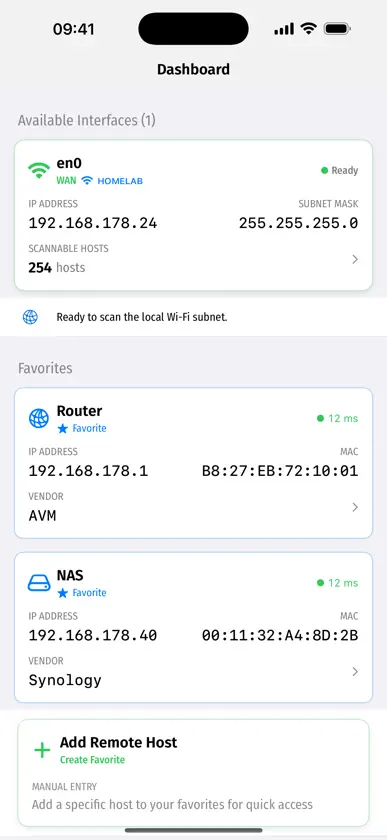
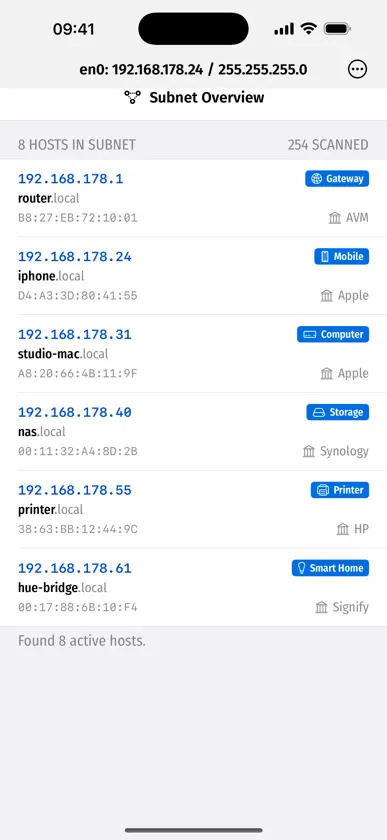
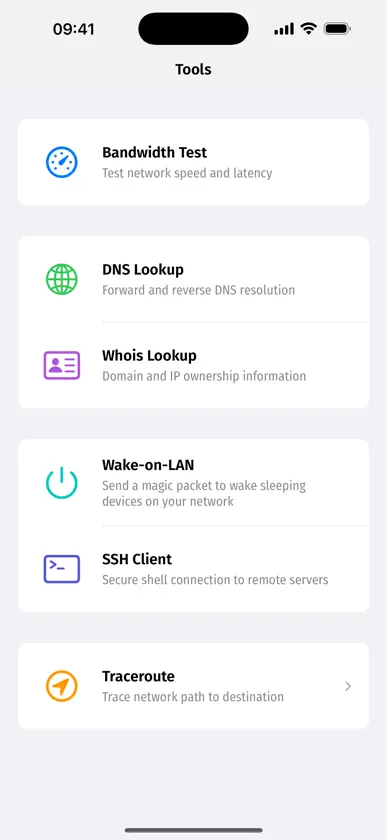
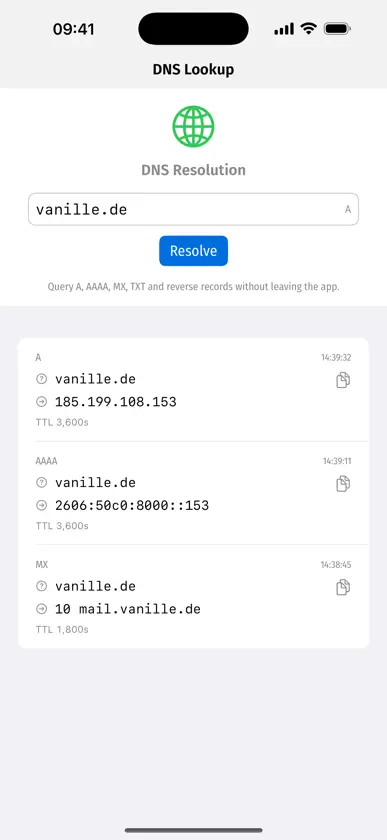
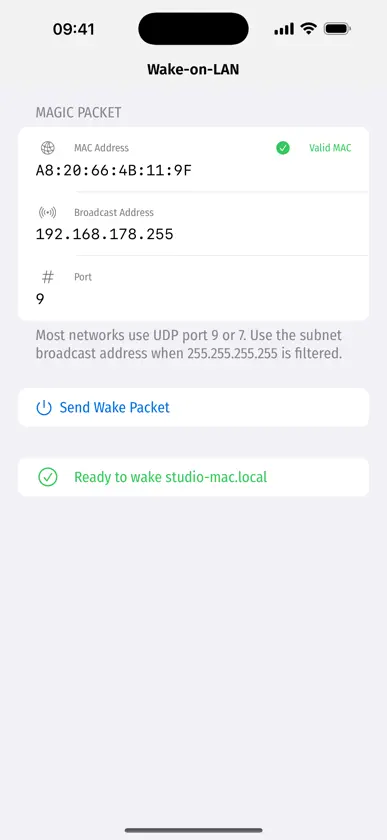
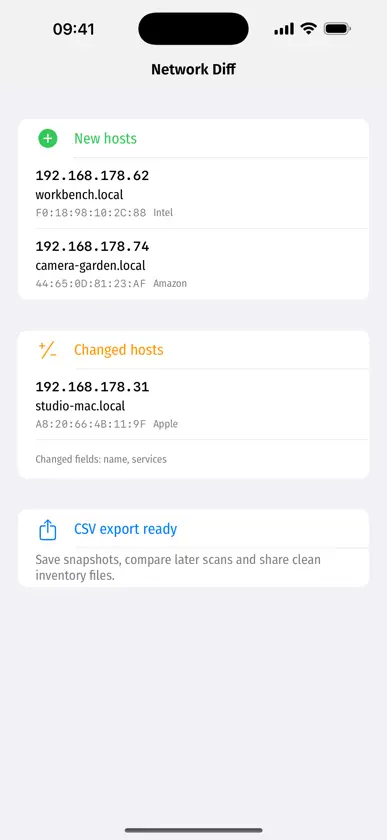
Network Lab is a privacy-first LAN scanner and network toolbox for iPhone, iPad and Apple silicon Mac. Use it to discover devices on your Wi-Fi or wired network, inspect Bonjour and Zeroconf services, monitor favourite hosts and troubleshoot common connectivity problems without creating an account or uploading scan data to a cloud service. What Network Lab helps with: - Scan your local subnet and identify active hosts - Browse Bonjour / Zeroconf services and service records - Inspect IP addresses, MAC addresses, vendors, ports and host details where available - Save network snapshots, compare scans and export results as CSV - Monitor favourite hosts for reachability - Run ping, traceroute, DNS lookup, whois and bandwidth tests - Send Wake-on-LAN magic packets to sleeping devices - Open SSH sessions to known hosts Network Lab is built for home labs, small offices, developers, admins and curious users who want a clear view of their own network. The core LAN scanner stays available for free, while Pro unlocks the extended diagnostic tools.
What's new
Version 1.2 · Nov 15, 2026
Network Lab 1.2 makes scans faster, more visual and easier to understand. New in this version: - Network map: see your subnet as an interactive map, not just a list - Large networks such as public Wi-Fi are scanned around your device first – the entire subnet is still available on request - Client isolation notice: explains why train, hotel or airport Wi-Fi shows no other devices - More accurate device detection: roles from Apple device models, better Bonjour matching and more MAC addresses - Add favourites by IP address or hostname - Scan progress with an estimated remaining time - More precise bandwidth test - New app icon and refreshed launch screen
In-app purchases
The most popular purchases on the App Store.
- Unbegrenzte BenutzungConsumable$320.00
More from Michael Lauer


You might also like
All apps like Network Lab → DR-NetToolsDR-Online Sp. z o.o.
 Find Devices in HotelRoxane Vermote
 AlphaProbeObipixel Ltd
 DR-TerminalDR-Online Sp. z o.o.
 LAN Insightideainnova
 NetScope: Wi-Fi Analyzerenes ozer
 Playback for EosArtifice Industries Ltd.
 DR-SoundMeterDR-Online Sp. z o.o.
 SysUsage: System MonitorMohammad Imran Mia
 ECUconnectTPE Europe GmbH