
StageCom
Mark Neisser
No ratings yetUtilitiesAges 4+
Screenshots
About this app
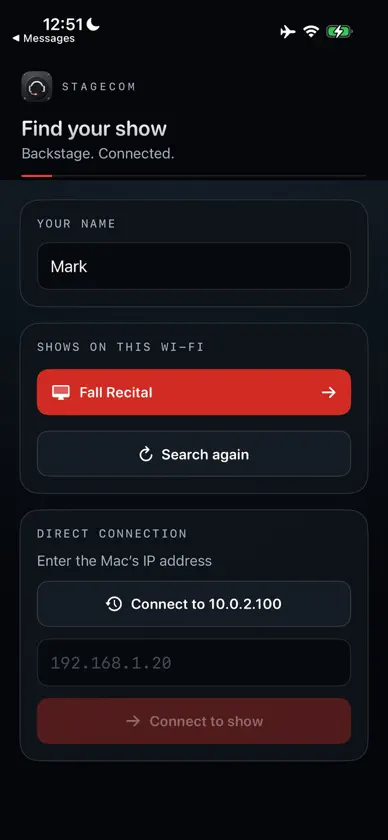
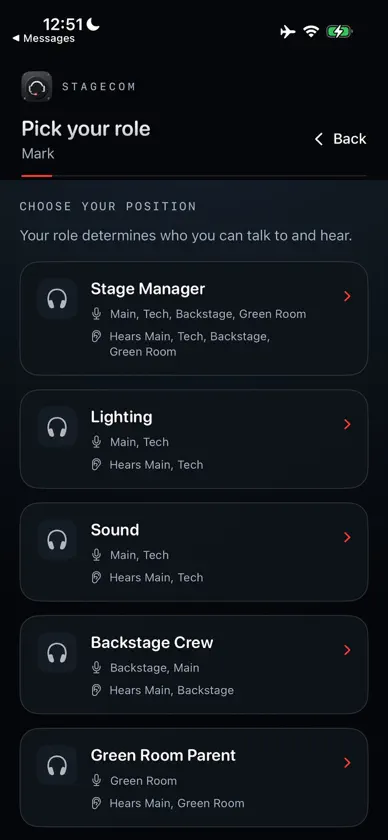
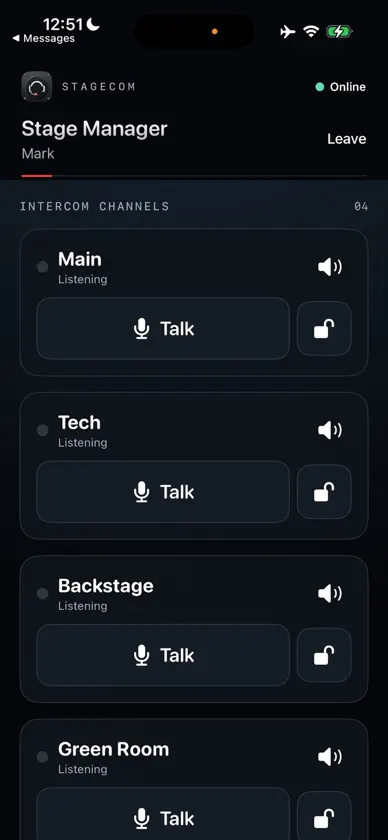
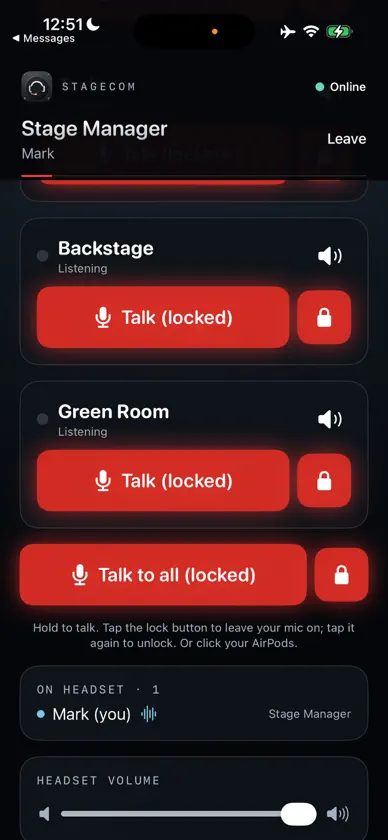
StageCom turns an iPhone and a Mac into a wireless theater intercom — no cloud service, no monthly fee, no internet connection required. Everything runs locally over your venue's own Wi-Fi. HOW IT WORKS Run the free StageCom Control app on a Mac backstage. It broadcasts your show over Wi-Fi. Crew members open StageCom on their iPhones, find the show, pick their role, and they're connected. CHANNELS AND ROLES Set up exactly the channels your show needs — Main, Tech, Backstage, Green Room, or whatever you call them — and assign each crew role who can talk and who can listen on each one. A Stage Manager might talk and listen on everything; a Green Room Parent might only need to listen to Main and talk on Green Room. PUSH-TO-TALK, YOUR WAY Hold a channel's Talk button to talk while you hold it. Quick tap to lock your mic on hands-free. Or click your AirPods to toggle talking without touching your phone at all. LOCAL AND PRIVATE StageCom has no server of its own and no account to create. Audio goes directly between your phone and your show's Mac, on your own network, and nowhere else. Nothing is recorded or stored. WHAT YOU NEED • An iPhone with StageCom installed • A Mac running the free StageCom Control companion app, on the same Wi-Fi • That's it — no internet connection required once you're set up Built for community theater, school recitals, and anywhere a wired headset intercom is overkill but shouting "MIC CHECK" across the greenroom isn't cutting it.


