
CodeMate - Code Editor
光 李
No ratings yetDeveloper ToolsAges 4+
Screenshots

About this app
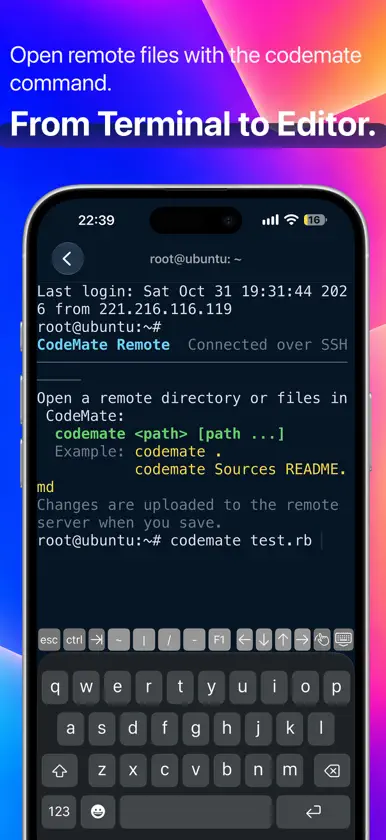
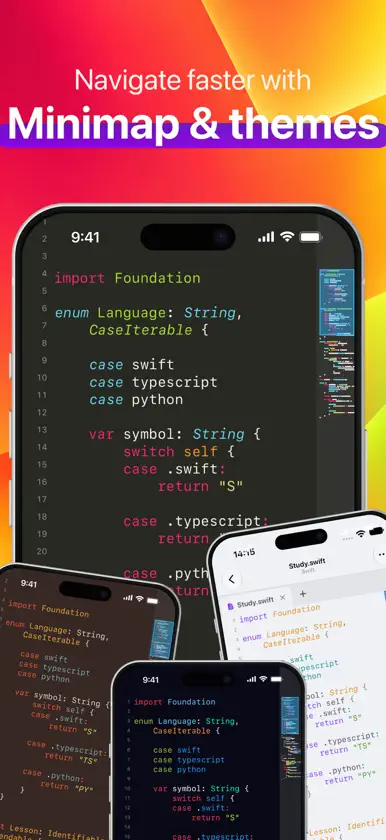
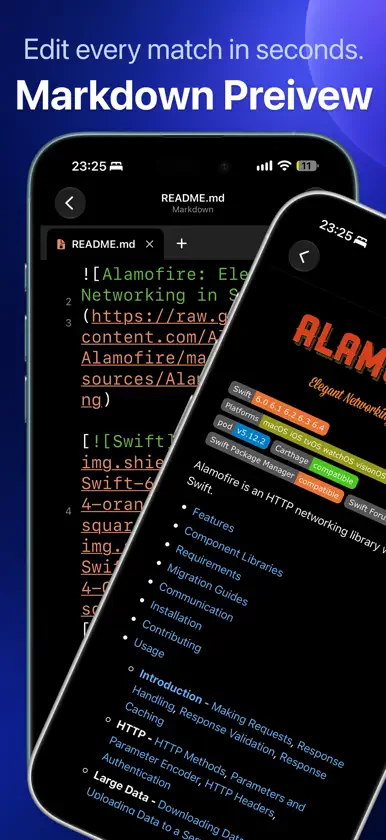
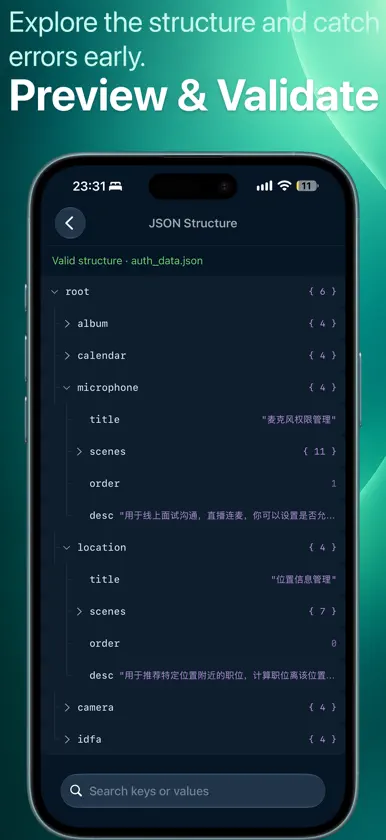
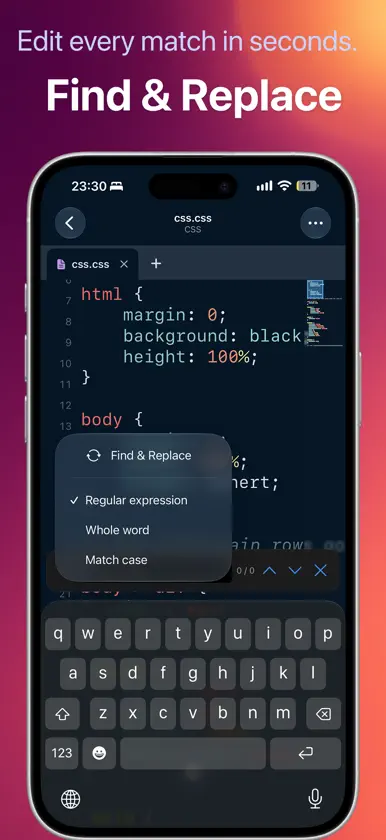
CodeMate is a native code editor and viewer for iPhone and iPad. Edit local source code and configuration files, or connect over SSH to browse remote folders, edit remote files, and work in a terminal. Keep your files in sync with iCloud Drive and Dropbox. Open and edit cloud files on iPhone and iPad, then continue working across your devices. SSH Remote Editing & Terminal • Connect over SSH to open, edit, and save files on your remote computer or server. • Work with a command-line terminal on the connected remote host. • Browse remote folders visually and open files in the editor. • Use the codemate command in the terminal to open remote files for editing. Open more than 200 file formats with native syntax highlighting, including Swift, Python, JavaScript, TypeScript, Java, C/C++, Go, Rust, HTML, CSS, JSON, XML, YAML, and Markdown. Key Features: • Native code viewing and editing on iPhone and iPad • Syntax highlighting for 200+ file formats • Multiple tabs and a minimap for navigating long files • Light and dark themes with adjustable fonts, spacing, and margins • Line numbers, current-line highlighting, word wrap, and no-word-wrap modes • Swift symbol list and jump to any line • HTML preview with linked CSS and JavaScript • Custom file extension rules • Share and print source files • Export polished code snapshots as images • External keyboard support for convenient code editing • Preview and validate XML, JSON, and YAML files • Find and replace in code with plain text and regular expression support • Markdown preview CodeMate is made for developers, students, and anyone who wants a focused, portable way to read, learn from, and edit code. Terms of Use (EULA) https://www.apple.com/legal/internet-services/itunes/dev/stdeula/
What's new
Version 2.1.1 · Nov 12, 2026
Remote development gets a major upgrade with an Xcode-like workspace. Browse remote folders, edit multiple files, and use the SSH terminal in one place. • Improved structured previews for XML, JSON, and YAML with expand, collapse, copy path, and reveal in source • Improved opening, editing, saving, and transferring remote files • Optimized the layout and common editing actions on iPhone Duo • Fixed multiple interface and stability issues
In-app purchases
The most popular purchases on the App Store.
- LifetimeConsumable59,99 USD
- WeeklySubscription0,99 USD / 7 days
- MonthlySubscription · 3 days free trial1,99 USD / month
- AnnualSubscription · 7 days free trial19,99 USD / year
More from 光 李

You might also like
All apps like CodeMate - Code Editor → GlassCode - Code EditorJUAN DE DIOS FRAUSTO RAMIREZ
 HTML Web Preview: JS CSS JSONDo Yun Kim
 Porcelain GitSeokhyeon Nam
 JSON Pilot: Viewer & EditorGeorgii Shilovskii
 AndwriterAndrey Sapunov
 Shellby: SSH Client & Terminal荟 马
 DesklessLowcountry Code Labs LLC
 PocktermJohn Hancock
 BasalttyFederico Zivolo
 DesignToCode for SwiftUI浩 王