
Screenshots

About this app
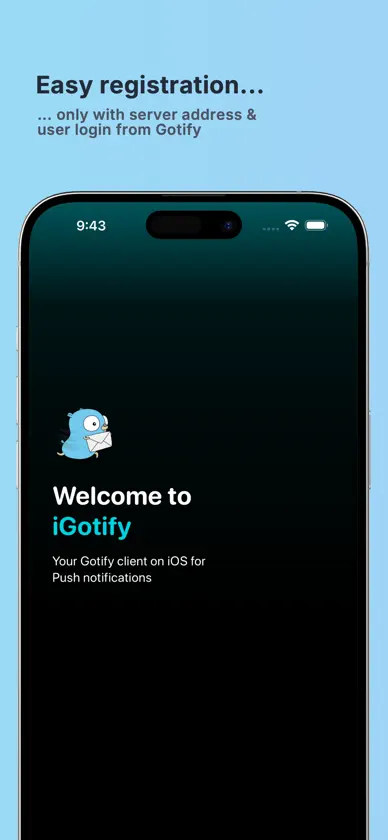
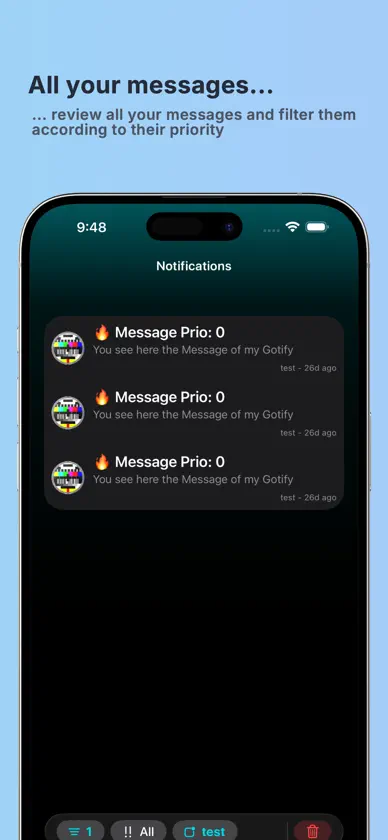
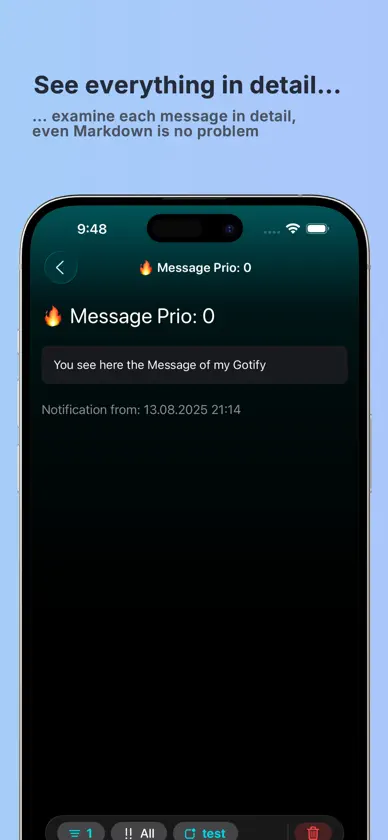
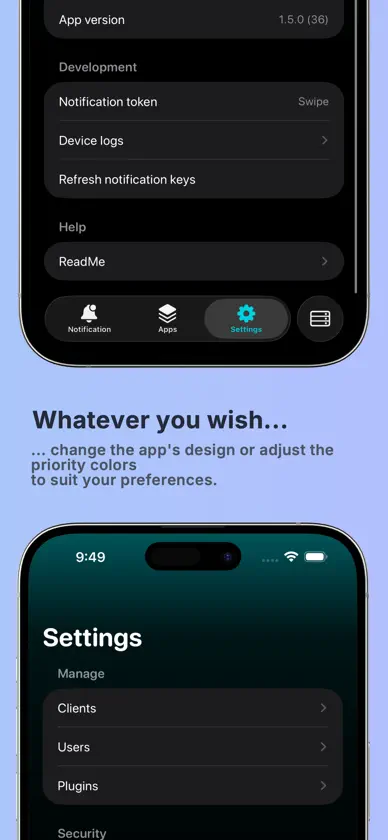
1. Receive Push Notifications: iGotify lets users receive notifications directly from a Gotify server on their iPhone or iPad. These notifications can be used for various applications and integrations like Proxmox and Uptime Kuma. 2. Biometric Security Feature: The app adds an extra layer of security by allowing access to be locked with biometric features like Face ID or Touch ID. This protects sensitive notifications from unauthorized access. 3. Custom Sounds: iGotify allows configuring custom sounds for different notification priority levels. This offers a clear distinction between important and less urgent notifications. 4. Markdown Support: Notifications formatted in Markdown are fully supported. This allows sending and displaying structured and visually appealing notifications. 5. Message Decryption: iGotify decrypts received messages using a public key generated on the iOS device. This ensures the security and confidentiality of the notifications. 6. Multi-User Support: The app supports multiple users, which is particularly useful in environments where several individuals need to receive notifications from one or more Gotify servers. 7. Docker Integration: The app seamlessly works with Docker instances and facilitates the setup of local and remote Gotify servers powered by Docker containers. Users can manage multiple servers and instances through the app. 8. Multi-Language Support: iGotify supports multiple languages, including English, German, Spanish, Italian, and Dutch, making it accessible to an international user base. Find the plugin guide for receiving messages at https://github.com/androidseb25/iGotify-Notification-Assistent
What's new
Version 1.7.0 · Oct 26, 2026
Read and Unread Unread messages now stand out in bold. Swipe or touch and hold a message to mark it as read or unread, or mark them all as read at once. A Layout for Every Device Whether on iPhone, iPad, or iPhone Duo, iGotify adapts seamlessly to every screen and window size. On larger screens, messages and apps appear side by side, just like in Mail. Full Messages Read entire messages right in the list. Just turn it on in Settings. Filter Faster A new filter menu in the toolbar combines app and priority filters and shows at a glance how many are active. Smarter Notifications Tapping a notification takes you straight to your latest messages, and muted apps no longer add to the badge. Accessibility and Refinements Improved VoiceOver support, clearer dates for older messages, refined translations, and many other improvements and bug fixes.
In-app purchases
The most popular purchases on the App Store.
- Kauf mir ein kühles GetränkConsumable1,99 USD
More from Sebastian Rank

You might also like
 Pangolin ClientFossorial, Inc.
 ProxMobo – Proxmox VE & PBSPeng Lyu
 HelmarrFlorian Ernst
 Aprox - a Proxmox VE clientMaximilian Kenfenheuer
 Netdata MobileNetdata Inc
 AdGuard Home RemoteRocketScience IT
 OpenCloud: Your Data, AnywhereOpenCloud GmbH
 Quartermaster: Homelab StackLewis Egley
 ViewuMatthew Ehrhart
 My Links for LinkwardenJuan Gilsanz Polo