
Tutorial for MS Excel
Jakir Hossain
No ratings yetEducationAges 4+
Screenshots







About this app
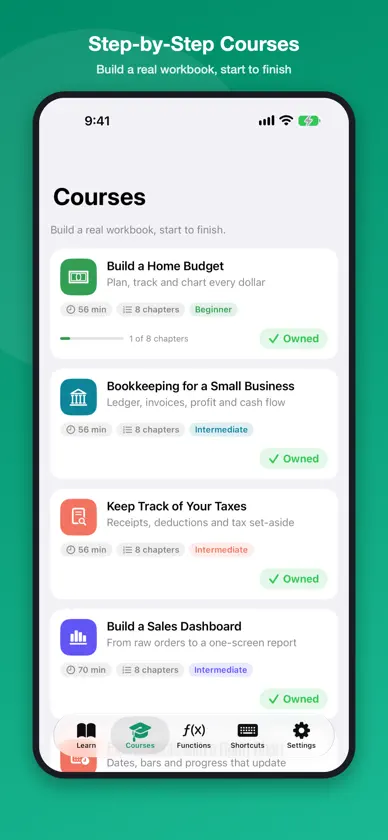
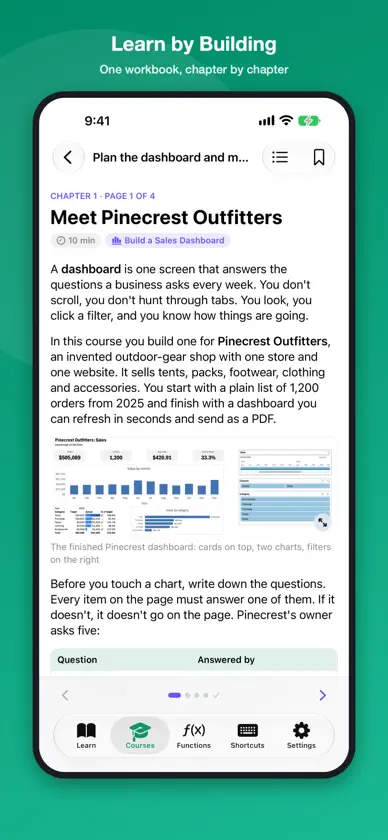
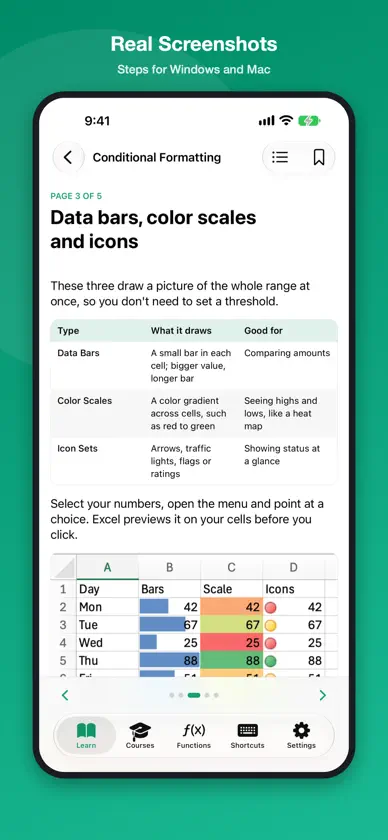
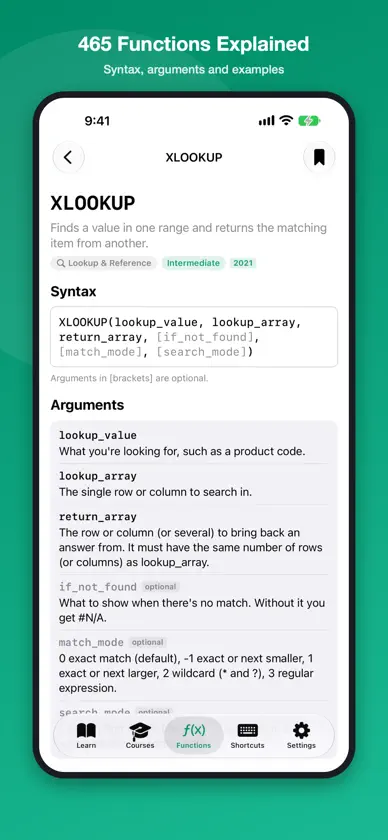
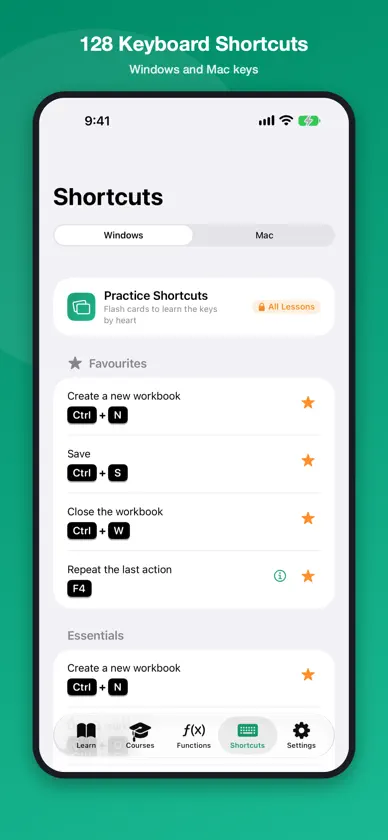
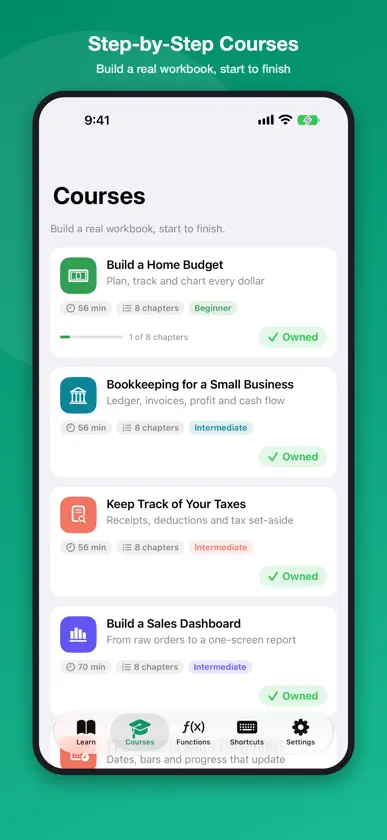
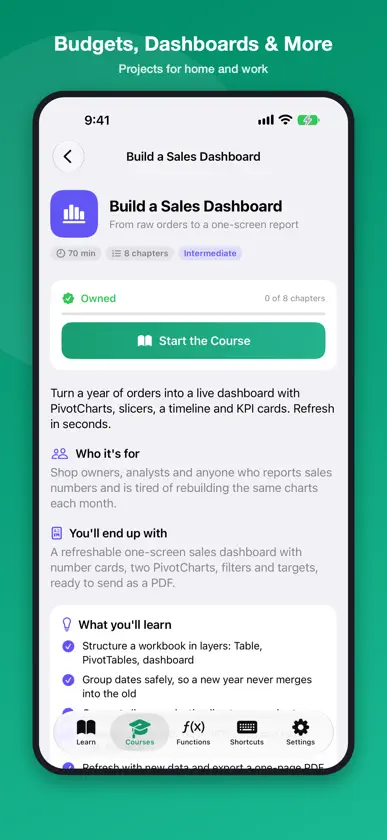
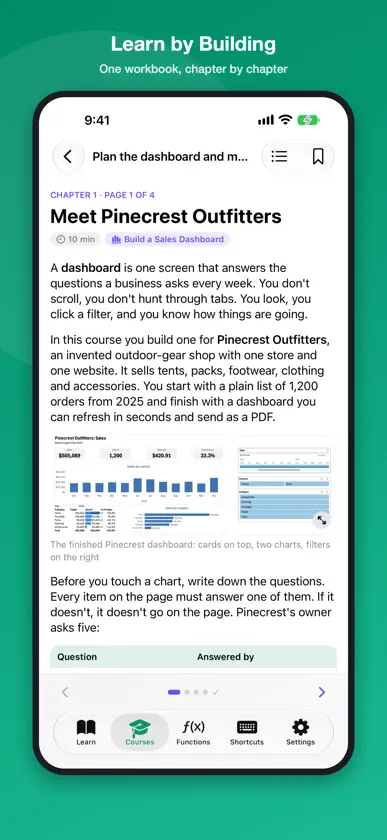
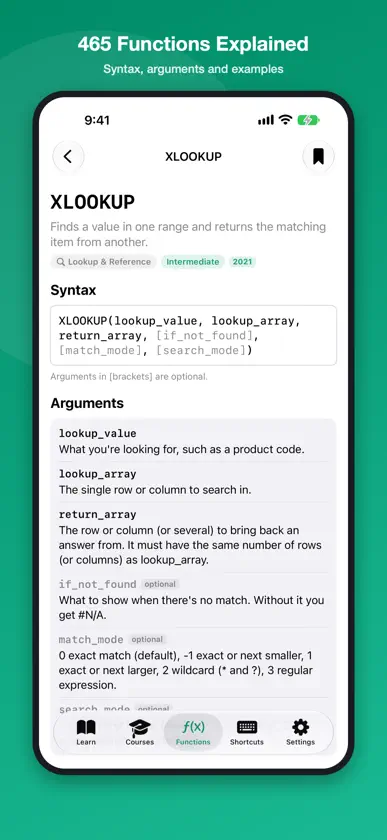
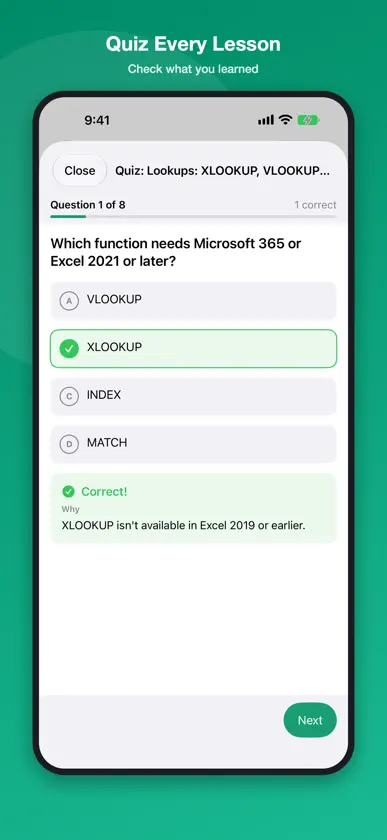
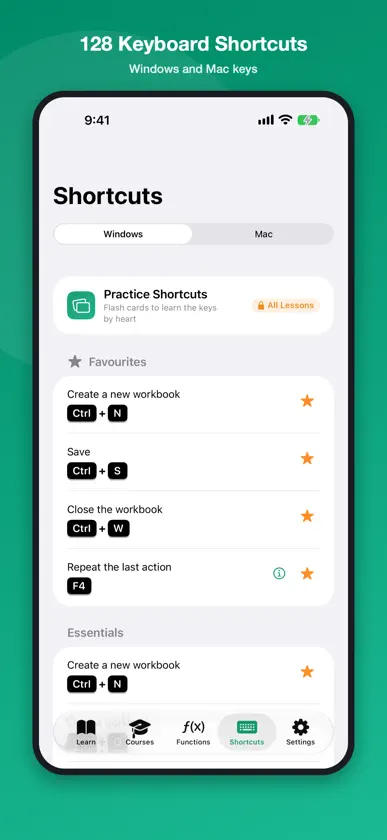
Learn Excel step by step, from your first formula to PivotTables, dashboards, budgets and tax records. For beginners and anyone who wants to work faster. Tutorial for MS Excel is a complete, up-to-date course for Microsoft Excel on Windows and Mac, including the Microsoft 365 features. 58 clear lessons explain each skill in short pages with real screenshots and sample data, then let you check what you learned with a quiz and a hands-on practice task. Step-by-step courses then take you from an empty sheet to a real, working workbook. WHAT YOU WILL LEARN • Getting started: the ribbon, workbooks, entering data, rows and columns, worksheets, AutoFill and Flash Fill • Formatting: fonts and borders, alignment, number formats, conditional formatting, styles and themes • Formulas and functions: references, SUM to SUMIFS, IF and IFS, XLOOKUP, VLOOKUP and INDEX/MATCH, text, dates, named ranges, fixing errors • Working with data: sorting, filtering, Tables, drop-down lists, cleaning data, freeze panes, subtotals • Charts and analysis: charts, sparklines, PivotTables, slicers, Goal Seek and data tables • Printing and sharing: page layout, PDF, co-authoring, comments, protecting sheets • Microsoft 365: FILTER, SORT and UNIQUE, LET and LAMBDA, TEXTSPLIT, Power Query, Copilot, checkboxes and pictures in cells • Guided projects: a monthly budget, invoice, gradebook, task tracker, loan calculator and sales report COURSES: BUILD A REAL WORKBOOK, START TO FINISH • Build a Home Budget: one transactions Table, budget vs actual, a year view with charts and a savings tracker • Bookkeeping for a Small Business: ledger, invoice register, profit and loss, cash flow and a year-end page • Keep Track of Your Taxes: income, claims with receipts, VAT, a tax estimate, deadlines and a year-end page, for your own country's tax year • Build a Sales Dashboard: number cards, PivotCharts, filters and targets on one screen, ready to send as a PDF • Plan Projects with a Gantt Chart: a task Table, a self-drawing Gantt chart, status labels and owner roll-ups • Track Stock and Inventory: live counts and value, alerts, supplier orders and monthly reports • Timesheets and Pay: a protected shift log, weekly overtime and pay, and a printable timesheet • Make a Teacher's Gradebook: weighted grades, letters, at-risk flags, student reports and attendance • Clean Up Messy Data: from a bad export to a validated list, with a repeatable Power Query cleanup Every course has a free first chapter, a checklist at the end of each chapter and a final quiz. FUNCTION REFERENCE • 465 functions in 12 categories, each with syntax, arguments and worked examples • Search by name or by what you want to do FEATURES • Steps for both Windows and Mac, with Mac differences called out • Real screenshots you can open full screen and zoom • A quiz and a practice checklist in every lesson • 128 keyboard shortcuts for Windows and Mac, with examples and flash-card practice • Search every lesson, function and shortcut • Bookmarks, saved pages and progress tracking • Light and dark mode, adjustable text size ONE-TIME PURCHASES, NO SUBSCRIPTION • Free: 36 lessons, the full function reference, all 128 shortcuts and the first chapter of every course • All Lessons: every lesson and guided project, plus shortcut practice • Each course: unlock one course • Everything: all lessons and every course, including courses added later Any purchase removes ads. Already bought Pro in an earlier version? Tap Restore Purchase to get Everything at no extra cost. This is an independent learning app. It is not affiliated with, endorsed by or sponsored by Microsoft Corporation. Microsoft and Microsoft Excel are trademarks of the Microsoft group of companies.
What's new
Version 2.0 · Nov 7, 2026
A brand-new app: 58 rewritten lessons with new screenshots for today's Excel, a quiz and practice task in every lesson, 465 functions explained, 128 Windows and Mac shortcuts, and 9 new step-by-step courses that build real workbooks, including one for keeping track of your taxes. Bought Pro before? Restore Purchase gives you everything.
In-app purchases
The most popular purchases on the App Store.
- Keep Track of Your TaxesConsumable1,99 USD
- Clean Up Messy DataConsumable1,99 USD
- Make a Teacher's GradebookConsumable1,99 USD
- Timesheets and PayConsumable1,99 USD
- Track Stock and InventoryConsumable1,99 USD
- Plan Projects with a Gantt ChartConsumable1,99 USD
- Build a Sales DashboardConsumable1,99 USD
- Bookkeeping for a Small BusinessConsumable1,99 USD
- Build a Home BudgetConsumable1,99 USD
- All LessonsConsumable4,99 USD
More from Jakir Hossain
 Voice Commands for AlexaJakir Hossain
 Mini Drone Guide & Flight LogJakir Hossain
 Daily Smoking CounterJakir Hossain
 Commands for Echo Dot & AlexaJakir Hossain
 Voice Commands & Tips for SiriJakir Hossain
 Voice Commands for Google NestJakir Hossain
 Learn Word Processing CourseJakir Hossain
 Math Prep for GRE: Quant TestsJakir Hossain
You might also like
 Excel formulas: Learn & TryMerbin Joe
 office interactive tutorials发展 李
 Course to Learn Excel FormulasPDF SCANNER LLC
 Learn keyboard Shortcut keysMerbin Joe
 Learn computer fundamentalsMerbin Joe
 Excel Mastery: Beginner to Prodante chu
 SQL Code Play: Learn SQLMerbin Joe
 Learn SQL For Beginners 2024MOHAMMAD H JAFARI
 Accounting FlashcardsTSAPlay, LLC
 Addictive AccountingOne Thumb Learning LLC