BoardView Reader
intergoldex llc
No ratings yetUtilitiesAges 4+
Screenshots




About this app
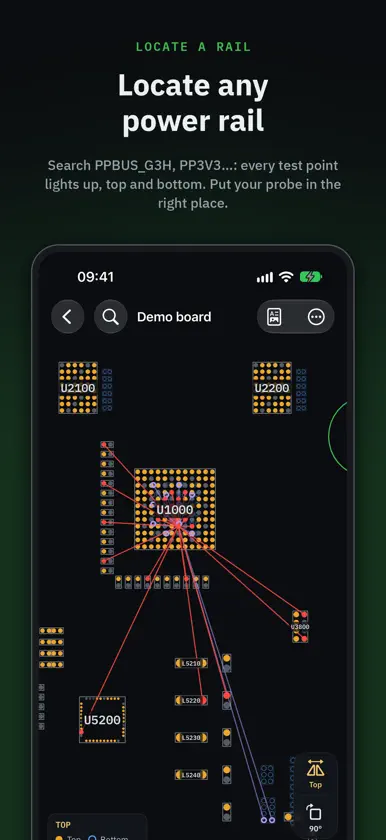
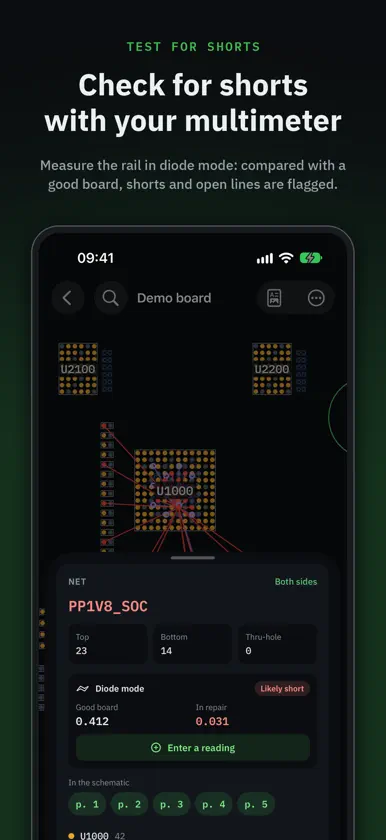
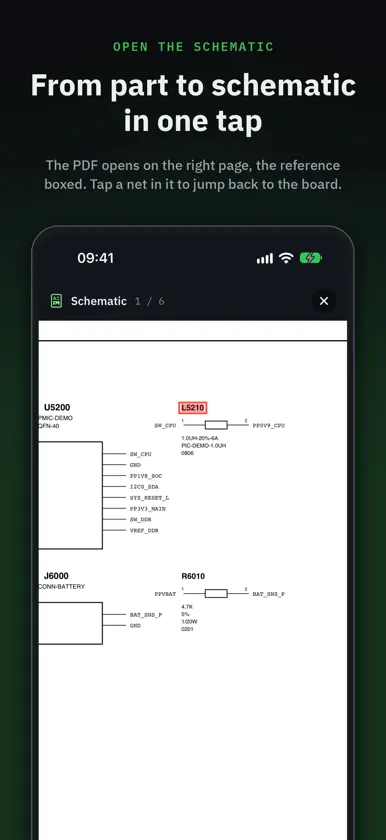
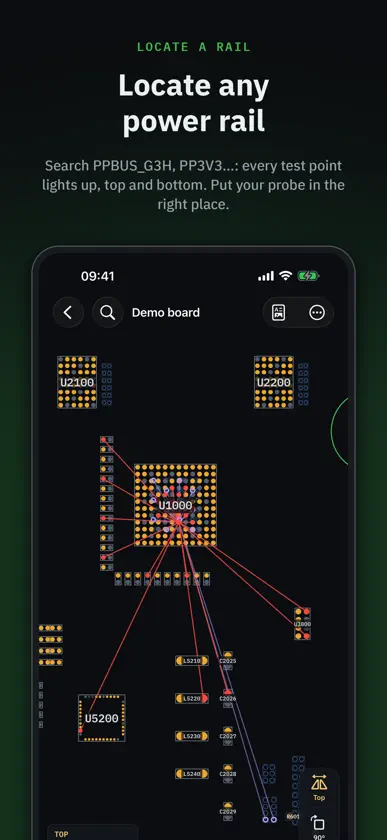
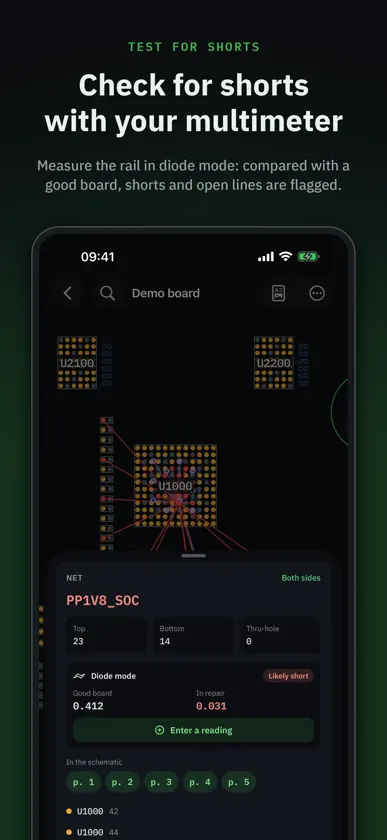
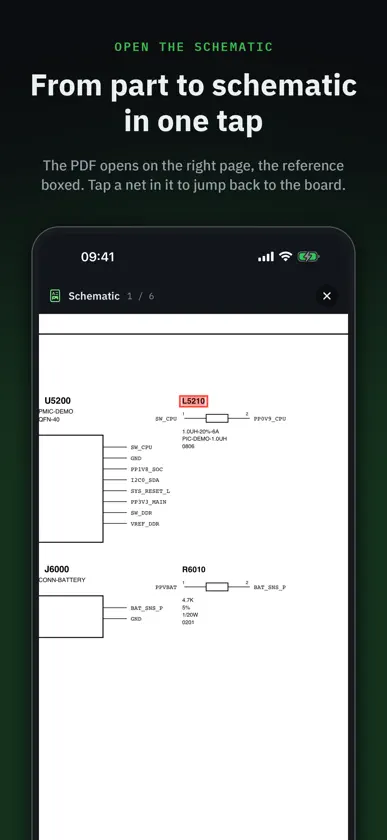
BoardView Reader answers the two questions every motherboard repair tech asks: where do I measure this power rail, and which part do I replace? Open the board's boardview and schematic, locate the rail in one tap, test it with your multimeter and find the reference and value of the component to change — on your phone, tablet and computer. LOCATE A POWER RAIL • Search a rail (PPBUS_G3H, PP3V3_S5, VCC_MAIN…) or a component in a single field • Every point on the same net lights up on the board, top and bottom • Spot the most accessible capacitor or test point to place your probe • Flip the board, rotate 90°, show one side or both, just like on the bench TEST FOR SHORTS • Measure the rail in diode mode and log the reading in one tap • Compared with a known-good board, it is judged at once: matches, slight difference, large difference, likely short, open line • Your reference values apply to every board with the same number; share them as CSV FIND THE PART TO REPLACE • Tap a component: its reference, value, voltage, tolerance and package, read from the schematic • Side, pin count and the net of each pin in the inspector TAKE IT FROM A DONOR BOARD • "Find in other boards" looks for the same component in your donor boards, or in any folder you choose • Same part number, same value or same designator: results ranked from most to least certain • Tap a result: the donor board opens on the component THE SCHEMATIC IN THE RIGHT PLACE • Import the board and its PDF schematic with the same name: they are paired automatically • Tap a component: the schematic opens on the right page, the reference boxed • Tap a net or a reference in the schematic: "Show on board" takes you back AN ORGANISED SHOP • Sort boards into folders: in repair, donors, customers… • Import a board's folder: its boardview and schematic are linked under the folder's name • Each board keeps its schematic and its readings • On a computer: hover info with the mouse and customisable keyboard shortcuts FORMATS: BRD (Test_Link, including encoded), BRD2, BDV, BVR and BVR3, CST, GenCAD (.cad), PCB (XZZ), on their own, in a folder or in a ZIP or RAR archive. Encrypted FZ files are not supported yet. Bring your own files: the app does not include a boardview library. A file won't open? Send it to us from the app, we add the most requested formats. A demo board and schematic are included so you can try everything right away. FREE TO READ — Opening and reading boards is free. The linked schematic, diode-mode readings and the unlimited library are part of Pro: a one-time purchase, no subscription, with a full 48-hour free trial for 2 boards. STEP-BY-STEP GUIDES — Link the PDF schematic, import a board, follow a power rail, diode mode readings, parts on donor boards: illustrated guides at https://geckofix.com/outils/boardview-reader/guides/en No ads, no account, no ad tracking, works offline. Available in English, French, German, Italian, Spanish, Portuguese and Japanese.
What's new
Version 2.4 · Nov 11, 2026
New: step-by-step user guides with screenshots, from the menu (“User guides”) and under “Attach schematic”. Some scrambled BRD files now open. Fixes.
In-app purchases
The most popular purchases on the App Store.
- BoardView Reader ProConsumable$22.90