
Screenshots




About this app
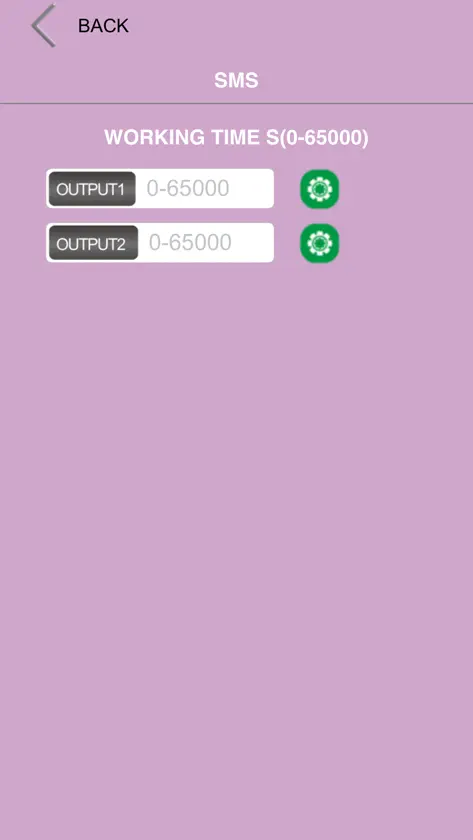
CallStart GSM SINGLE CHANNEL REMOTE CONTROLLER Once you have installed the unit and inserted the Sim Card, you can now power up the system and the 3 LED lights will oscillate infrequently until the BLUE LED flashes every 3 seconds and the system is now on line, connected to the network and can now be programmed. The first thing to set up is to add the Administrator who will be the only number that can program and change the parameters of the system. You would hold the reset button down and release after a few seconds and the BLUE LED will stay illuminated and you would now call the unit and the system will register the number as the administrator, the unit will now send the following similar S.M.S confirmation as :ADMIN SAVE OK The Administrator can now program the system functions using the following instructions and SMS formats.
What's new
Version 1.0.6 · Sep 10, 2025
1.Updated to support ios18.5 2.Stability improvement
More from 文土 黄


You might also like
All apps like CallStart → Givvi: Social WishlistBENJAMIN DAVID SPICKARD
 MySaxdorNavico Group Americas LLC
 Knots: Useful knots for lifeDuc Dang
 High Frequency HighwayJ Johnson
 Magic DisplayTianlang innovation Technology (Shenzhen) Co.,Ltd.
 SwingHub: Open Dating & SocialSwingHub Limited
 GOconnectGOintegro
 DoubleList - Casual EncountersDoublelist
 Bindr | Bisexual Dating AppBrandon Teller
 HeyPiggy: Daily Online SurveysMakeOpinionGmbH