
Canvas by Instructure
Instructure Inc.
4.7(2.8M)EducationAges 4+
Screenshots




About this app
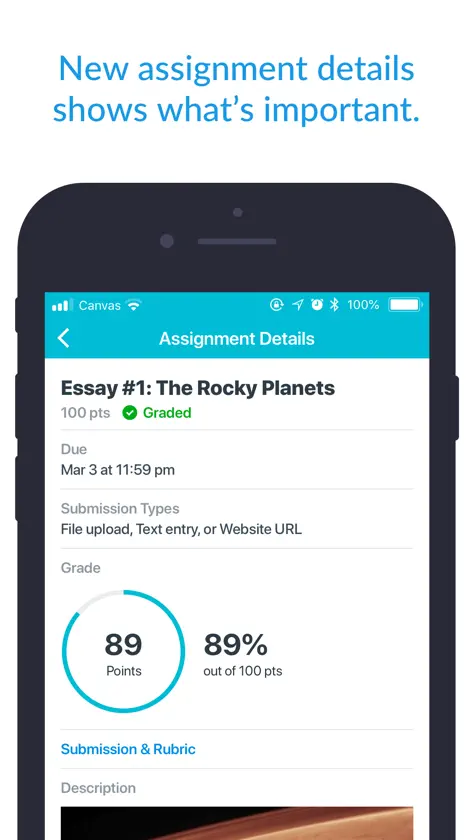
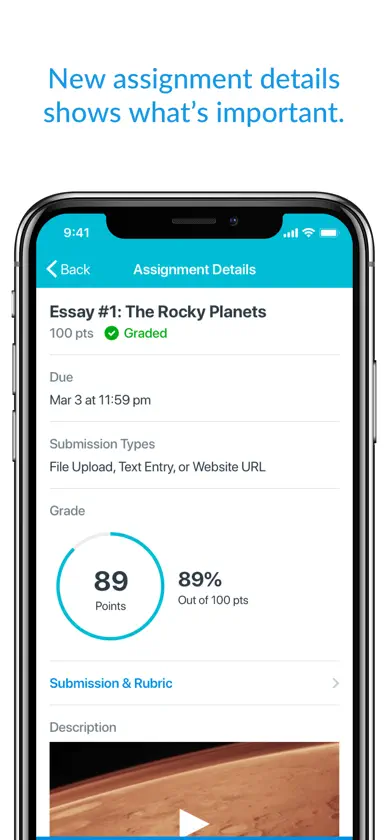
Your learning, anywhere. Stay connected to your courses with the official Canvas app for learners. Whether you’re in class, commuting, or offline, Canvas helps you stay organized and engaged. Note for instructors: For teaching and grading features, use the Canvas Teacher app. What you can do • Organize: View grades, track assignments, homework, and schoolwork; get reminders, push notifications and add customizable widgets for quick access • Engage: Send messages, join class discussions and collaborate with classmates in real time • Learn: Submit assignments, PDFs, docs, and media files for teachers to annotate in SpeedGrader, take quizzes, and watch videos on the go • Offline: Download full courses and keep studying even without internet • Integration & inclusivity: Use integrated classroom tools (LTIs), enjoy dark mode, and rely on built-in accessibility for everyone (VPAT 2.2 compliant) • Lifelong learning: Support for continuous learning, career-focused skill based learning programs, and AI-powered learning experience via Career experience Trusted by over 40 million learners worldwide.
What's new
Version 8.14.0 · Nov 2, 2026
- Added Notebook Offline support, Notes can be created, viewed, and organized anytime without an internet connection. - Fixed image opened from Files was aligned to the left after rotating the device. - Fixed text next to an existing Notebook highlight could not be highlighted. - Fixed app could freeze on launch and close itself. - Fixed Page Editor appearing empty in some cases if editing a Page is enabled. - Fixed Calendar List could appear empty after opening the New Event form. - Fixed the Find School screen during login so search results stay visible in landscape.


