
Screenshots

About this app
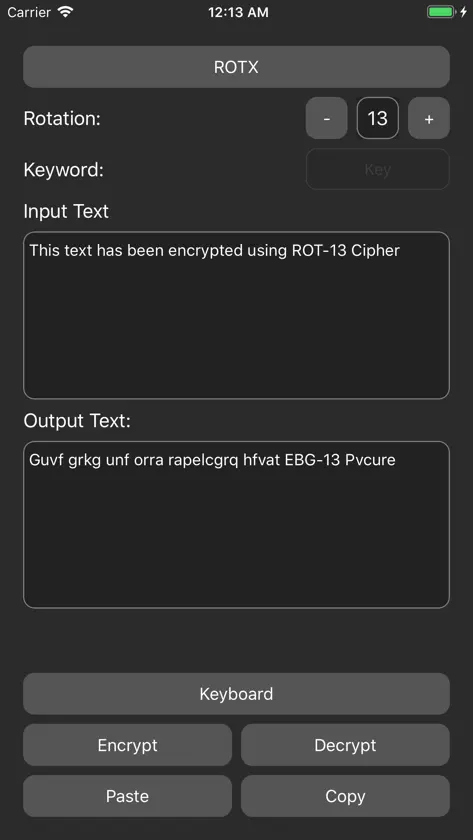
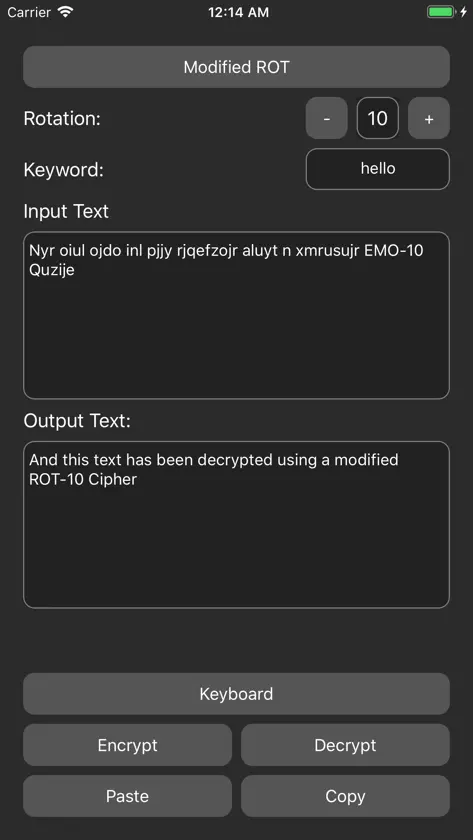
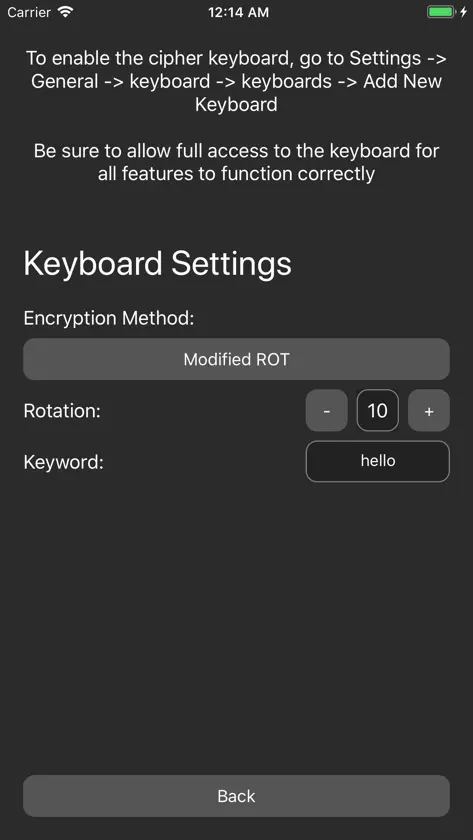
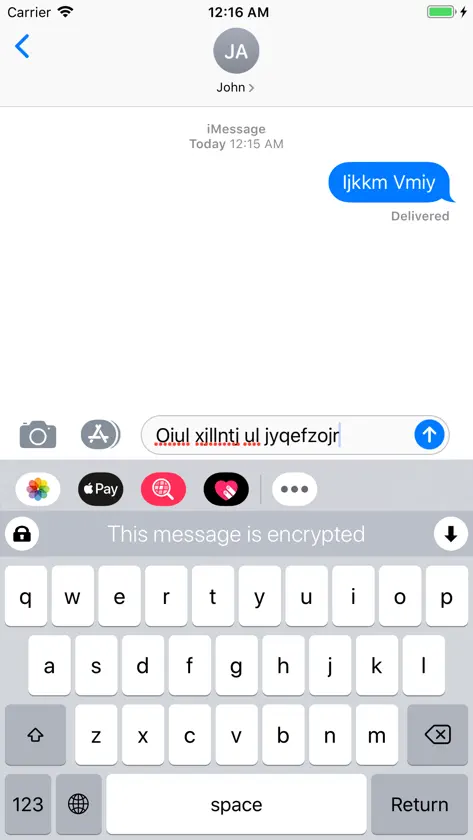
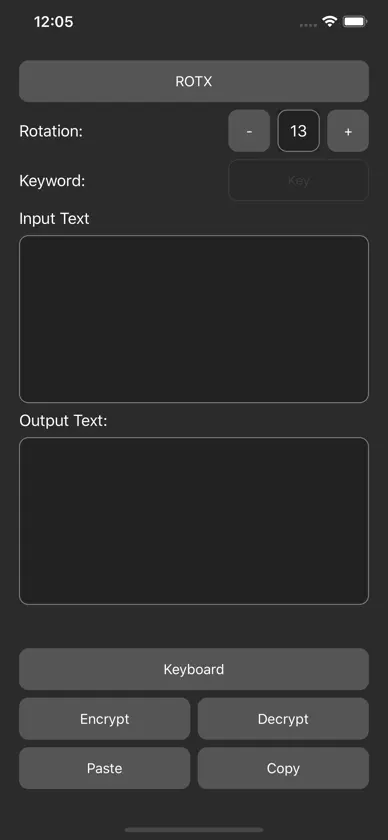
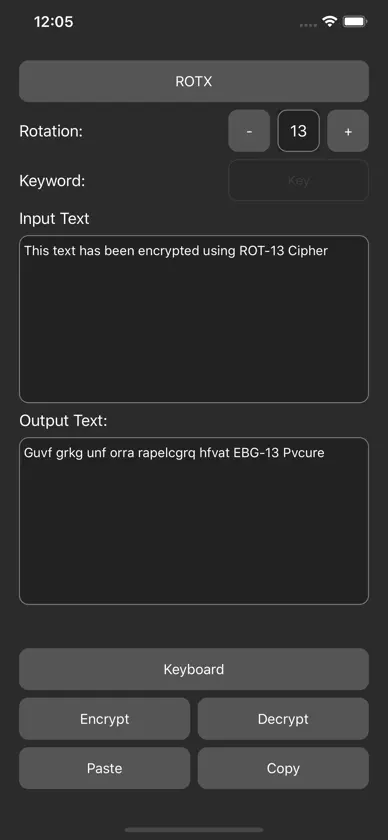
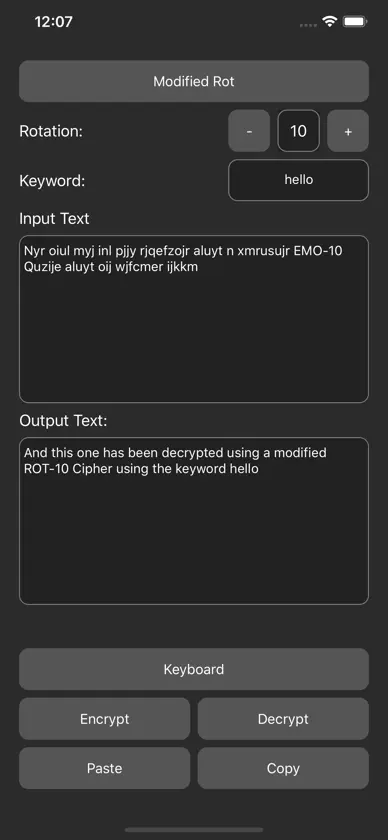
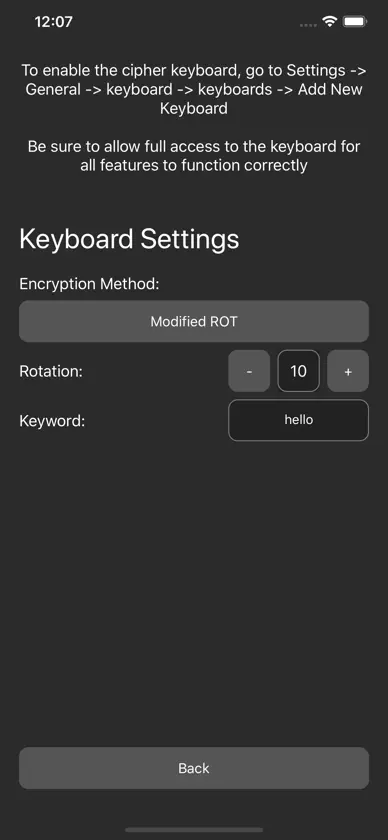
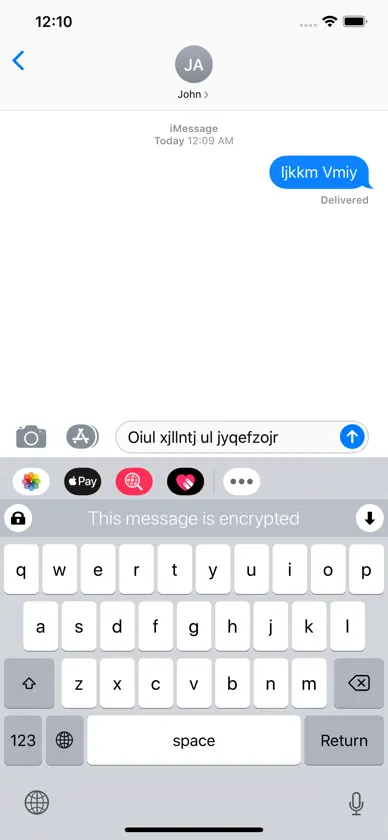
Cipher is a simple and easy to use App allows you to encrypt and decrypt text. To encrypt text: 1. Type in the text you wish to encrypt or tap the paste button 2. Select your encryption method 3. Tap encrypt button 4. Tap the copy button to copy the output To decrypt text: 1. Type in the text you wish to decrypt or tap the paste button 2. Select your encryption method 3. Tap decrypt button 4. Tap the copy button to copy the output Cipher also includes a keyboard extension that allows you the send encrypted messages to you friends. To send a message 1. Select your encryption method using the Cipher App 2. Enable the keyboard extension 3. Toggle on the lock icon on top left corner of the Cipher keyboard 4. Start typing and your message will be encrypted as you type To read a message using the keyboard 1. Copy the message 2. Tap the downward arrow on top right corner of the Cipher Keyboard 3. The decrypted message will be displayed Encryption methods available: - ROT-X Cipher - Modified ROT Cipher - Vigenere Cipher - Letter Numbers Cipher More encryption methods will be added in the future.
More from loay setrak


You might also like
 PageExtract - Webpage AnalyzerLife Utility Apps, LLC
 Timesheet Hours TrackerBlack Cigar Apps, LLC
 Bluetooth Finder & DetectorAnthony Harvey
 Hidden Cam DetectorMUHAMMET USLU
 Fancy Text: Fonts KeyboardNitin Maheshwari
 Simple Markdown EditorYUKI TANAIKE
 Font Identifier - AI FinderBoss Web SRL
 DayCalc Pro - Note Calculator良峰 侯
 SpyTracker: Wireless Detector晶晶 饶
 Background Noise Remover - AIMarvin Perzi