
CodePad – Code Editor & IDE
Touch LLC
5.0(3)Developer ToolsAges 4+
Screenshots

About this app
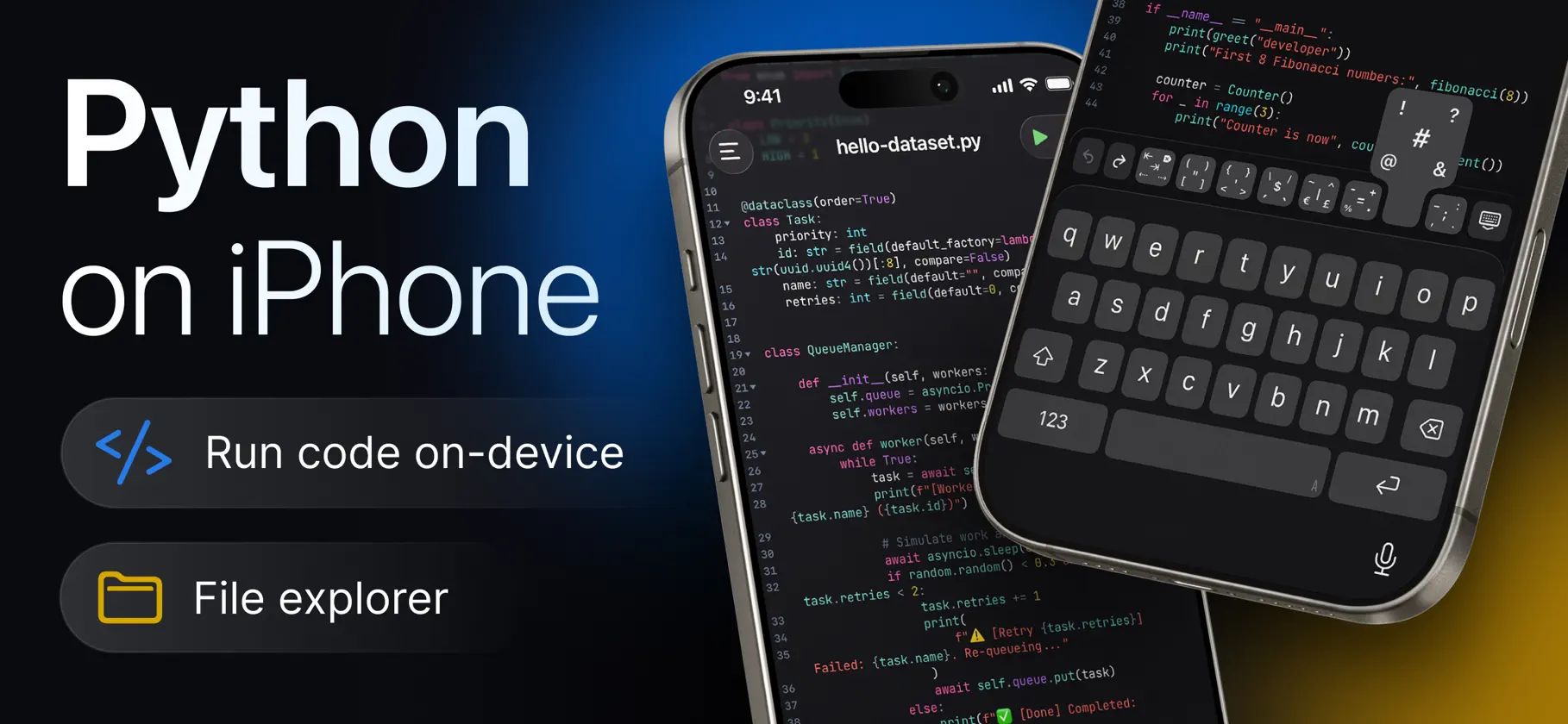
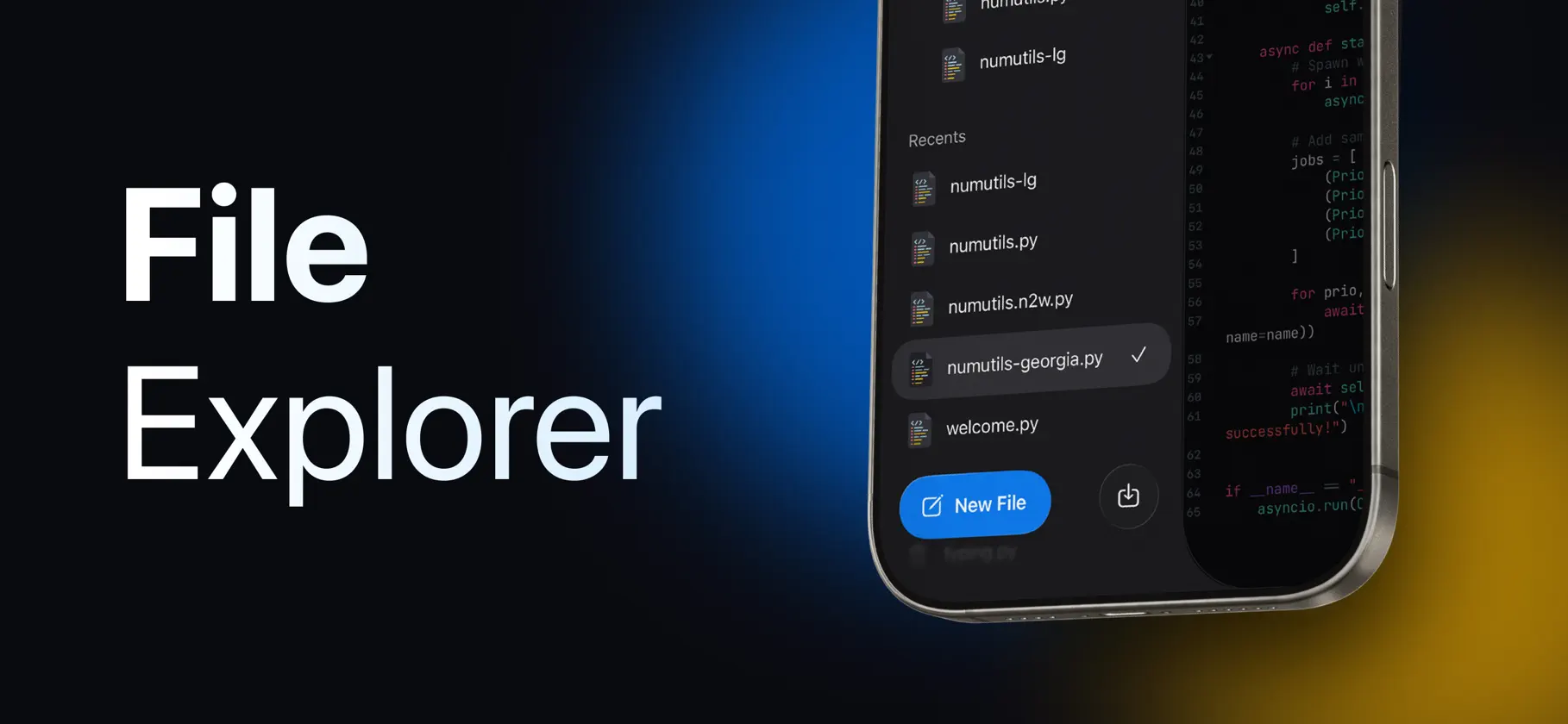
Write and run Python – right on your iPhone or iPad, with no ads and no subscriptions. CodePad is a full Python code editor and IDE built for iOS and iPadOS. It runs a real embedded Python interpreter directly on your device – no server or internet connection required. Your code executes locally, instantly, and works even offline. NO ADS. NO SUBSCRIPTIONS. • All features are available • No ads • No subscription required • No account required • Run Python locally and offline CODE WITH A REAL EDITOR • Full Python syntax highlighting • Line numbers, code folding, and current-line highlighting • Auto-indent and auto-close brackets • Line wrap and adjustable tab width • Find and replace across your file • Multiple editor themes and fonts with adjustable font size RUN PYTHON ON YOUR DEVICE • Execute Python scripts directly on your iPhone or iPad • No server round-trip – your code runs locally • Watch output appear in a dedicated console as your script runs • Send input to a running script interactively • Built-in timeout protection for runaway loops • Full Python tracebacks to help find and fix errors fast ORGANIZE YOUR WORK • Create and manage multiple projects, files, and folders • Import existing Python files or whole projects (.zip) • Export projects to share or back up • Deleted items move to Recently Deleted first NEVER LOSE YOUR PROGRESS • Automatic version history for every file • Compare earlier versions against your current code, line by line • Restore an older version in a single tap BUILT FOR iPHONE & iPAD • Dedicated Light and Dark editor themes • Keyboard accessory bar built specifically for writing code • Interview Mode for a clean, distraction-free workspace • Native experience on both iPhone and iPad Whether you're learning Python, prototyping an idea, preparing for an interview, or just need to run a quick script without opening a laptop, CodePad gives you a real Python environment anywhere. Write Python. Run it offline. Code anywhere. Python is a trademark of the Python Software Foundation. CodePad is not affiliated with or endorsed by the Python Software Foundation.
What's new
Version 1.1 · Nov 2, 2026
• 历史记录:每次运行都会与文件的各个版本一起保存。打开以往的运行,可查看输出、当时运行的代码,与当前代码对比,或一键恢复。 • 解释代码:在支持 Apple 智能的设备上,用通俗易懂的语言解释整个文件或选中的代码——在设备端完成,保护隐私且免费。还可以轻点“朗读”收听解释。 • input() 更好用:输入的内容单独显示在一行,支持表情符号和中文等文字,报错的行号也更准确。 • 一键复制或分享运行输出。 • 按文件名在所有项目中搜索文件。 • 改进了中文和日文的编辑体验,并为中日韩文字新增了字体。 • 在“设置”中的“最近删除”里可以恢复已删除的文件。 • 全新的图标与更流畅的菜单。 • 应用中更多内容已翻译为所有支持的语言。 感谢你的反馈!欢迎继续在“设置”›“建议改进”中告诉我们你的想法。
More from Touch LLC


You might also like
 Simple PythonYUKI TANAIKE
 CompilePilot: Build & AgentsCristian Gabriel Morales
 CodePad+ Code EditorAbdulrhman Alhoshani
 SVN Browseqifeng lu
 MiraBridge AI Code RemoteBerkant Uluer
 CodePad!JIN SIK CHOI
 HTML Editor - Build WebsitesPolymath Company Limited
 CodeSSH - Code EditorBlakzero Oy
 QR-ProAbdallah Abdalmonem
 pseudocoderDiab Ali