
Comic Scroll
DC-Matic
No ratings yetEntertainmentAges 4+
Screenshots





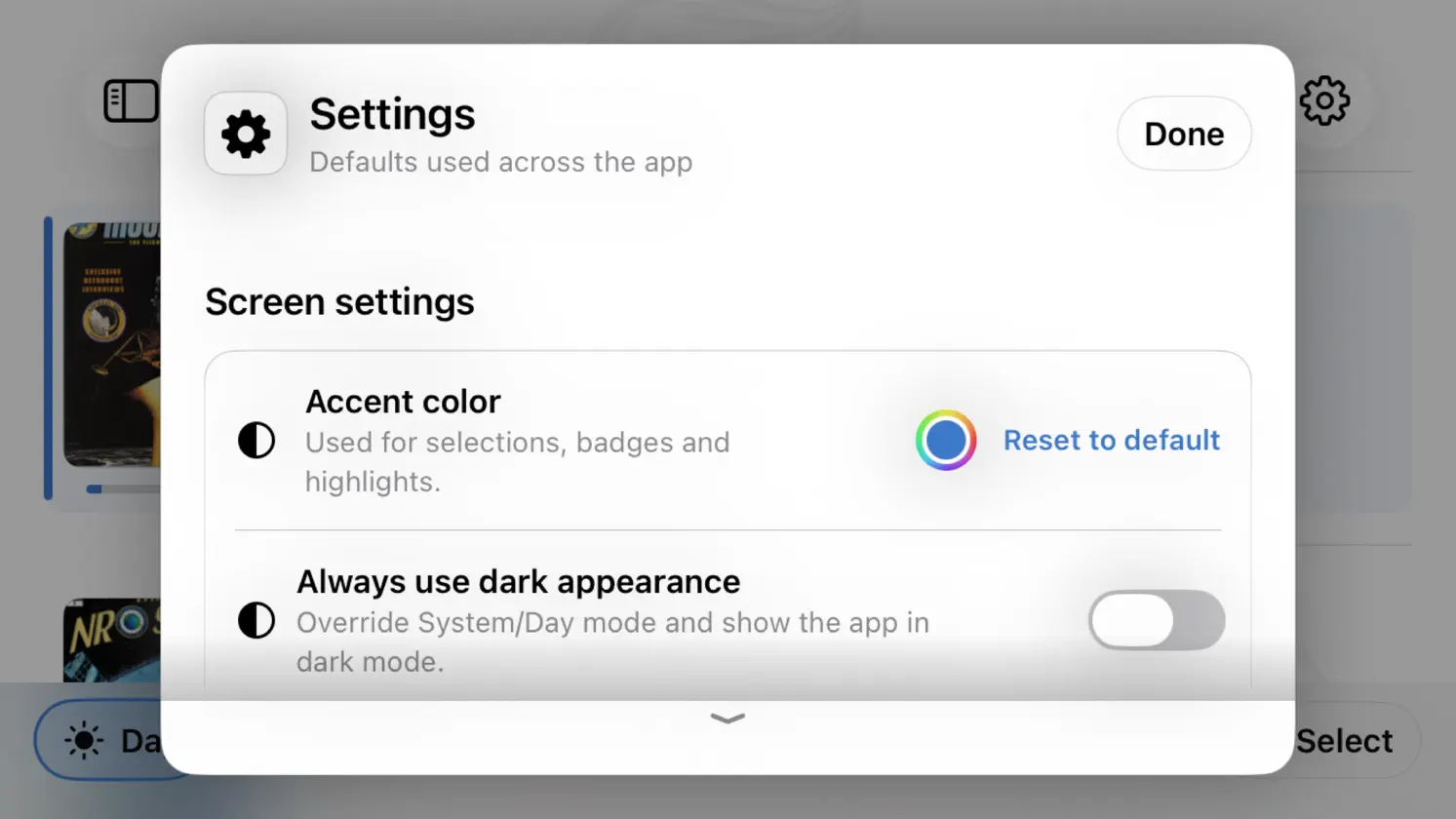


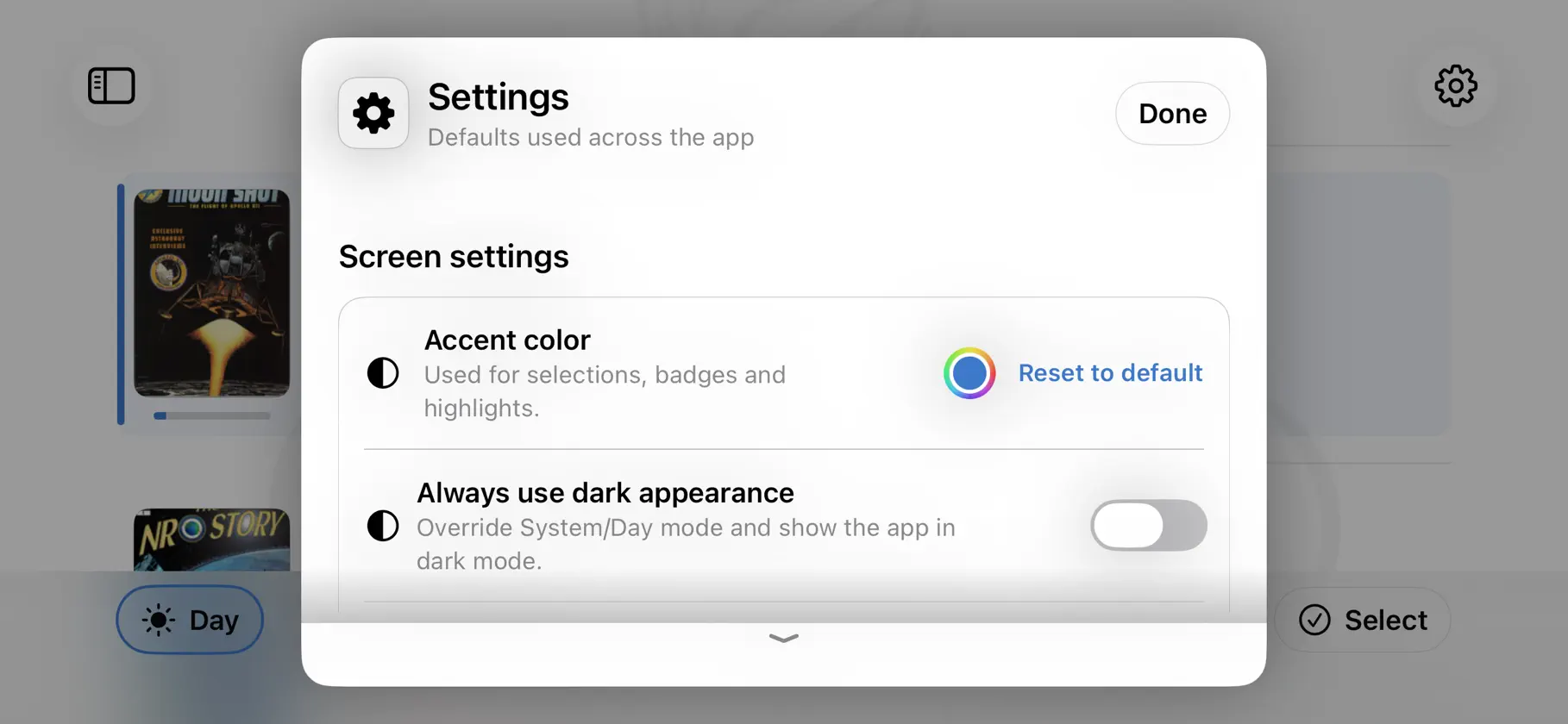


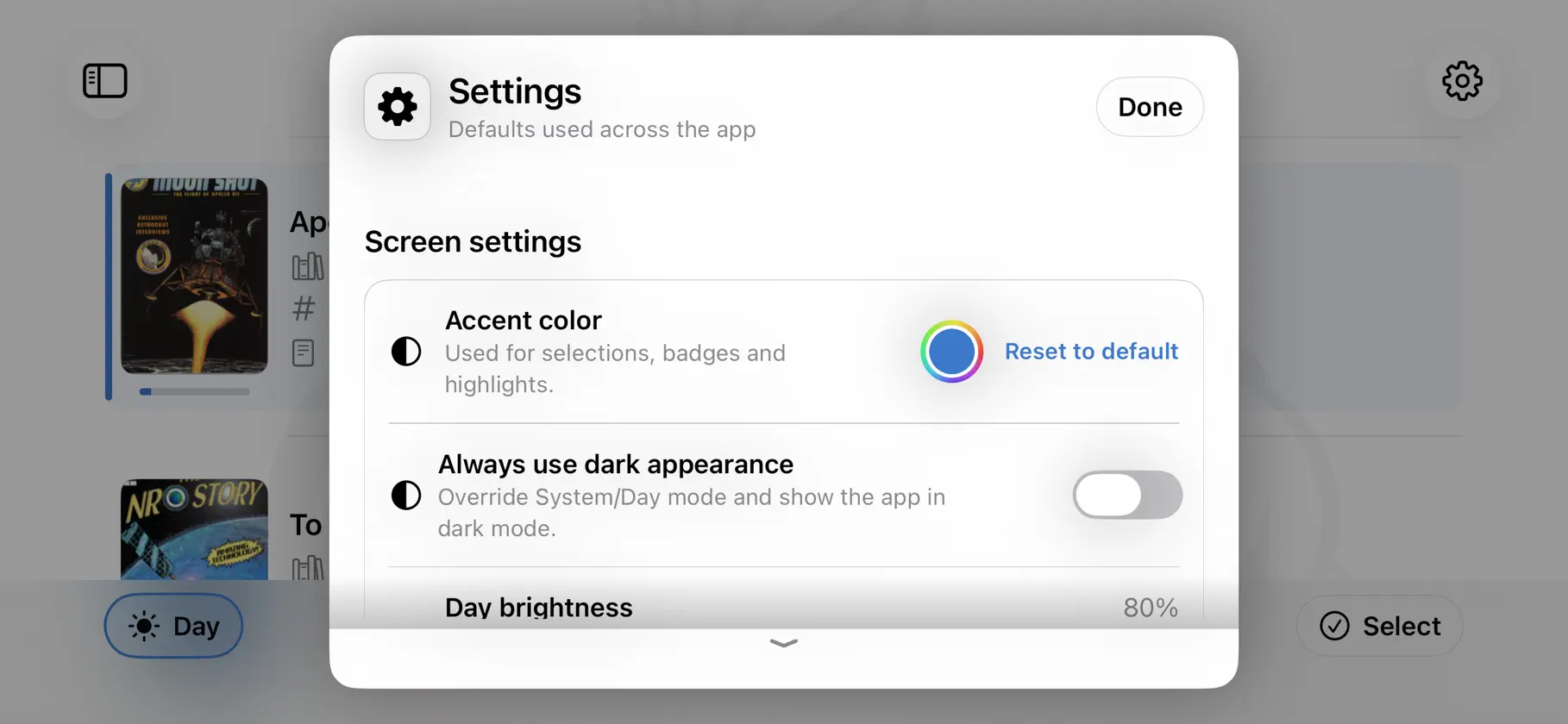
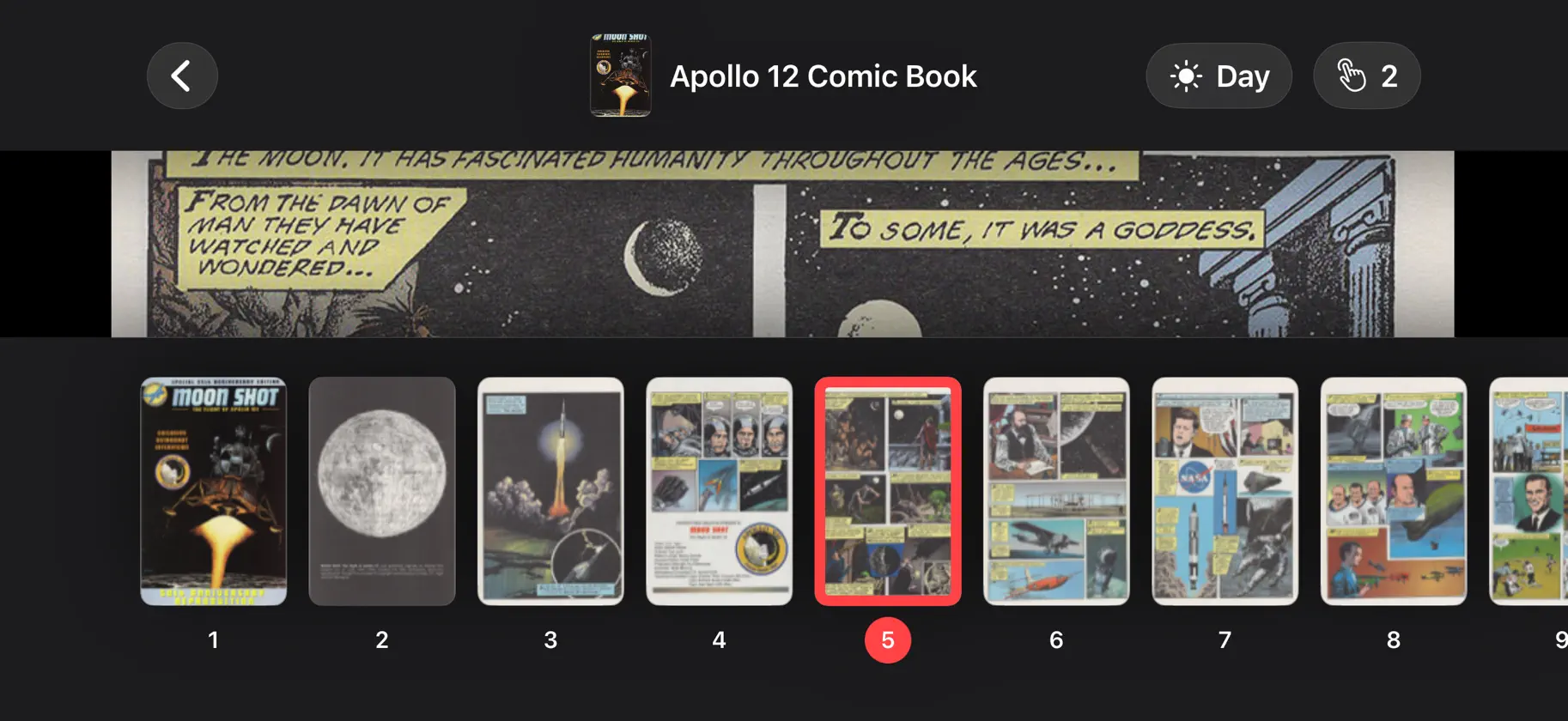


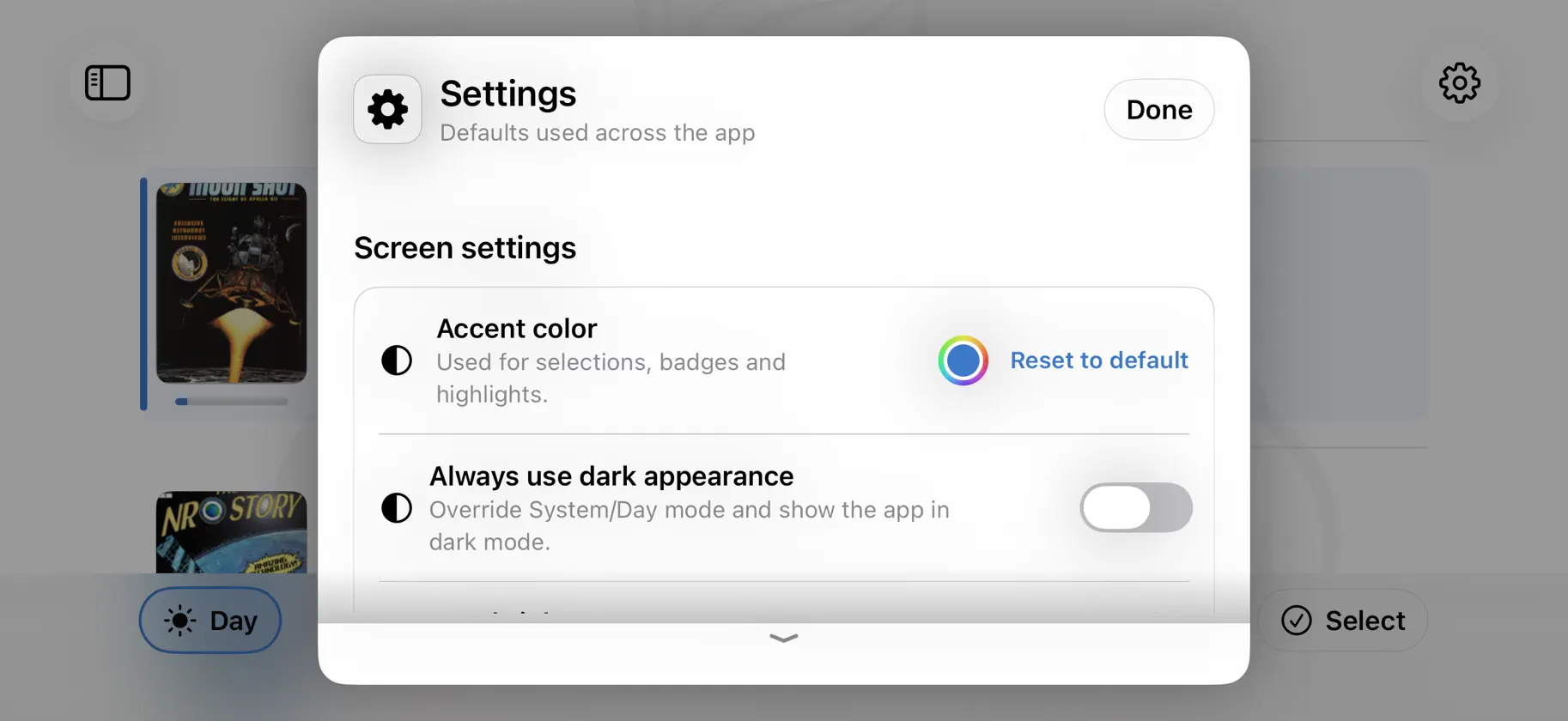
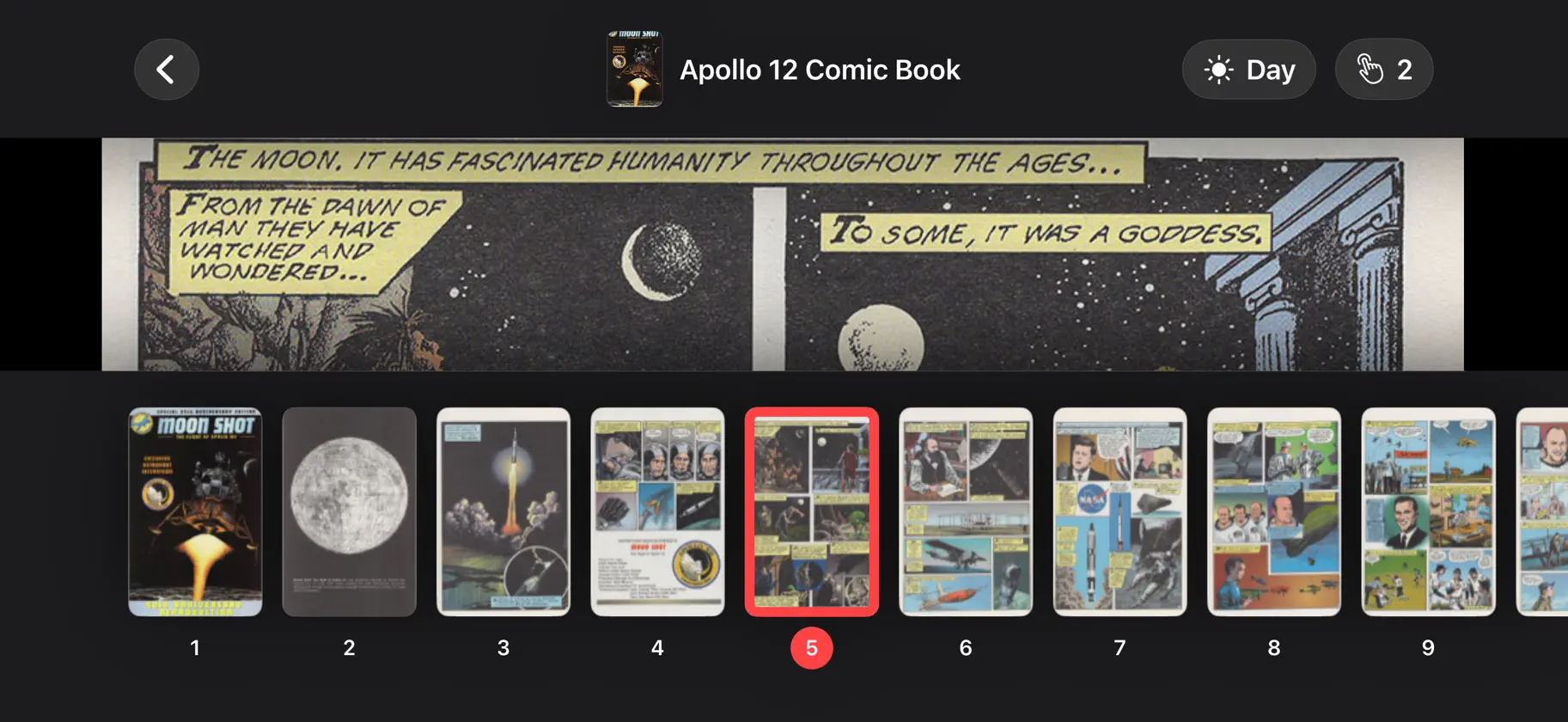


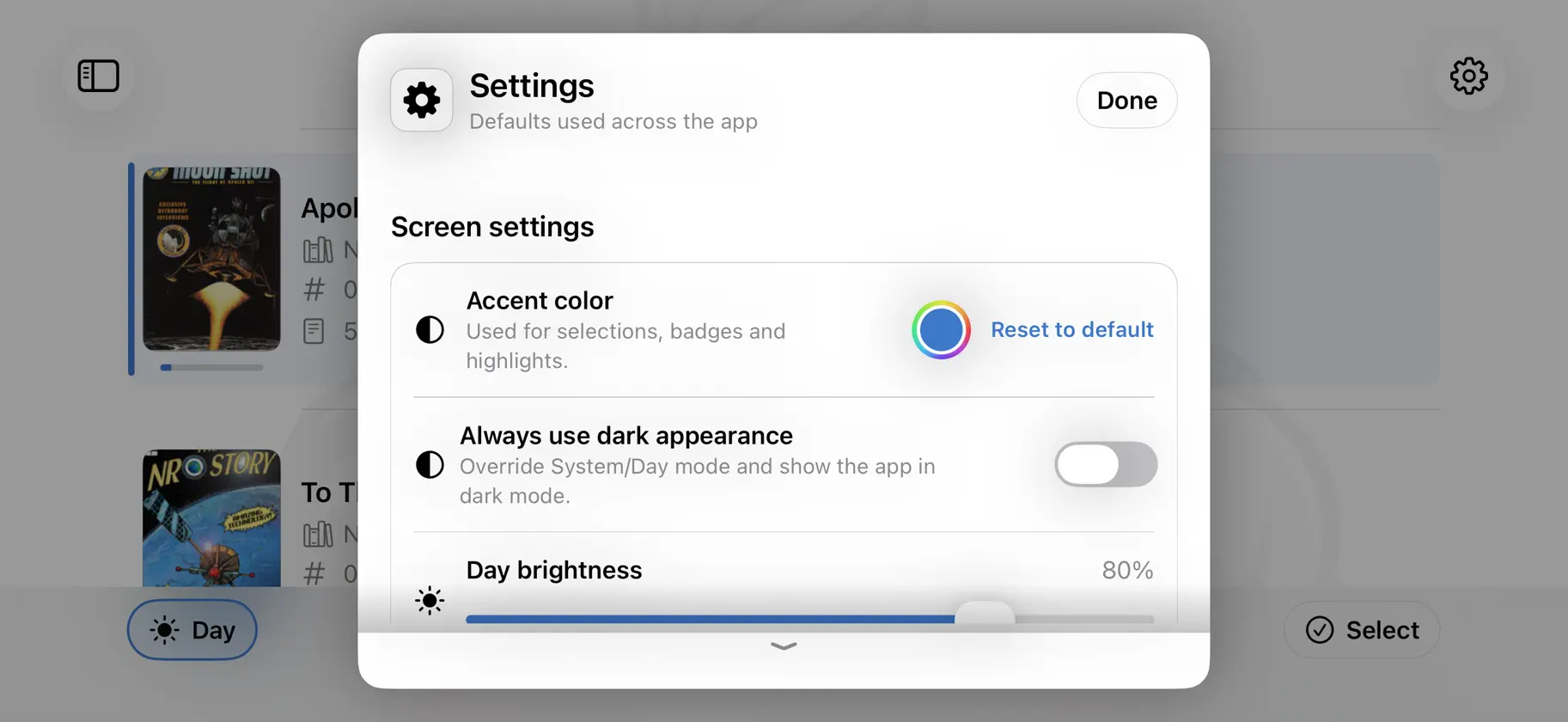
About this app
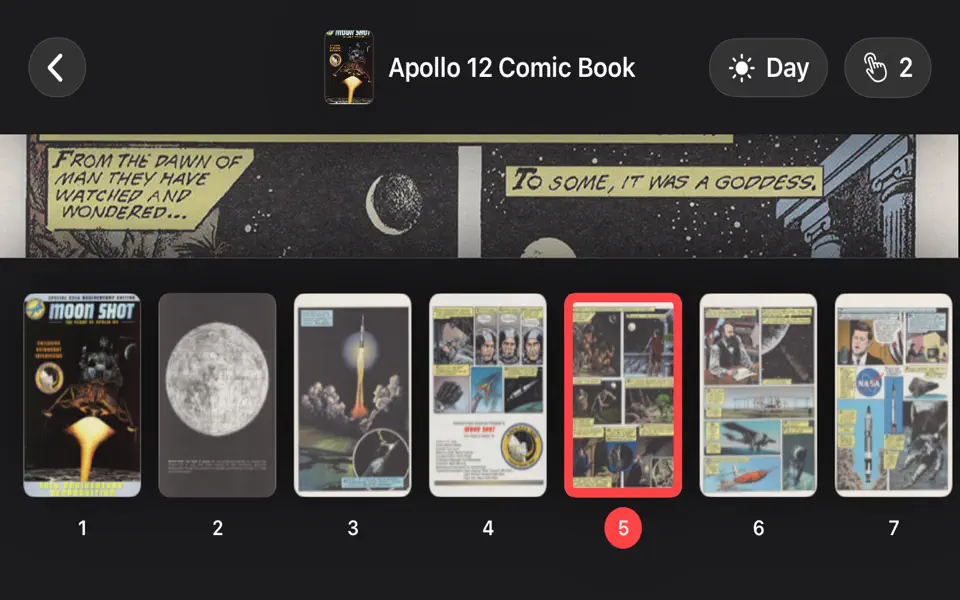
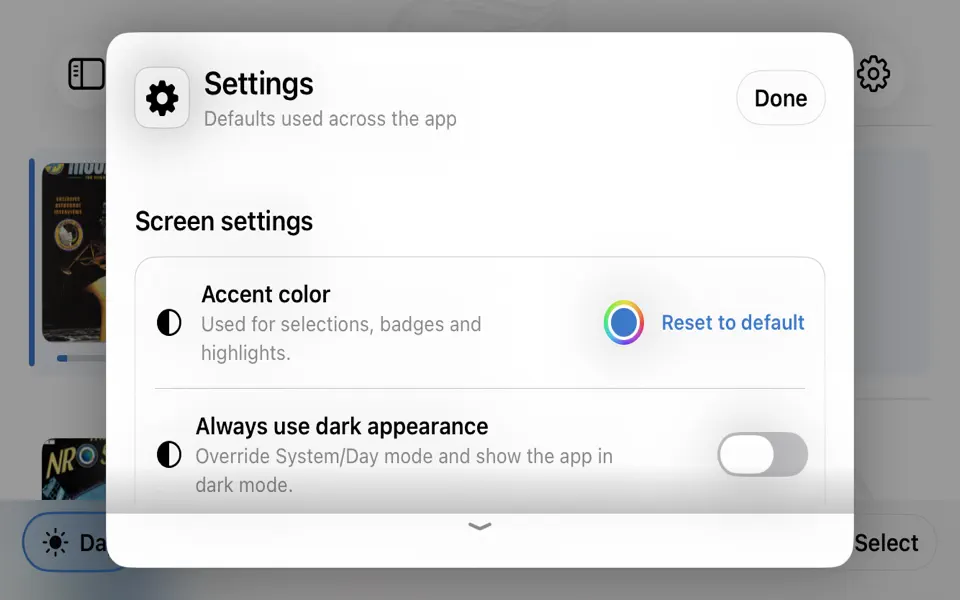
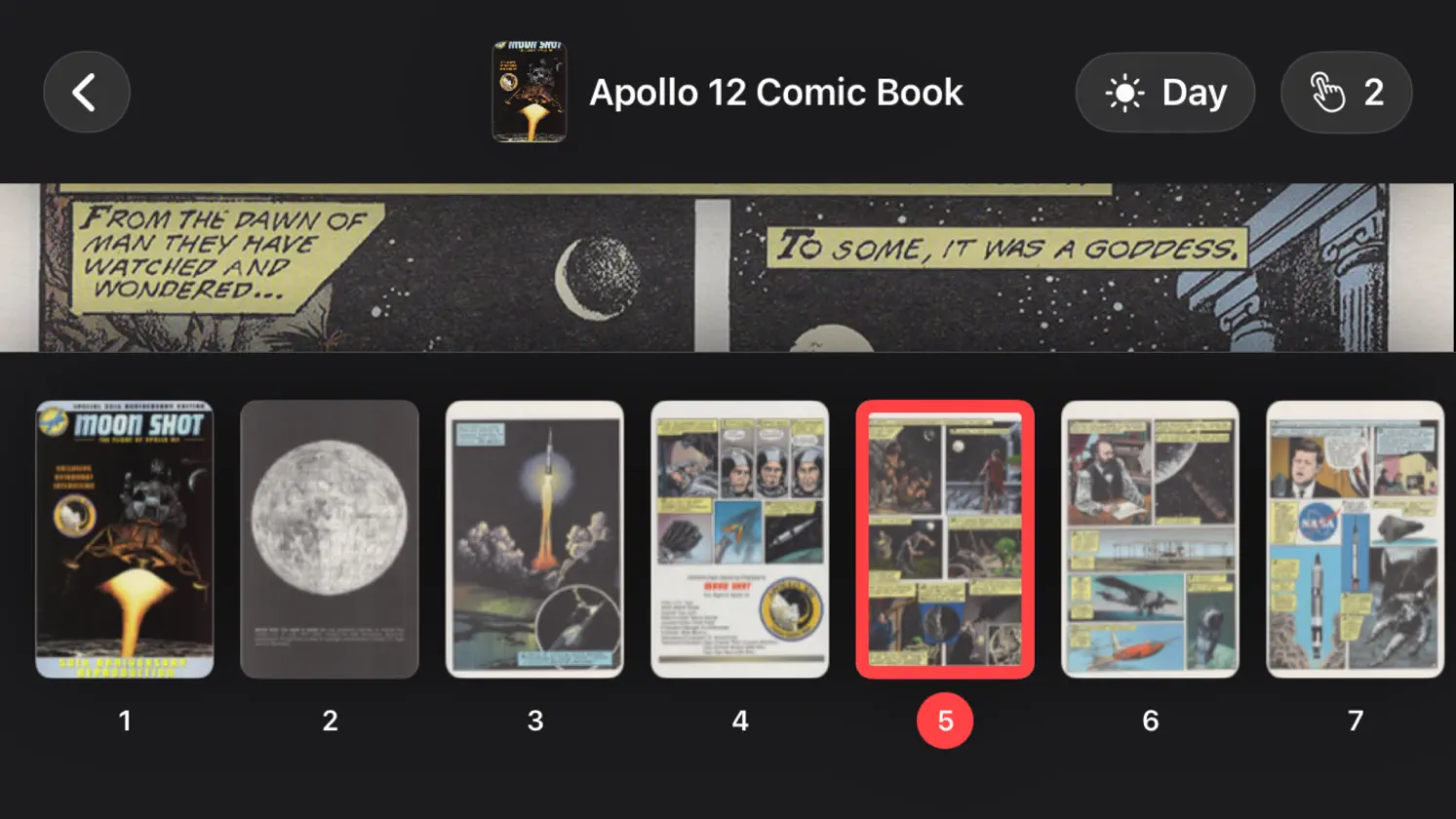
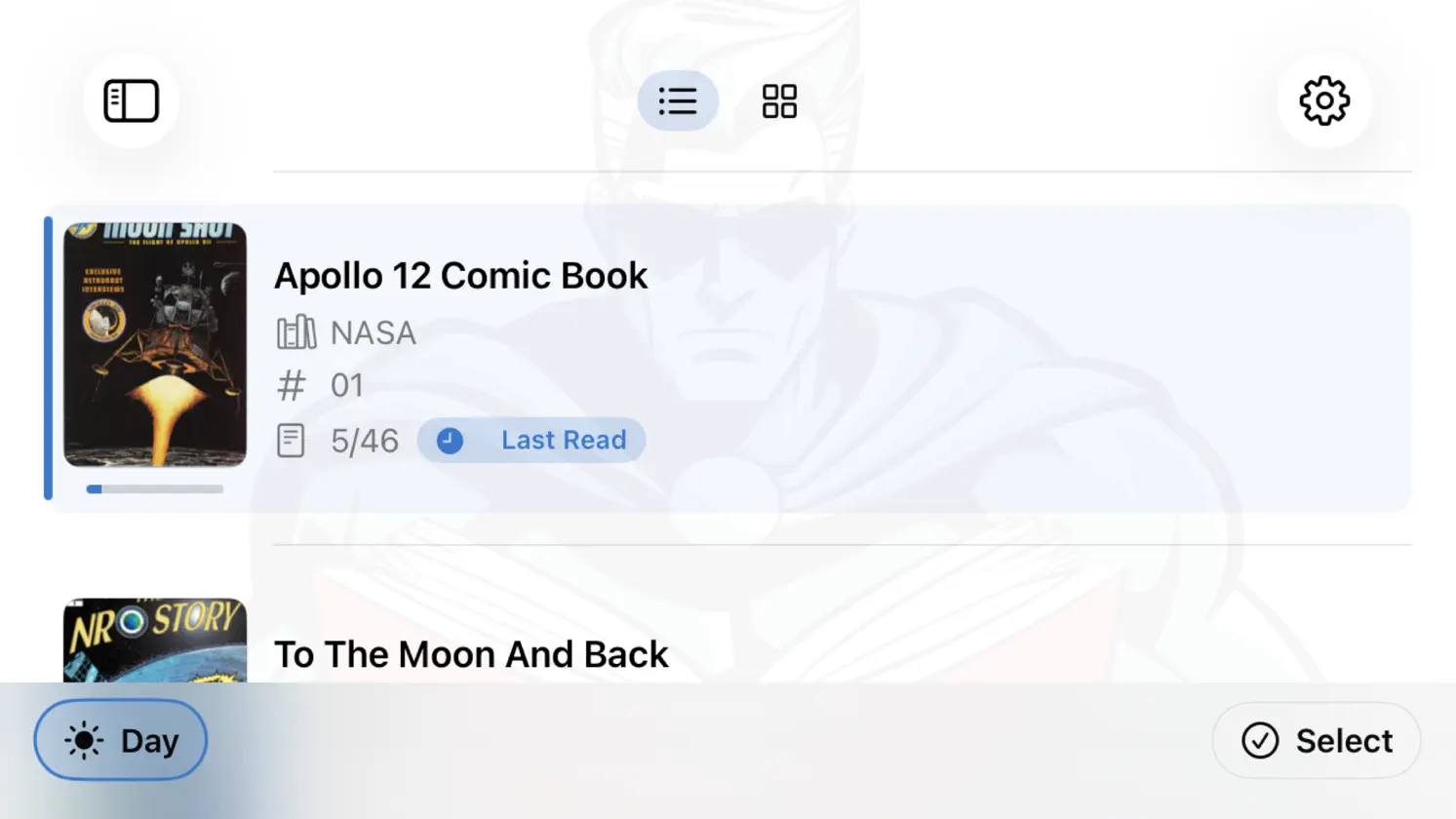
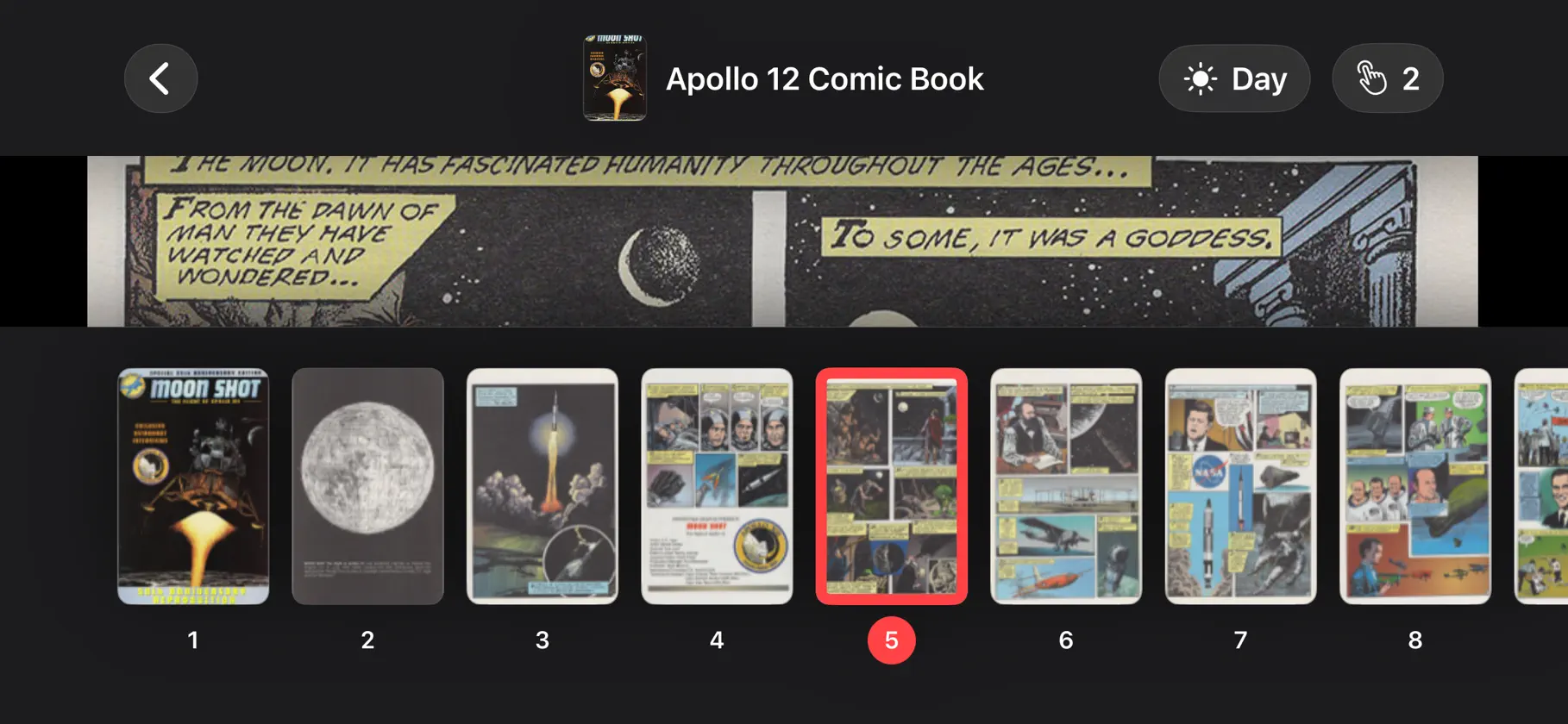
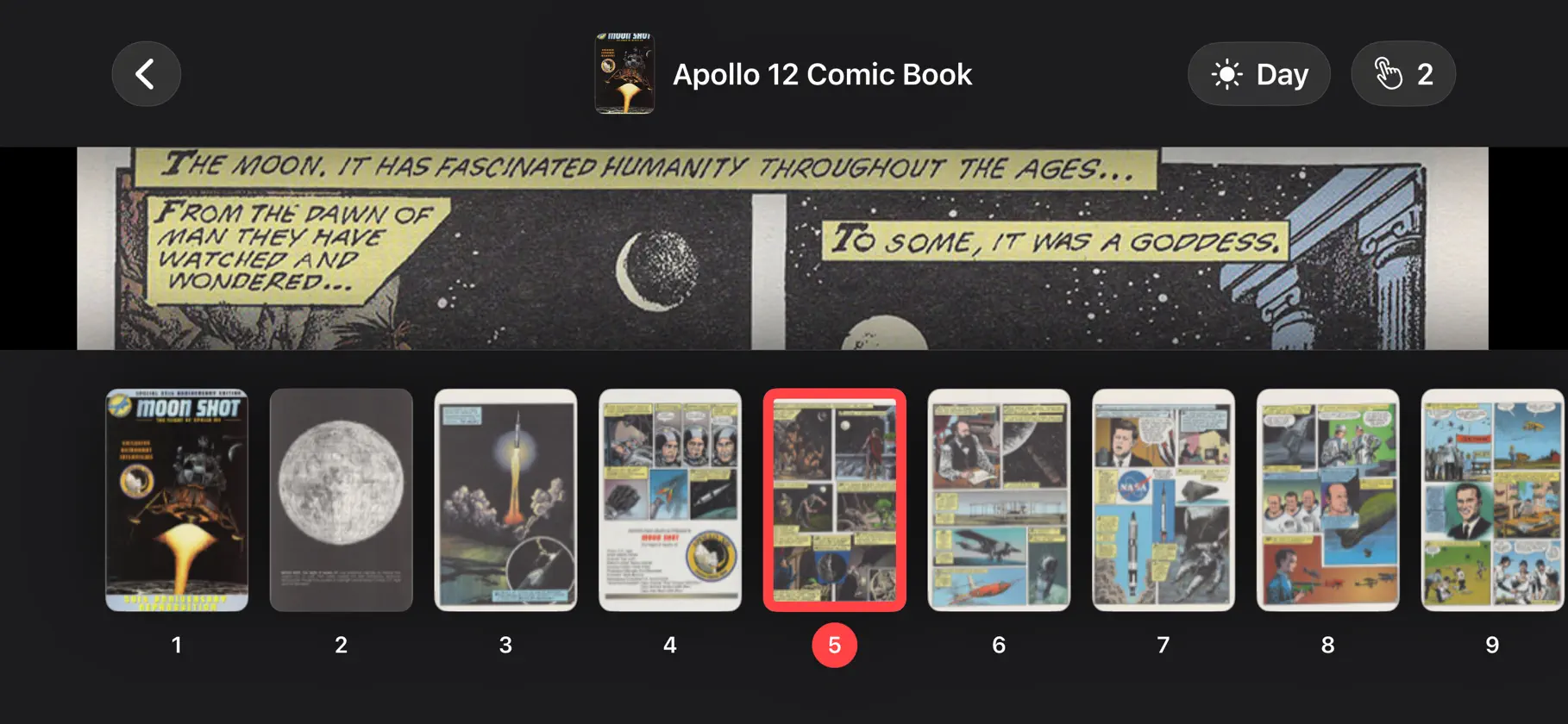
Add your purchased or scanned comic books to Comic Scroll from the Files document browser, AirDrop, a Mac, or another iPadOS app. Read in landscape to make every page as large as possible, with portrait supported when you need it. Pages scale to use the full width of your device, and you can zoom out whenever you want to fine-tune the fit. Navigation is simple: tap near the bottom of the screen to move one page down, tap near the top to move one page up, and tap the center or long-press to open the reader menu. Supported file types: PDF, CBZ, CBR, RAR, ZIP Supported languages: English, Dutch, French, German, Portuguese, Arabic, Chinese (Hong Kong), Italian, Swedish, Turkish, Spanish, Chinese (Simplified), Chinese (Traditional), Croatian, Czech, Danish, Finnish, Hebrew, Hindi, Greek, Hungarian, Indonesian, Japanese, Korean, Malay, Norwegian, Polish, Romanian, Russian, Slovak, Thai, Ukrainian, Vietnamese, and Catalan.
What's new
Version 4.7 · Nov 9, 2026
Correcciones de errores y mejoras de estabilidad.
In-app purchases
The most popular purchases on the App Store.
- Comic Scroll ProConsumable$1.99
More from DC-Matic


You might also like
 NOIZ-TOONdoyoung kim
 PanelPalArjen Broeze
 Holmes+ Audio BooksQrayon, LLC
 Doodle Dreams: Color & CreateRISE Synergy Ltd.
 Wallpaper LabPieter Hartzenberg
 Cartoon GalaxyOMSVISION SOLUTIONS LLP
 kooli - AI Desktop Pet Robot洪旭 郑
 CuteMoji - AI Emoji GeneratorAlphaved Private Limited
 Glassy Comics - Comic ReaderFernando Bunn
 World History TVMARTOM MEDIA LTD.