
Enterprise Spend Platform
Truist Financial Corporation
4.6(939)FinanceAges 4+
Screenshots





About this app
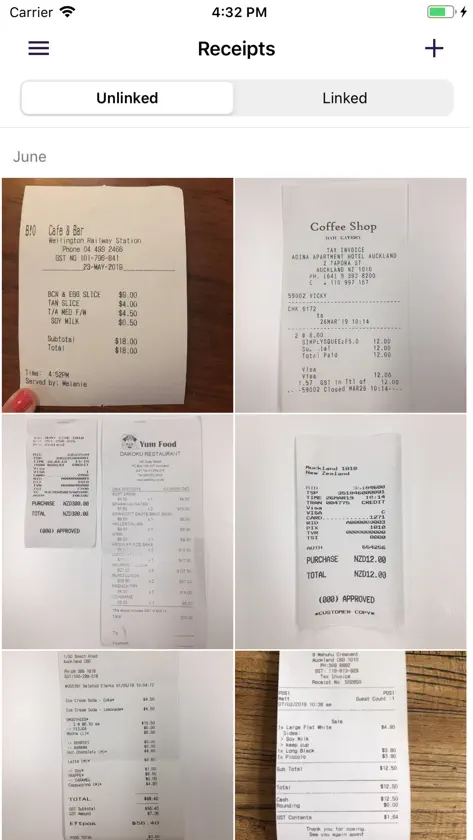
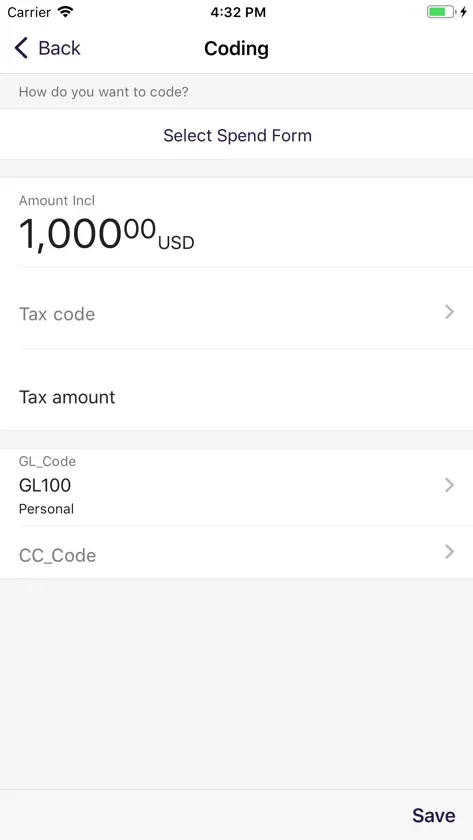
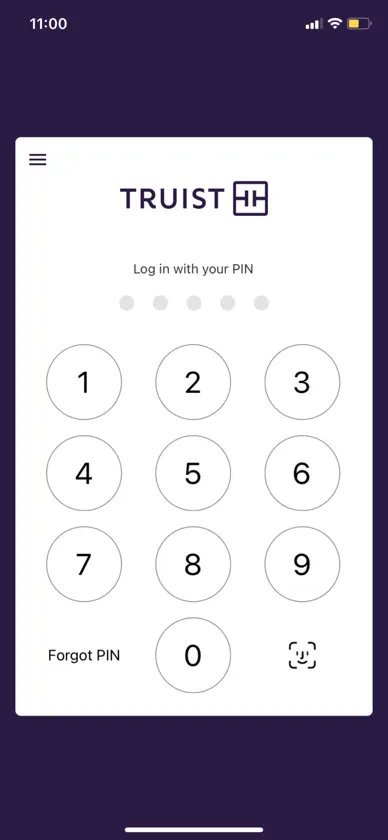
Get expense management at your fingertips by using the Enterprise Spend Platform (ESP) app to view expenses - anytime, anywhere. All Enterprise Spend Platform App users may select the new account listing screen from the user menu of a mobile device. From this screen, users may view their accounts or the accounts mapped or delegated to them, view available balance, and credit limit. If you are utilizing coding and approval functionality, now you can access ESP’s powerful Expense Management functionality from your mobile device. From the ability to take photos of your receipts using your device to providing approvals for card expenses, it’s easy for users and managers to complete their expense tasks on the go. Simply download now and create your mobile PIN to enjoy using mobile Expense Management for ESP. Expense Management: + Take photos of your receipts using your device + Link receipts to expenses + Keep track of receipts using the image library + View card expenses + Code and submit expenses + Approve expenses + Banking-grade, globally recognized security levels
What's new
Version 263.0 · Sep 25, 2026
• The receipt gallery now displays merchant name, category, date, and amount for each receipt on supported iOS devices, reducing the time spent finding and linking receipts. • Spend requests can now be edited and recalled to Draft status from the mobile app.


