
Screenshots









About this app
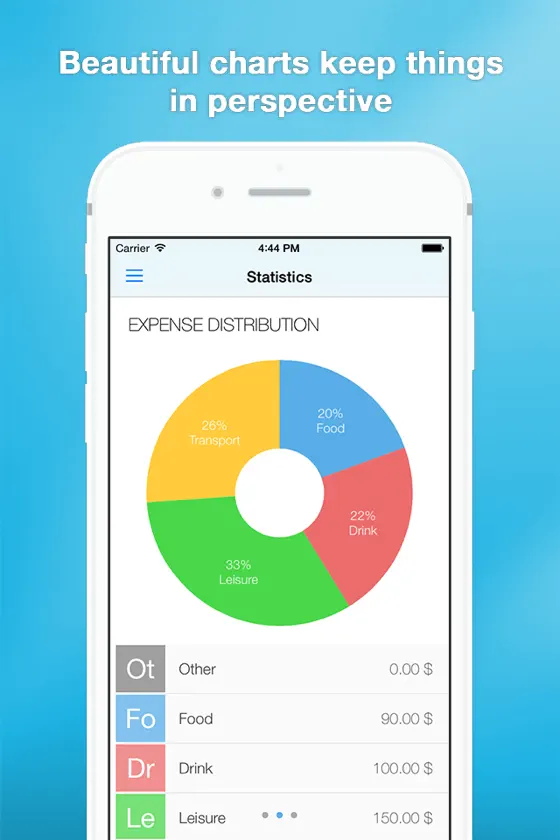
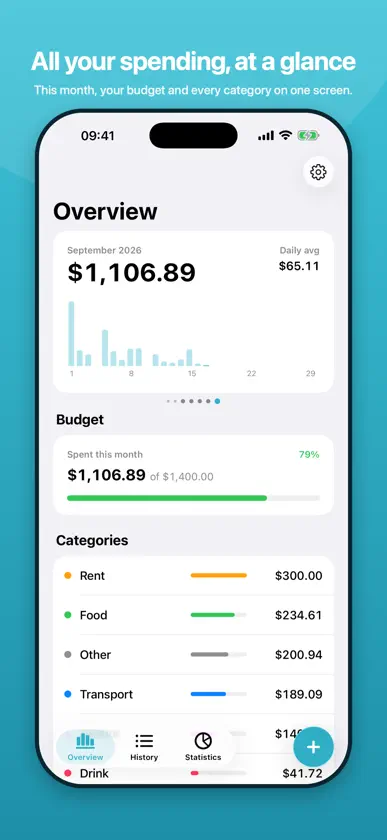
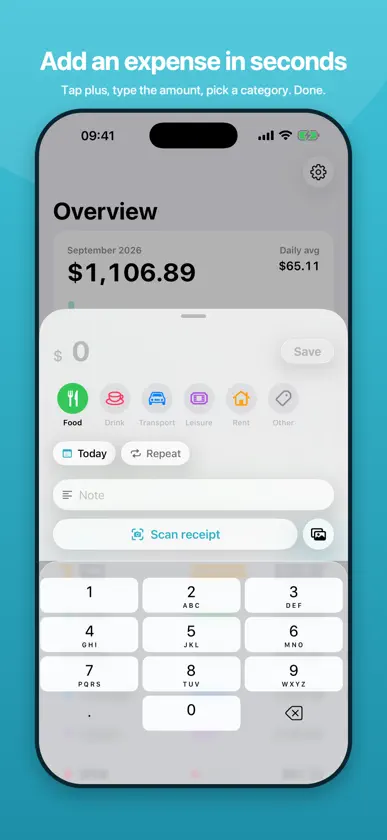
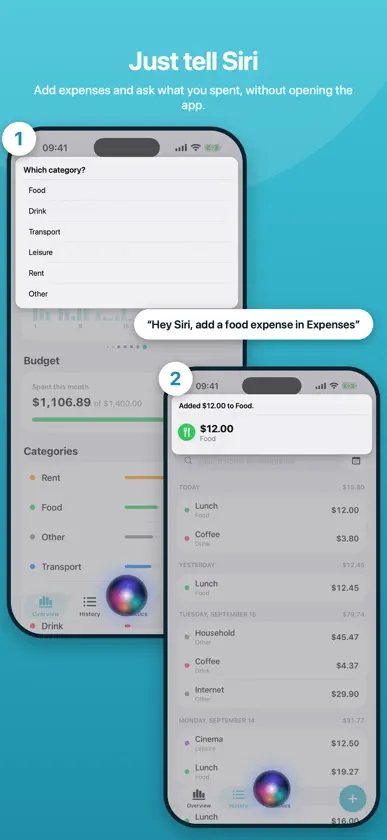
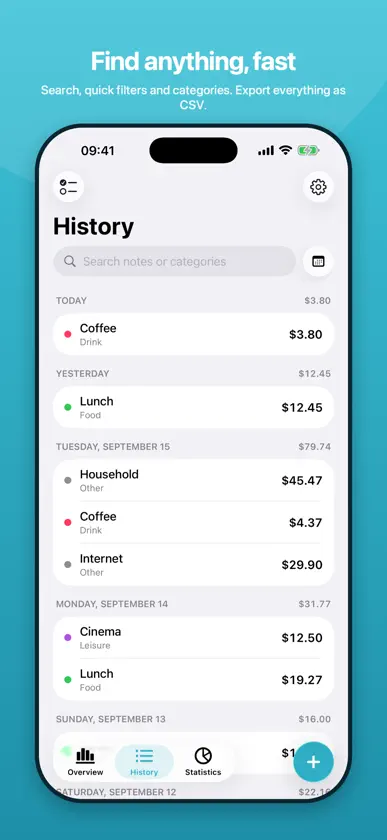
Expenses is the fastest way to keep track of what you spend. Tap plus, type the amount, pick a category, done. The overview shows this month at a glance, with a swipeable card for every month, your budget and the totals per category. JUST TELL SIRI Say "Add a food expense in Expenses" and answer with the amount. Ask "How much did I spend in Expenses" to hear your totals. Everything also works from Shortcuts and Spotlight. SCAN RECEIPTS Point the camera at a receipt and Expenses reads the amount, date, merchant and category on your iPhone. With Visual Intelligence the Camera app offers to save a receipt directly. Nothing leaves your device. BUDGETS Set a monthly budget in total or per category and watch the bar move from green to red before you overspend. EXPENSES PRO Unlock statistics with distribution, per-category and timeline charts, iCloud sync across your devices, CSV import and export, recurring expenses and receipt scanning. Available as a monthly subscription or a one-time purchase. PRIVACY FIRST Your data stays on your iPhone and, if you choose, in your private iCloud. No accounts, no tracking, no ads. Optional Face ID lock. Available in English and German. Terms of Use (EULA): https://www.apple.com/legal/internet-services/itunes/dev/stdeula/ Privacy Policy: https://philjay.github.io/expenseadmin-site/privacy.html
What's new
Version 3.0 · Sep 22, 2026
Expenses 3.0 is a complete rewrite for iOS 26. • New Liquid Glass design with swipeable months • Budgets with a colour-coded progress bar • Siri: say "Add a food expense in Expenses" • Receipt scanning with on-device AI, also from the Camera with Visual Intelligence (Pro) • Statistics, iCloud sync, CSV import and export and recurring expenses with Expenses Pro • Your existing entries are imported automatically
In-app purchases
The most popular purchases on the App Store.
- Expenses Pro MonthlySubscription$2.99 / month
- Expenses Pro LifetimeConsumable$22.99
- StatisticsConsumable$2.99
- Data Import & ExportConsumable$1.99

