
FileTabs
Tomokazu Shinozaki
No ratings yetUtilitiesAges 4+
Screenshots


About this app
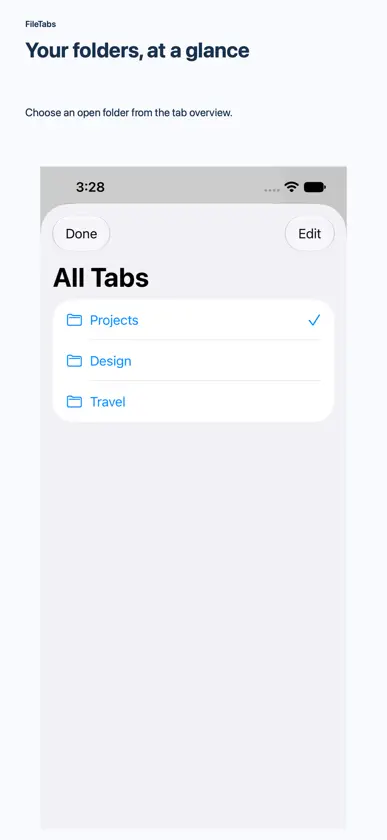
FileTabs is a tabbed file workspace for people who repeatedly organize documents, photos, and project folders. Keep several folders open as tabs, then build reusable Recipes to run multi-step file tasks when you choose. What FileTabs adds beyond basic file browsing: • Combine 90 configurable recipe actions. Select files by name, type, date, size, or tag; rename and organize them in batches; create and extract ZIP archives; transform images and PDFs; inspect SHA-256 hashes and duplicate candidates; or export CSV and JSON reports. • Preview planned changes before a recipe runs. Choose how name collisions and errors are handled, inspect the execution log, and explicitly confirm deletion. Supported changes can be undone during the current session. • Add tags to folders using Files-compatible metadata where the selected storage provider supports it. Tagged folders can then be recognized in the Files app. • Move between open folder tabs and work with folders you select through the iOS Files picker. No account or sign-in is required. Recipes run only when you start them; FileTabs does not run them in the background. Some actions depend on the capabilities of the selected storage provider. A one-time in-app purchase removes banner ads.
What's new
Version 1.1.1 · Nov 8, 2026
Added Simplified Chinese, Traditional Chinese, Latin American Spanish, Brazilian Portuguese, Indonesian, Vietnamese, Hindi and Korean interfaces. Choose and keep your display language in Settings. Improved some layouts at large text sizes.
In-app purchases
The most popular purchases on the App Store.
- Remove AdsConsumable$1.99


