
GuidedView
SyncedUp Solutions LLC
No ratings yetBusinessAges 4+
Screenshots


About this app
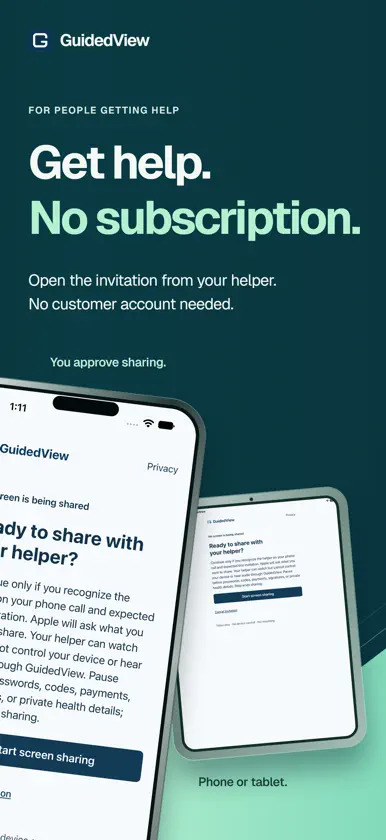
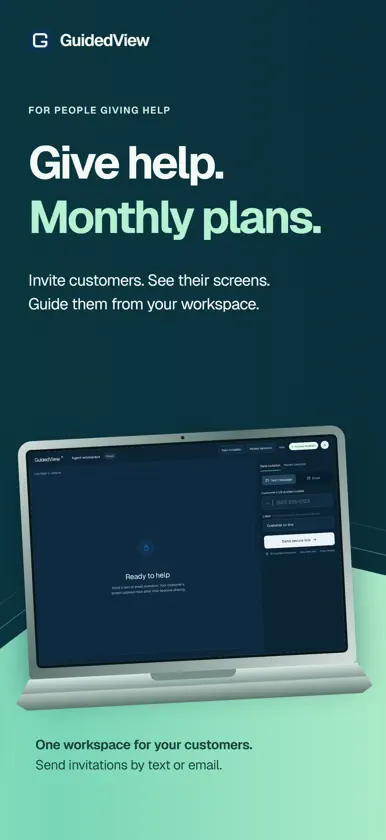
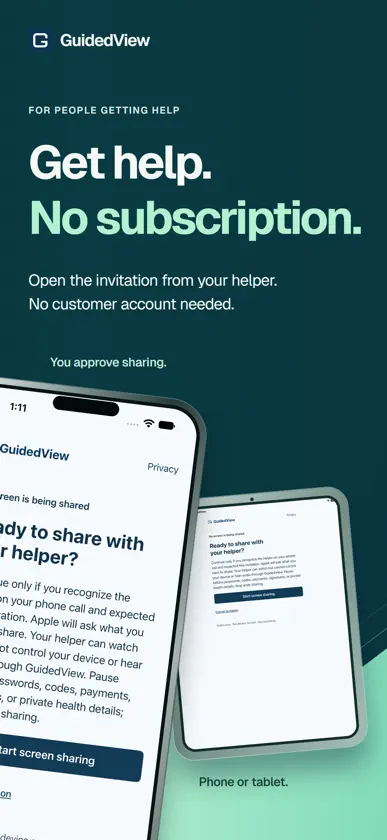
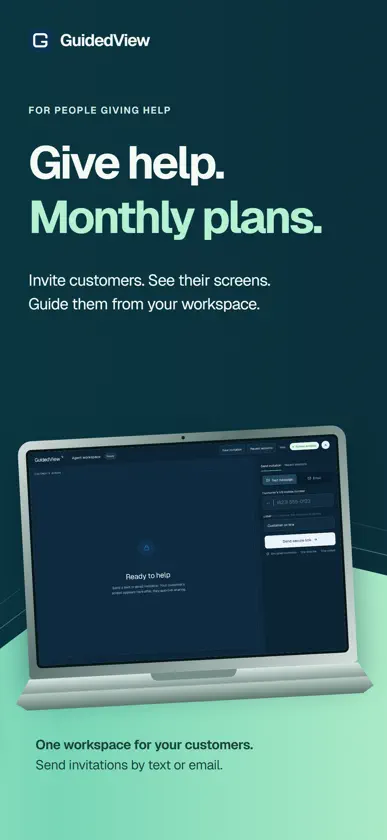
Get help. Give help. GuidedView connects someone who needs a hand with a helper who can see the screen they choose to share. GETTING HELP Open the invitation from your helper, confirm who you are connecting with, and approve screen sharing. You do not need a customer account. Keep talking on your existing phone call while your helper guides you through the next step. GIVING HELP Sign in to your helper account to send invitations by text or email, view a customer's shared screen, and find recent sessions in your workspace. Ongoing helper access requires an eligible account and subscription. YOU CONTROL SHARING You decide when sharing starts. Pause before a private step, resume when you are ready, and end the session when you are done. Your helper cannot tap or type on your iPhone or iPad. GuidedView does not add microphone audio or a screen-recording control to your sharing session. Only share with someone you recognize. Anything visible on the shared screen may be seen by your helper. An internet connection, an invitation from a helper, and your device's screen-sharing permission are required.
What's new
Version 1.0.2 · Nov 2, 2026
Remembers agent mode so returning agents go straight to their portal. Removes the extra Back and Close bar for a cleaner agent workspace. Keeps the screen awake during an active session while GuidedView is open.


