
ibis Paint X
ibis inc.
4.7(301.8K)Graphics & DesignAges 4+
Screenshots






About this app
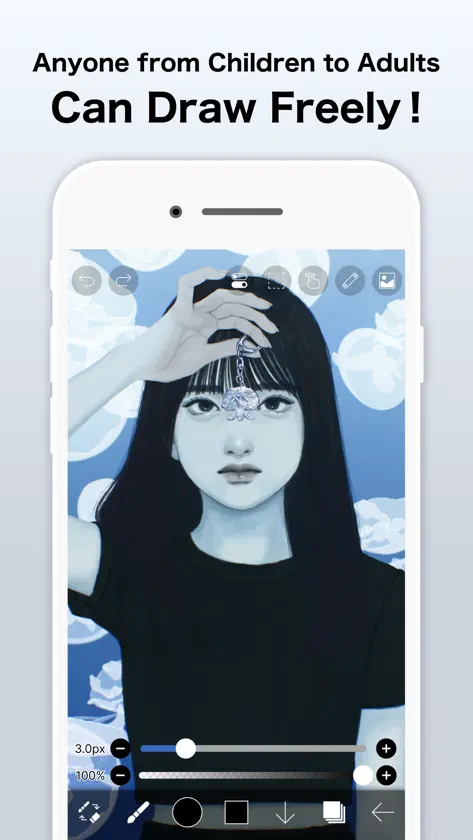
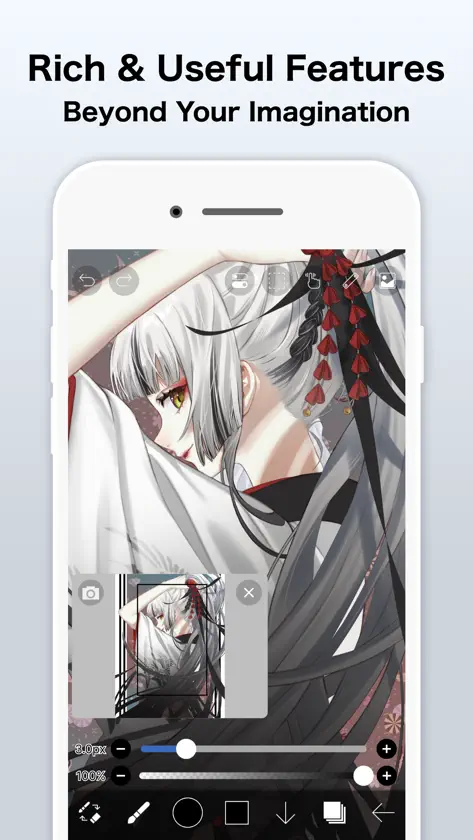
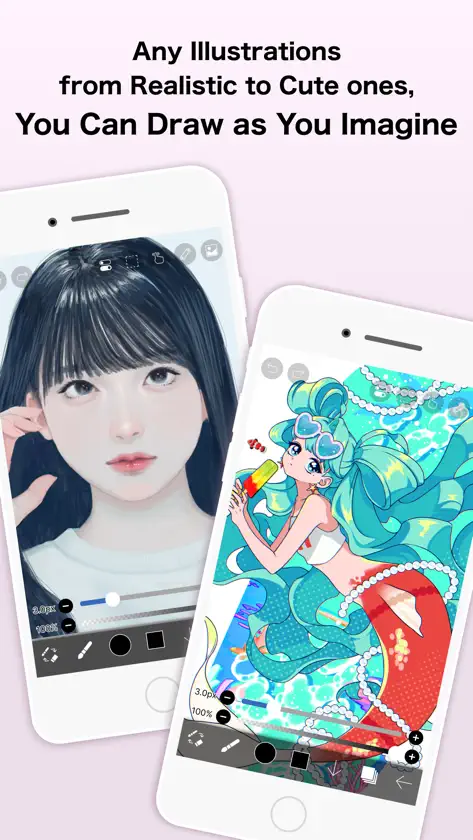
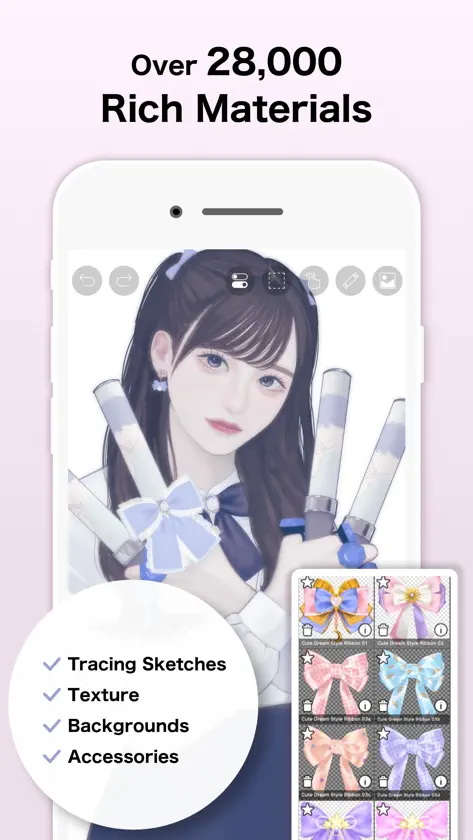
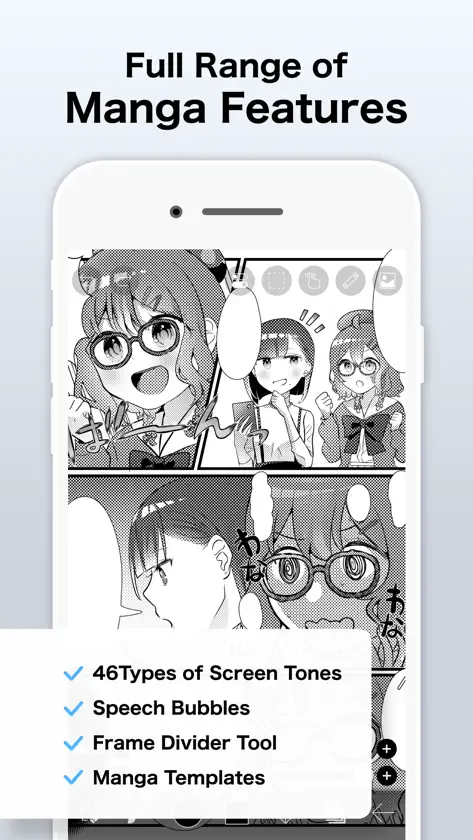
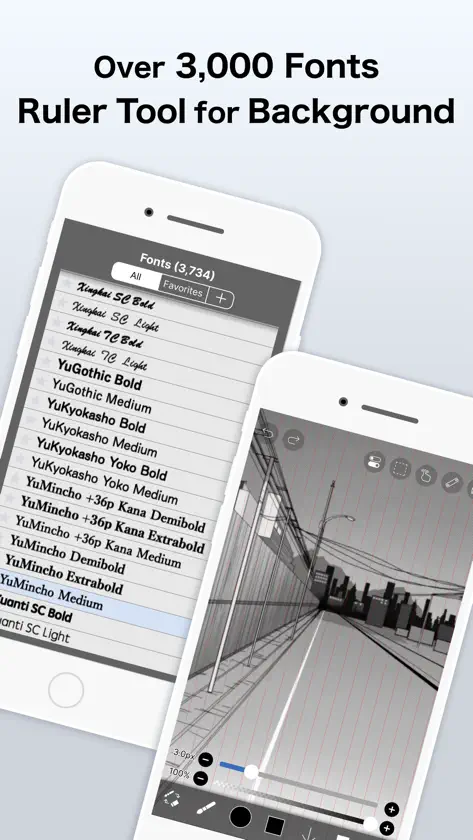
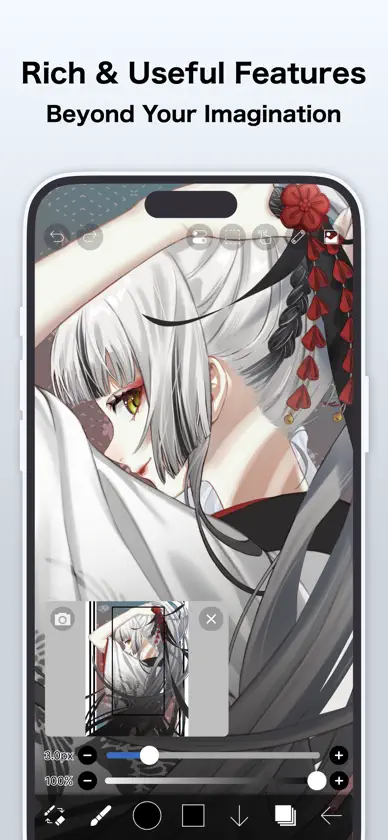
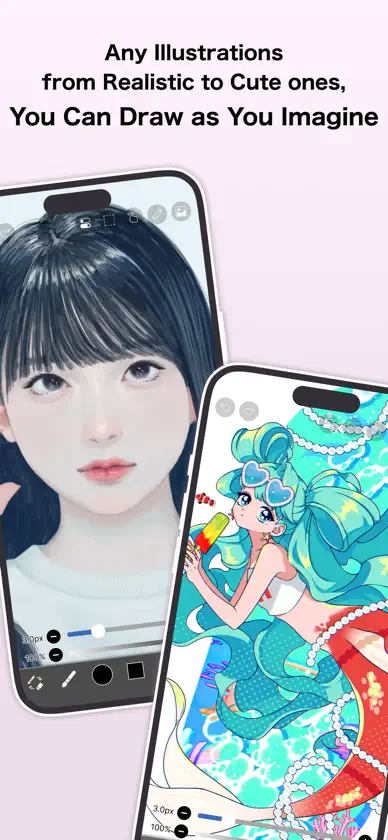
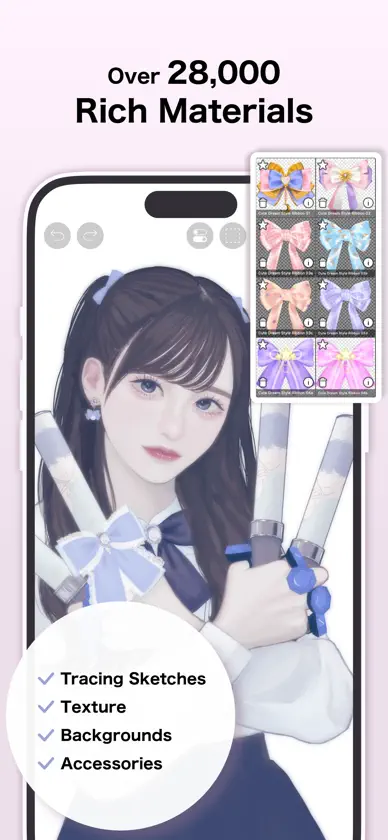
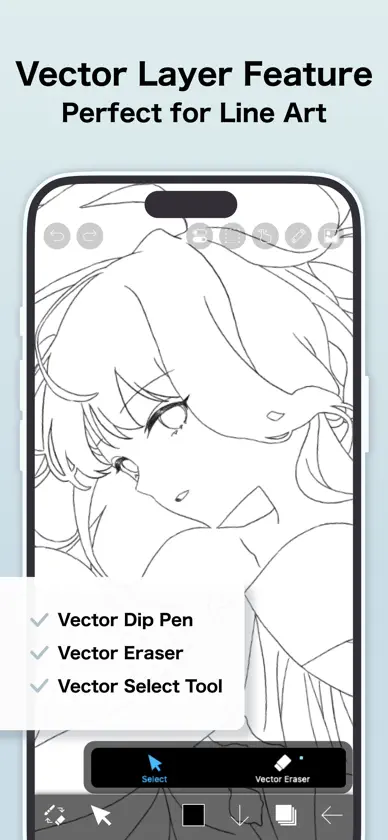
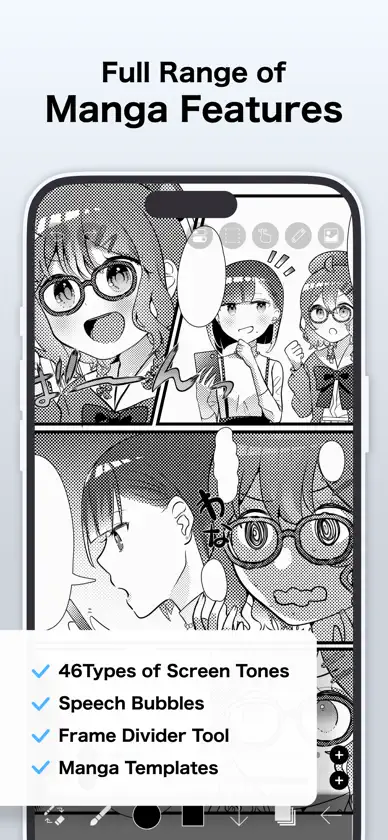
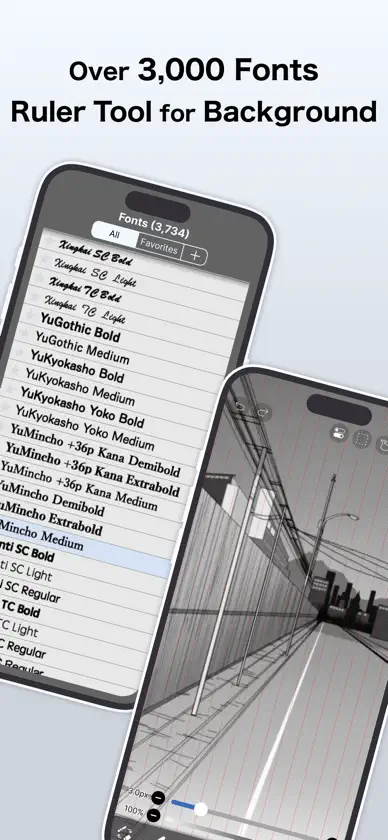
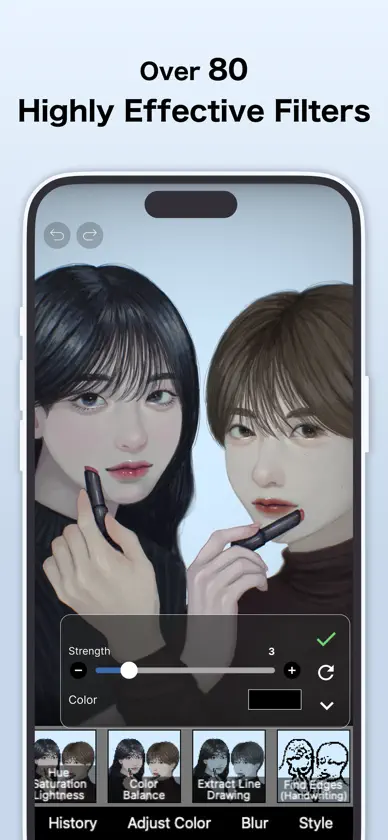
For everyone around the world who wants to draw and animate, freely and without pressure. ibisPaint X is a full-featured illustration and animation app for smartphones and tablets, with over 500 million cumulative downloads across the series. "Drawing looks hard" — this app is made especially for people who think that. A creative experience that doesn't compromise even for free, an interface simple enough to use without hesitation, and a comfortable familiarity that grows the more you use it. ibisPaint X keeps serving as an easy entry point for anyone to start "drawing," while continually expanding what's possible — from a single illustration to frame-by-frame animation, and on to videos with background music and audio. With over 130,000 brushes, 30,000+ materials, 3,000+ fonts, 86 image filters, 46 screentones, 27 layer blending modes, vector tools, a reference window, radial and symmetry rulers, animated filters, and an AI Disturbance feature, ibisPaint X packs in serious functionality that rivals PC illustration software. It's a one-stop app that goes beyond drawing illustrations — into animation production, and even recording and sharing your creative process as a time-lapse video. It's chosen by people of all ages, countries, and experience levels around the world. *Drawing Tutorial YouTube Channel We post lots of videos on how to make the most of ibisPaint. Please subscribe! https://youtube.com/ibisPaint *Supported Digital Styluses https://ibispaint.com/stylus/supported_digital_stylus.jsp?platformType=1 *About Purchase Plans https://ibispaint.com/lecture/index.jsp?no=26 * If you do not cancel auto-renewal at least 24 hours before the free trial ends, you will be automatically charged upon renewal. *About App Access Permissions This app may access various device features to provide the service and improve usability. No access permission is required to use this app — all of the following are optional. You may decline any of these optional permissions. Even if declined, the app's core features remain available, but some features that require the relevant permission may be limited. •Photos/videos in your photo library To import artwork files and images, and to save the artwork files, images, and videos you create •Microphone audio input To connect and communicate with supported peripherals such as digital styluses •Bluetooth communication To connect and communicate with supported peripherals such as digital styluses •Push notifications To deliver notifications related to your artwork, app update information, and important announcements *Questions & Bug Reports We're unable to respond to questions or bug reports left in reviews. Please contact our support desk below instead. https://ssl.ibis.ne.jp/en/support/Entry?svid=25 *ibisPaint Terms of Service https://ibispaint.com/agreement.jsp
What's new
Version 14.1.4 · Nov 2, 2026
Thank you for using ibisPaint X! The summary of this update is as follows. [Improvements, Changes] - Made copying shapes and layers faster, and when there is no Selection Area, only the drawn area is now copied to the clipboard. - Added a checkmark button to close some settings windows that previously could only be closed by tapping outside the window. - When you undo or redo the conversion of an animation artwork to Video Mode, some windows are now closed. - Changed how account information is displayed and how you log in from the Settings window. Also, signing up with an external service account has been discontinued, so you now need to create an ibisAccount when logging in for the first time. - When cloud sync is complete, the top of My Gallery now shows the number of synced artworks out of the total. This lets you check whether any artworks remain unsynced due to an issue such as a damaged file. [Fixed Bugs and Problems] - Fixed an issue where the canvas could not be moved, zoomed, or rotated with keyboard shortcuts or the mouse wheel while editing a 3D Layer. - Fixed an issue where the app could crash when playing back an artwork drawn by switching between a finger and a stylus while using "After" stabilization. - Fixed an issue where a floating window could be operated while playing an animation artwork if it was placed over the Animation toolbar. - Fixed an issue where the app could freeze when importing an artwork file (IPV) under certain conditions. - Fixed an issue where the app could crash under certain conditions during playback restoration of an animation artwork. - Fixed a bug where restoring a corrupted animation artwork via playback would stop partway and never complete under certain conditions. - Fixed an issue where the app could crash when switching tools, or when opening or closing a window. - Fixed an issue where a crosshair or cursor was displayed at the pen tip or cursor position when using a stylus or mouse that does not support hover. - Fixed an issue where pose materials other than the A-pose were not shown when adding materials with the "+" button on the "List" tab of a 3D Layer. - Fixed issues on 3D Layers where controls remained displayed or were misplaced after switching objects, undoing, and similar operations. - Fixed an issue where the app could freeze when using Smart Shape after drawing a straight stroke that reverses direction partway. - Fixed an issue where the app could crash when changing the image resolution, trimming, changing the canvas size, or undoing in an artwork containing 3D Layers while the device was low on memory. - Fixed an issue where the content of the layer below showed through the opaque parts of some 3D materials. - Fixed an issue where translucent parts of a 3D material could disappear or where objects were not drawn in the correct front-to-back order. - Fixed an issue where moving a Control Point in the Background Removal filter after changing "Threshold" or "Show Mask" would show an error, make the app unresponsive, and discard the placed Control Points. - Fixed an issue where the app could crash when undoing the conversion of an animation artwork to Video Mode. - Fixed an issue where restoring an artwork could fail if an undo was performed under certain conditions. - Fixed an issue where, in some regions, the app could crash when turning on Cloud Sync from the Settings window while logged out. - Fixed an issue where a pen tablet was not recognized when connected after selecting "XPPEN Pen Tablet" or "UGEE Pen Tablet" in the "Stylus" section of the Settings window. - Fixed an issue where Quick Eyedropper or the Vector tool became extremely slow when used with an XPPEN or UGEE pen tablet. - Fixed an issue where the app would freeze when trying to save a video too large to be saved to the Photo Library. "Save Video" is no longer shown for such videos. etc. For more details, see: https://ibispaint.com/historyAndRights.jsp?newsID=313331619
In-app purchases
The most popular purchases on the App Store.
- Premium Membership (Monthly plan)Subscription · 7 days free trial$4.49 / month
- Premium Membership (Yearly plan)Subscription · month free trial$27.99 / year
- Ad Removal UpgradeConsumable$15.99
- Smart Credit 300ptConsumable$2.99
- Smart Credit 10,000ptConsumable$79.99
- Smart Credit 5,000ptConsumable$44.99
- Smart Credit 2,500ptConsumable$23.99
- Smart Credit 900ptConsumable$8.99


