
ICS Toolkit
Pawel Karpinski
No ratings yetUtilitiesAges 4+
Screenshots




About this app
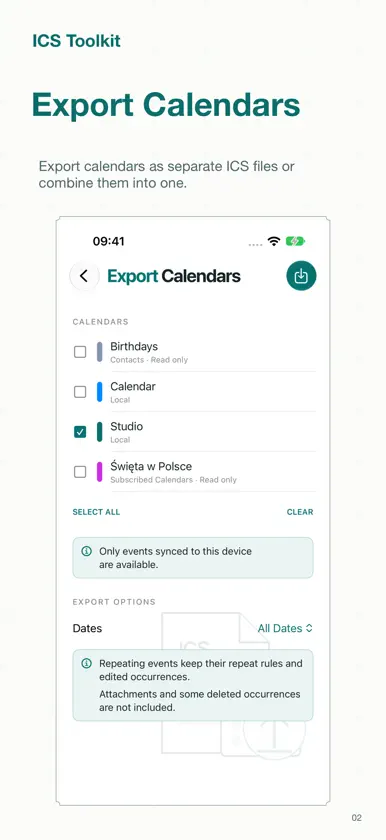
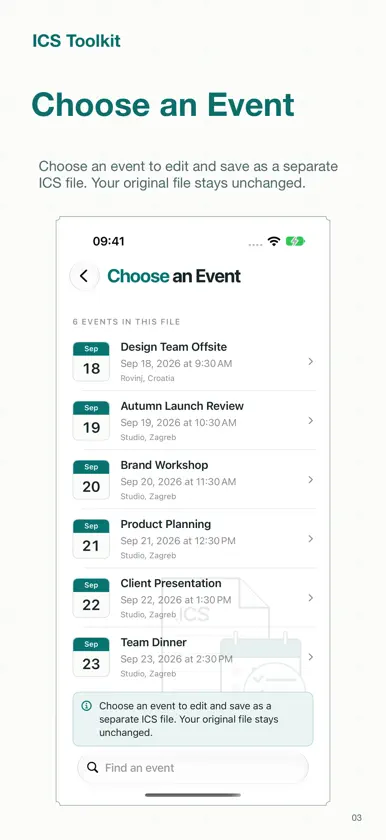
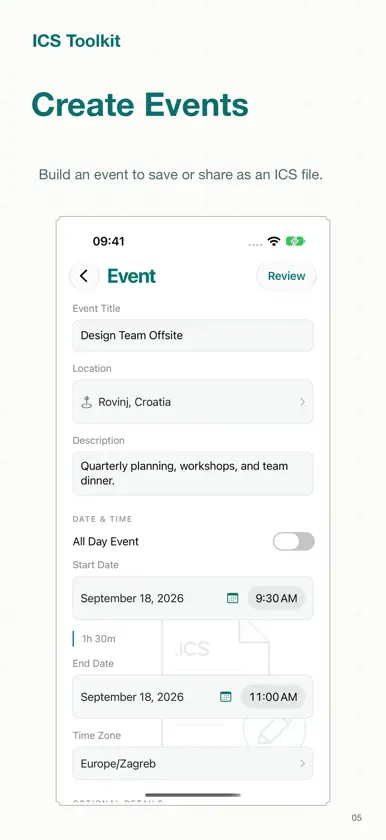
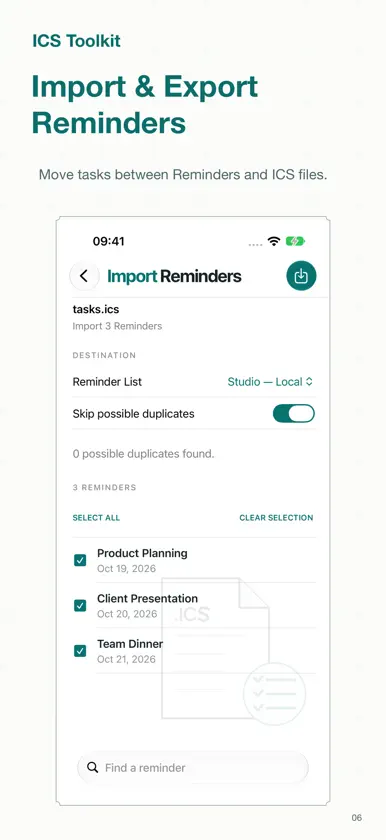
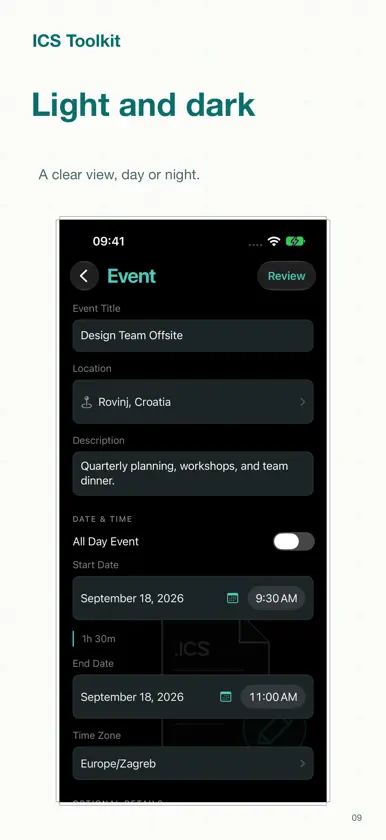
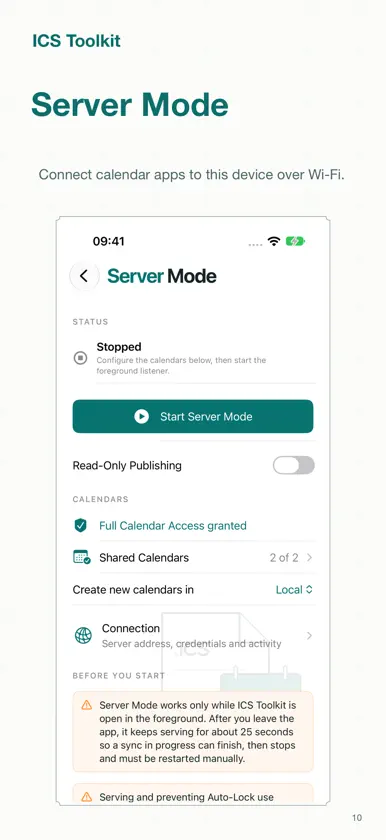
ICS Toolkit brings your events and calendars together on iPhone and iPad. Create and edit ICS files with dates, time zones, repeating rules, reminders, locations, notes and links. Add meeting organizers, attendees, photos and files. Review compatibility and the raw ICS before saving, sharing or adding supported details to Calendar. Import calendars with event selection, possible-duplicate checks, per-event results, retry and undo for unchanged imported events. Export one or more device calendars as separate or combined files, with all dates, the next 12 months or a custom date range. Save named drafts and reuse templates. Create ICS files and export calendars with Shortcuts. Server Mode connects compatible CalDAV clients, including Calendar on your Mac, to selected device calendars over a trusted local network. Keep the app open in the foreground; the server stops in the background. Digest authentication protects the password, while HTTP calendar traffic is not encrypted. Calendar export only includes events synced to this device. Calendar does not expose attachments or all deleted repeat exceptions; deleted occurrences may reappear after import. Share ICS files to preserve attendees and attachments that direct Calendar writes cannot include. Available in English, German, Polish, Hindi, Simplified Chinese, Spanish, French and Japanese. Import calendars from HTTPS or webcal links. Keep read-only Calendar Subscriptions with manual and best-effort background refresh, then import a copy when needed. Transfer tasks between ICS files and Reminders with previews, duplicate checks and safe undo. Use the Quick Actions widget, expanded Shortcuts, ICS Share extension and iPad drag and drop. Author attendee responses, category tags, event priority and colors, and compare incoming events with Calendar before importing. Server Mode also supports read-only publishing.
What's new
Version 2.1.2 · Oct 30, 2026
ICS Toolkit 2.1.2 is made for iPhone Duo. • Every screen adapts to the outer display, the large inner display and folded poses. • Review, Save, Add, Continue and Done stay available when iPhone Duo shows toolbars along the side of the display.
More from Pawel Karpinski


You might also like
 SCIExams鲲 吴
 Lynx Defense Range AppLynx Defense
 AmpWidgetsNorthbound House LLC
 WiseCal - Smart Calendarbatuhan das
 GALVANY FusionGALVANY Energy GmbH
 GamePlan: Calendar SyncingLAND MK 1
 Photo2EventMinh Nguyen Dang
 Export Calendar - CSV & ICSOpsOh LLC
 AI Keyboard Assistant RoSharepeace, LLC
 Typster - Big Keys KeyboardPAAL EIRIK PAULSEN