
Screenshots


About this app
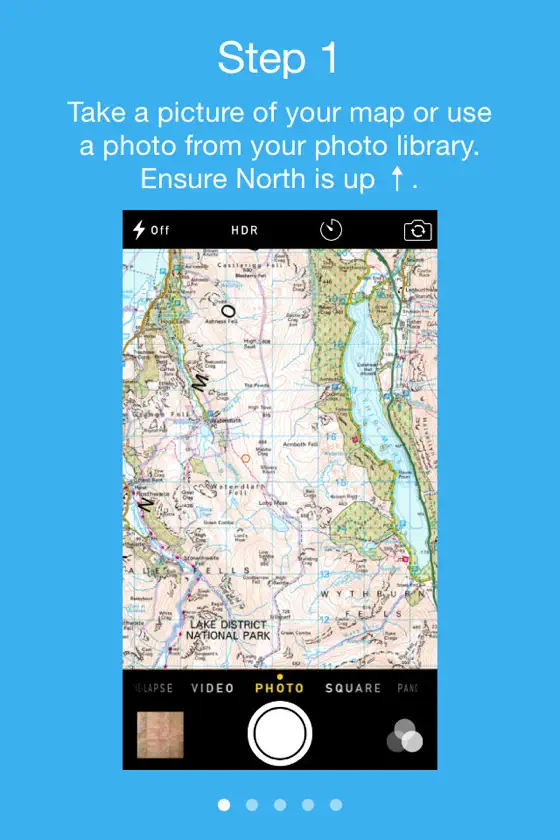
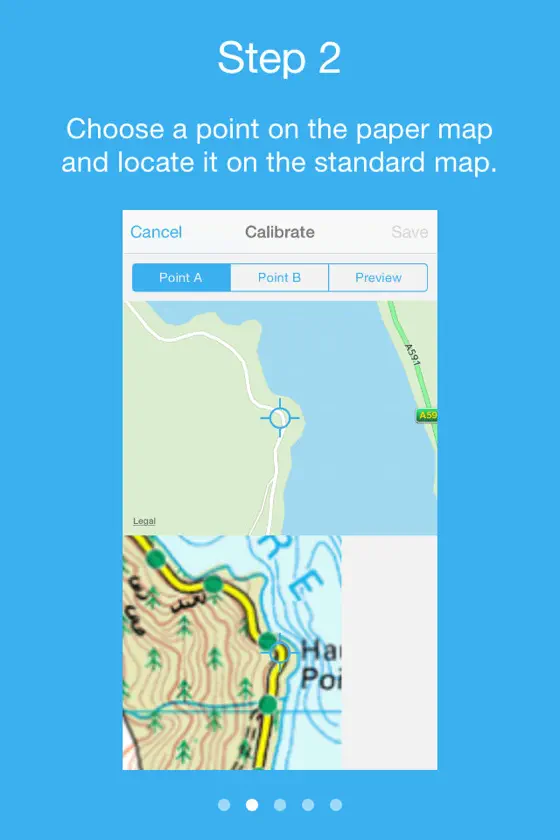
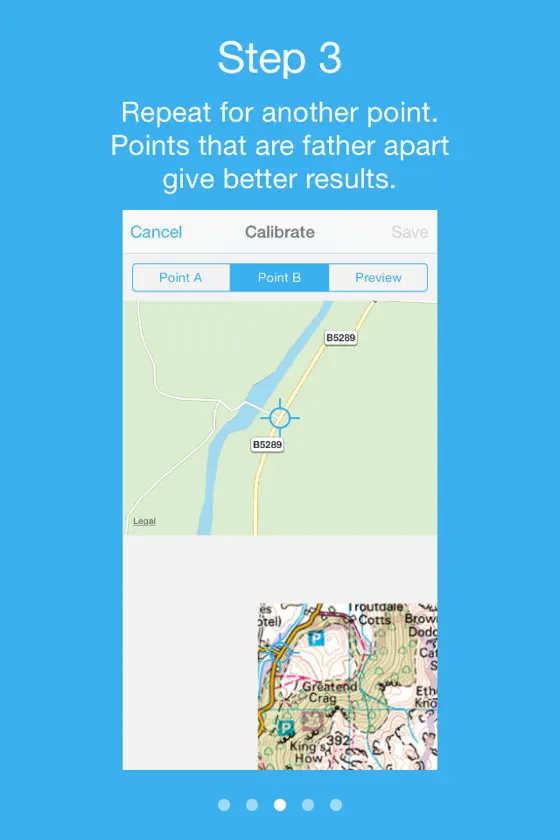
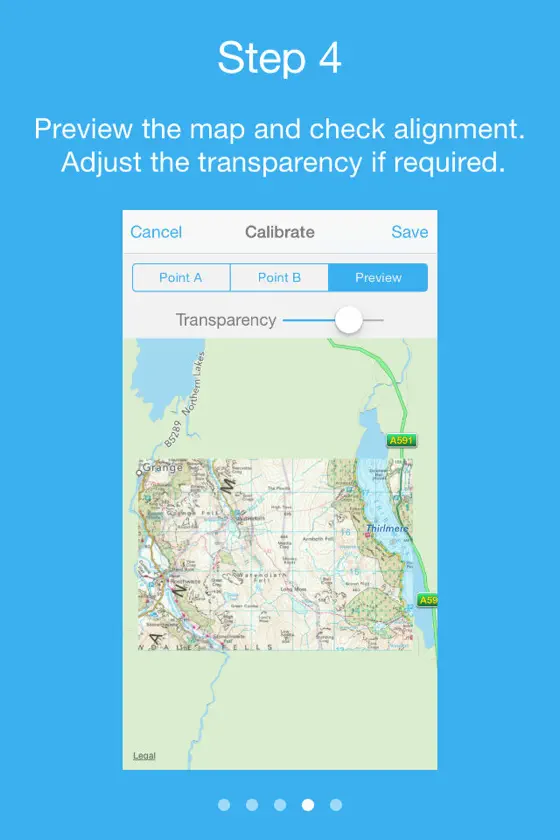
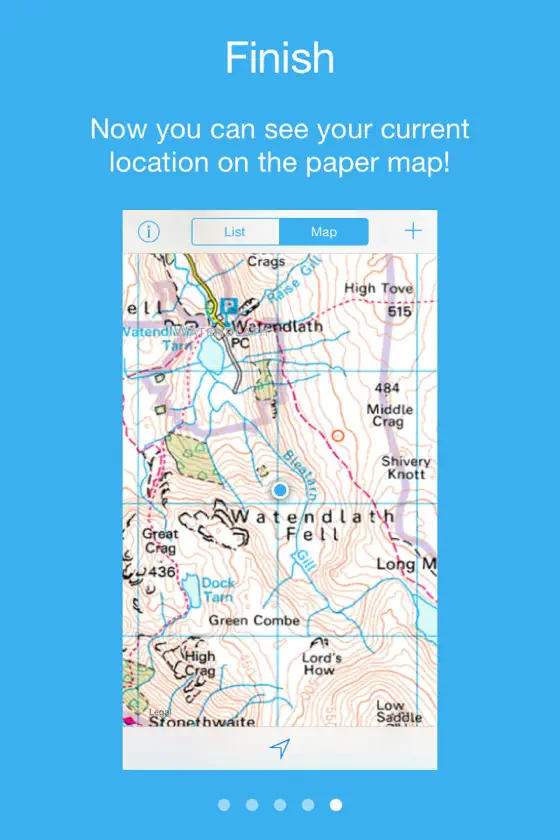
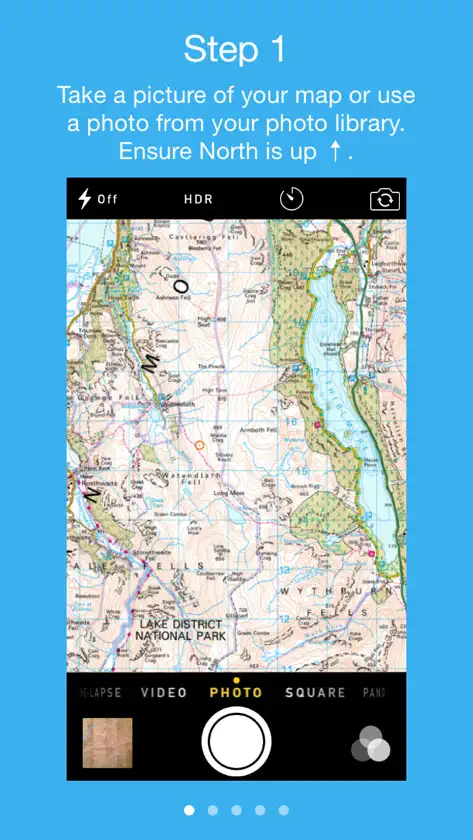
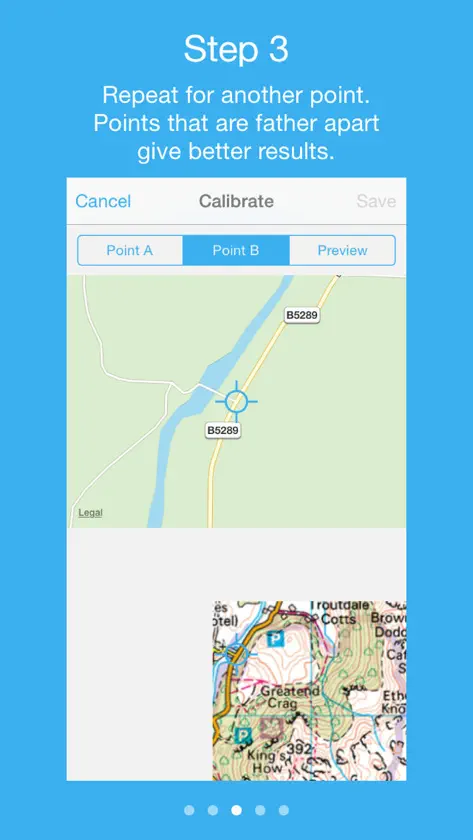
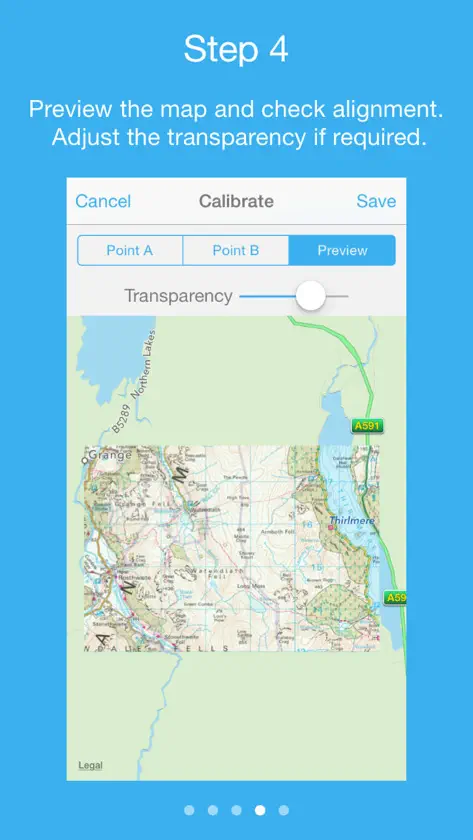
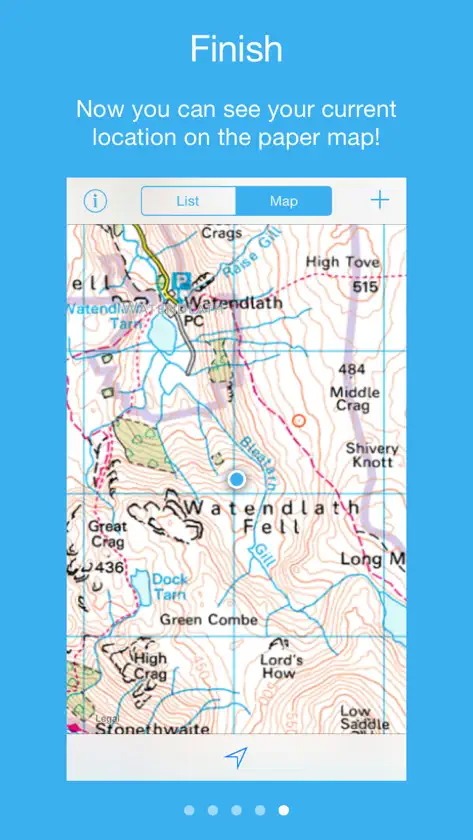
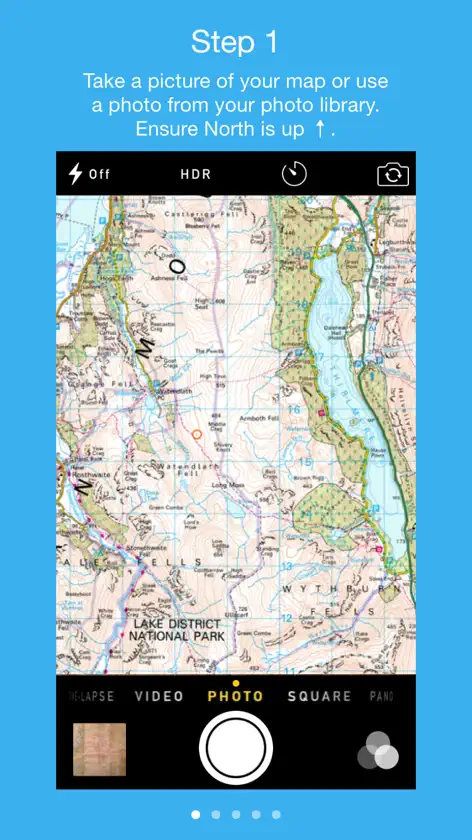
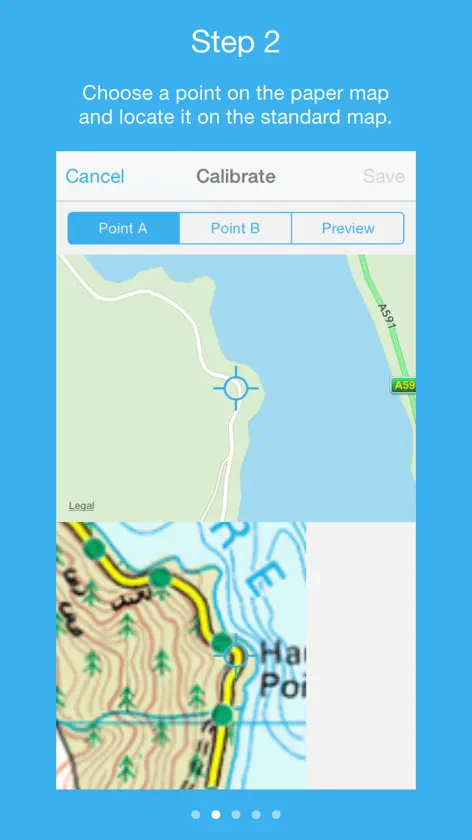
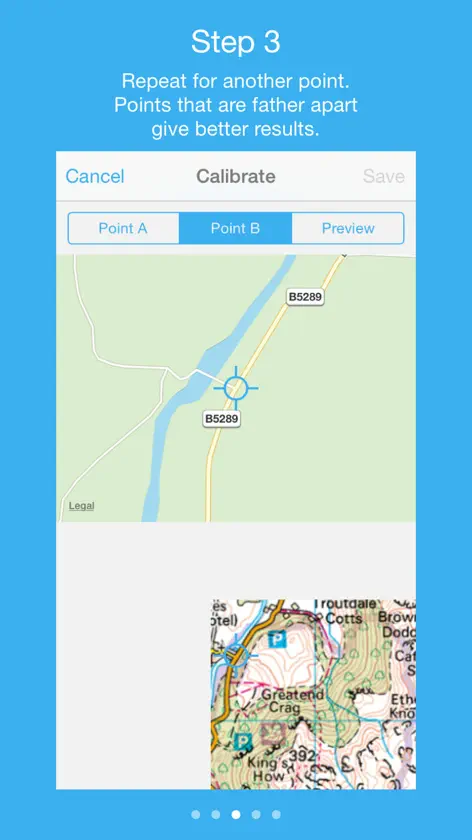
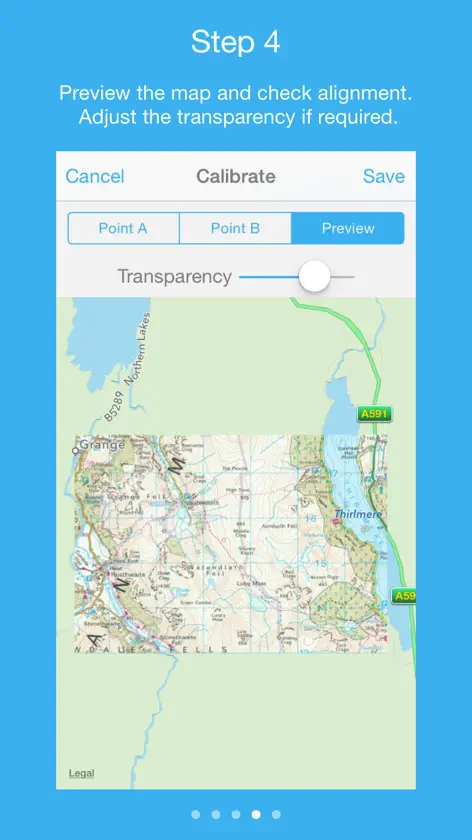
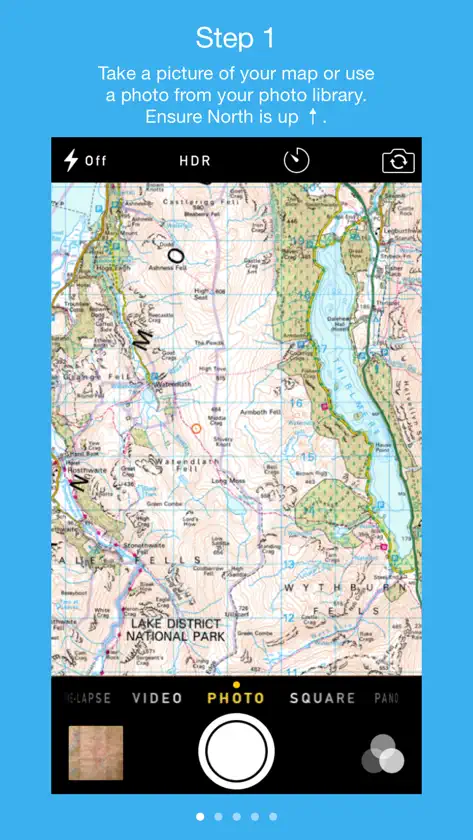
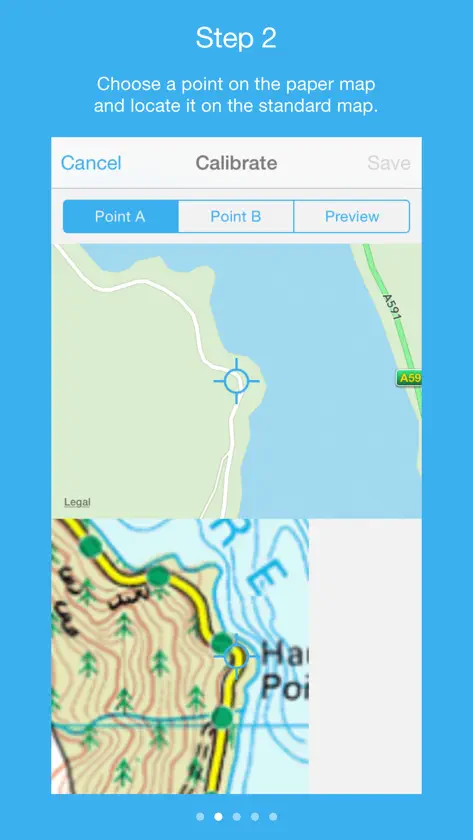
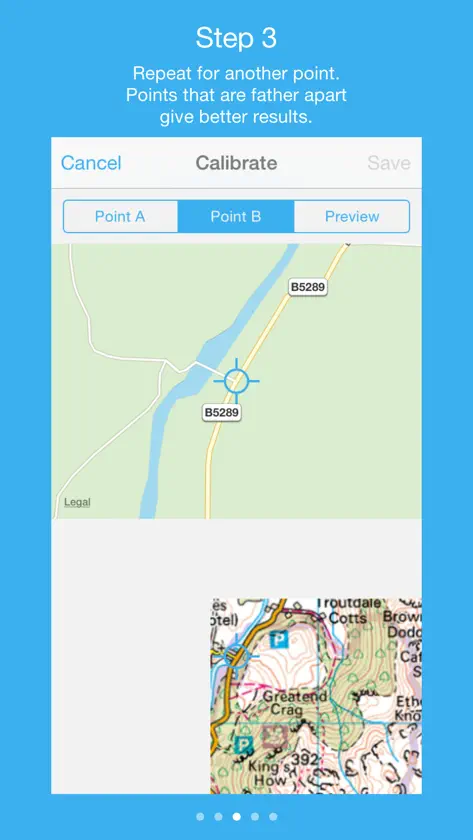
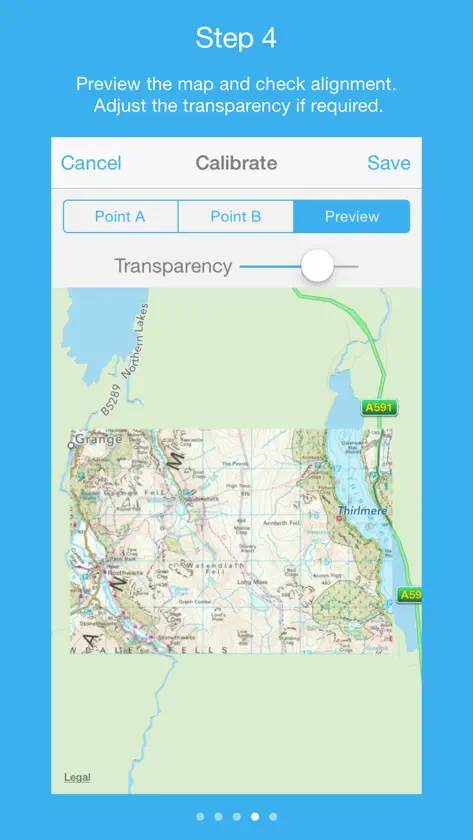
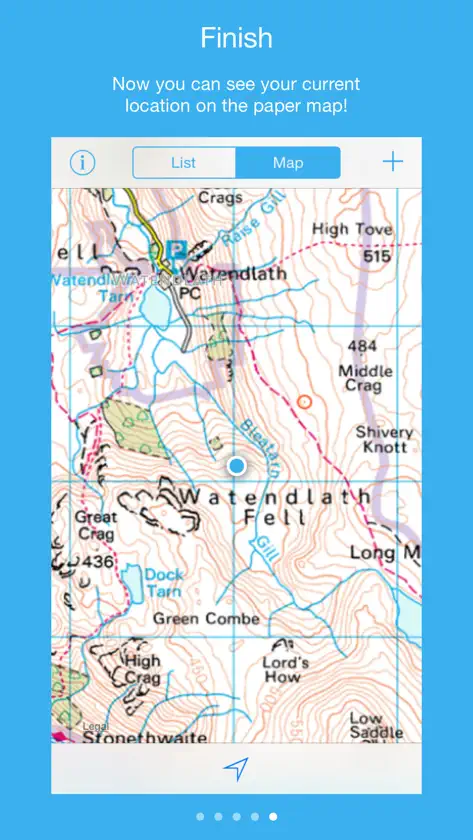
Mapcha allows you to easily navigate paper based maps on your iOS device, even without an internet connection*. Perfect for walking, trekking or just navigating an unfamiliar city, Mapcha allows you to see your current location on your paper map. Mapcha uses an intuitive mechanism to overlay images of maps on to the standard Apple Maps: - Take a picture of your paper map using your device's camera or choose an image from your photo library - Choose two known points on the paper map and locate those points on Apple Maps - From those points Mapcha calculates the map's scale and positions your image on top of Apple Maps * An active internet connection may be required in order to load Apple Map data to assist in calibrating a map, however once a map has been calibrated it can be used offline. Note - Mapcha does not cache Apple Map data; however your map images will be available offline and you will still be able to see your current location. - Mapcha does not come with any preloaded maps.
What's new
Version 2.1 · Feb 4, 2017
- Shows current location when calibrating map - Allows map type to be changed to satellite or hybrid when calibrating map
More from Marc Baldwin

You might also like
All apps like Mapcha → Map PlusMiocool Inc.
 GPS Tracker: Offline Maps, GPXSERGEI BEZDENEZHNYKH
 Topo Maps+: Topographic MapsGlacier Peak Studios LLC
 3D Offline Maps: GPS trackerSERGEI BEZDENEZHNYKH
 CalTopo: Backcountry MappingCalTopo LLC
 Organic Maps・Offline Maps, GPSOrganic Maps
 Avenza Maps: Offline MappingAvenza Systems Inc.
 OsmAnd Maps Travel & NavigateOsmAND B.V.
 GPS TracksDavid Morneault
 Gaia GPS: Mobile Trail MapsTrailBehind