
ModelControlNet Device Controller
Greg Ingalsbe
1.0(1)EntertainmentAges 4+
Screenshots




About this app
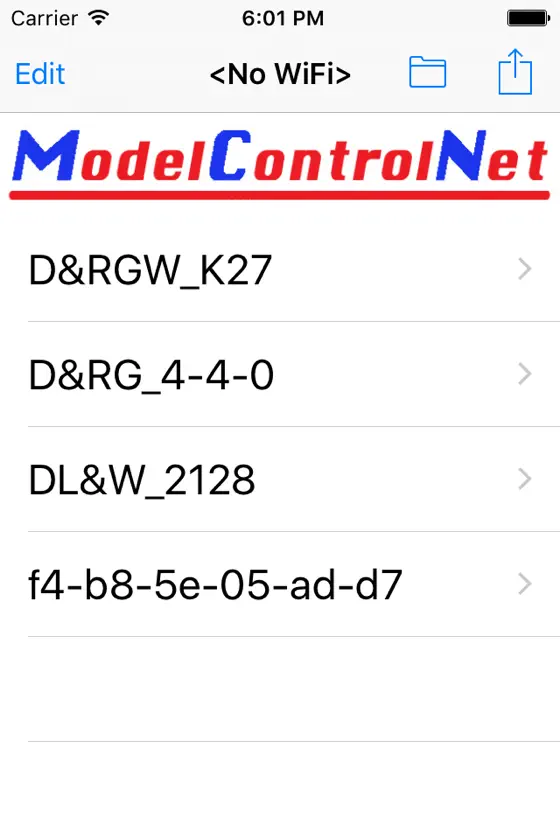
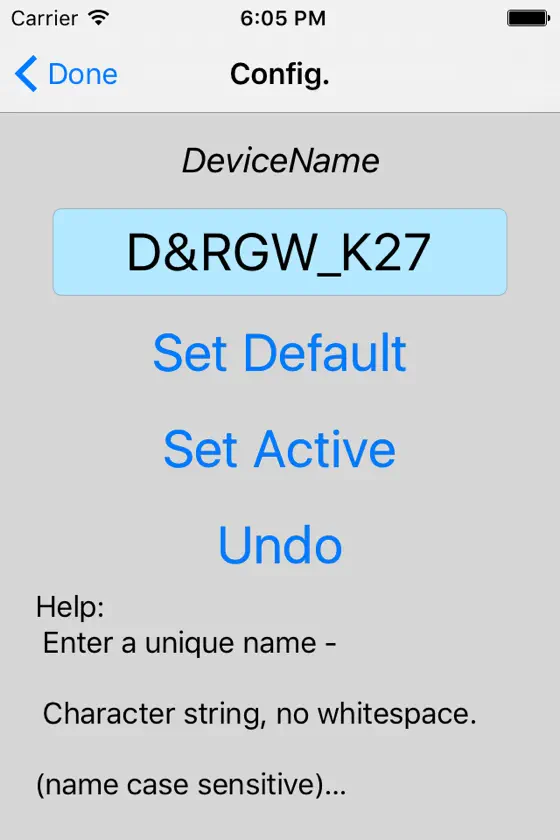
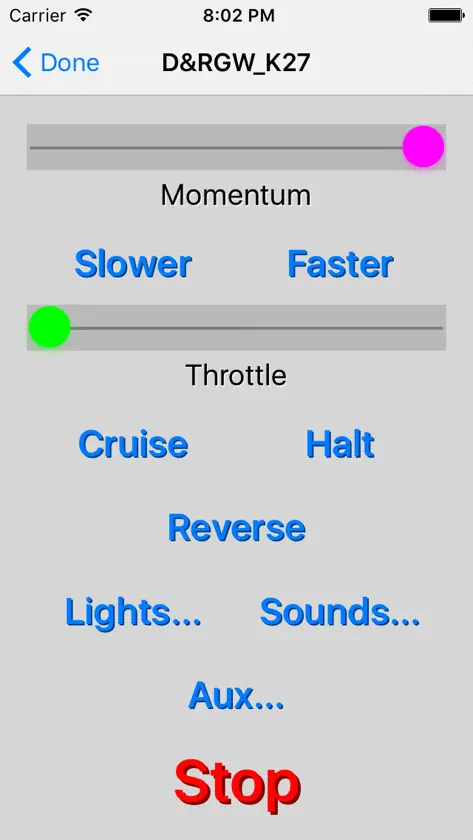
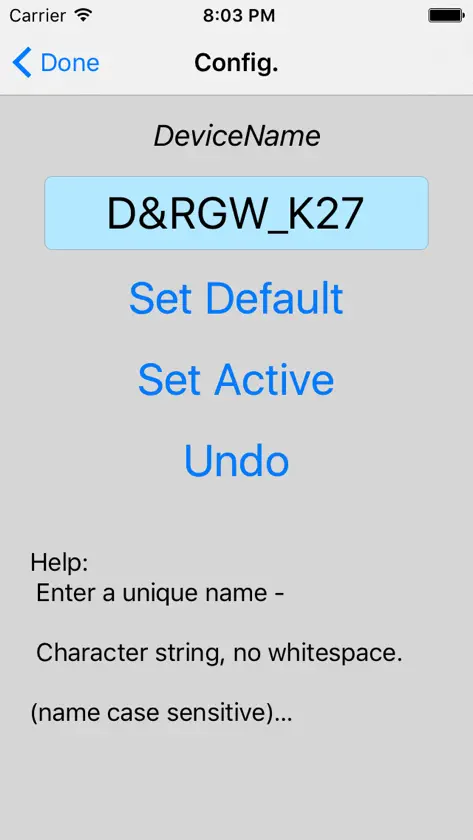
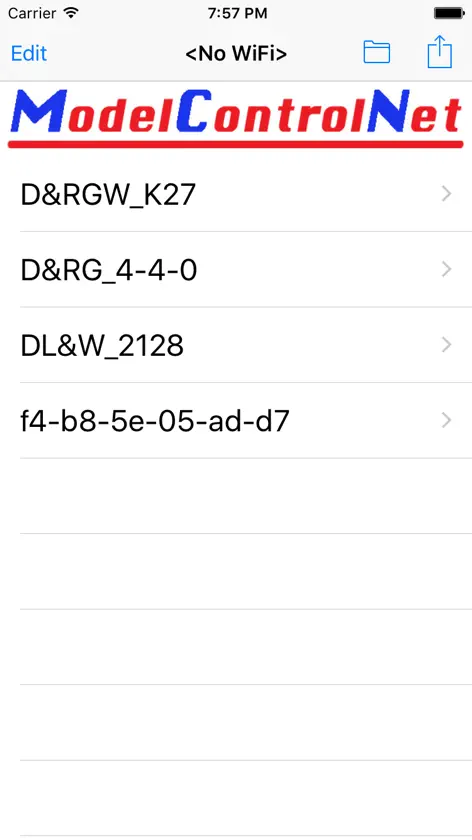
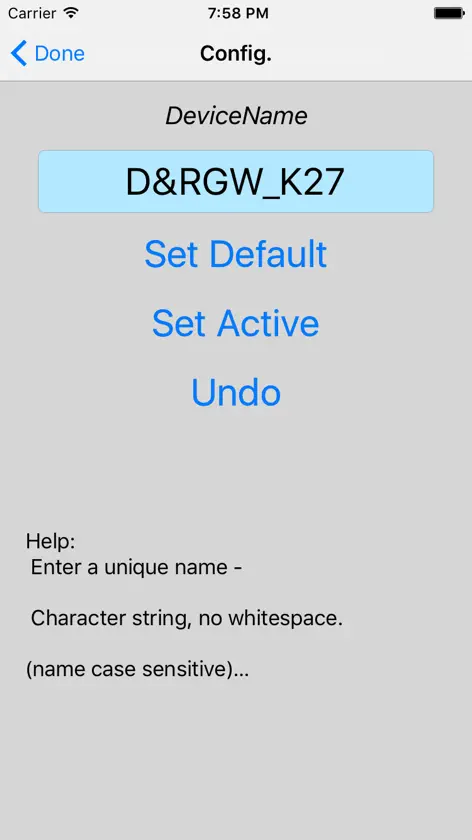
ModelControlNet is the next generation wireless control system for operating your entire model railroad. ModelControlNet (from now on abbreviated MCNet) uses industry standard WiFi network technology to provide communication between operators and all the MCNet devices on the layout. The operator interface is implemented with the ModelControlNet Application (MCApp) running on your iPhone or iPad. All of the features you need to control your locomotives, setup and configure those locomotives, and manage multiple locomotives on the layout are all available through the App. You can even have multiple operators interacting with the system simultaneously from their own iPhone or iPad. Up to 200 MCNet devices and 20 operators are supported by a single MCNet network. All of this capability has become possible because of the miniaturization of electronics that allows a small computer along with a WiFi processor to be packaged into a small size circuit board required for model railroading. This board, known as a MCDevice, is installed in your locomotive or on your layout and connected with a few simple wires (power, motor, lights). These boards are intelligent and have non-volatile memory so once configured they are ready to run simply by applying power.
What's new
Version 2.0.2 · Sep 7, 2016
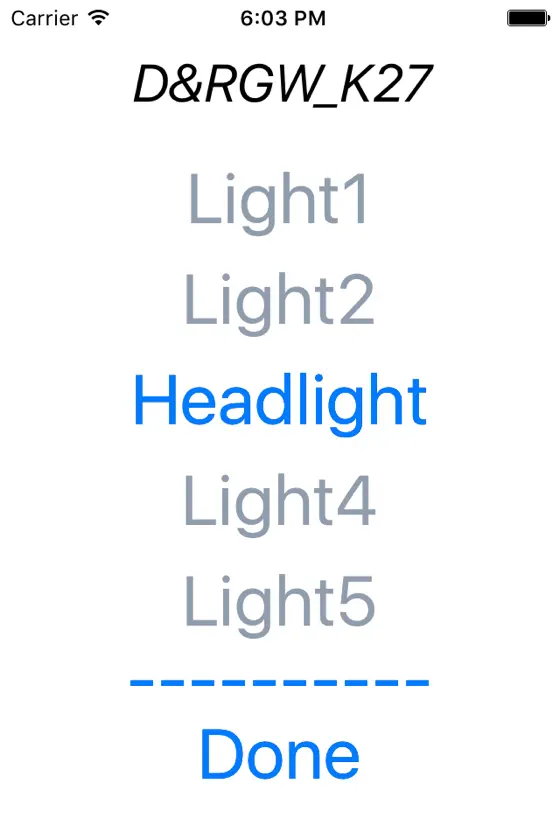
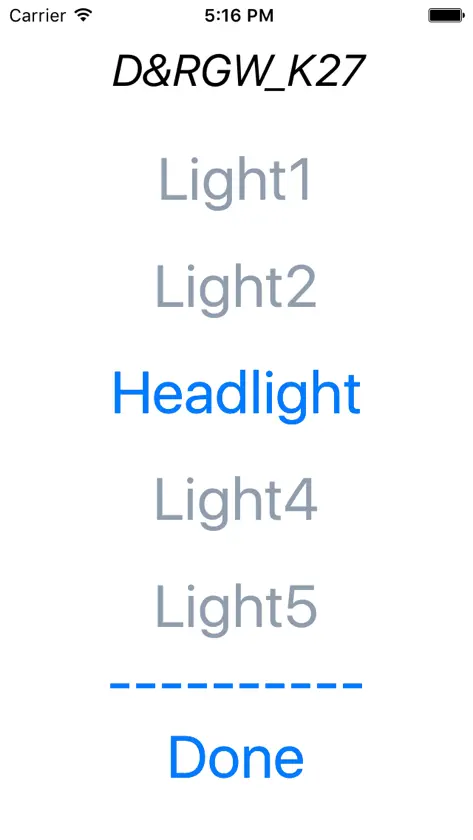
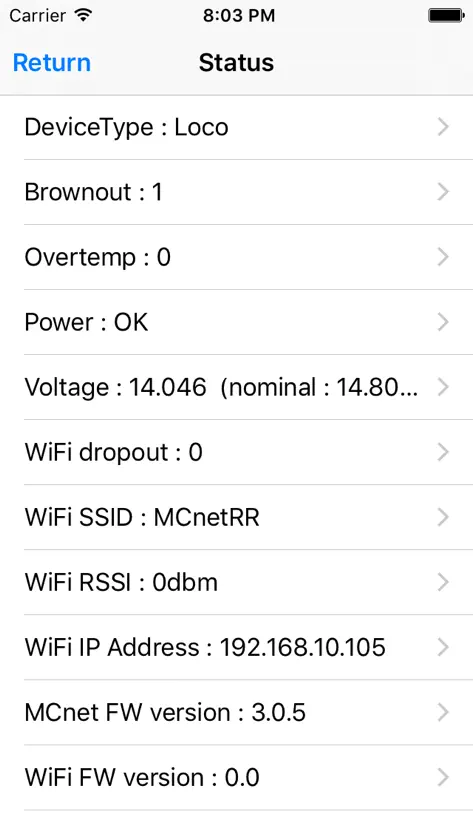
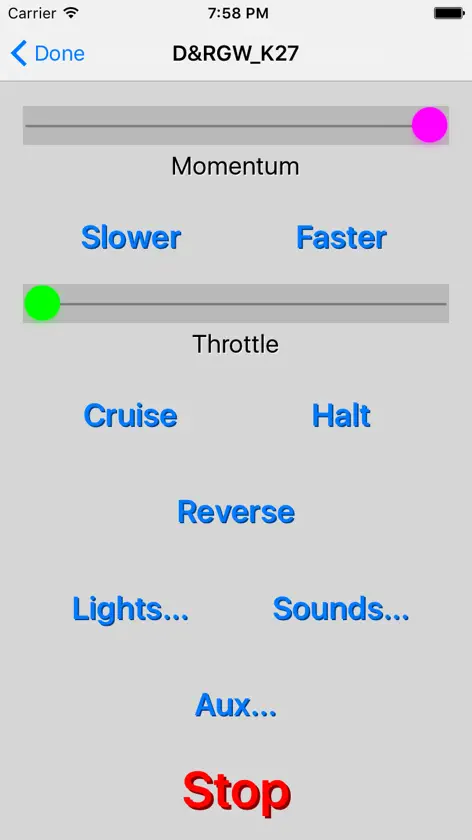
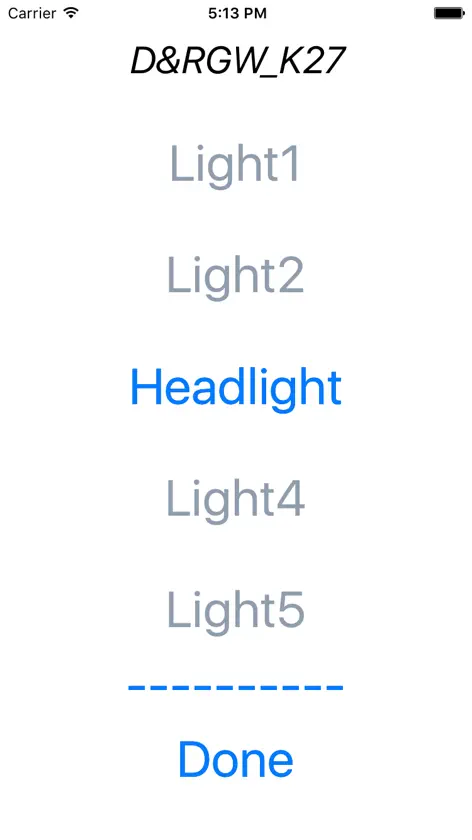
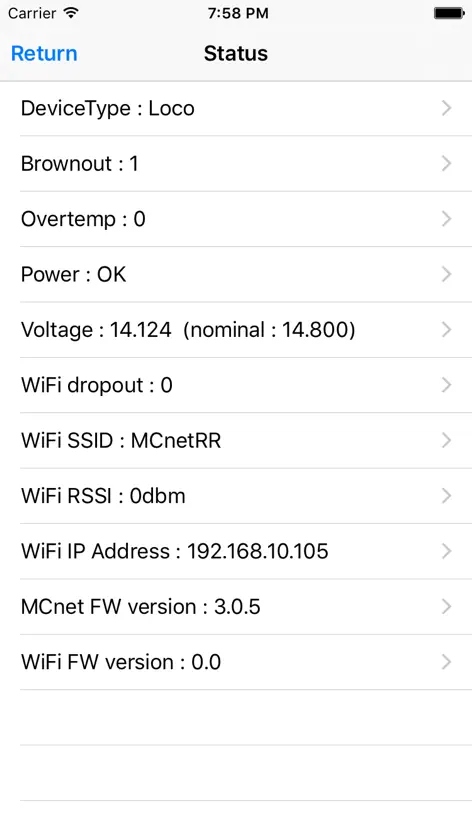
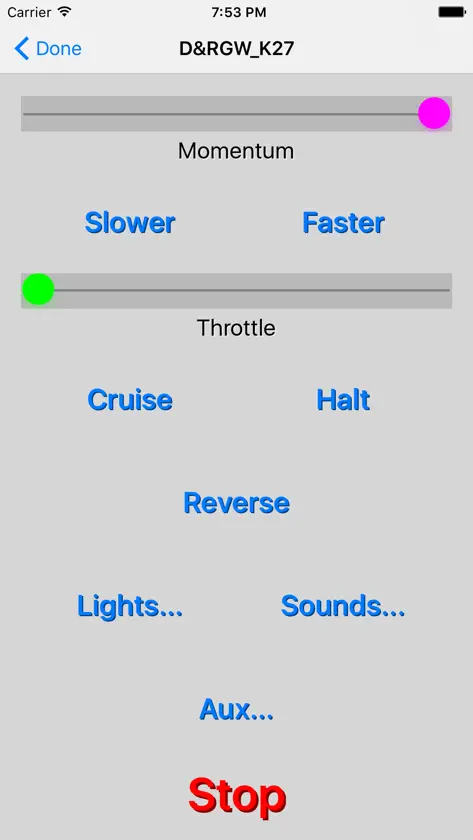
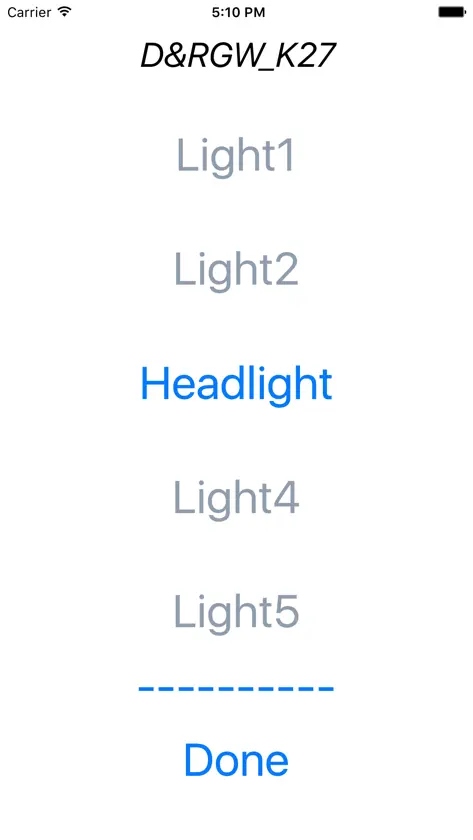
1. The functionality of the output drivers has been greatly enhanced. The user is now able to program the desired functionality for each of the available output drivers on a uDevice module. These functions include lights, sound triggers, auxiliary functions and diagnostics. Light mode functions as before with dimming, flickering and strobing. Sound triggers are new and allow a button on the run screen to trigger a sound from a third party sound board. A sound driver can also be configured to output a synchronized "Chuff" trigger. Auxiliary functions are general purpose and can control features like onboard animation or electric couplers. A diagnostic output flashes an error code similar to the check engine light in a car. A diagnostic output can help troubleshoot WiFi connection problems. Each output function can be assigned a meaningful name by the user. This name will show on the face of the button on the run screen for easy identification. 2. Run screen output driver controls have been enhanced to support the expanded functionality of the output drivers. There are now three independent buttons on the run screen labeled "Lights...", "Sounds...", and "Aux...". Selecting any of these buttons now brings up a modal screen with a list of the available buttons for that function. This approach allows for an organized and uncluttered top level run screen. 3. Power monitoring now includes a passive mode. In this mode power is monitored but not shut down by the uDevice module. This mode is useful for monitoring the power integrity of track powered locomotives. 4. The active locomotive direction is now displayed on the face of the direction button on the run screen. 5. Enhanced error reporting will help users troubleshoot problems when they occur.


