
Network Print
Sharp Corporation
2.0(4)UtilitiesAges 4+
Screenshots


About this app
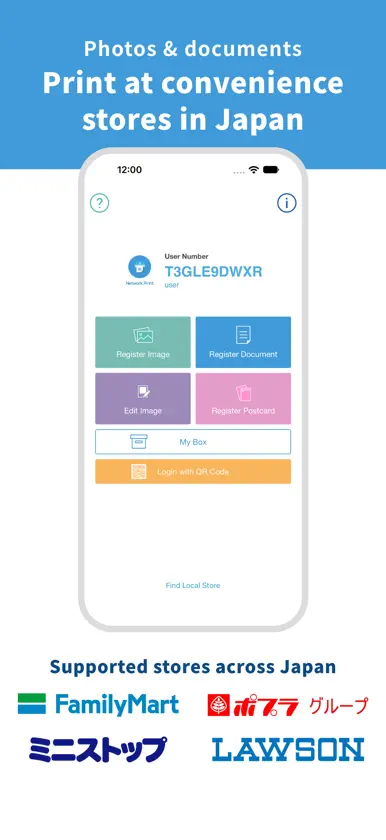
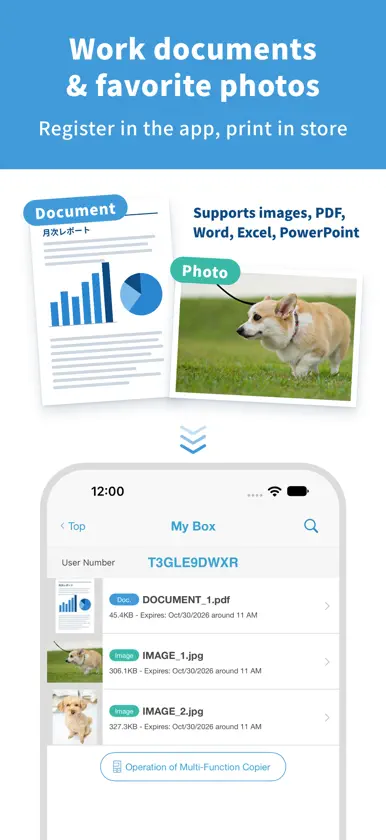
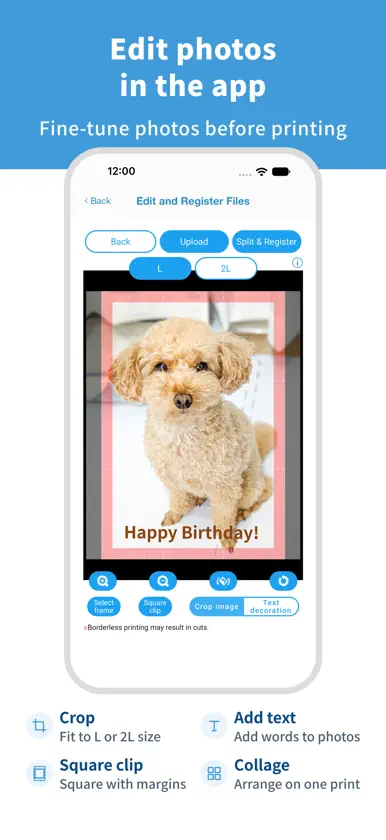
It is comforting to know that we have Network Print if print is needed suddenly during trip to Japan. You can print out the files you have registered via internet in advance on a Sharp Multi-Function Copier in a convenience store in Japan by using the Network Print Service. Simple 3 steps to use! 1. Register the file you want to print in the APP. (*Prior membership registration (free of charge) is needed.) 2. Go to a convenience store having Sharp Multi-Function Copier. 3. Scan the QR Code at the Multi-Function Copier to print. *QR Code login is available with [Multi-Function Copier supporting Sticker paper/Postcard]. On other models, you can log in with your user number. You can print on a Sharp Multi-Function Copier in the following convenience store in Japan. - FamilyMart - Poplar Group - Ministop - Lawson *The service may not be available in some stores. Network Print Service allows you to; - register photos and print in L/2L size. - print ID photos, calendars, posters and postcards. - print Word/Excel/Power Point/PDF files as well as photos. - register map image of travel destination and print. - share with everybody by using one account (flyer, pamphlet or free paper etc.) - resolve urgent print needs while on a business trip at the nearest convenience store. - print the hotel voucher or confirmation of reservation coupon quickly in Japan even though you forgot to bring them. *Please see the web site of Network Print Service for more information. https://networkprint.ne.jp/ *QR Code is a registered trademark of DENSO WAVE INCORPORATED.
What's new
Version 4.49.0 · Nov 11, 2026
- iOS27/iPadOS27 have been supported. - Operation stabilities are improved.


