
Screenshots



About this app
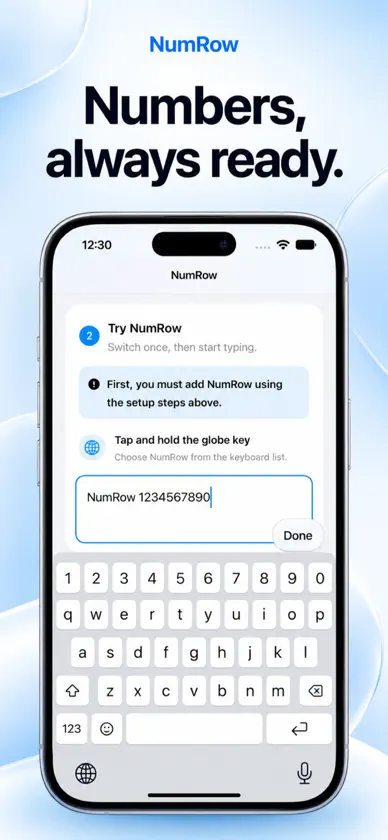
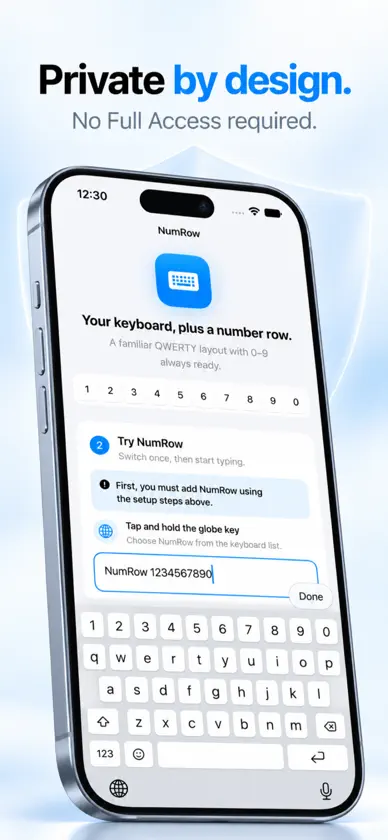
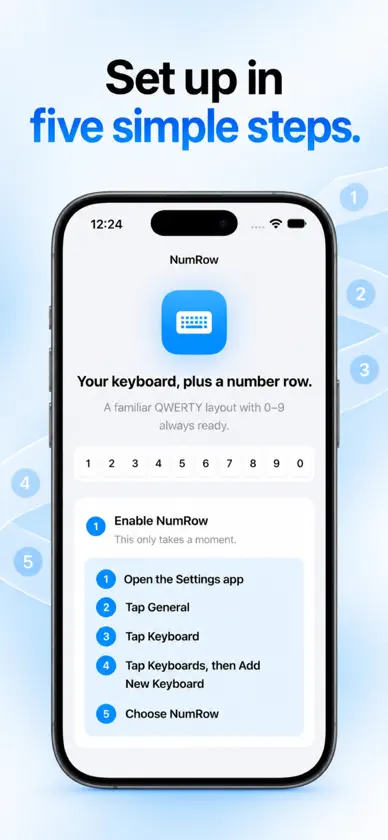
Numbers should not be hidden behind another keyboard layout. NumRow gives you a familiar QWERTY keyboard with a permanent 0–9 row above the letters. Enter addresses, verification codes, measurements, dates and everyday details without constantly switching between letters and numbers. FAMILIAR TYPING NumRow is designed around the keyboard layout you already know, with responsive keys, key previews, automatic capitalization, Shift, Caps Lock and hold-to-delete. NUMBERS ALWAYS READY The permanent number row keeps every digit within reach while you type. Standard punctuation, symbols and emoji are also included. MADE FOR EVERYDAY TEXT FIELDS NumRow adapts to normal text, email, URL and numeric fields, with appropriate keys and Return actions for each context. PRIVATE BY DESIGN No Full Access is required. NumRow has no account, analytics, advertising, tracking or network connection. What you type never leaves your device. QUICK SETUP 1. Open the Settings app 2. Tap General 3. Tap Keyboard 4. Tap Keyboards, then Add New Keyboard 5. Choose NumRow Once enabled, hold the globe key whenever a keyboard is visible and choose NumRow.
More from Hammad Fida


You might also like
All apps like NumRow → Laptop KeyboardAchmad Ka'bi
 Duoboard: Foldable KeyboardPatrick Gatewood
 TypeFlow: Smart KeyboardMalook Shah
 SweetKeyboard ProDavid Demri
 Just DigitsKevin de Oliveira Bruno
 Furnvik: 3D Furniture AssemblyREKL0W LTD
 FastKeyboard`XINWEN ZHANG
 KeyLilt – Split Keyboard宇 刘
 Counter: Tally Clicker WidgetDaniel Rodriguez Ramirez
 Number Keyboard - DigitsJOSEPH KE HAN