
Orbit: Countdown Widget
Ralex Lab
No ratings yetUtilitiesAges 4+
Screenshots



About this app
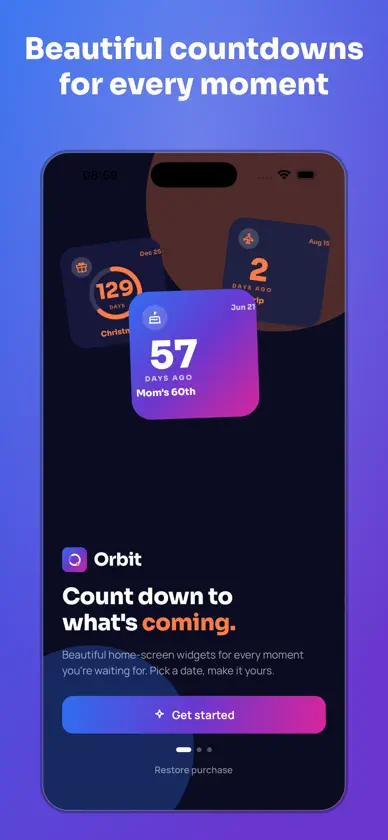
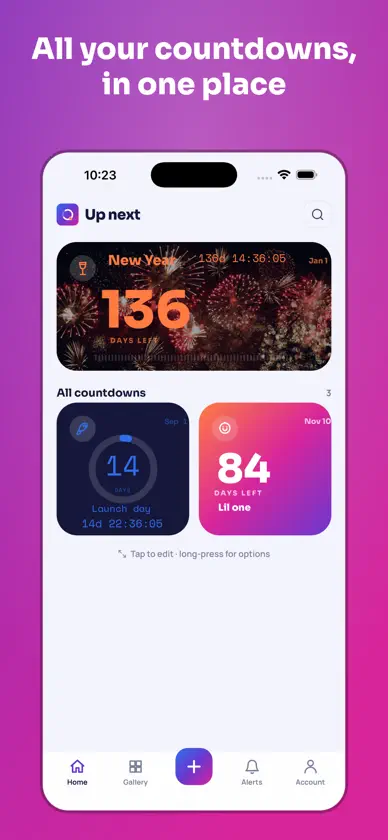
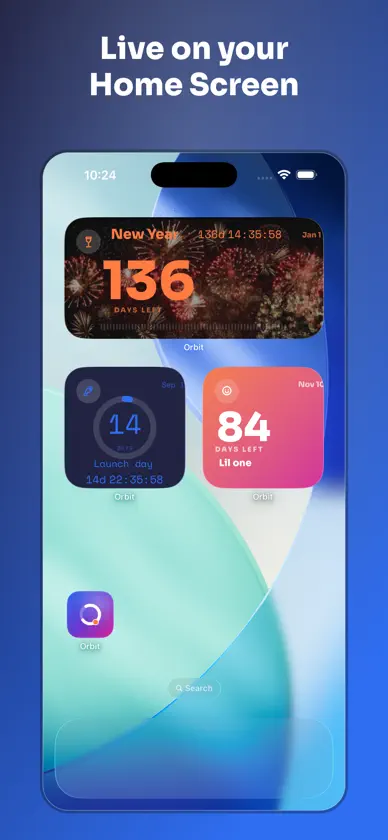
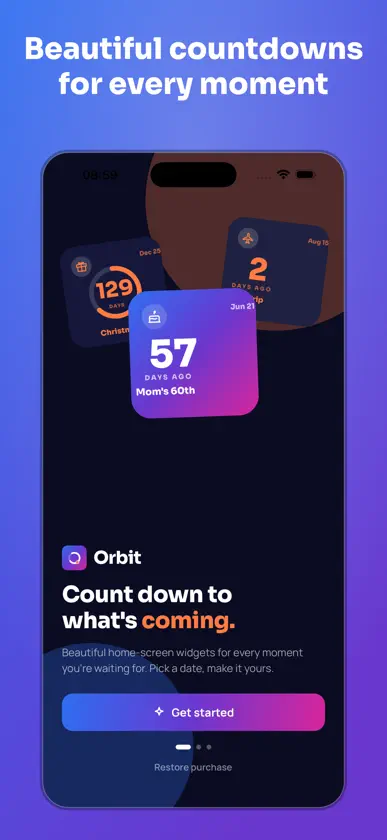
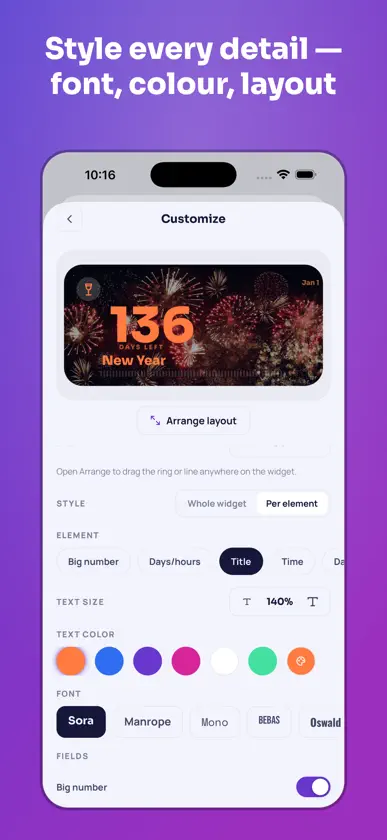
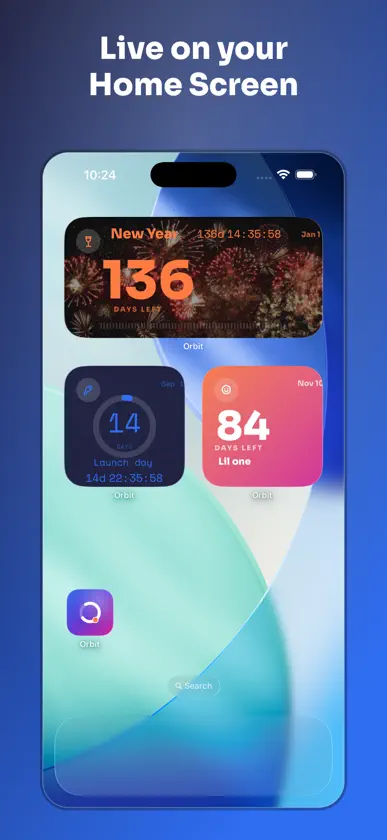
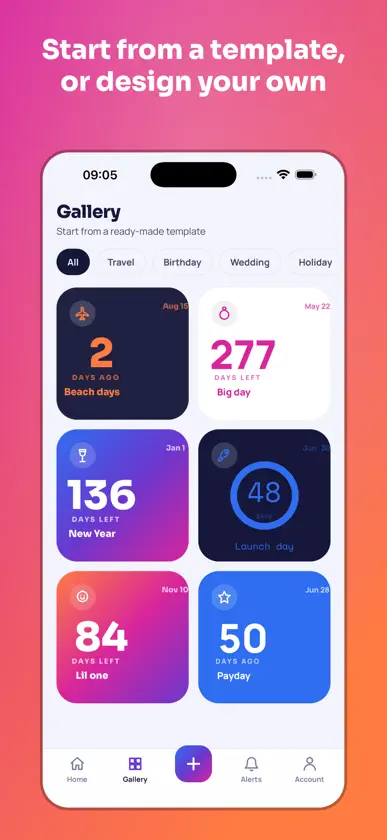
Count down to what’s coming. Orbit brings the moments you’re looking forward to to your iPhone Home Screen and Lock Screen. Start with a date or a calendar event, make the countdown your own, and keep it in view. SEE WHAT’S UP NEXT Pick a countdown for your widget, or add Orbit Up Next to automatically show the next upcoming event as each one ends. Choose a small or medium widget for your Home Screen, or a circular or rectangular widget for your Lock Screen. MAKE IT UNMISTAKABLY YOURS Start with a Minimal, Ring or Line design. On your Home Screen widget, arrange the number, days label, title, date and live timer, then set their fonts, sizes and colours. Use a solid colour, mix a custom gradient or add your own photo. Pick an event icon or use an emoji with Orbit Pro. WATCH IT TICK Show the days remaining or add a live timer with hours, minutes and seconds to your Home Screen widget. All-day events show “Today!” when the date arrives. After an event ends, keep counting the days since or move it to Past. REMINDERS THAT FIT THE EVENT Use your default reminders, choose when to be reminded for a specific event, or mute it. Set birthdays, anniversaries and other recurring dates to repeat daily, weekly, monthly or yearly. START WITH A TEMPLATE Choose a ready-made design for a birthday, wedding, holiday, trip or launch. You can also start from an event in your calendar, duplicate an existing countdown or reuse a saved style. SHARE A COUNTDOWN Share a square image or a portrait story, send an editable copy of a countdown, or share just the design so someone can use it for their own occasion. ADD YOUR WIDGET Save your countdown, then search for Orbit in the Home Screen widget gallery. Use Edit Widget to choose a specific countdown, or select Orbit Up Next in the gallery. To add Orbit to your Lock Screen, touch and hold the Lock Screen, tap Customize, then tap the widget area. PRIVATE BY DESIGN Orbit requires no sign-up and collects no data about you. Turn on iCloud backup to keep your countdowns, reminder settings and widget photos available across devices signed in to the same Apple Account. Your backup lives in your private iCloud container. HOW IT WORKS 1. Tap + and name what you're counting down to, then pick the date. 2. Customize it, choose a style and background, drag the number, title, date and live countdown wherever you want them, and set the font, size and colour of each. 3. Save, then go to your Home Screen. Touch and hold anywhere, tap the + in the corner, search for Orbit and add the widget in the size you want. 4. Touch and hold the placed widget, choose Edit Widget, and pick which countdown it shows. Want several on your Home Screen? Add the widget again for each one and point each at a different countdown; same steps, step 4 is where you choose. ORBIT PRO Free includes one countdown with three fonts and six icons. Orbit Pro unlocks unlimited countdowns and widgets, all eleven fonts and twenty-two event icons, emoji icons, every style and background, your own photos and the full template gallery. Orbit Pro is available as a monthly or yearly subscription with a 7-day free trial for eligible customers, or as a one-time lifetime purchase. Payment is charged to your Apple Account at confirmation of purchase. Subscriptions renew automatically unless cancelled at least 24 hours before the end of the current period. Your account is charged within 24 hours before renewal. To manage or cancel a subscription, open Settings, tap your name, then tap Subscriptions. Terms of Use: https://ralexlab.com/terms Privacy Policy: https://ralexlab.com/privacy
What's new
Version 1.3.0 · Nov 10, 2026
See what’s coming, right from your Lock Screen. • Add circular and rectangular Lock Screen widgets. See a live countdown on the rectangular layout or your progress ring on the circular layout. • Let Orbit Up Next automatically switch to your next event, or search for a specific countdown in the widget picker. • Set reminders for each event, use your defaults, or mute it. • See “Today!” on all-day events. Once an event ends, keep counting the days since or move it to Past.
In-app purchases
The most popular purchases on the App Store.
- MonthlySubscription · 7 days free trial$3.99 / month
- YearlySubscription · 7 days free trial$17.99 / year
- Orbit Pro LifetimeConsumable$44.99
You might also like
 Daymark: Countdown & WidgetsJoao Vitor Humenhuk Achutti
 Days Until - Countdown WidgetsLegal Prompt Inc.
 Countdown: Days Until EventsFabrizio Di Pietro
 AwaitedSven-Eric Molzahn
 Countdown: Event Countdown DayMD Shahariar Nazim Joy
 Remain: Time Left WidgetShih-Chieh Chien
 Countdown — WidgetMorgan Hunt
 PubvancePrem Kumar Mendam
 Orbit Rechargetvt llc
 Strata Countdown WidgetDacite Dev LLC