
PacketCircle
Walter Hofstetter
No ratings yetUtilitiesAges 4+
Screenshots




About this app
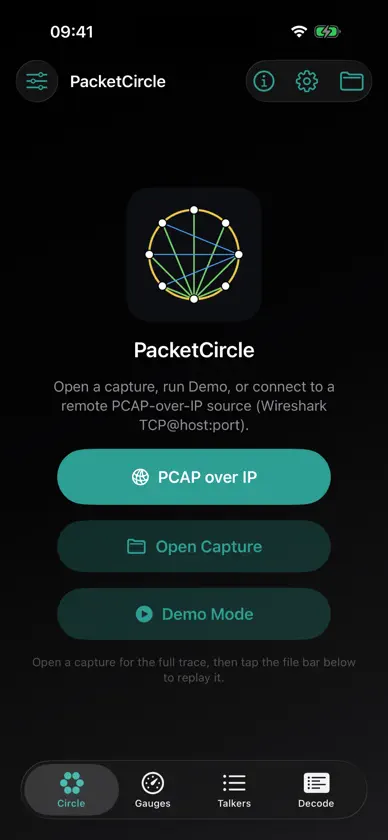
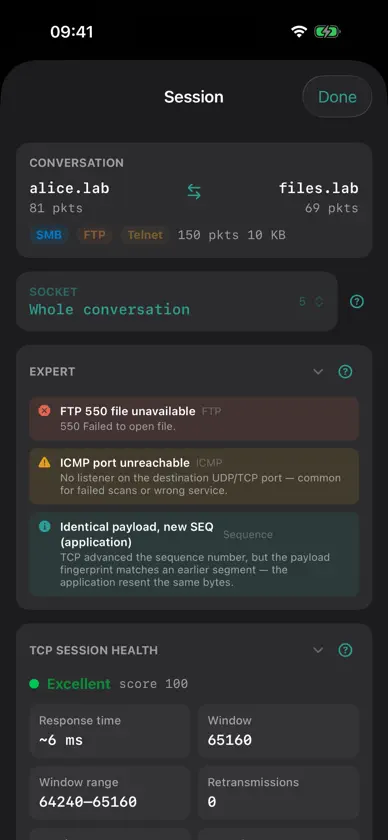
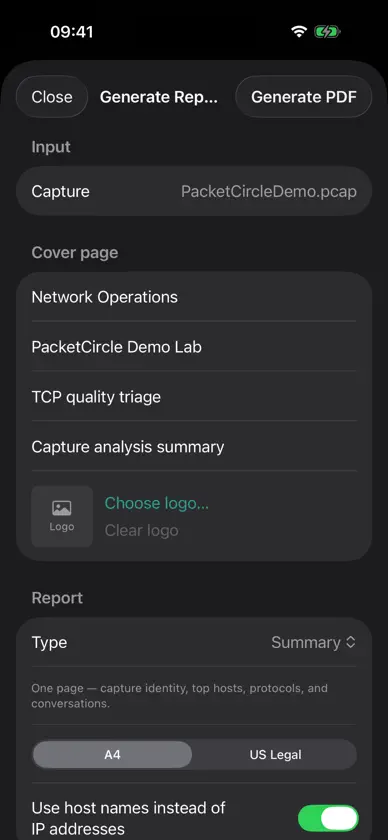
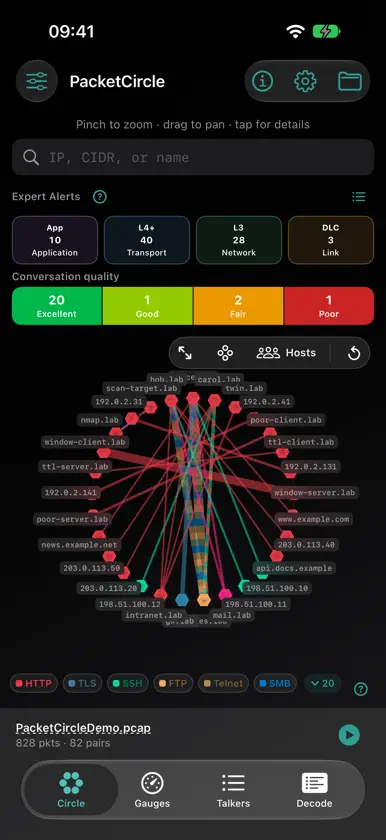
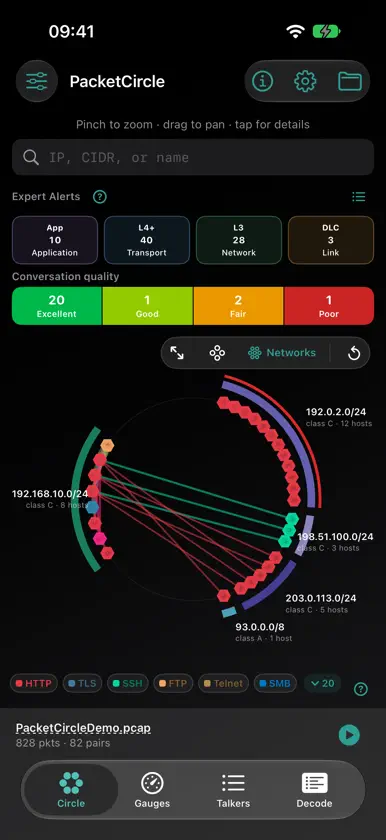
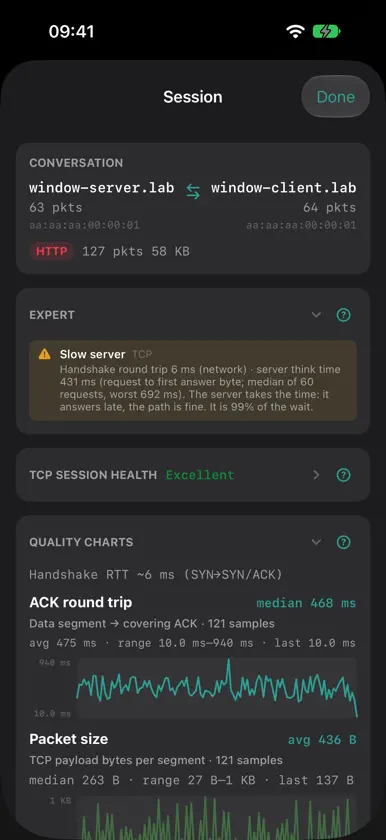
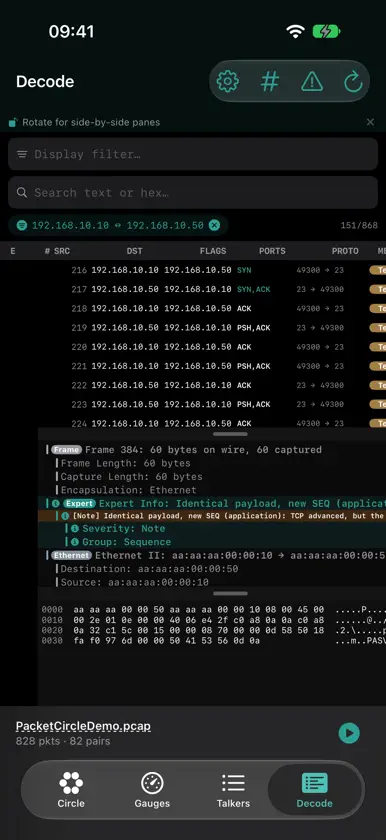
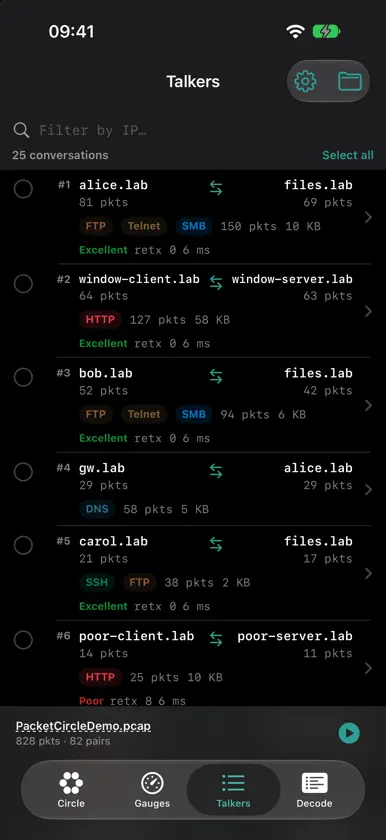
PacketCircle turns packet captures into a clear picture of who is talking to whom. Instead of scrolling endless packet lists, you see communication pairs as an interactive circle: endpoints on the rim, conversations as edges, colors by protocol or session quality. Ideal when you need to understand a capture quickly — on site, in a meeting, or reviewing a file someone sent you. What you can do • Open PCAP and PCAPNG captures • Explore Top talkers on a circle, table, or gauges view • Filter by protocol and focus on the conversations that matter • Inspect session health, ports/services, and application hints • Jump into a Wireshark-style decode (packet list, protocol tree, hex) • Follow TCP streams and export a conversation as PCAP Built for analysis, not noise PacketCircle is a native iOS app with a shared engine designed for conversation-centric troubleshooting — DNS, HTTP, TLS, SMB, and more when the payload is visible — without requiring Wireshark on your phone. Open a capture. See the circle. Understand the network. Made with love for the packet community.
What's new
Version 1.3.9 · Nov 14, 2026
Animate Circle: Packets now travel along the Circle's lines, in the direction they really went, during Demo Mode, a replay or a PCAP-over-IP capture. Turn it on under Options → Circle → Animate Circle. It follows Reduce Motion. Search the Circle by port: Type "port 5005", "port 8000-8100" or "port 80,443" in the search field to highlight every conversation that uses that port. Network blocks such as 10.0.0.0/24 work too. Name a port after its service: Touch and hold a port in a conversation's Ports list and choose "Assign service to port…". Handy for services on non-standard ports. You can also manage these in Options → Port mappings.
More from Walter Hofstetter

You might also like
All apps like PacketCircle → PCAP AnalyzerVIETNAM WEALTH TECHNOLOGY DEVELOPMENT JOINT STOCK COMPANY
 PacketTrendsEdwin R Matos
 Tongs - http(s) stream catcherVZ TECH SOLUTIONS, LLC
 ComDeckRiyad Anabtawi
 Network TunnelDGVantage Pte Ltd
 RedcarbonRedcarbon S.r.l.
 LowPingRockface Tech Systems Inc.
 Kestrel LITETracivex LLC
 Echoes: Network Tools & PingSorena Souri
 IT ToolKitENES ELYESA CICEK