
Screenshots







About this app
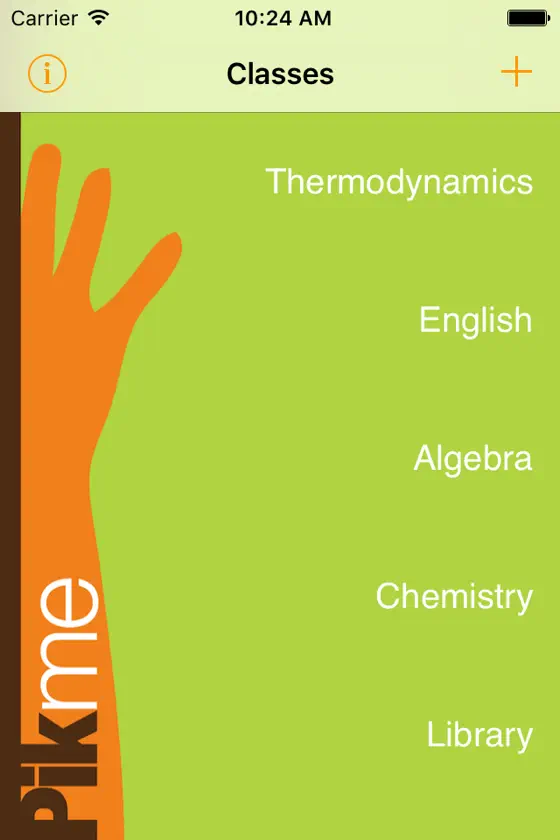
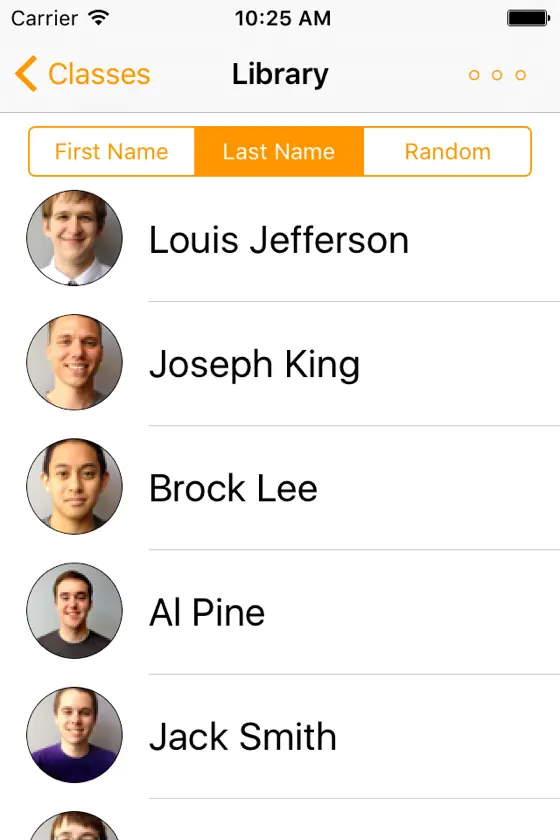
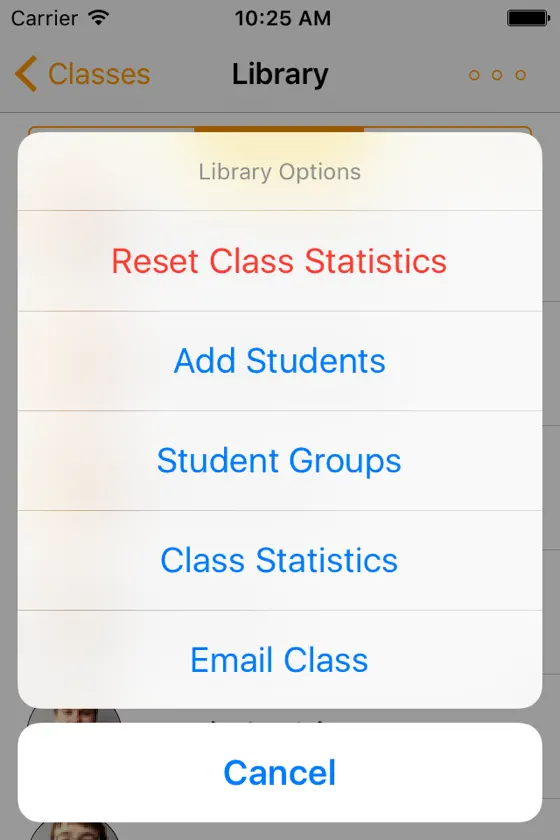
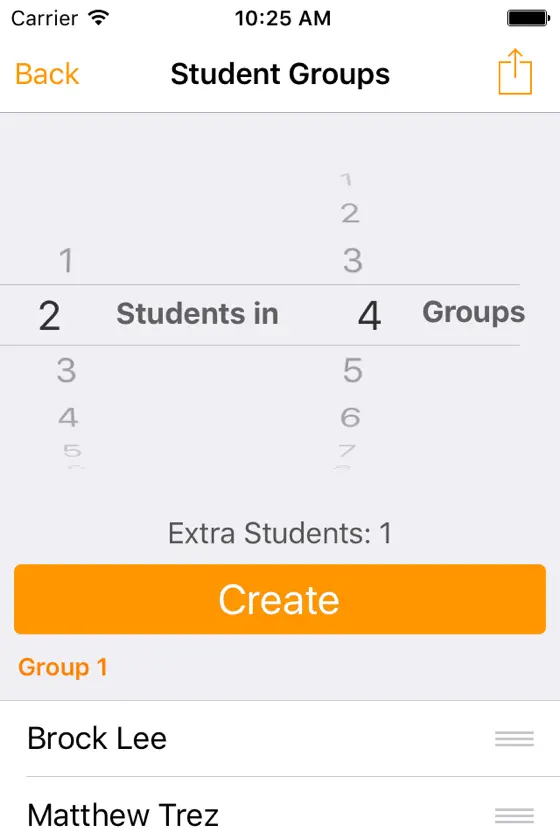
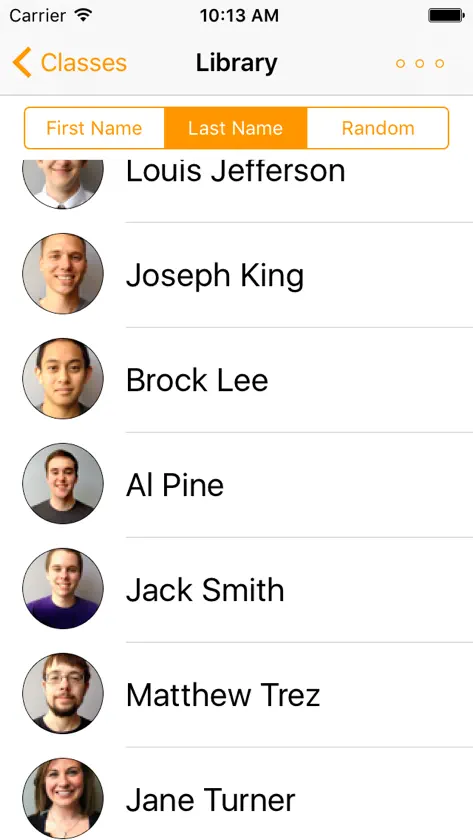
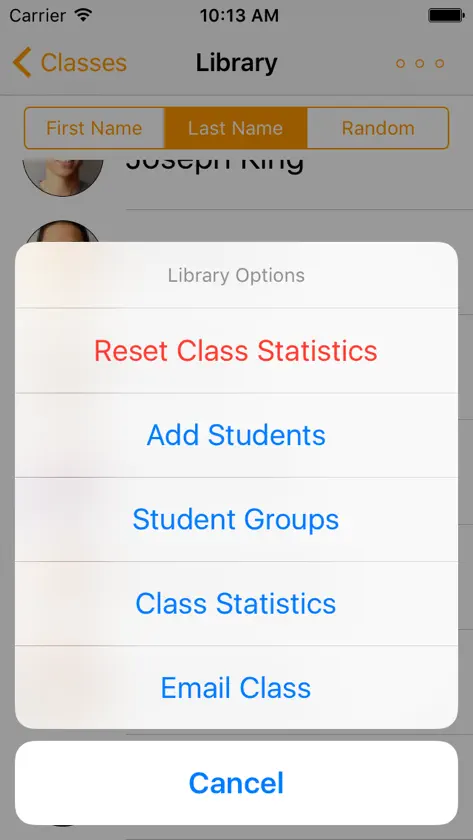
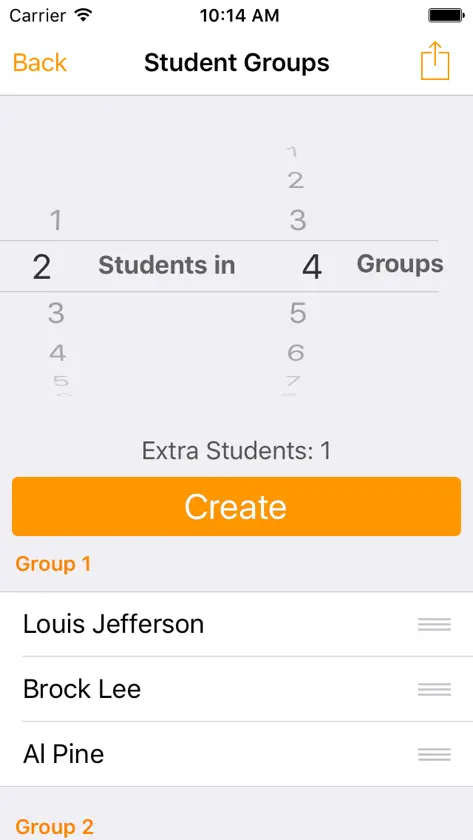
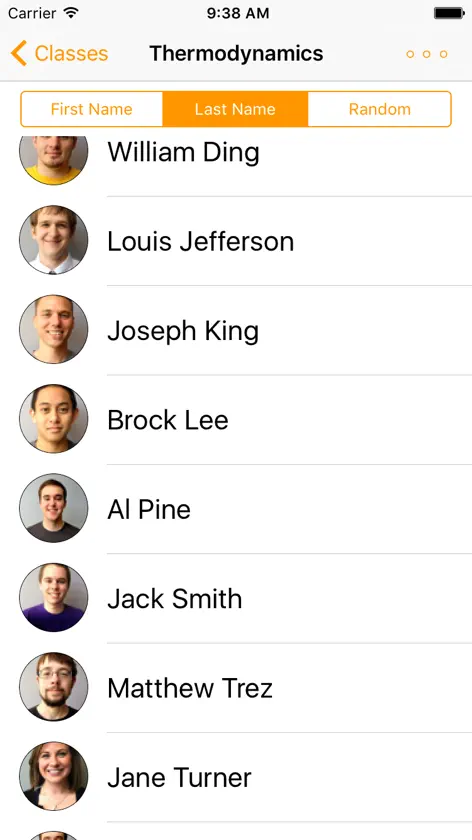
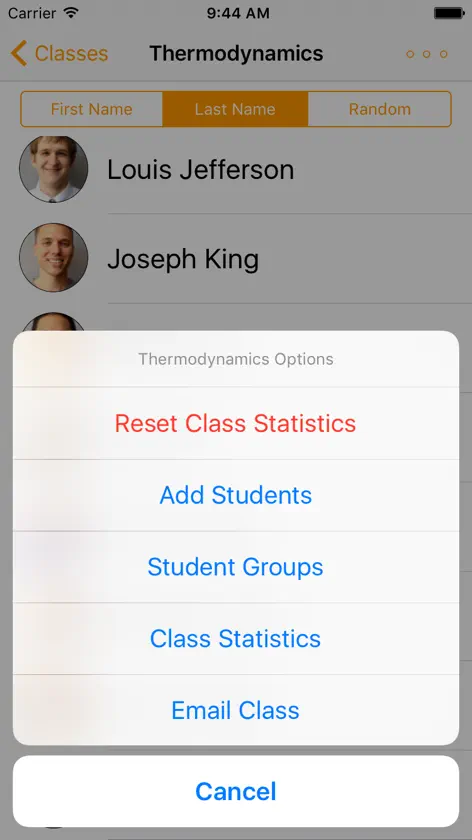
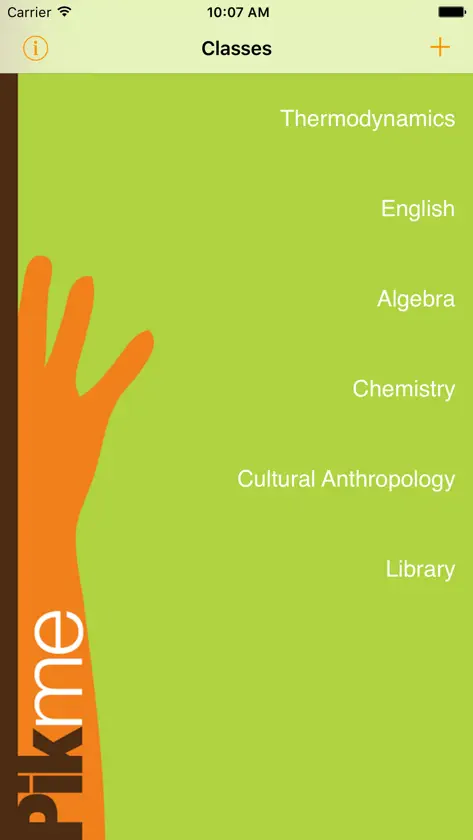
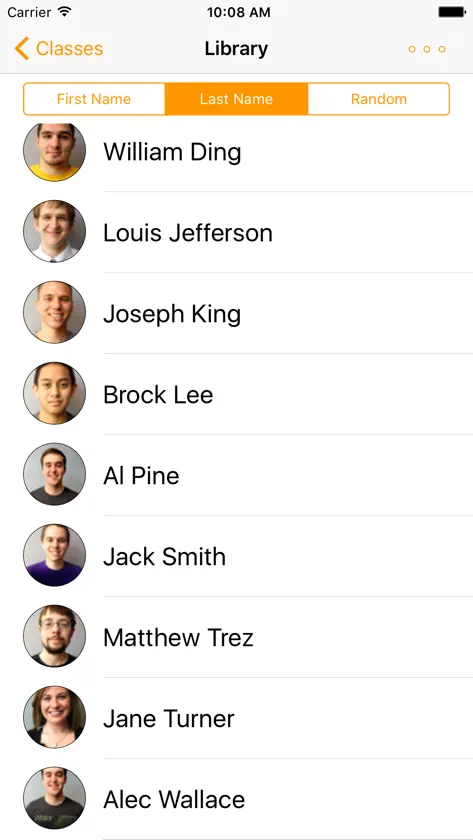
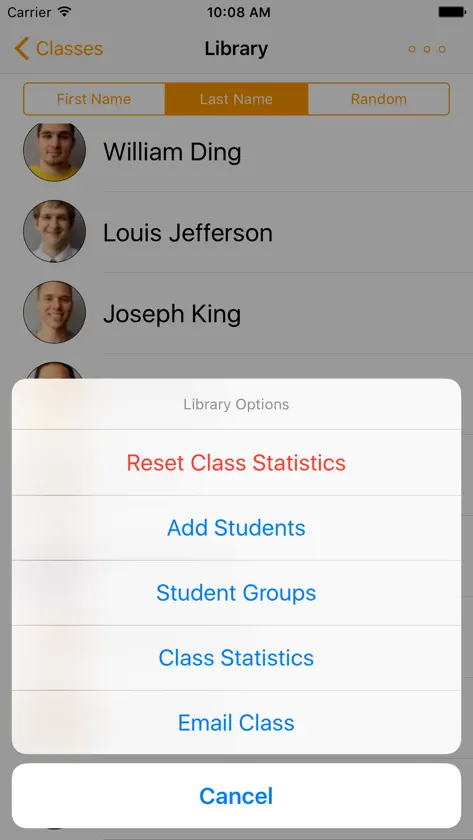
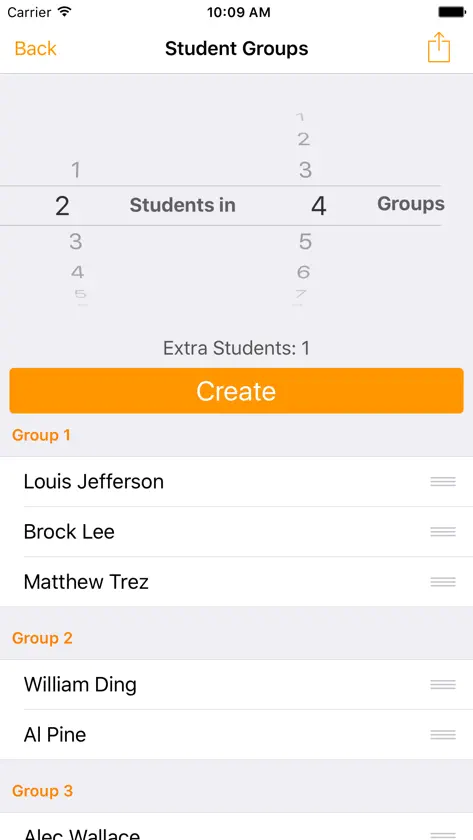
Pikme helps you manage classes and boost student participation. Use Pikme to 1. Learn names 2. Track attendance and participation, and 3. Pick at random and 4. Generate groups Import students with Dropbox -------------------------------------- Once linked and logged-in to Dropbox, a sample folder with a class list will be placed in your Dropbox account within Apps folder. Use this template to generate your student data on a computer and import. Alternatively, create your own ".csv" file: 1. Data resides within your Dropbox under Apps/Pikme. 2. Inside Pikme folder you need a .csv file for student details and a photos folder. 3. The photos folder and the .csv file must posses the same name. 4. You may create a .csv file using MS Excel according to the format provided below. 5. Student photos can be .jpg or .png files with file names exactly matching student IDs. 6. Import student data from Dropbox using Edit function on Pikme 7. Once imported the app saves the data on the phone. Student Data File Format ---------------------------------- Student Name,ID,email "Doe, John K",123456789,jd@randomail.com "Smith, Jane D",012345678,jad@randomail.com Lead development credits by versions -------------------------------------------------- Pikme 4.0 Austin Carrig Pikme 3.0 Joseph La Barck Pikme 2.0 Sean Banger Pikme 1.0 Ryan Sikorski
What's new
Version 4.7 · Feb 8, 2018
Dropbox bug fix.
More from Smitesh Bakrania

You might also like
All apps like Pikme → Square of a Binomial MathScience Education Institute
 Mississippi CDL Practice TestJignasha Joshi
 Fundamental Operations of IntsScience Education Institute
 Multiplying Polynomials - CWScience Education Institute
 Continental eBooksContinental Press
 The Bridge AngletonBridge Community Church - Angleton, Inc.
 Jupiter ACEMemention Holding AB
 South Nodaway R-IV DistrictSouthnodaway County R-IV School District
 Miracles Of QuranWAEL KILZIEH
 Tularosa Municipal SchoolsTularosa Municipal Schools