
QUICK COPY
Wei Hsiang Chen
No ratings yetProductivityAges 4+
Screenshots
About this app
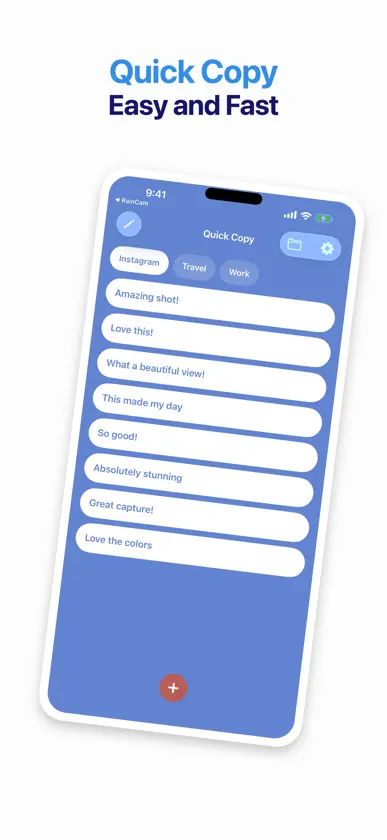
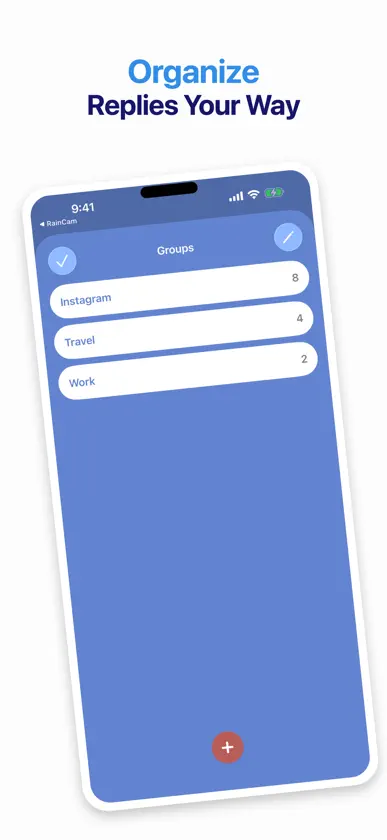
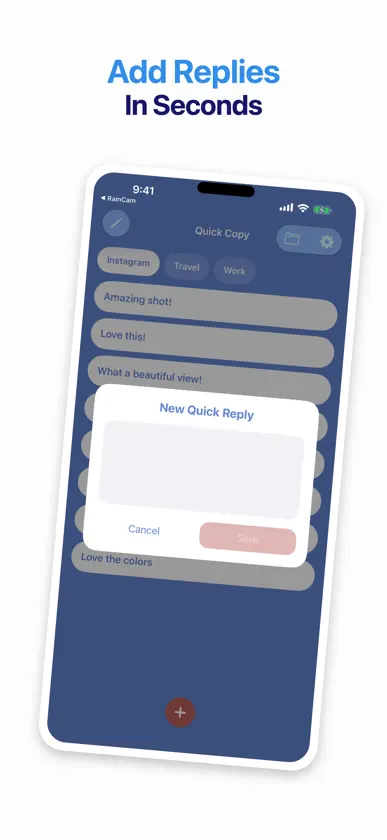
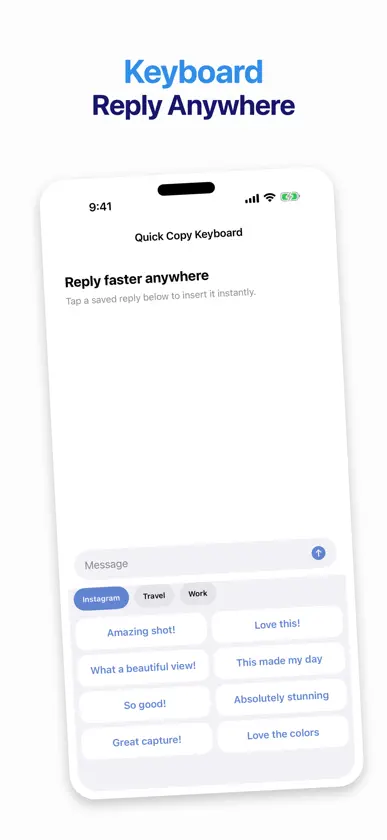
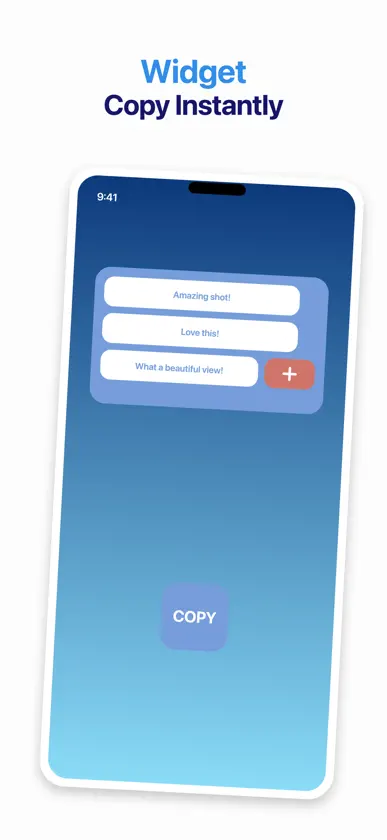
Reply faster with Quick Copy. Save the messages, compliments, links, and phrases you use most often. Organize them into groups, then insert any reply with one tap from the Quick Copy keyboard—without leaving the app you are using. BUILT FOR QUICK REPLIES • Save and edit reusable text • Organize replies into separate groups • Reorder replies to control their keyboard position • Insert text directly from the custom keyboard • Switch groups without returning to the main app HOME SCREEN WIDGETS Add a medium or large Quick Copy widget to your Home Screen. Choose the group each widget displays, copy a saved reply, or open the add-reply popup. SIMPLE AND FAST Quick Copy keeps your saved text available through the app, keyboard, and widgets. It is ideal for social replies, customer messages, frequently shared details, and everyday text snippets. Quick Copy includes advertising. Enabling Full Access is required for the keyboard to read replies shared by the main app.
What's new
Version 2.2 · Aug 27, 2026
Quick Copy 2.2 makes quick replies easier to set up and more reliable: • New users now see the keyboard setup guide on first launch • The keyboard refreshes after adding, editing, deleting, or reordering replies • Groups can now be reordered • Refined 4 × 2 keyboard layout with clearer spacing • Added Privacy Policy and Terms of Use links in Settings
More from Wei Hsiang Chen


You might also like
 Ink Note - Simple & PersonalWong Ka Ho
 Origami PDF: Scan & SignThu Trang Nguyen
 The NagNeville Forsythe
 Remindera: Persistent ReminderPeter Sipos
 Unit Converter - simple & easyHorikiri Seiu
 Sirch: OSINT & Advanced SearchBOGDAN-GEORGIAN ALEXA
 Dmyst - Clipboard ManagerCMak
 Template Creator for MessagesFeature Finder LLC
 Timely - Reminders That PesterANDREW ROBERT REED
 Pop: Clipboard ManagerGuru Sidharth Govindaraju