
Quick2D Viewer
Ryo Tazaki
No ratings yetUtilitiesAges 4+
Screenshots

About this app
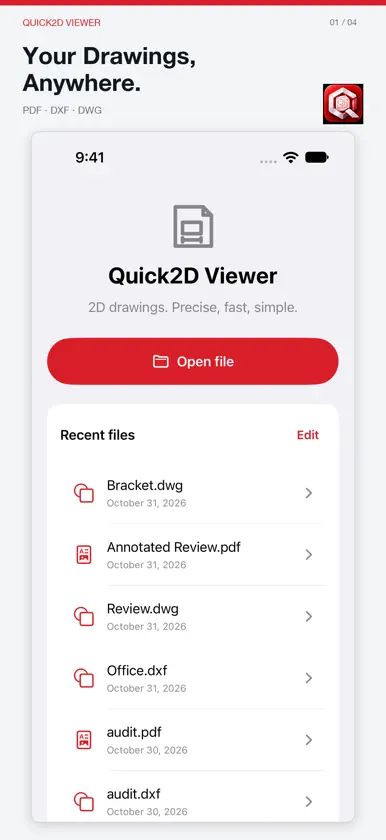
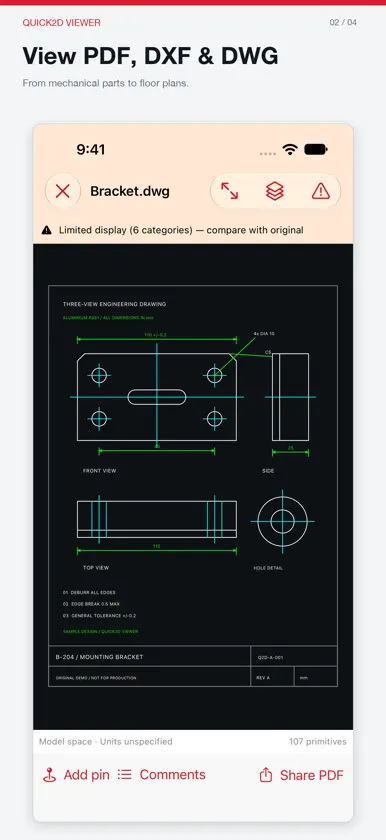
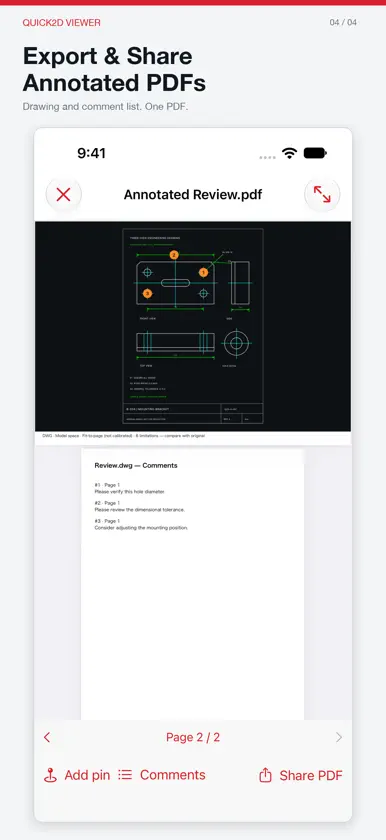
Your 2D drawings, wherever you work. Quick2D Viewer is a simple drawing viewer for iPhone and iPad that supports PDF, DXF and DWG files. Whether you're reviewing mechanical drawings, architectural plans or construction documents, Quick2D Viewer helps you view drawings, add comments and share feedback without opening a desktop CAD application. KEY FEATURES View PDF, DXF and DWG files Open and inspect 2D technical drawings directly on your device. Add comment pins Place numbered comments on specific locations in your drawing to highlight questions, changes and review notes. Save and edit comments Keep your review notes and return to them later. Export annotated PDFs Create PDF documents with numbered comment markers and a comment list, ready to share with colleagues or clients. Layer support Inspect layer information in supported CAD drawings. Designed for iPhone and iPad A straightforward interface for engineering, architecture, construction and technical drawing reviews. WHO IS IT FOR? - Mechanical engineers and designers - Manufacturing professionals - Architects and building designers - Construction and site engineers - Students and technical professionals SUPPORTED FILE FORMATS - PDF (.pdf) - DXF (.dxf) - DWG (.dwg) Some CAD features, including certain fonts, dimensions, hatches, external references and layouts, may not be displayed or may differ from the original drawing. Quick2D Viewer is designed for viewing and commenting, not editing CAD geometry. Always verify critical dimensions using the original drawing and compatible CAD software. Developed by Moriki Engineering. View. Comment. Share.

