
QuickMock
Anupam Bharti
No ratings yetGraphics & DesignAges 4+
Screenshots







About this app
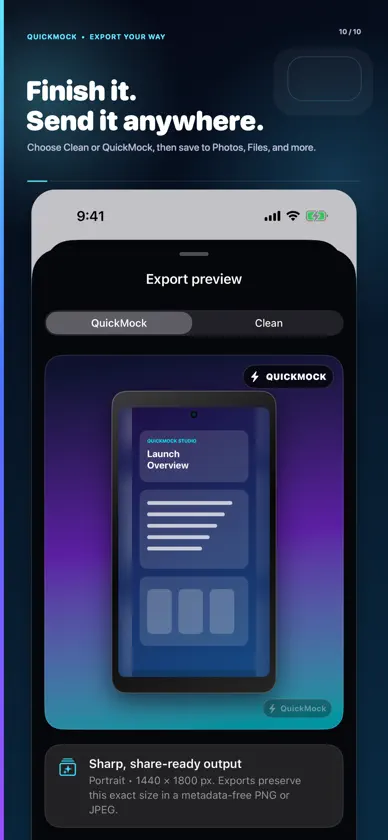
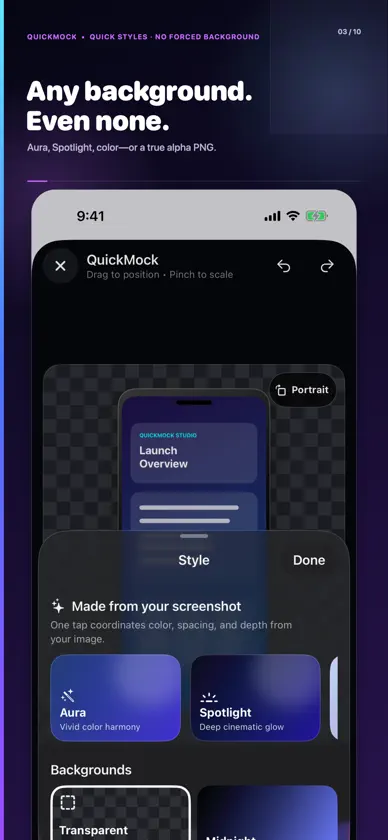
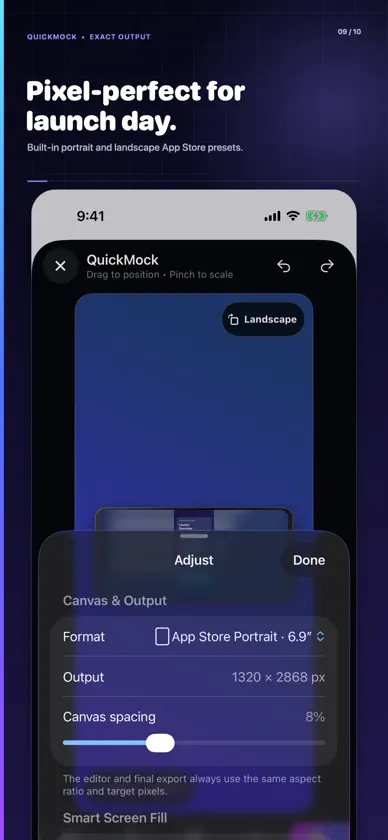
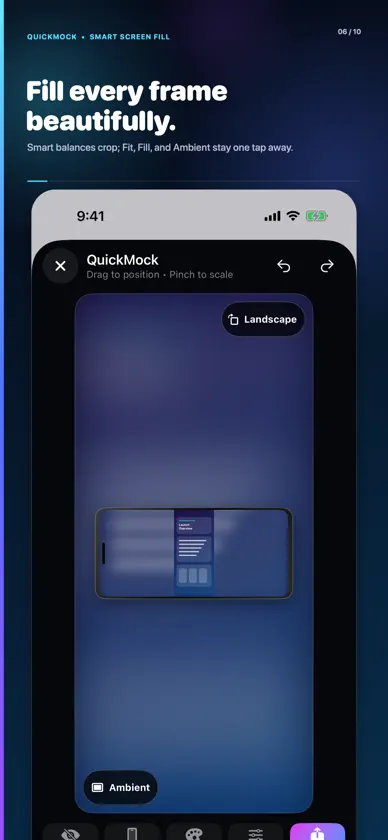
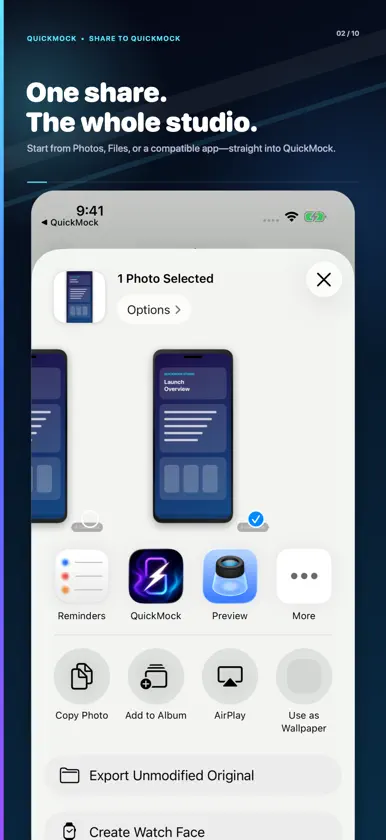
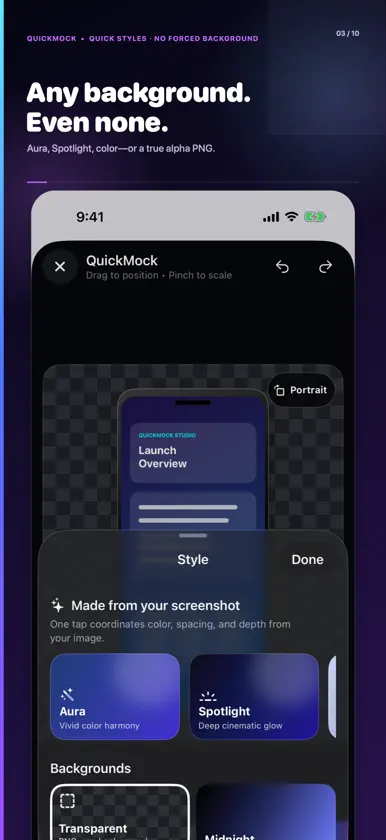
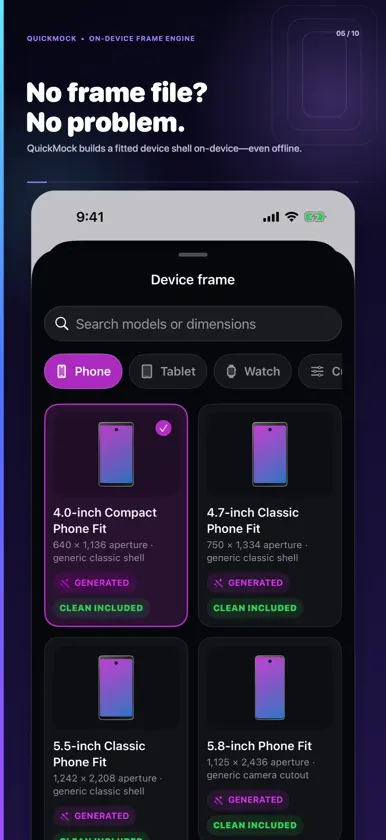
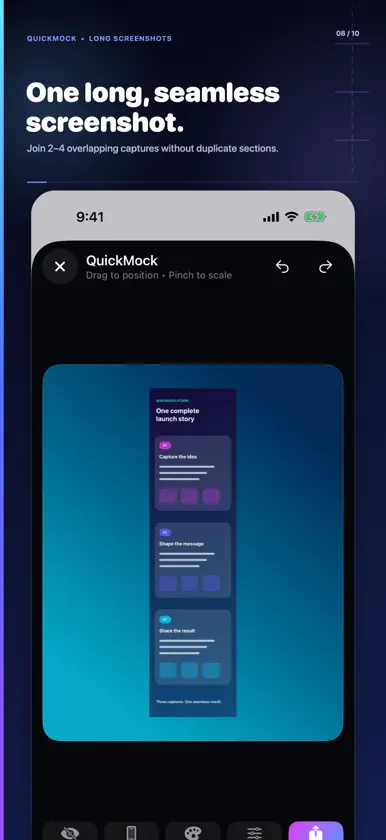
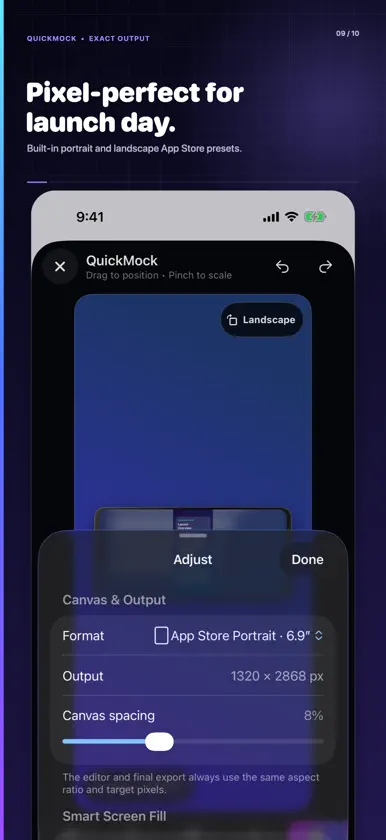
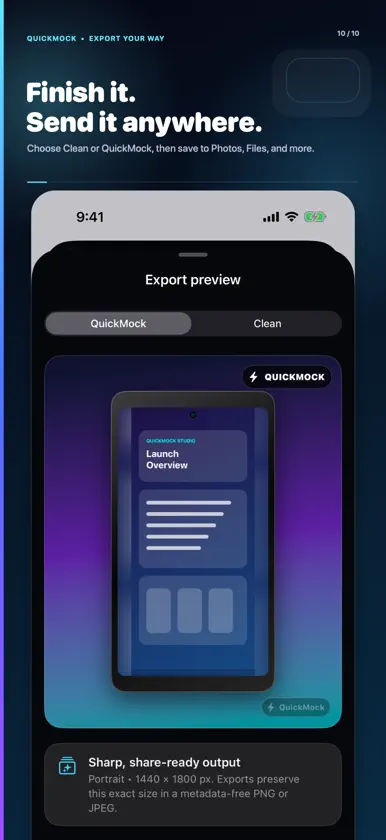
QuickMock is a private screenshot studio for iPhone. Turn a raw screenshot or photo into a polished mockup, social post, transparent asset, or App Store-ready image—without sending your pixels to a server. Start where your image already is. Import from Photos, or send a supported PNG, JPEG, or HEIF image from Photos, Files, or a compatible app through the iOS Share Sheet and continue directly in QuickMock’s editor. SMART SCREEN FILL QuickMock balances edge-to-edge impact against crop risk. Smart mode chooses a suitable layout, while Fit, Fill, and Ambient remain one tap away. Ambient keeps the complete image visible over a coordinated backdrop when filling would hide too much. STYLES THAT MATCH Aura, Spotlight, and Editorial derive coordinating colors locally from your screenshot. Choose gradients, Screen Blur, glass, confetti, solid colors, or no background at all. Transparent exports preserve real PNG alpha. FRAMES THAT WORK OFFLINE Browse searchable generic phone, tablet, watch, and a universal 9:16 screen fit. QuickMock renders original procedural shells on your device, so framing remains available offline. Rotate a shell between portrait and landscape without turning your source image sideways. ONE FINISHING WORKFLOW • Blur or pixelate private details before export • Stitch 2–4 compatible overlapping screenshots • Drag, pinch, adjust spacing and shadows, undo and redo • Export Social Portrait, Square, Story, Landscape, or exact App Store 6.9-inch portrait and landscape dimensions • Save directly to Photos or send through the iOS Share Sheet • Export with or without the optional QuickMock mark PRIVATE BY DESIGN Screenshot analysis, editing, frame construction, and rendering happen on your device. QuickMock has no accounts, ads, tracking, analytics, or screenshot cloud upload. All editing, styling, stitching, and clean high-resolution export tools are available without a paywall in this release.


