
Roll: Share Photos Together
Nagi Labs LLC
5.0(7)Photo & VideoAges 17+
Screenshots


About this app
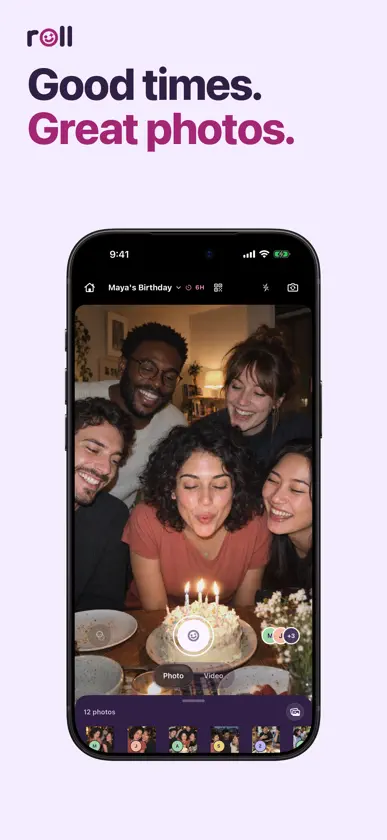
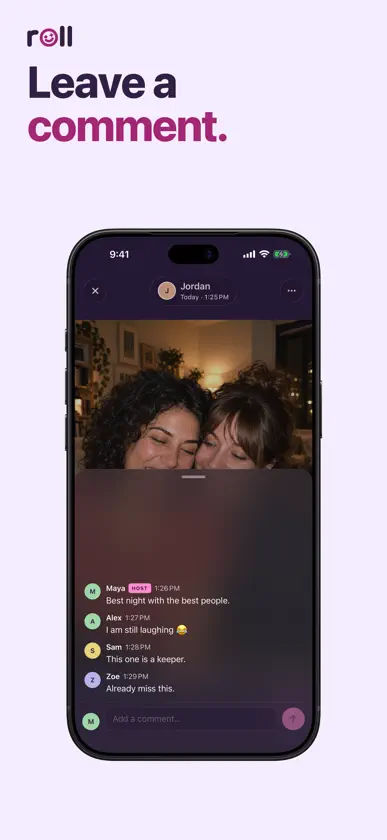
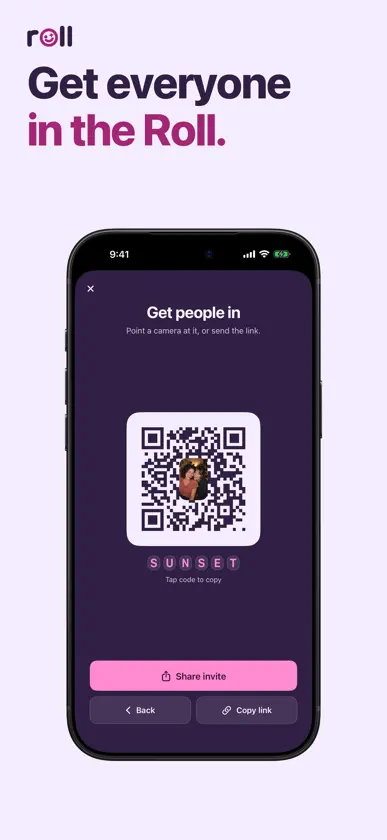
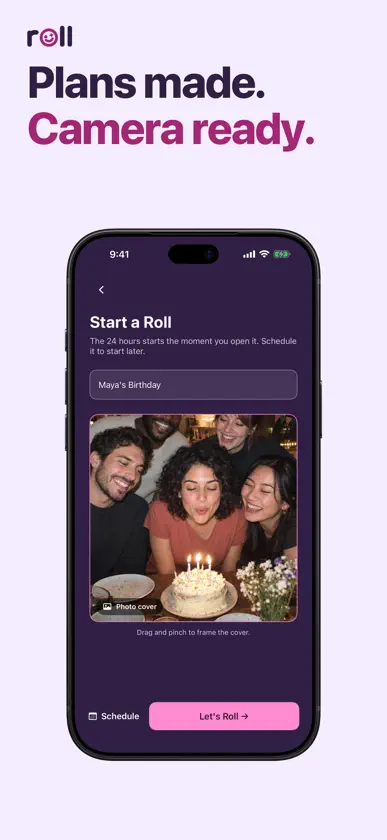
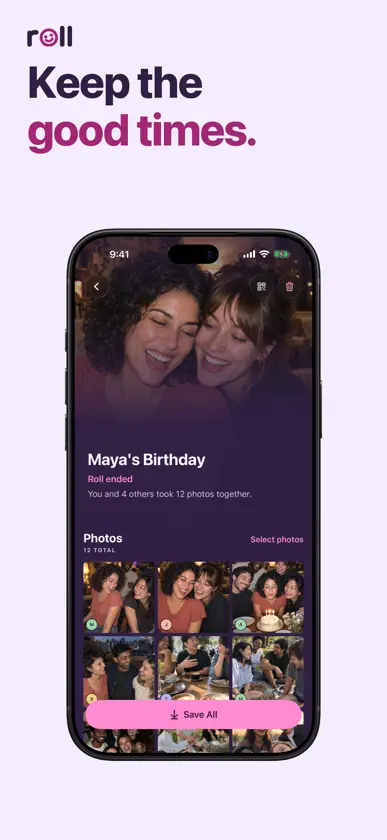
Use Roll to take photos with your friends. Start a shared camera for a birthday, a trip, or a night out, and everyone's photos and videos go into the same album. START A ROLL Name your Roll, pick a cover, and invite friends with a link, QR code, or six-character code. Start now or choose a time for later. TAKE PHOTOS TOGETHER Take photos straight into the album. Use the full app to record video, try photo filters, and see what your friends are adding. Like your favorites and leave a comment. CREATE FROM MESSAGES Sign in to the full app, then create a Roll right from Messages. Add the invitation to your group conversation and send it when you're ready. JOIN WITH AN INVITE On a supported iPhone, your friends can open an invitation in Roll's App Clip and browse without downloading the full app. They can take a photo and sign in before it's shared. Install the full app to record video, open individual photos and videos, and save to Photos. KEEP THE GOOD TIMES When a Roll ends, its photos and videos stay available to view, save, and share. Any remaining uploads have 24 hours to finish. Save your favorites to Photos whenever you like. A timed Roll stays open for 24 hours after it starts, unless the host ends it early. When available, you can also keep a Roll open until the host ends it. You can join and browse through an invitation without signing in. Sign in with Apple, Google, or a supported phone number to host a Roll, add photos or videos to its album, or like and comment. The app may also ask for a host invitation. Terms of Service: https://tryroll.photos/terms/ Privacy Policy: https://tryroll.photos/privacy/ Apple Standard EULA: https://www.apple.com/legal/internet-services/itunes/dev/stdeula/
What's new
Version 1.1 · Oct 30, 2026
Refreshed UI and updated handling of expired Rolls.


